1
 →
→
An APP that integrates mainstream large language models and image generation models, built with Flutter, with fully open-source code.
mylxsw/aidea is an open-source project on GitHub, mainly written in Dart. An APP that integrates mainstream large language models and image generation models, built with Flutter, with fully open-source code. It currently holds 6,933 stars and 0 forks with 0 open issues, and was last pushed on an unknown date (repository created unknown).
Git Homed tracks it on the Image Trending board and on the AI Image Trending list.
English | 中文




An APP that integrates mainstream large language models and image generation models, built with Flutter, with fully open-source code.
Download & Try:
https://aidea.aicode.cc
Open Source Repositories:
The default branch main is the v2 version, currently under active development. If you need to self-host, please switch to the v1.x branch.
git checkout v1.x
To set up a development environment for compiling and packaging the APP, you can refer to the following articles (more articles will be added over time):
Some users encounter build failures, which can be very frustrating. This is not a bug -- it is a known characteristic of Flutter. Build failures are common as the Flutter version changes.
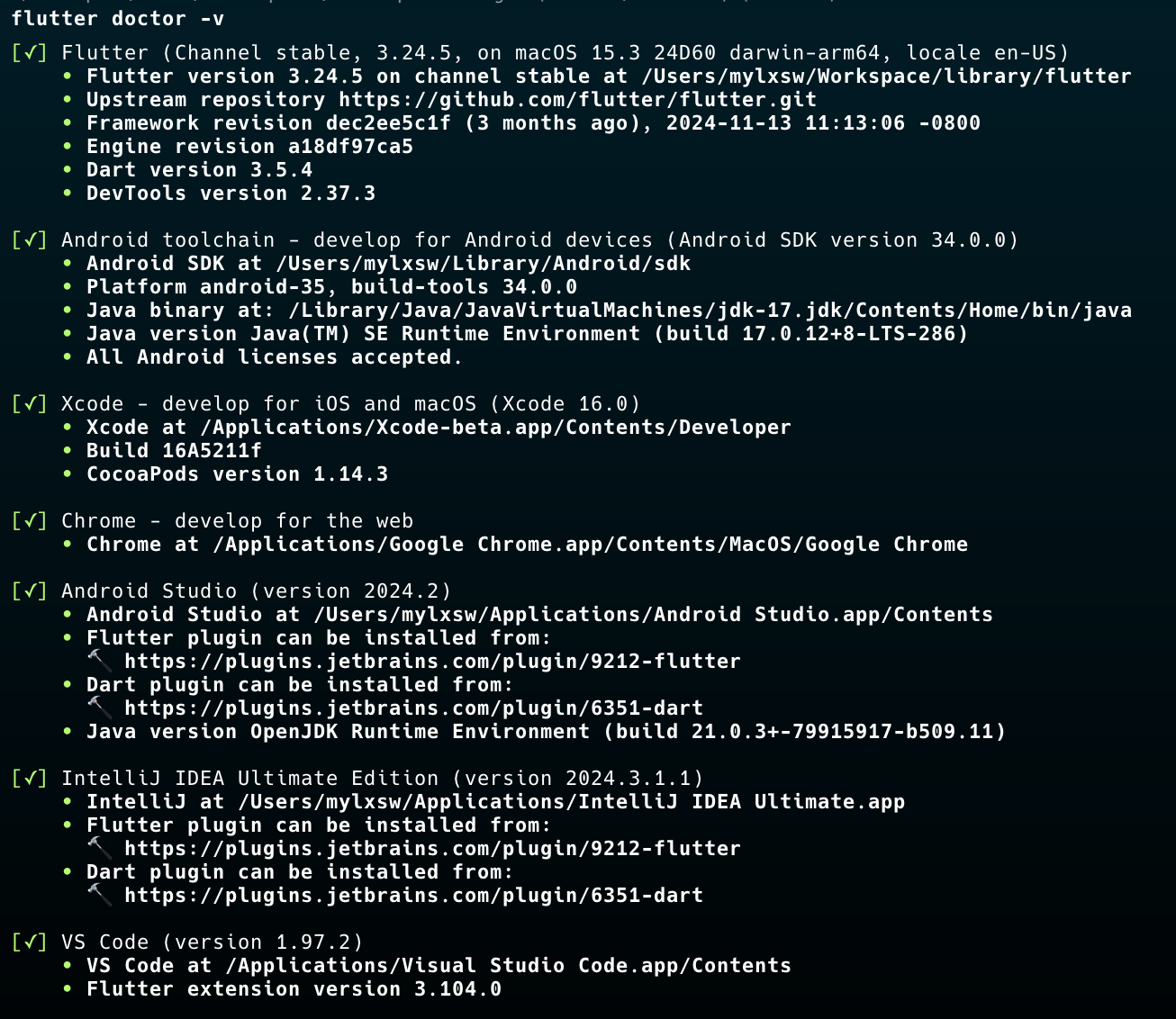
To be safe, you can refer to my local environment configuration:
>
If you do not want to use the managed cloud service, you can deploy the server yourself. See deployment instructions here.
If you prefer not to set it up yourself, you can contact me for assisted deployment. See VIP Deployment Service for details.
x-prometheus as a friend for an invitation to the group.
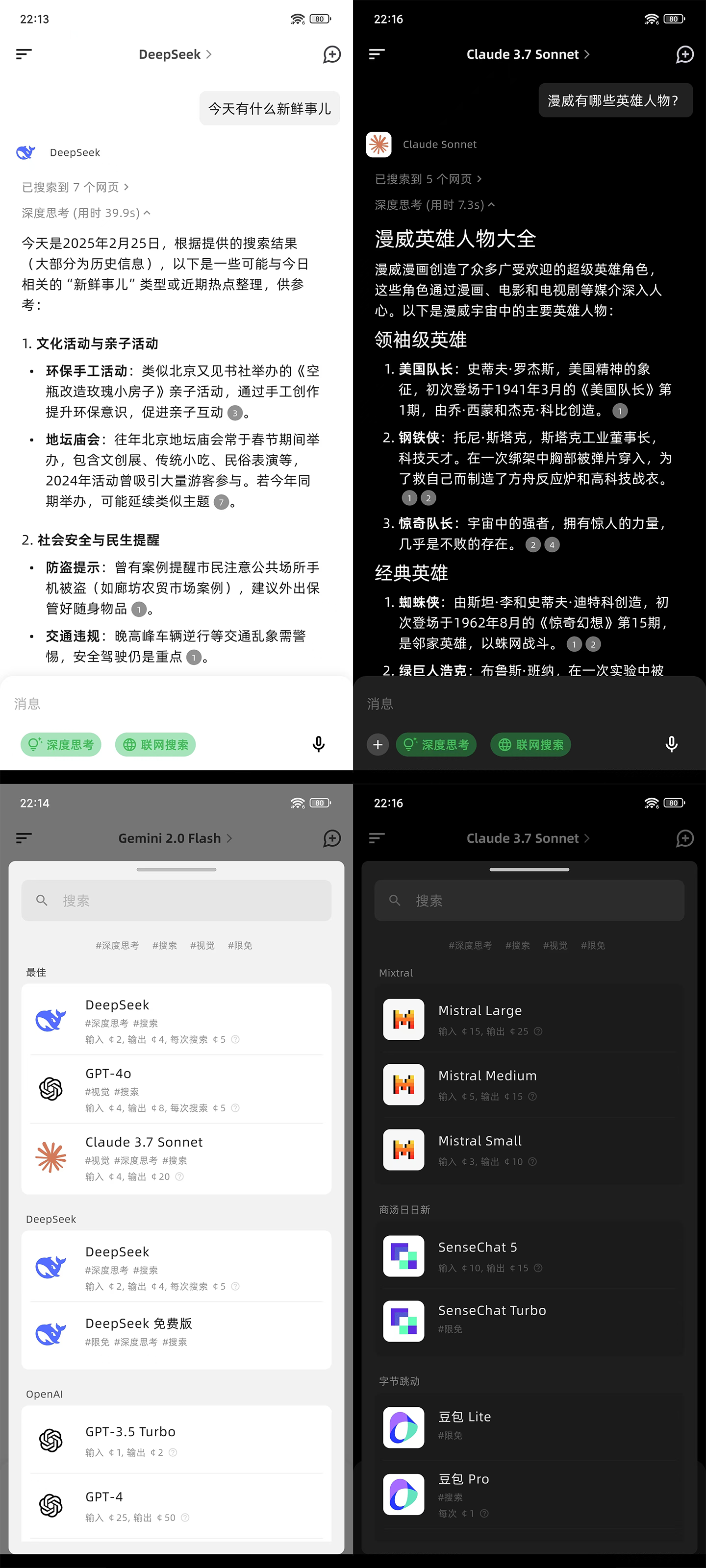
Mobile
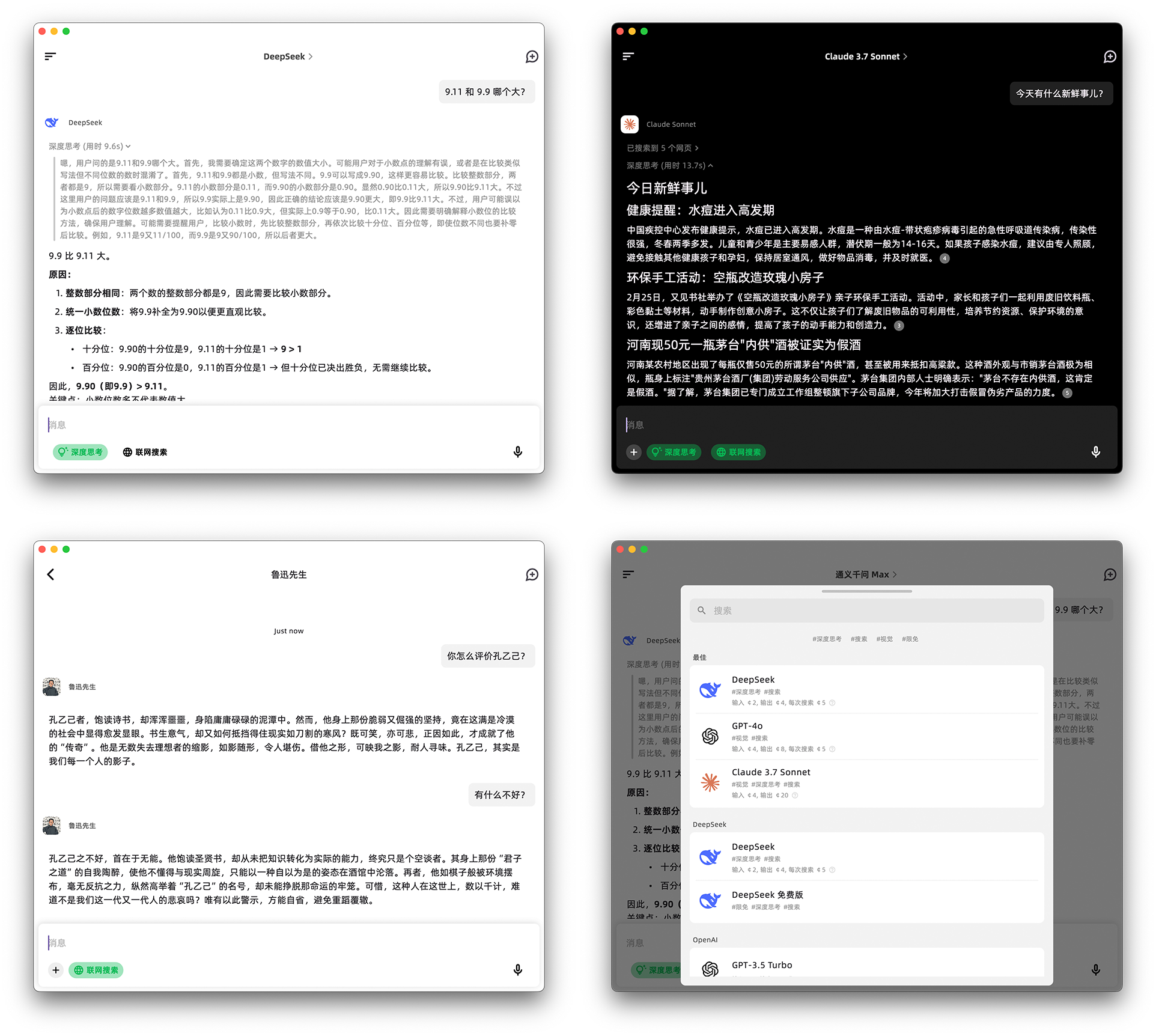
MacOS
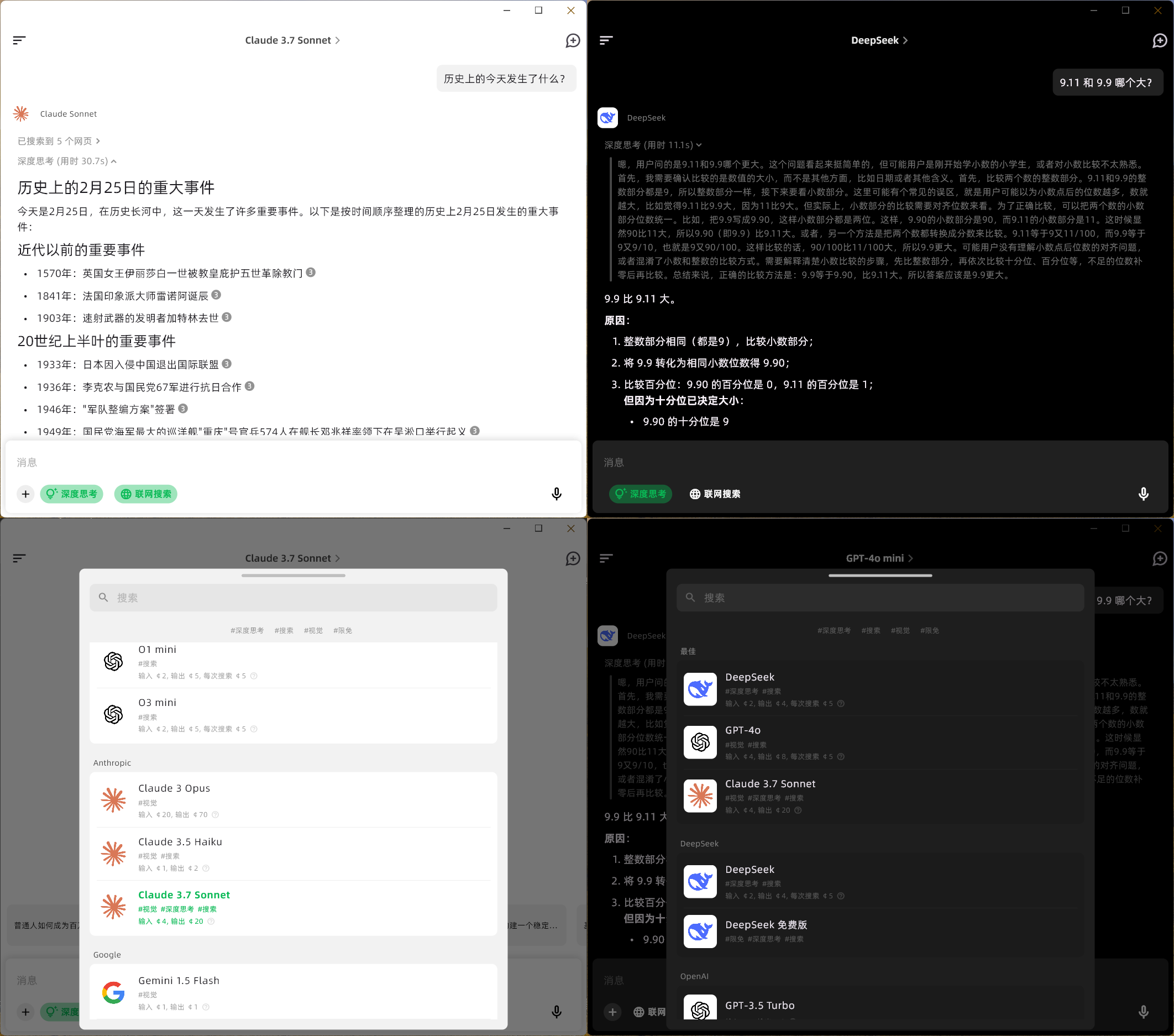
Windows
MIT
Copyright (c) 2025, mylxsw
→ →
→ →
→ →
→ →→
→→ →
→ →
→