1
 →
→
SD-Trainer. LoRA & Dreambooth training scripts & GUI use kohya-ss's trainer, for diffusion model.
Akegarasu/lora-scripts is an open-source project on GitHub, mainly written in Python. SD-Trainer. LoRA & Dreambooth training scripts & GUI use kohya-ss's trainer, for diffusion model. It currently holds 6,135 stars and 0 forks with 0 open issues, and was last pushed on an unknown date (repository created unknown).
Git Homed tracks it on the Image Trending board and on the AI Image Trending list.

_✨ Enjoy Stable Diffusion Train! ✨_




Download · Documents · 中文README
LoRA-scripts (a.k.a SD-Trainer)
LoRA & Dreambooth training GUI & scripts preset & one key training environment for kohya-ss/sd-scripts
The REAL Stable Diffusion Training Studio. Everything in one WebUI.
Follow the installation guide below to install the GUI, then run run_gui.ps1(windows) or run_gui.sh(linux) to start the GUI.
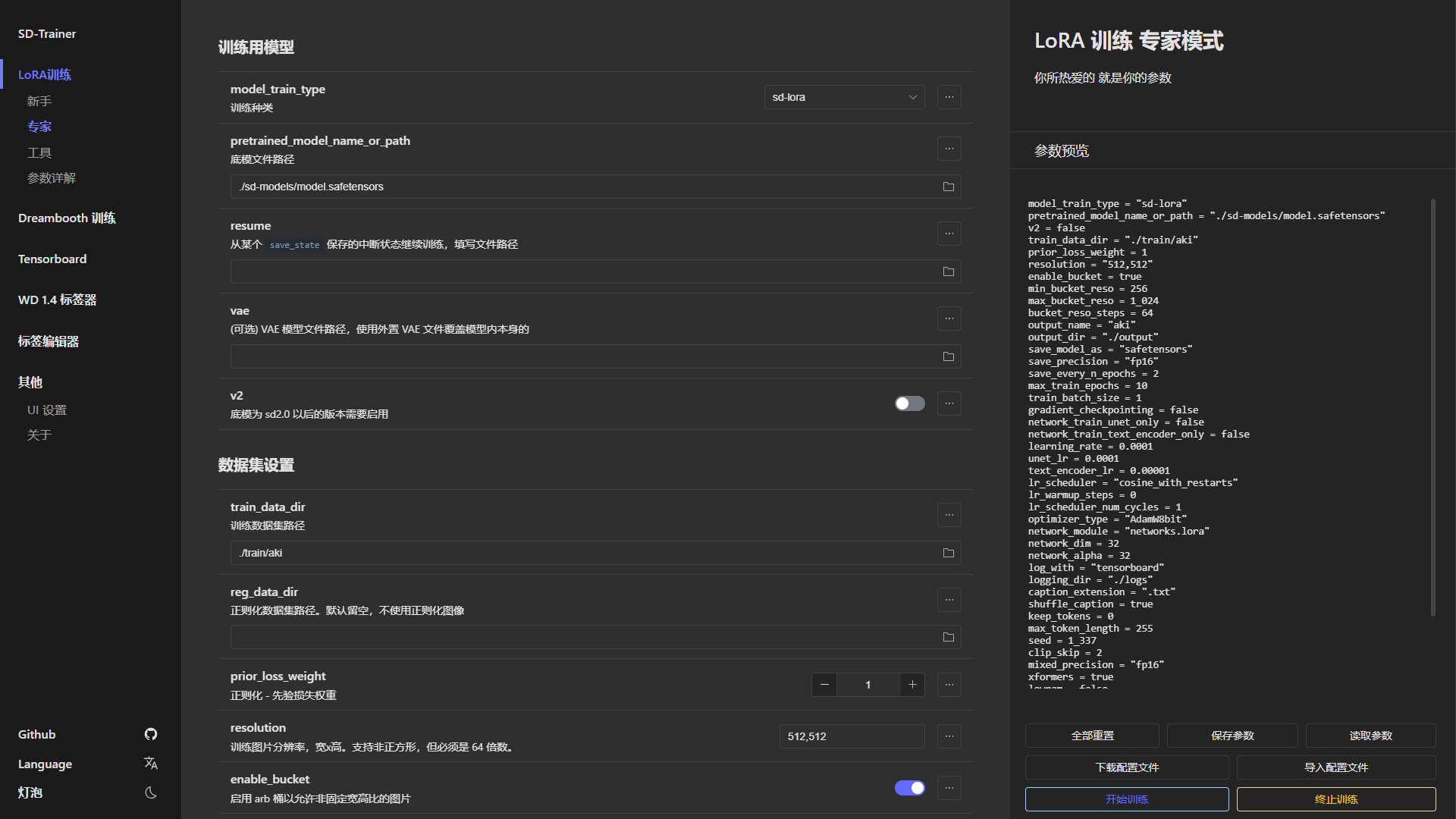
| Tensorboard | WD 1.4 Tagger | Tag Editor |
| ------------ | ------------ | ------------ |
| 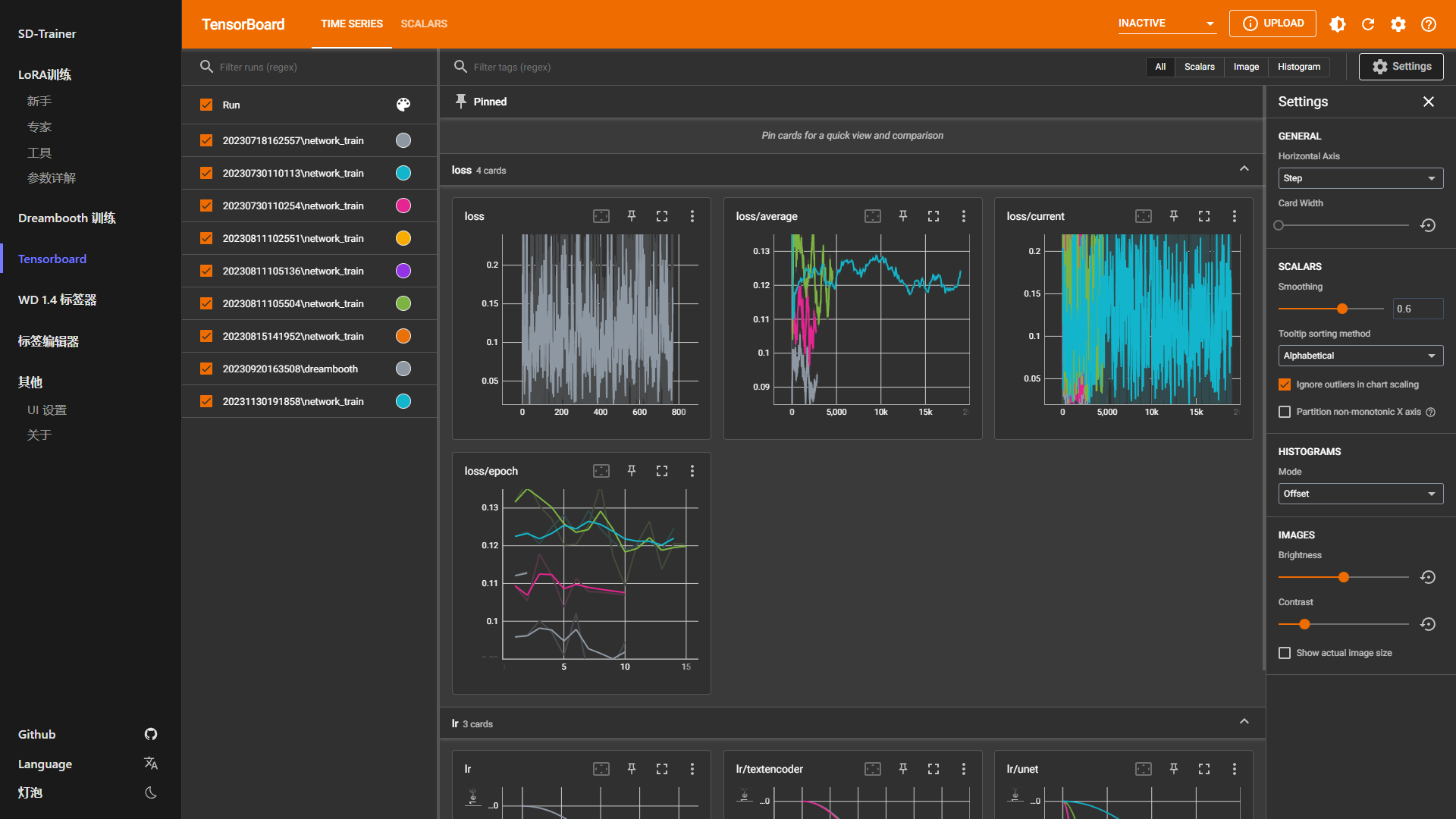 |
| 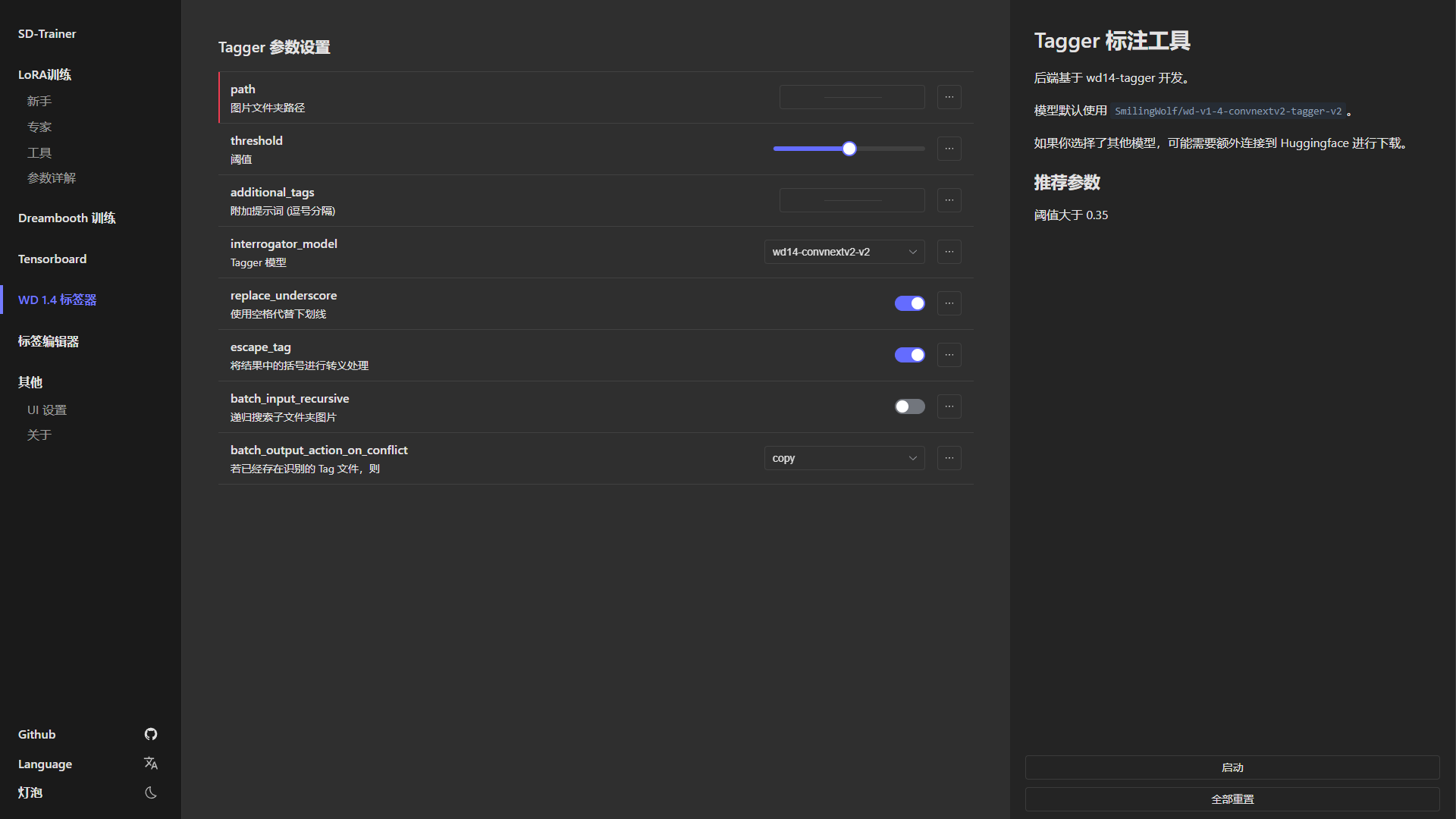 |
| 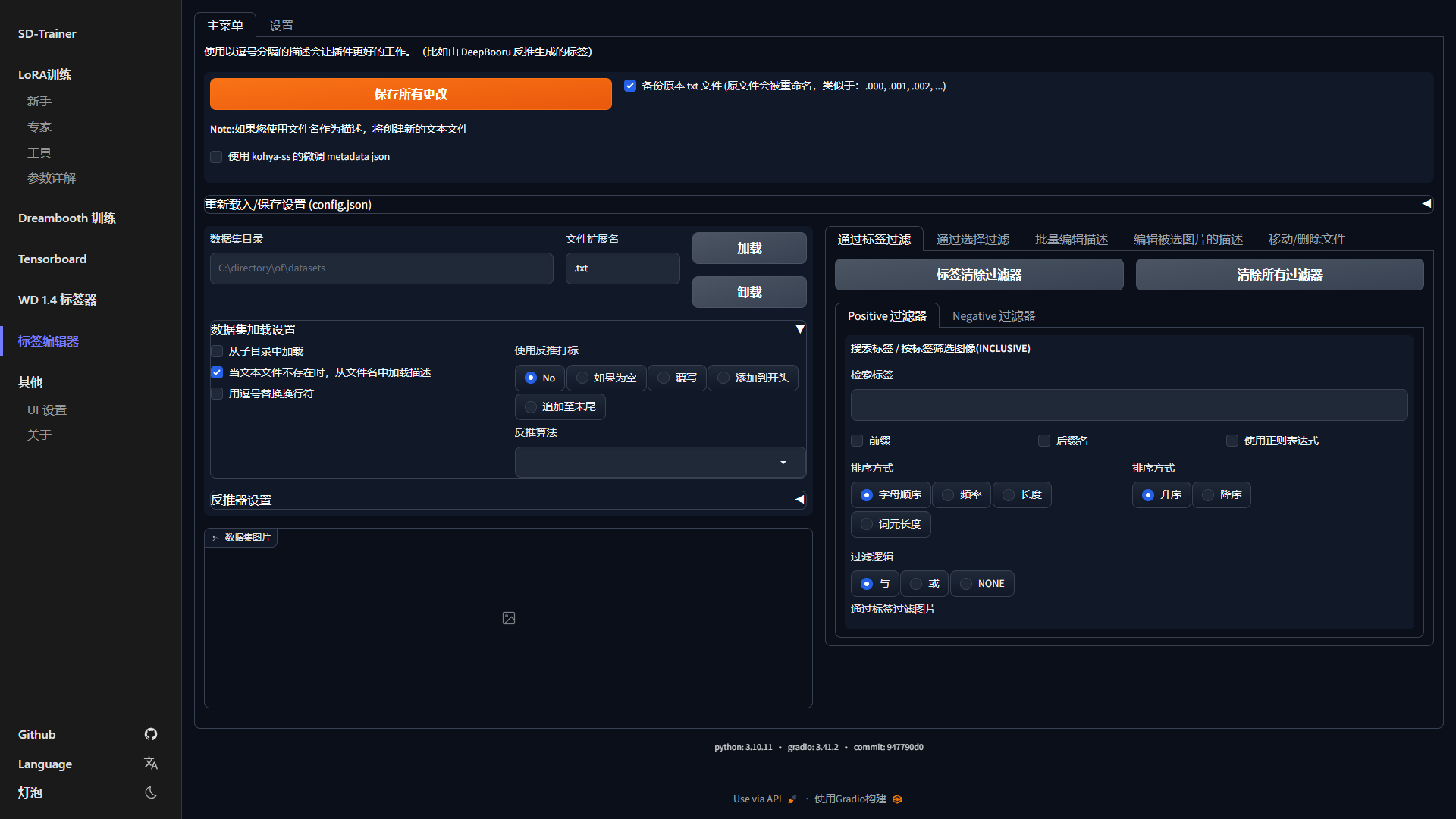 |
|
Python 3.10 and Git
git clone --recurse-submodules https://github.com/Akegarasu/lora-scripts
Run install.ps1 will automatically create a venv for you and install necessary deps.
If you are in China mainland, please use install-cn.ps1
run run_gui.ps1, then program will open http://127.0.0.1:28000 automanticlly
Run install.bash will create a venv and install necessary deps.
run bash run_gui.sh, then program will open http://127.0.0.1:28000 automanticlly
Run install.ps1 will automatically create a venv for you and install necessary deps.
Edit train.ps1, and run it.
Run install.bash will create a venv and install necessary deps.
Training script train.sh will not activate venv for you. You should activate venv first.
source venv/bin/activate
Edit train.sh, and run it.
Run tensorboard.ps1 will start TensorBoard at http://localhost:6006/
| Parameter Name | Type | Default Value | Description |
|-------------------------------|-------|---------------|--------------------------------------------------|
| --host | str | "127.0.0.1" | Hostname for the server |
| --port | int | 28000 | Port to run the server |
| --listen | bool | false | Enable listening mode for the server |
| --skip-prepare-environment | bool | false | Skip the environment preparation step |
| --disable-tensorboard | bool | false | Disable TensorBoard |
| --disable-tageditor | bool | false | Disable tag editor |
| --tensorboard-host | str | "127.0.0.1" | Host to run TensorBoard |
| --tensorboard-port | int | 6006 | Port to run TensorBoard |
| --localization | str | | Localization settings for the interface |
| --dev | bool | false | Developer mode to disale some checks |
→ →
→ →
→ →→
→→ →
→ →
→ →
→