1
 →
→
Free fork of NotProton: Windows Steam games in Mac Steam, on CodeWeavers' Wine and Apple's Game Porting Toolkit
raymondchins/Bridgeplay is an open-source project on GitHub, mainly written in Scala. Free fork of NotProton: Windows Steam games in Mac Steam, on CodeWeavers' Wine and Apple's Game Porting Toolkit It currently holds 641 stars and 133 forks with 0 open issues, and was last pushed on an unknown date (repository created unknown).
Git Homed tracks it on the Today's Trending board.
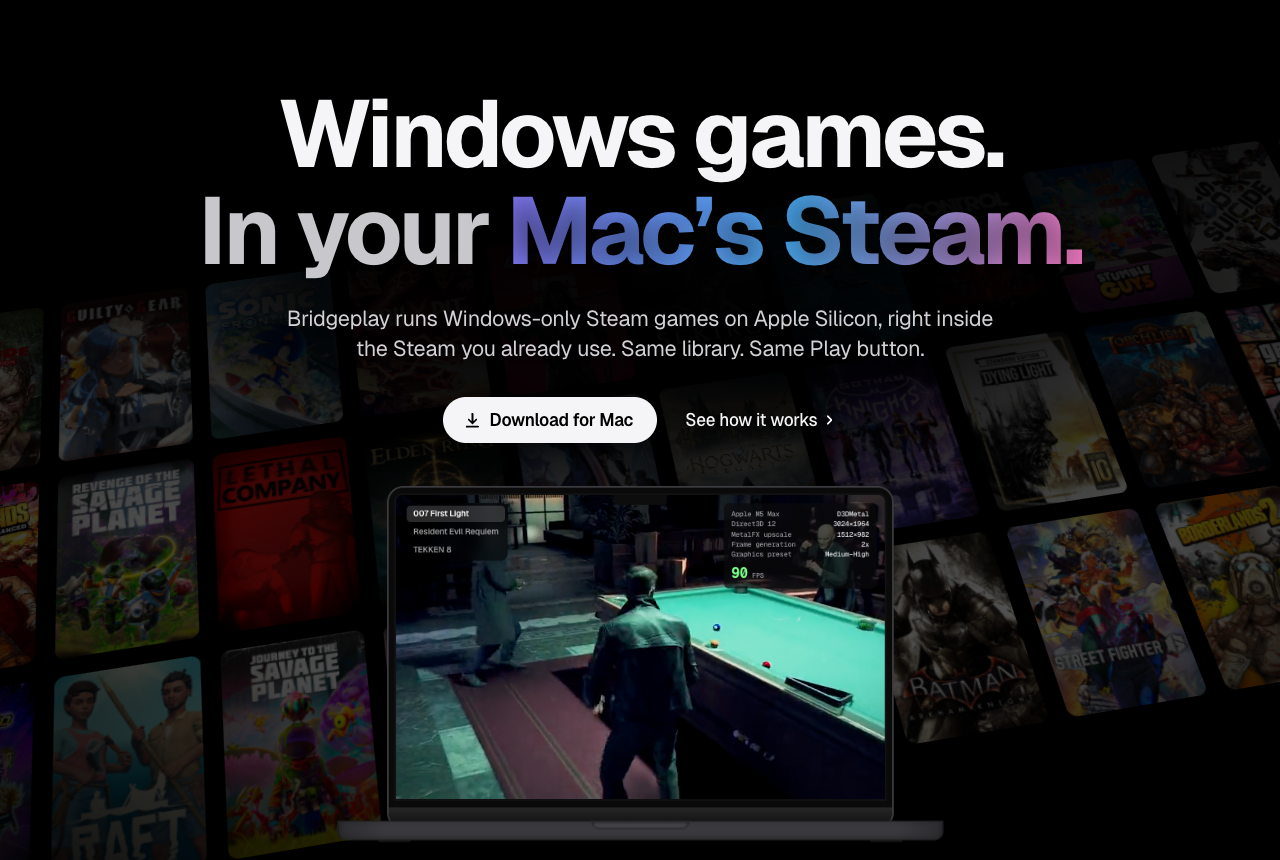
Windows-only Steam games on Apple Silicon, right inside the Steam you already use.
Same library. Same Play button. No bottles, no second launcher.
Bridgeplay is a fork of NotProton by NotProtonNot. Games run on CodeWeavers' open-source Wine, the engine behind CrossOver, and Apple's Game Porting Toolkit. I'm not affiliated with either. If CrossOver works for you, buy it: that money is a big part of what keeps Wine on the Mac moving. Bridgeplay is a hobby project I maintain part-time, so support is best-effort. Full list in Credits and Support Wine.
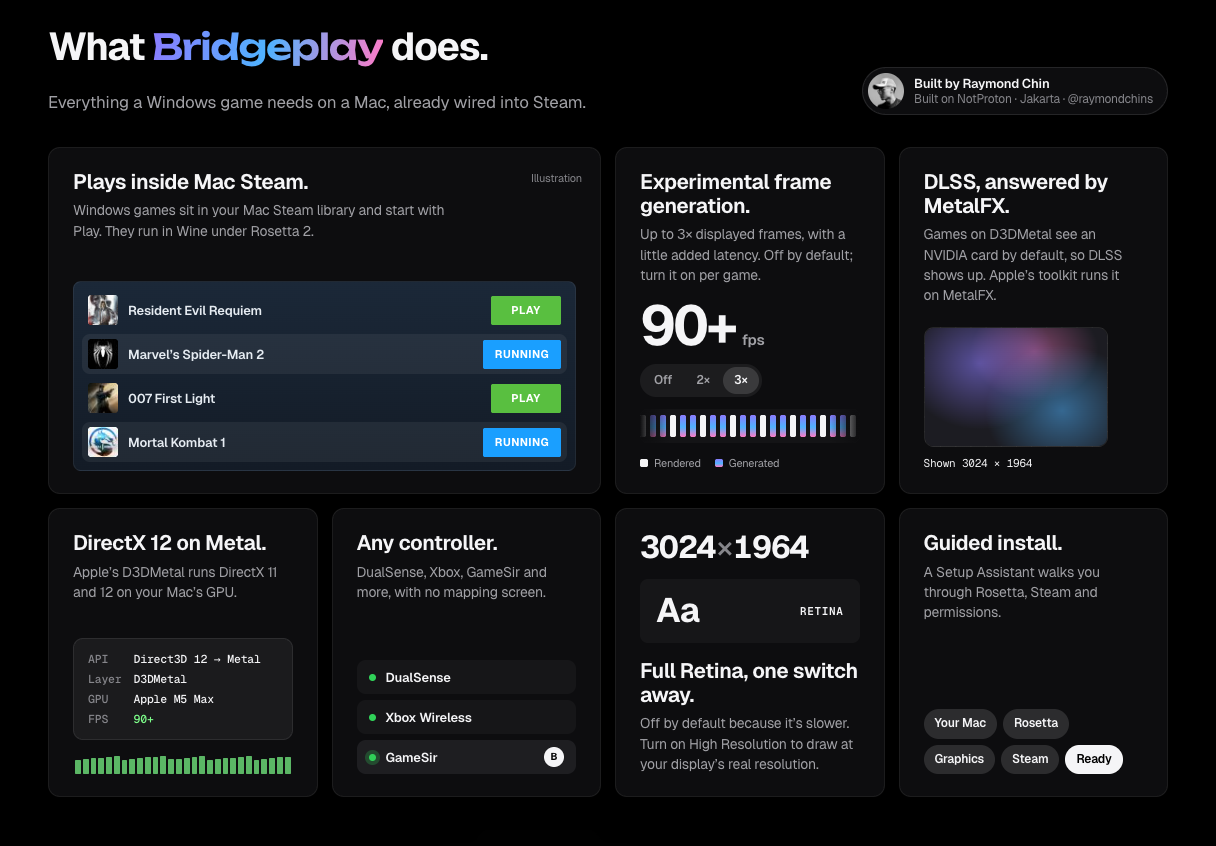
| | | |---|---| | Plays inside Mac Steam | Windows games sit in your Mac Steam library and start with Play. They run in Wine under Rosetta 2. | | DirectX 12 on Metal | Apple's D3DMetal runs DirectX 11 and 12 on your Mac's GPU. | | DLSS, answered by MetalFX | Games on D3DMetal see an NVIDIA card by default, so DLSS shows up. Apple's toolkit runs it on MetalFX. | | Frame generation (experimental) | Up to 3× displayed frames, with a little added latency. Off by default; turn it on per game. | | Any controller | DualSense, Xbox, GameSir and more, with no mapping screen. | | Full Retina, one switch away | Off by default because it's slower. Turn on High Resolution to draw at your display's real resolution. | | Guided install | A Setup Assistant walks you through Rosetta, Steam and permissions. |
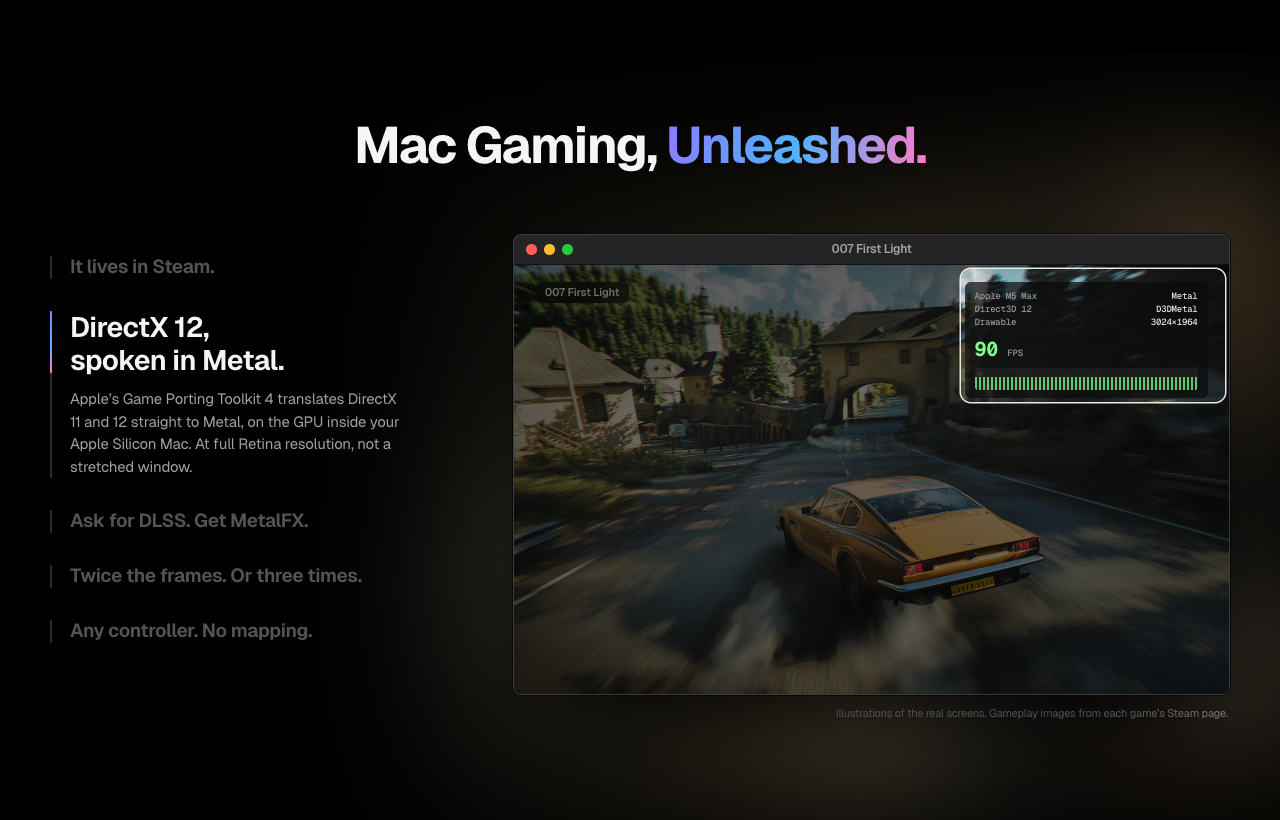
Illustrations of the real screens.
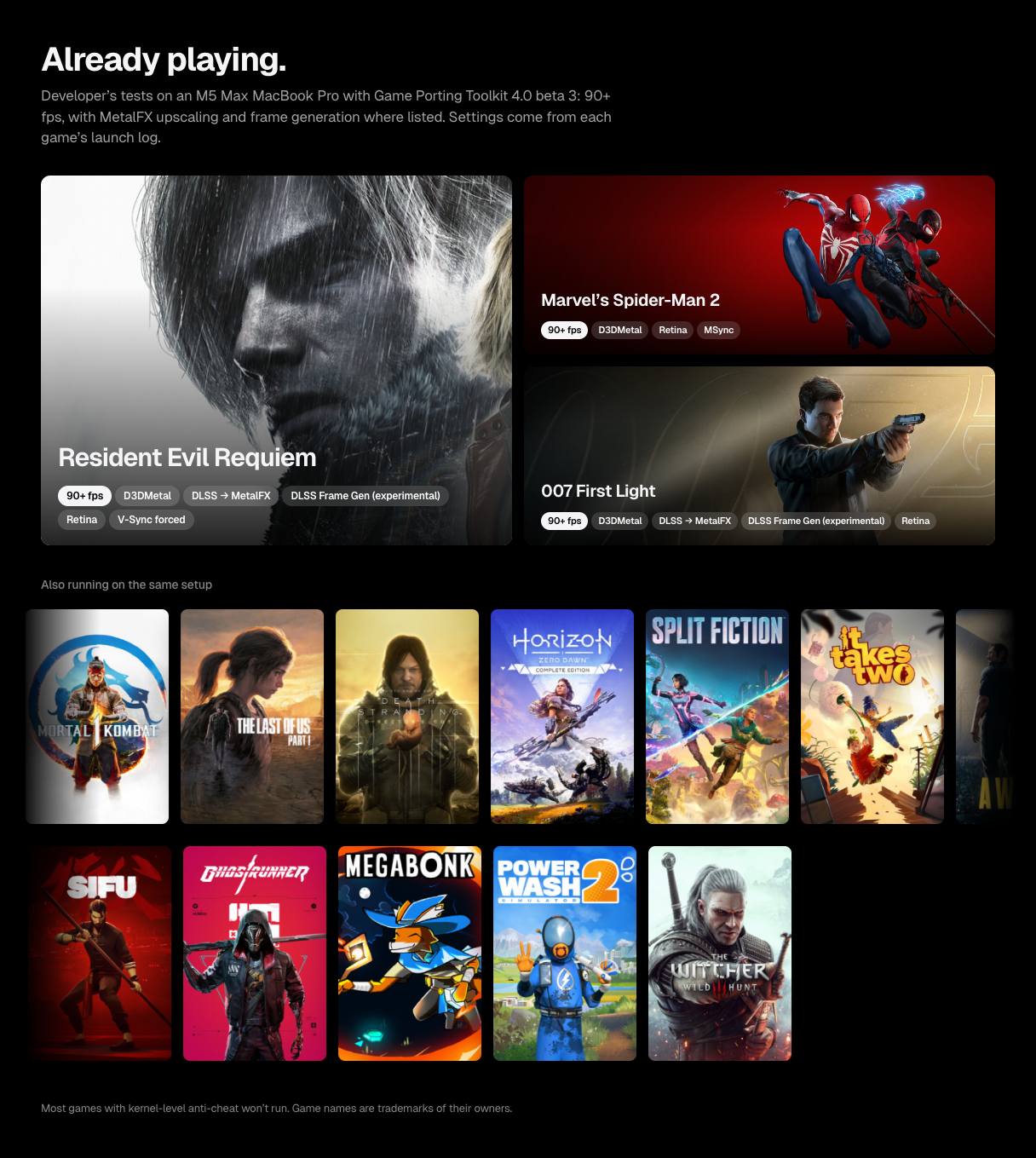
Developer's tests on an M5 Max MacBook Pro with Game Porting Toolkit 4.0 beta 3: 90+ fps, with MetalFX upscaling and frame generation where listed. Settings come from each game's launch log.
| Game | Launch settings | |---|---| | Resident Evil Requiem | D3DMetal · DLSS → MetalFX · DLSS Frame Gen (experimental) · Retina · V-Sync forced | | Marvel's Spider-Man 2 | D3DMetal · Retina · MSync | | 007 First Light | D3DMetal · DLSS → MetalFX · DLSS Frame Gen (experimental) · Retina |
Also running on the same setup: Mortal Kombat 1, The Last of Us Part I, Death Stranding Director's Cut, Horizon Zero Dawn, Split Fiction, It Takes Two, A Way Out, Batman: Arkham Knight, Sifu, Ghostrunner, Ravenswatch, Megabonk, PowerWash Simulator 2, The Witcher 3.
Most games with kernel-level anti-cheat won't run.
Every game tested so far, and the Mac it ran on, is at bridgeplay.dev/compatibility. It combines results a maintainer checked (compat/), one-tap reports from players, and CrossOver ratings from AppleGamingWiki for games nobody has tried with Bridgeplay yet.
To add yours: after you play, Bridgeplay asks once per game How did it run? One tap posts the result, with your Mac and the game's log, to Compatibility reports. No GitHub account needed, and the log is stripped of your user, computer and Steam account details. Report Your Games… in the Prefix menu covers everything you've already played. Without the app, use the Game report form.
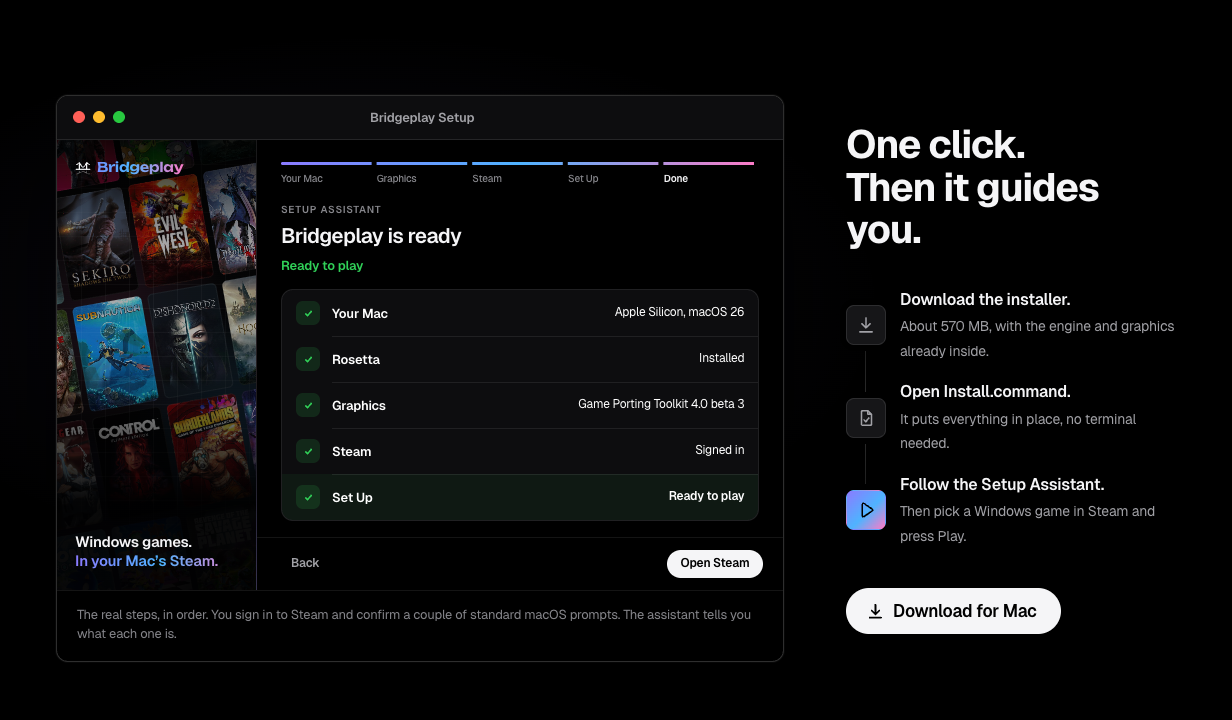
1. Download Bridgeplay from bridgeplay.dev: Bridgeplay.dmg, notarized by Apple.
2. Drag Bridgeplay into Applications and open it. macOS asks once whether to open an app downloaded from the internet: click Open. It needs an admin account.
3. Follow the Setup Assistant: Rosetta, Apple's graphics (Download fetches them, and Steam from Valve if it's missing), Steam sign-in, App Management and a couple of other standard macOS prompts. Every download is checked against Bridgeplay's signature. Setup modifies your Steam app; see What Bridgeplay changes in Steam.
4. Press Play on any Windows game in Steam. The first time you use a controller, allow Steam's Input Monitoring request.
Each game's Bridgeplay settings (graphics backend, Metal HUD, DLSS, frame generation, controllers) are in Steam: right-click the game, Properties… › Bridgeplay.
Updates install themselves: Bridgeplay, its patch in Steam and the engine. Refresh on the Status page checks on demand.
The Setup Assistant's graphics download carries Apple's Game Porting Toolkit redistributables under Apple's license, which allows non-commercial distribution only. Bridgeplay is free and non-commercial.
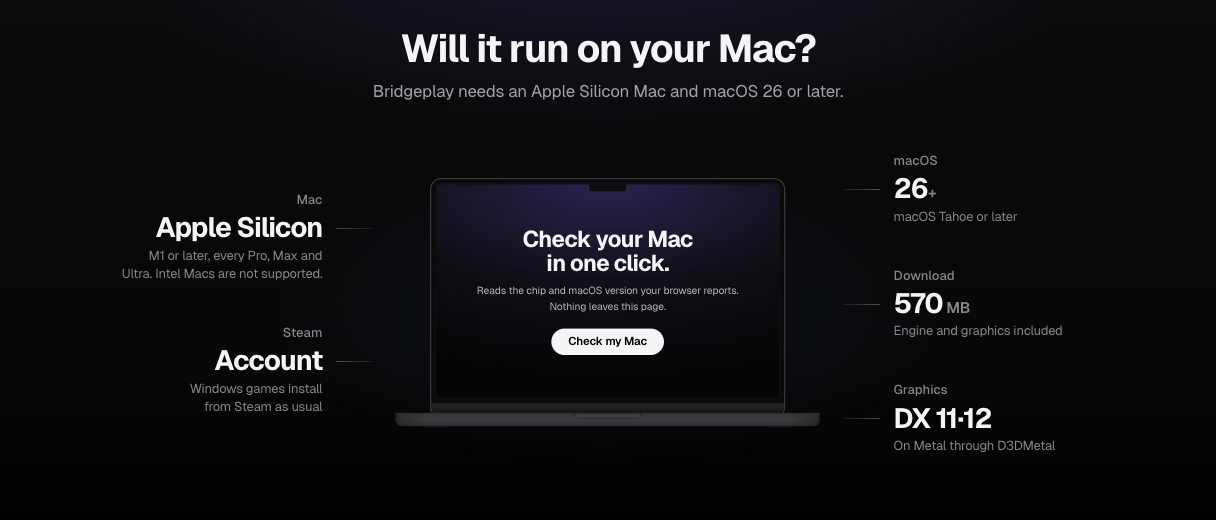
| | | |---|---| | Mac | Apple Silicon, M1 or later. Intel Macs are not supported. | | macOS | 26 or later (macOS version guide) | | Steam | A Steam account. Windows games install from Steam as usual. | | Download | About 530 MB, most of it the engine the Setup Assistant fetches. Installing Rosetta 2 and Steam, and signing in to Steam, need internet. |
The guides on bridgeplay.dev cover installing Bridgeplay, troubleshooting, DirectX 12, DLSS and frame generation, and anti-cheat. The FAQ answers common questions, and the compatibility list shows which games other players got running.
Bridgeplay runs inside the native macOS Steam client and registers itself as a Steam Play compatibility tool. Under the hood:
CAMetalLayer, per-game Game Mode, Retina back buffers and a controller layer for HID pads.
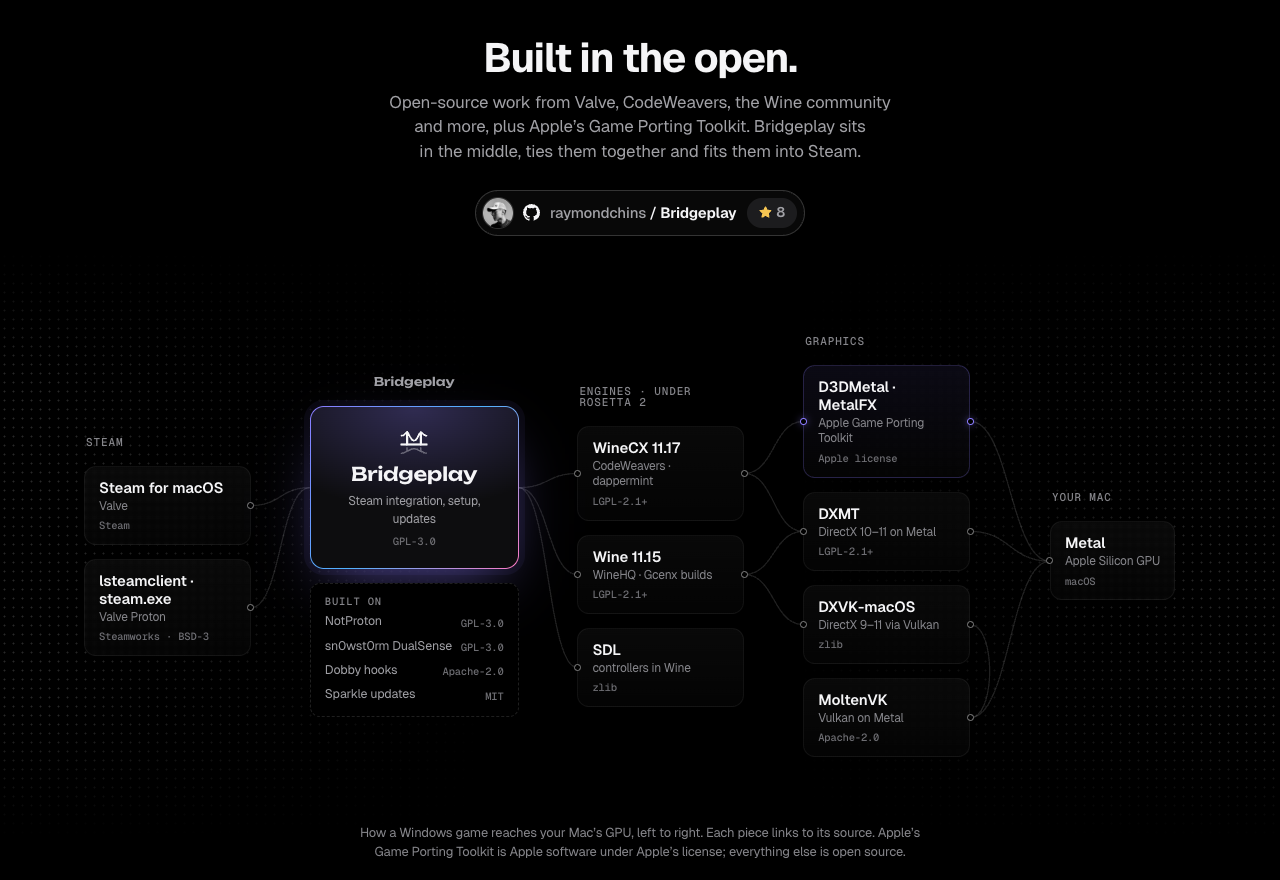
Building from source: see docs/DEVELOPING.md, docs/ARCHITECTURE.md and docs/BUILD-LOCAL.md. The graphics download (Bridgeplay-Installer.zip) is built from installer/ by scripts/package-installer.sh.
Bridgeplay modifies your Steam app. It copies a library (notproton.dylib) into /Applications/Steam.app, makes Steam load it at startup through Info.plist, and re-signs Steam on your Mac, replacing Valve's signature. The library hooks Steam's compatibility tool, shortcut and launch option code, and edits Steam's interface in memory to show Steam Play.
Also changed:
config.vdf, and Bridgeplay's tools go in compatibilitytools.d.tccutil), so macOS asks again.ntdll.dll match theirs (the rest of the clone isn't checked file by file). Wine loaders are re-signed ad hoc where needed.steam.cfg) also blocks Steam's security fixes./Applications/Steam.app.ntdll-patch/).NVAPI=0 turns that off.crypt32 and wintrust pass NVIDIA's signature check on Apple's nvngx.dll (ngx-signer-patch/).Info.plist; if Valve's signature isn't back, reinstall Steam from Valve.
Online games with anti-cheat (Easy Anti-Cheat, BattlEye and others) often won't start, and Bridgeplay can't promise that anti-cheat, VAC included, won't flag it. Counter-Strike 2 and Dota 2 run, but VAC keeps them off its secure servers. Play online at your own risk. The compatibility list shows what other players found.
Bridgeplay is a fork of NotProton by NotProtonNot and its contributors (GPL-3.0), by way of Leon Seemann's NotProton-WineHQ. The Steam hooks, the Steam Play interface patches, the run script and the steamclient bridge all started as their work. Copyright and license details are in NOTICE.
lsteamclient and steam.exe come from Valve's Proton.Wine on the Mac exists largely because of CodeWeavers, the biggest contributor to the Wine project. They fund that work by selling CrossOver. Bridgeplay's free engine is built from the source code CodeWeavers publishes, so every game it runs also stands on their work.
If you can, buy CrossOver.
Bridgeplay is licensed under the GPL-3.0. Third-party licenses, and the source for the patched Wine files the app ships (LGPL-2.1-or-later), are listed in NOTICE.
 Built by Raymond Chin, Jakarta.
Bridgeplay is not affiliated with Apple, Valve, NVIDIA or CodeWeavers. Game Porting Toolkit is Apple software provided under Apple's license for non-commercial use. Steam is a trademark of Valve Corporation. DLSS is a trademark of NVIDIA Corporation. Game names are trademarks of their owners.
→ →
→ →
→ →
→ →
→ →
→ →
→ →
→