1
 →
→
A TTS model capable of generating ultra-realistic dialogue in one pass.
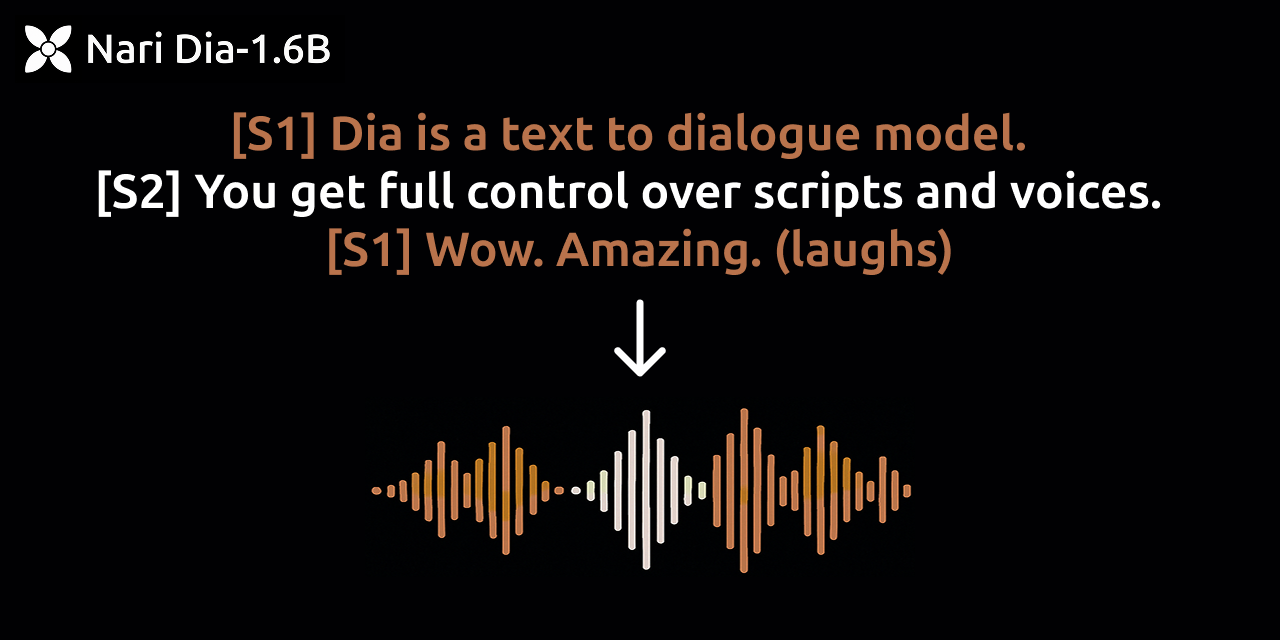





Dia is a 1.6B parameter text to speech model created by Nari Labs.
UPDATE 🤗(06/27): Dia is now available through Hugging Face Transformers!
UPDATE 🚀(11/19): Dia2 is released on Github and HuggingFace link!
Dia directly generates highly realistic dialogue from a transcript. You can condition the output on audio, enabling emotion and tone control. The model can also produce nonverbal communications like laughter, coughing, clearing throat, etc.
To accelerate research, we are providing access to pretrained model checkpoints and inference code. The model weights are hosted on Hugging Face. The model only supports English generation at the moment.
We also provide a demo page comparing our model to ElevenLabs Studio and Sesame CSM-1B.
[S1], and always alternate between [S1] and [S2] (i.e. [S1]... [S1]... is not good)[S1], [S2] speaker tags correctly (i.e. single speaker: [S1]..., two speakers: [S1]... [S2]...)[S1] or [S2] (the second-to-last speaker's tag) at the end of the audio to improve audio quality at the endWe now have a Hugging Face Transformers implementation of Dia! You should install main branch of transformers to use it. See hf.py for more information.
Install main branch of transformers
pip install git+https://github.com/huggingface/transformers.git
or install with uv
uv pip install git+https://github.com/huggingface/transformers.git
Run hf.py. The file is as below.
from transformers import AutoProcessor, DiaForConditionalGeneration
torch_device = "cuda"
model_checkpoint = "nari-labs/Dia-1.6B-0626"
text = [
    "[S1] Dia is an open weights text to dialogue model. [S2] You get full control over scripts and voices. [S1] Wow. Amazing. (laughs) [S2] Try it now on Git hub or Hugging Face."
]
processor = AutoProcessor.from_pretrained(model_checkpoint)
inputs = processor(text=text, padding=True, return_tensors="pt").to(torch_device)
model = DiaForConditionalGeneration.from_pretrained(model_checkpoint).to(torch_device)
outputs = model.generate(
    inputs, max_new_tokens=3072, guidance_scale=3.0, temperature=1.8, top_p=0.90, top_k=45
)
outputs = processor.batch_decode(outputs)
processor.save_audio(outputs, "example.mp3")
# Clone this repository
git clone https://github.com/nari-labs/dia.git
cd dia
Optionally
python -m venv .venv && source .venv/bin/activate
Install dia
pip install -e .
Or you can install without cloning.
# Install directly from GitHub
pip install git+https://github.com/nari-labs/dia.git
Now, run some examples.
python example/simple.py
You need uv to be installed.
# Clone this repository
git clone https://github.com/nari-labs/dia.git
cd dia
Run some examples directly.
uv run example/simple.py
python app.py
Or if you have uv installed
uv run app.py
python cli.py --help
Or if you have uv installed
uv run cli.py --help
[!NOTE]
The model was not fine-tuned on a specific voice. Hence, you will get different voices every time you run the model.
You can keep speaker consistency by either adding an audio prompt, or fixing the seed.
[!IMPORTANT]
If you are using 5000 series GPU, you should use torch 2.8 nightly. Look at the issue #26 for more details.
[S1] and [S2] tag(laughs), (coughs), etc.(laughs), (clears throat), (sighs), (gasps), (coughs), (singing), (sings), (mumbles), (beep), (groans), (sniffs), (claps), (screams), (inhales), (exhales), (applause), (burps), (humming), (sneezes), (chuckle), (whistles)example/voice_clone.py for more information.Dia has been tested on only GPUs (pytorch 2.0+, CUDA 12.6). CPU support is to be added soon. The initial run will take longer as the Descript Audio Codec also needs to be downloaded.
These are the speed we benchmarked in RTX 4090.
| precision | realtime factor w/ compile | realtime factor w/o compile | VRAM |
|:-:|:-:|:-:|:-:|
| bfloat16 | x2.1 | x1.5 | ~4.4GB |
| float16 | x2.2 | x1.3 | ~4.4GB |
| float32 | x1 | x0.9 | ~7.9GB |
We will be adding a quantized version in the future.
If you don't have hardware available or if you want to play with bigger versions of our models, join the waitlist here.
This project is licensed under the Apache License 2.0 - see the LICENSE file for details.
This project offers a high-fidelity speech generation model intended for research and educational use. The following uses are strictly forbidden:
Identity Misuse: Do not produce audio resembling real individuals without permission.
Deceptive Content: Do not use this model to generate misleading content (e.g. fake news)
Illegal or Malicious Use: Do not use this model for activities that are illegal or intended to cause harm.
By using this model, you agree to uphold relevant legal standards and ethical responsibilities. We are not responsible** for any misuse and firmly oppose any unethical usage of this technology.
We are a tiny team of 1 full-time and 1 part-time research-engineers. We are extra-welcome to any contributions! Join our Discord Server for discussions.
→ →
→ →
→ →
→ →
→ →
→