1
 →
→
Play your own Switch games on iPhone/iPad — one-click macOS app, no terminal. | 把 Switch 游戏装进 iPhone:图形界面一键构建,不用命令行。Bring your own game.
LNPANDY/NX2Apple is an open-source project on GitHub, mainly written in Python. Play your own Switch games on iPhone/iPad — one-click macOS app, no terminal. | 把 Switch 游戏装进 iPhone:图形界面一键构建,不用命令行。Bring your own game. It currently holds 1,744 stars and 233 forks with 0 open issues, and was last pushed on an unknown date (repository created unknown).
Git Homed tracks it on the Today's Trending board.
Your Switch games, running on your iPhone.
Not an emulator. No terminal. A macOS app does the whole build in a few clicks.
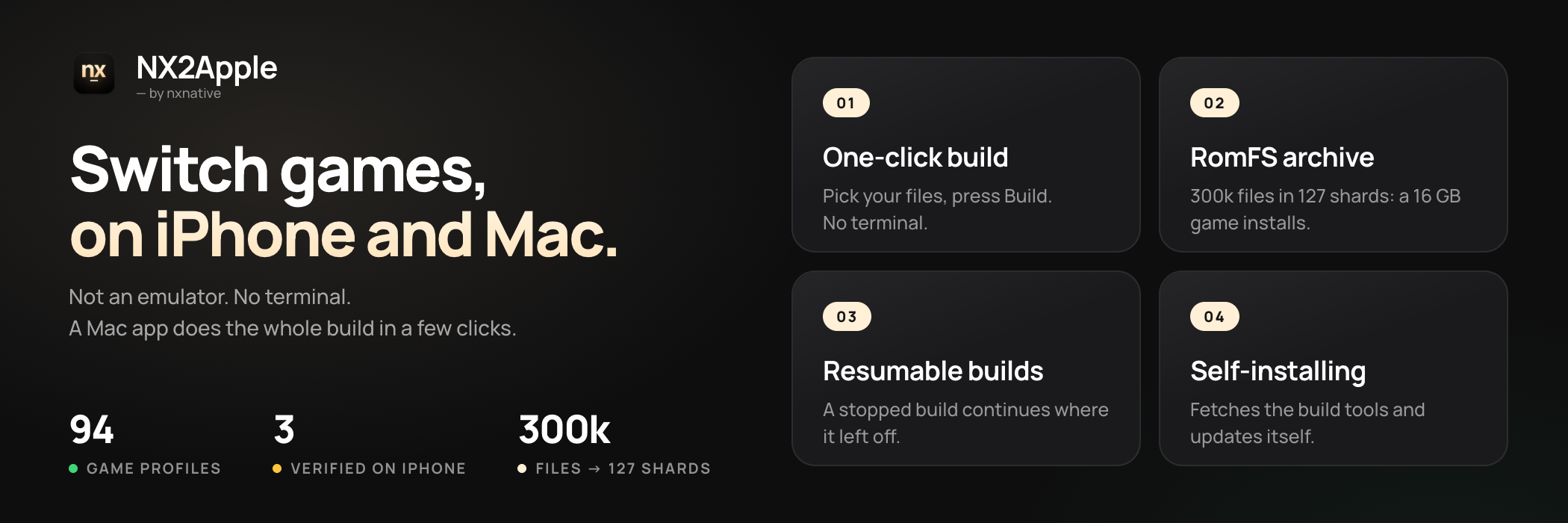
.img data finally loads straight from an external drive on iOS.nxnative-romfs-archive: old links redirect here.
---
NX2Apple runs Nintendo Switch games on your Mac and iPhone from your own game dumps. It is not an emulator: the game's own code runs natively on Apple silicon, and Metal draws it. A Mac app, the launcher, does the build in a few clicks (unpack, rewrite, translate the shaders, pack) and then keeps your games in a library you start with Play, the way a Switch does.
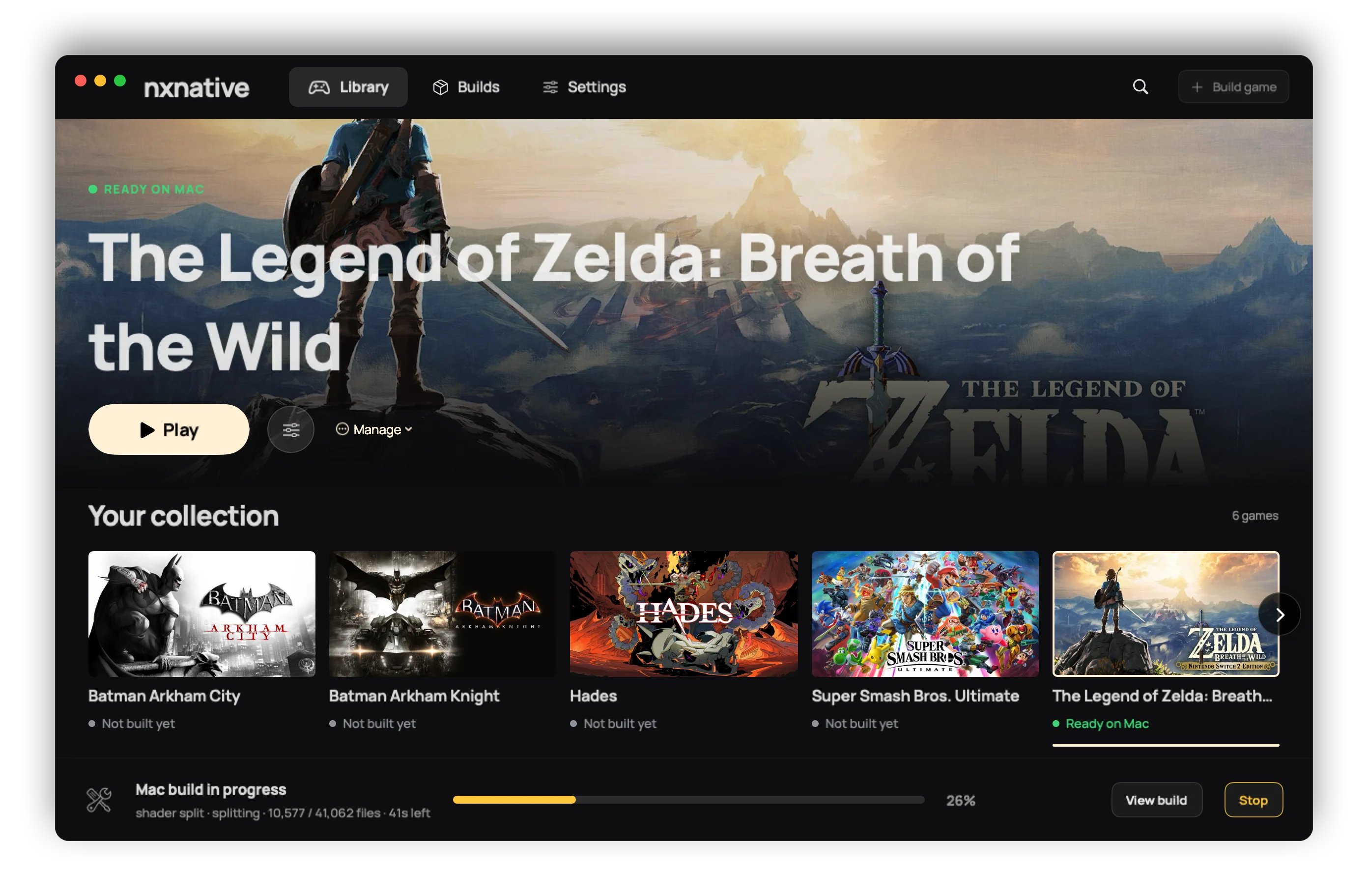
It is a community fork of nxnative, which does the actual work (the code rewriter, the Horizon host, NVN on Metal and every game's profile). This fork adds the launcher and a short list of patches, and follows nxnative every day.
--allow-other-metal.
prod.keys from your own console. Nothing isprod.keys opens every one of your games, and a
current dump covers all retail titles.
1. Download the app: NS-Port-Builder-macOS-arm64.zip from the
latest release. Unzip it.
2. Open it once with right-click, then Open. The app is not signed with a paid Apple developer
certificate, so macOS asks before the first start, and after that it opens normally.
3. Follow the setup. The launcher fetches the project it builds with (a Download repository
button on the setup page, a shallow clone into ~/NX2Apple, and if GitHub is slow, the page shows the
manual ZIP route), checks the tools above and updates itself later. You never need git.
4. Build a game. Pick the game's folder (or its base game, update, DLC and prod.keys one by
one), choose This Mac or iPhone / iPad, and press build. The page shows the real stages and
the time left, and a stopped build continues where it left off. An iPhone build ends with the three
steps to put the app on the phone.
Building by hand from a terminal is in BUILDING.md.
On the Mac, a finished game appears in the library with its key art. Play starts it. Launch options (per game, kept across rebuilds) set the frame rate, console mode (docked or handheld), render scale and upscaling, game language, controls and more. What each does is in docs/settings.md. A controller drives the launcher as well as the games.
On the iPhone, the app shows the same settings before the game starts. Tap Play. Touch
controls come in a 2D and a 3D layout (tap the button at the top centre), and a connected controller
(Xbox, PlayStation, Switch Pro, MFi) replaces them. docs/playing.md covers touch,
rumble and motion. Short stutters the first time a scene appears are normal: the app compiles
graphics for it once and remembers them. The game's data (romfs.img) can live on an external drive
that the Files app picks.
Game language. English is the default. On the Mac, use the Game language row of Launch
options. For anything the sheet lacks, write an env.txt of KEY=VALUE lines (for example
DM_LANG=zh-Hans) in one of two places: ~/Library/Application Support/nxnative//env.txt
wins and survives rebuilds, and .app/Contents/Resources/dm/env.txt is the app's own. A Mac app
built before the language row existed needs one rebuild to get it. On the iPhone, the same lines go
in Documents/env.txt (DM_FPS_TARGET=30 caps the frame rate to save battery, DM_OPMODE=0 picks
handheld mode).
Saves and logs. A Mac game in a library folder keeps its saves and its log beside the app
(log/.log). Otherwise they are in ~/Library/Application Support/nxnative// and
~/Library/Logs/nxnative/.log. On the iPhone they are in the Files app under the app's
name: save/ and log.txt (the previous run is log.prev.txt).
Reporting a bug. Use the issue forms
(game problem, build problem, launcher problem). Each asks for the game and its title ID, your
versions and device, Settings > Copy diagnostics and the game's log. CONTRIBUTING.md
says why. A report with the full log.txt is looked at first. Never attach keys, game files or
anything extracted from a game.
94 games have a profile. Three are verified end to end on this fork (built, installed and played on a phone), 45 more are reported playable on an iPhone upstream, and the rest have a profile that has not been tried on a phone yet. A few of them:
| | Game | Where it runs | Status |
|---|---|---|---|
| 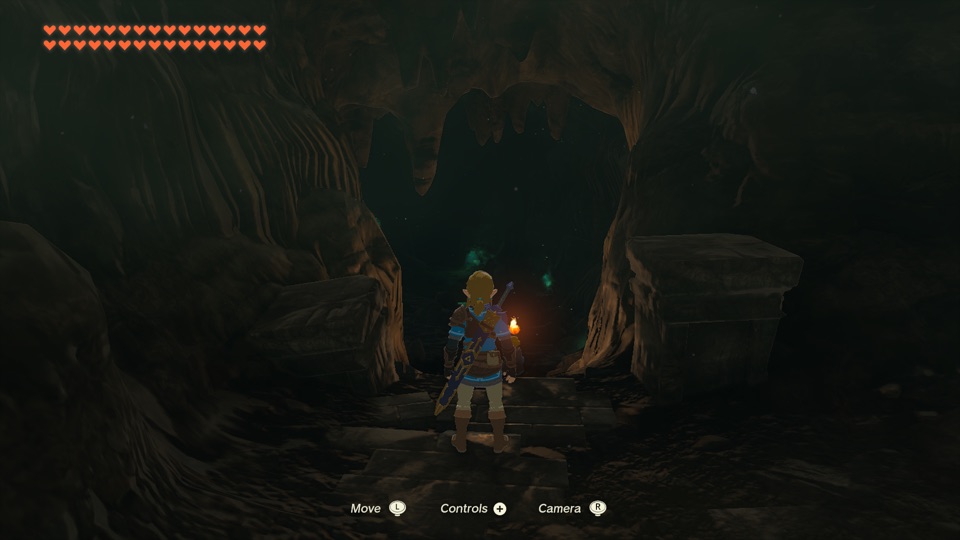 | The Legend of Zelda: Tears of the Kingdom | Mac and iPhone | Verified here: 304,243 files, byte-checked, ~17 GB |
|
| The Legend of Zelda: Tears of the Kingdom | Mac and iPhone | Verified here: 304,243 files, byte-checked, ~17 GB |
| 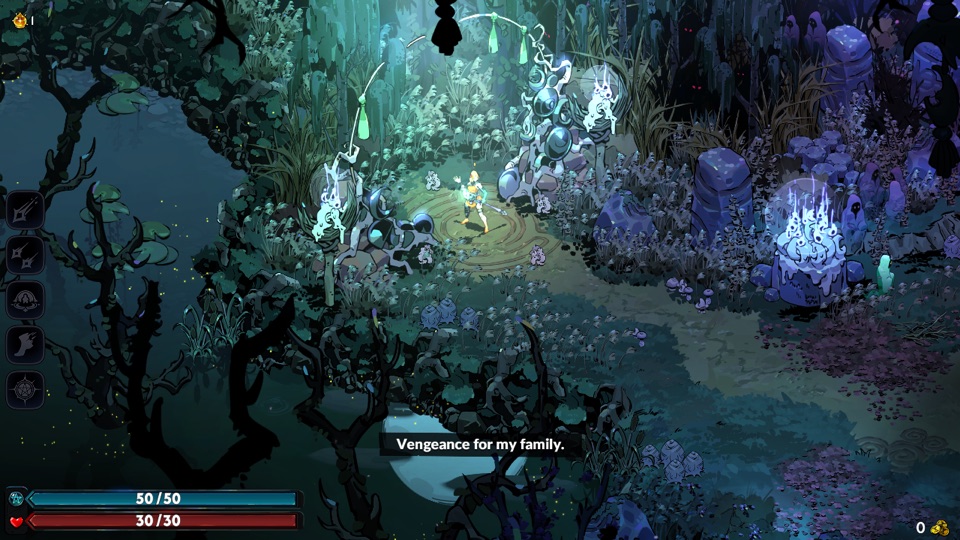 | Hades II | Mac and iPhone | Verified here |
|
| Hades II | Mac and iPhone | Verified here |
| 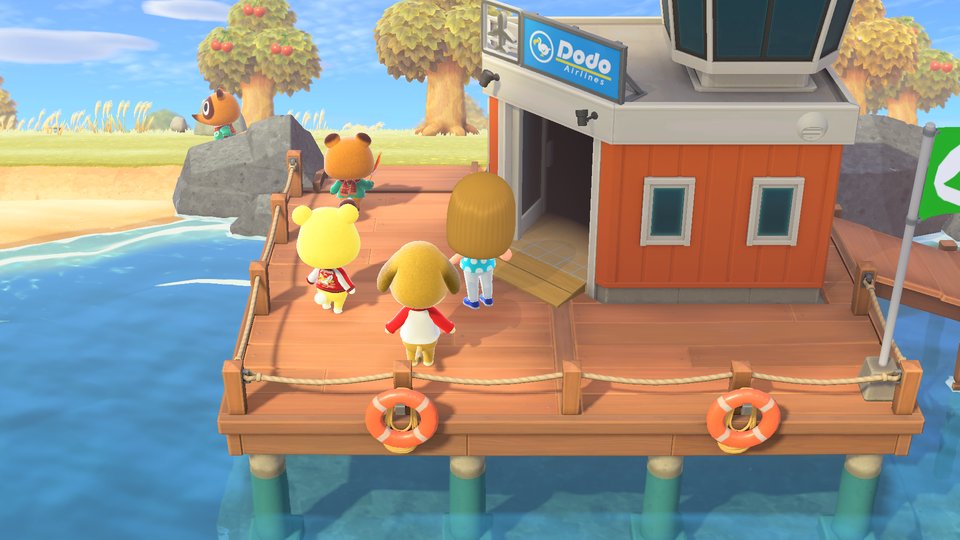 | Animal Crossing: New Horizons | iPhone | Verified here: runs smoothly |
|
| Animal Crossing: New Horizons | iPhone | Verified here: runs smoothly |
| 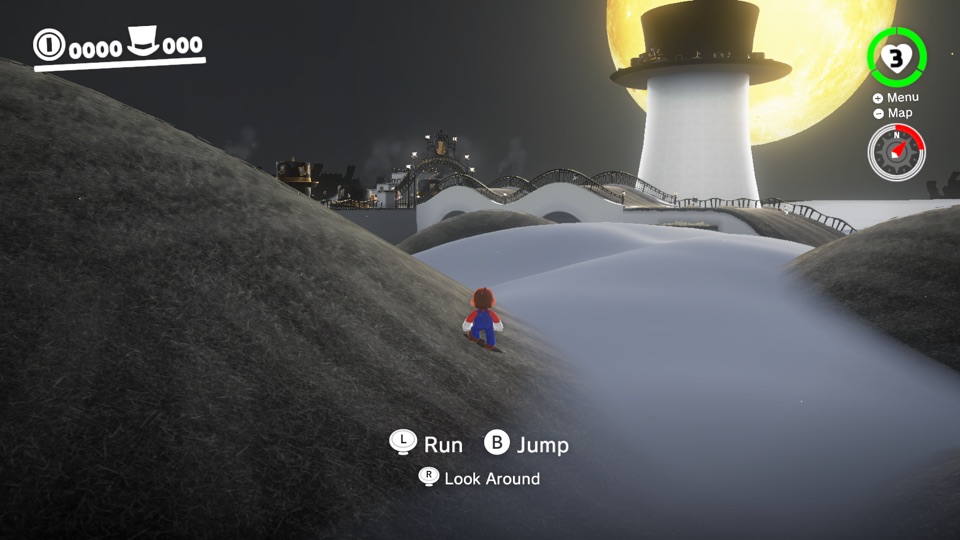 | Super Mario Odyssey | iPhone | Reported playable upstream |
|
| Super Mario Odyssey | iPhone | Reported playable upstream |
| 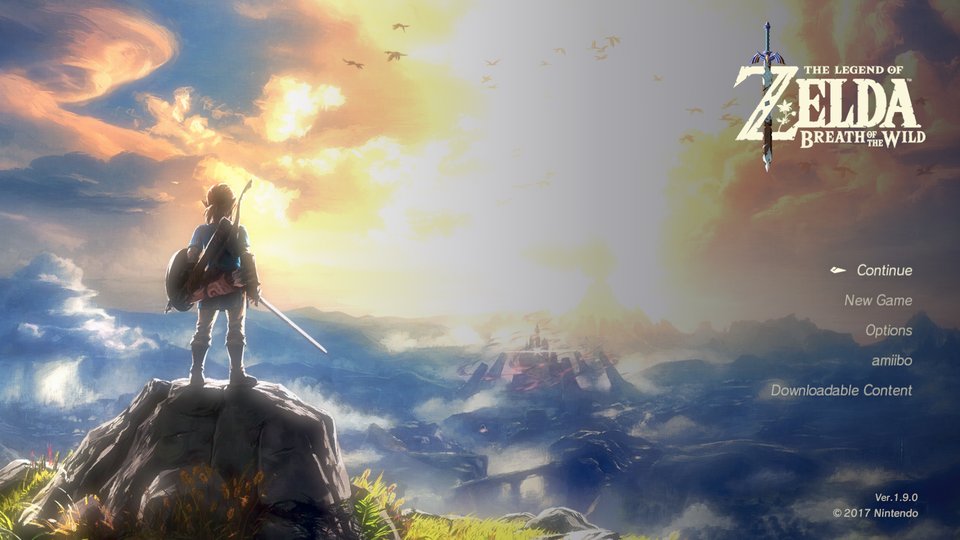 | The Legend of Zelda: Breath of the Wild | iPhone | Reported playable upstream, 60 fps with 1.9.0 |
|
| The Legend of Zelda: Breath of the Wild | iPhone | Reported playable upstream, 60 fps with 1.9.0 |
| 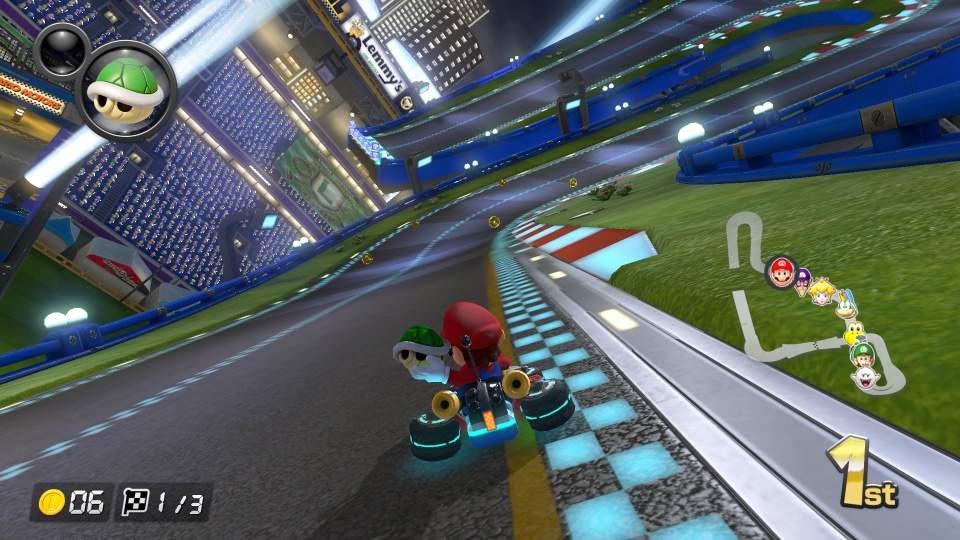 | Mario Kart 8 Deluxe | iPhone | Reported playable upstream |
GAMES.md (中文: GAMES.zh-CN.md) has the screenshot gallery with each game's install size, and the full table with the update version each game needs: the update NSP's display version must match the profile's, or the build says so.
romfs.idx). The build writes a single romfs.img now, and the reader for
the old archives is still shipped (docs/ROMFS_ARCHIVE.md).
dm/, scripts/, docs/, ref/,AGENTS.md) is nxnative at a pinned commit plus a queue of patches, each saying why the fork
carries it. patches/README.md explains it, and
python3 scripts/patches.py status lists what is carried. A daily job moves the pin and opens a
pull request, or an issue naming the patch that no longer fits.
Community contributors — this project's code is not one maintainer's output:
EnableAlbumImageTakenNotification and CreateWithAdjustableSystemClock entries plus their snapshot type byte — each would have read a null in games that call them, and each came with a test.All of the engine work is other people's. This repository adds the launcher and the patch queue on top:
nx_extract.
dm/third_party ships other projects with their licenses (list).
LICENSE is the plain MIT text with the copyright lines of seedds (nxnative), jhaizhou (d2r-mobile) and LNPANDY with the NX2Apple contributors. NOTICE says where the code comes from and which part LNPANDY wrote.
What this project is. A build tool for games you already own. It reads dumps you made of your own cartridges and purchases, on your own machine, and produces a package for your own device. Nothing in this repository, in the app, or in any release contains or distributes Nintendo's code, art, text, data, shaders, firmware, keys or any other copyrighted material.
What it cannot do. The pipeline has no source of games or keys: it requires the user's own
prod.keys and their own NSP/XCI dumps, and it talks to no server. It does not bypass, strip or
redistribute any protection — LibHac opens the user's own dumps with the user's own keys, the same
operation a console performs on a cartridge.
Trademarks. Not affiliated with, sponsored by or endorsed by Nintendo. "Nintendo Switch" and game titles are trademarks of Nintendo Co., Ltd. All other trademarks belong to their respective owners.
Your responsibility. Laws on making a personal backup copy differ by country, and some places do not allow it at all. You are responsible for knowing and following the law where you live, and for never distributing game files, keys or the packages built from them — the project's outputs are for personal use on your own hardware only. If you enjoy a game, buy it.
Takedowns. If you believe anything in this repository infringes your rights, open an issue or contact the maintainer directly. Valid claims will be actioned promptly, up to removing content or the repository.
No warranty. The software is provided "as is" under the licenses in LICENSE (this fork adds to upstream's, as the credits show) — without warranty of any kind, express or implied. Use it at your own risk.
→ →
→ →
→ →
→ →
→ →
→ →
→ →
→