1
 →

Fast and lightweight DB Client made in Rust and GPUI.
ShayanAbbas1/dbdelve is an open-source project on GitHub, mainly written in Rust. Fast and lightweight DB Client made in Rust and GPUI. It currently holds 1,044 stars and 55 forks with 24 open issues, and was last pushed on 2026-11-11 (repository created 2026-08-17).
Git Homed tracks it on the Today's Trending board, currently at rank #48 with 106 new stars today.
 DBDelve
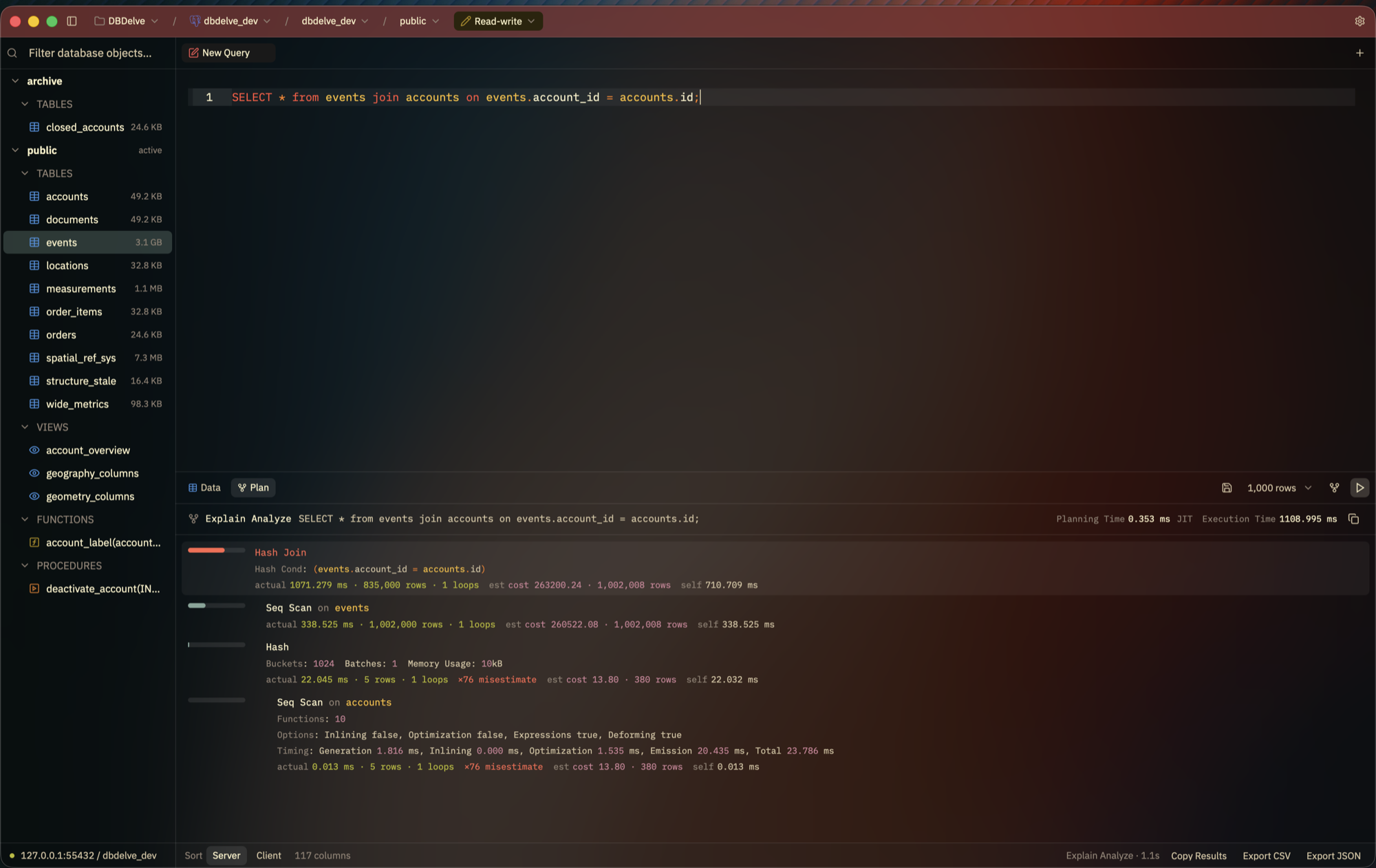
A fast, native, cross-platform, multi-engine database client. Written in Rust with GPUI, no Electron and no JVM: instant startup, friendly on your memory, and smooth scrolling through large tables where other clients crash or introduce limits.
Ideas and discussion on Discord.
Like DBDelve? Support its development. Support is voluntary and does not provide any additional benefits.
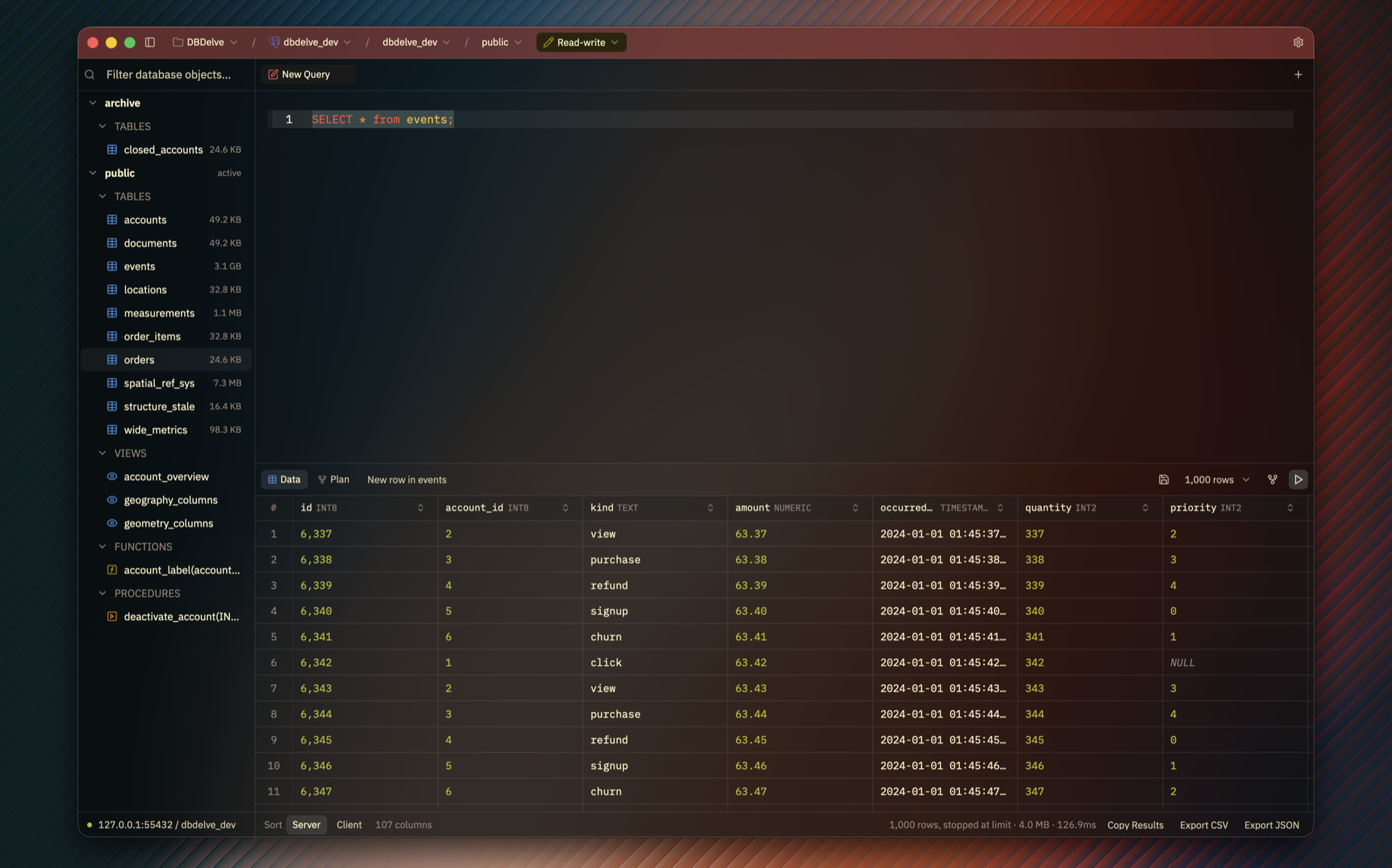
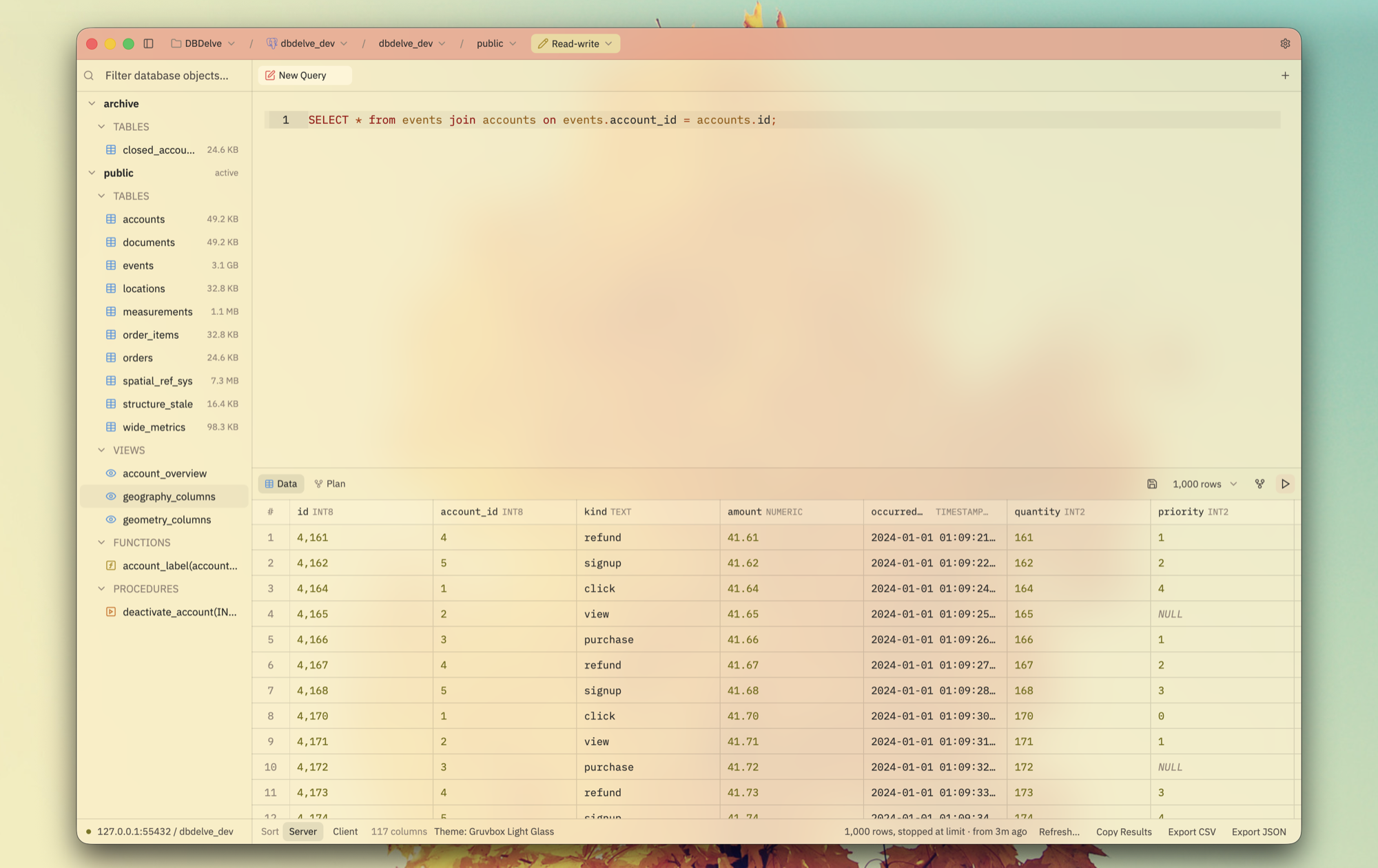
Scrolling a million rows:
https://github.com/user-attachments/assets/6e15d566-a110-46c6-a236-52af7d877d4c
Launching, with the last results already there:
https://github.com/user-attachments/assets/9e55da56-8577-43e0-812a-c77eb5d0e701
I wanted something which is performant, modern and consumes little ram. The existing DB clients are either filled with bloat (Electron and JVM) or paid. This is an alternative to them. No feature is ever going behind a paywall and with time we will have complete parity on features with those too.
macOS (Apple Silicon, macOS 12 or later):
brew install --cask ShayanAbbas1/dbdelve/dbdelve
xattr -dr com.apple.quarantine /Applications/DBDelve.app
Don't skip the second line: the app isn't notarized, so macOS won't open it until the quarantine flag is cleared.
Linux (x86_64 or aarch64): yay -S dbdelve-bin from the AUR, or the
tarball or AppImage from [the latest release][releases].
Windows (x86_64): run the installer from [the latest release][releases],
or unzip the zip and run dbdelve.exe. The installer asks for AppData (just
for you) or Program Files (all users).
Updating, the .dmg, Linux requirements, building from source and where your
data lives are all in docs/install.md.
[releases]: https://github.com/ShayanAbbas1/dbdelve/releases/latest
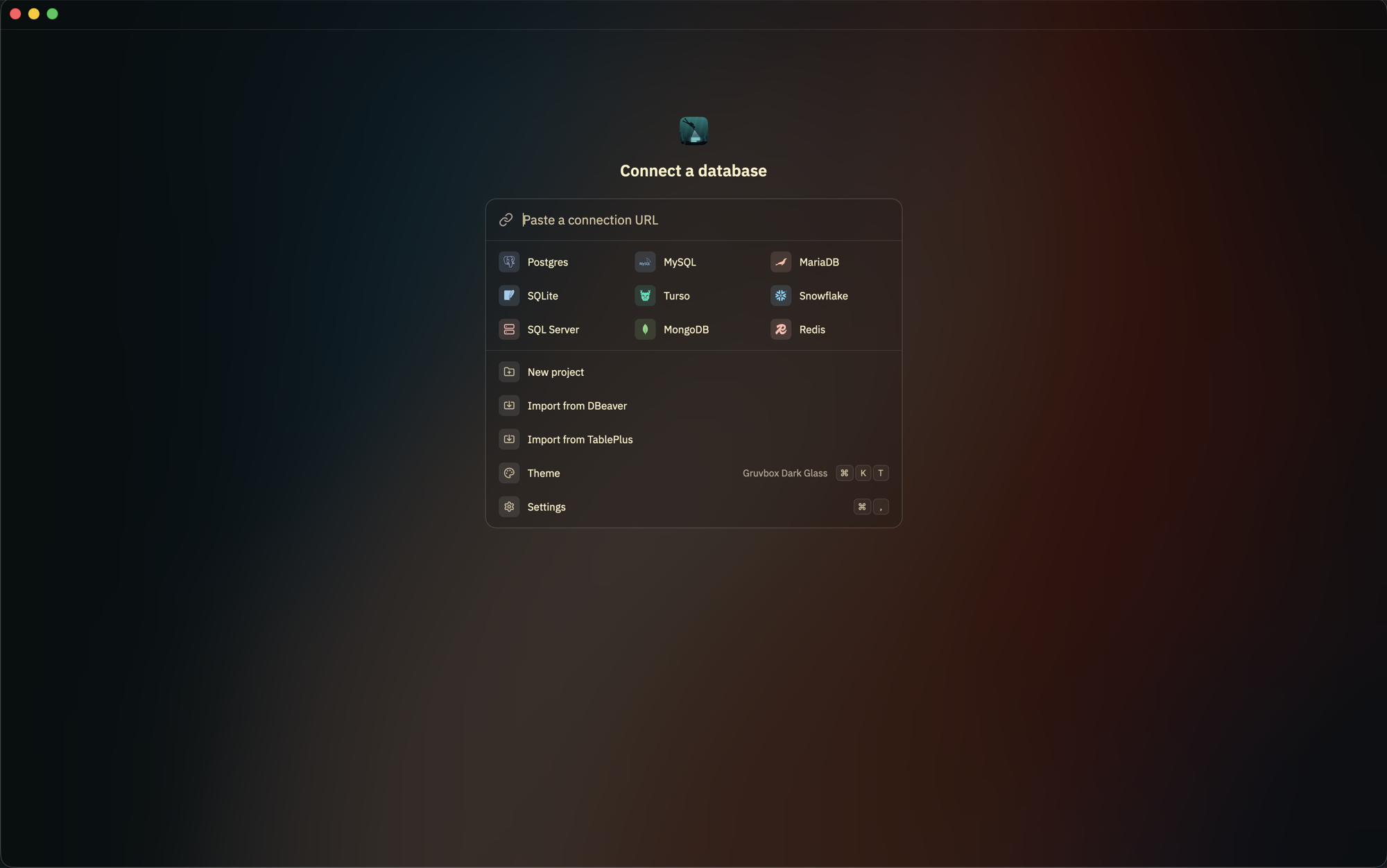
Postgres, MySQL, MariaDB, SQLite, Turso, DuckDB, Snowflake, SQL Server, MongoDB, Redis (and Valkey, KeyDB, Dragonfly) and ClickHouse.
Any other database with an ODBC driver is reachable through the bundled ODBC bridge, with that driver installed: IBM Db2, Oracle, SAP HANA, SAP ASE (Sybase), Informix, Teradata, Vertica, Exasol, Firebird, Amazon Redshift, Google BigQuery, Databricks, Apache Hive, Trino and Presto, Dremio, InterSystems IRIS, Microsoft Access and more. Grid editing is off, and statements you type run under the connection's mode. See Connecting through ODBC.
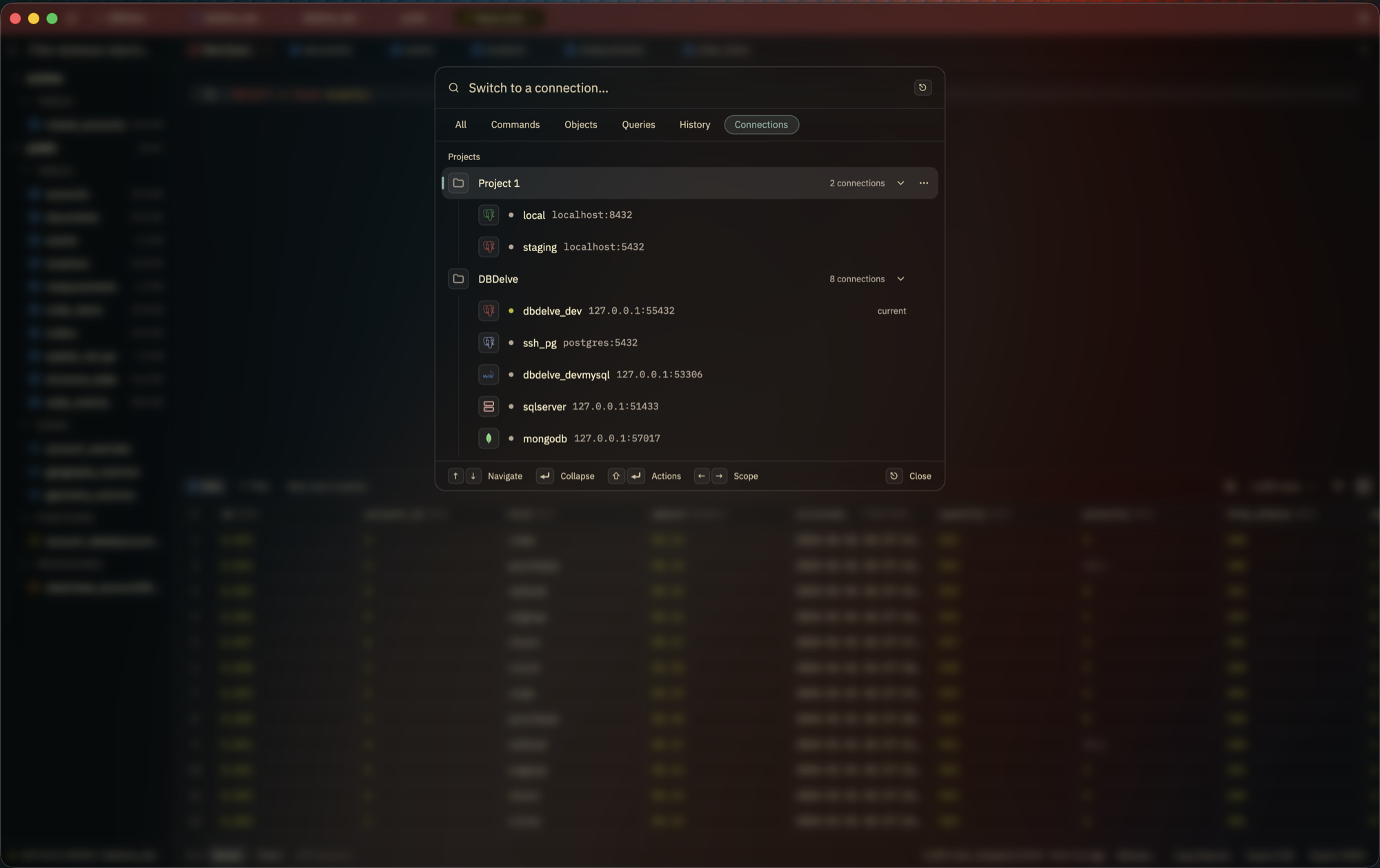
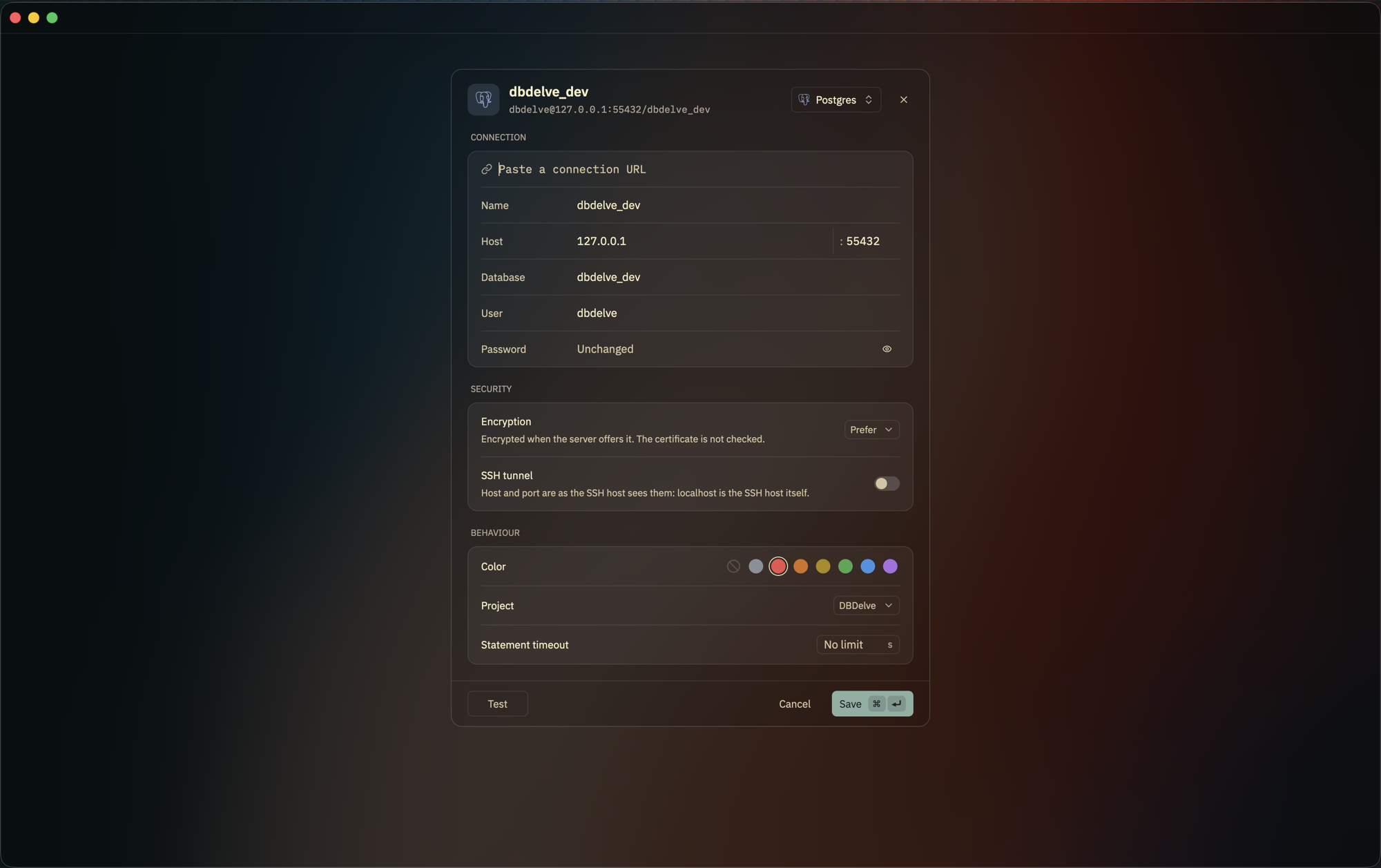
UPDATE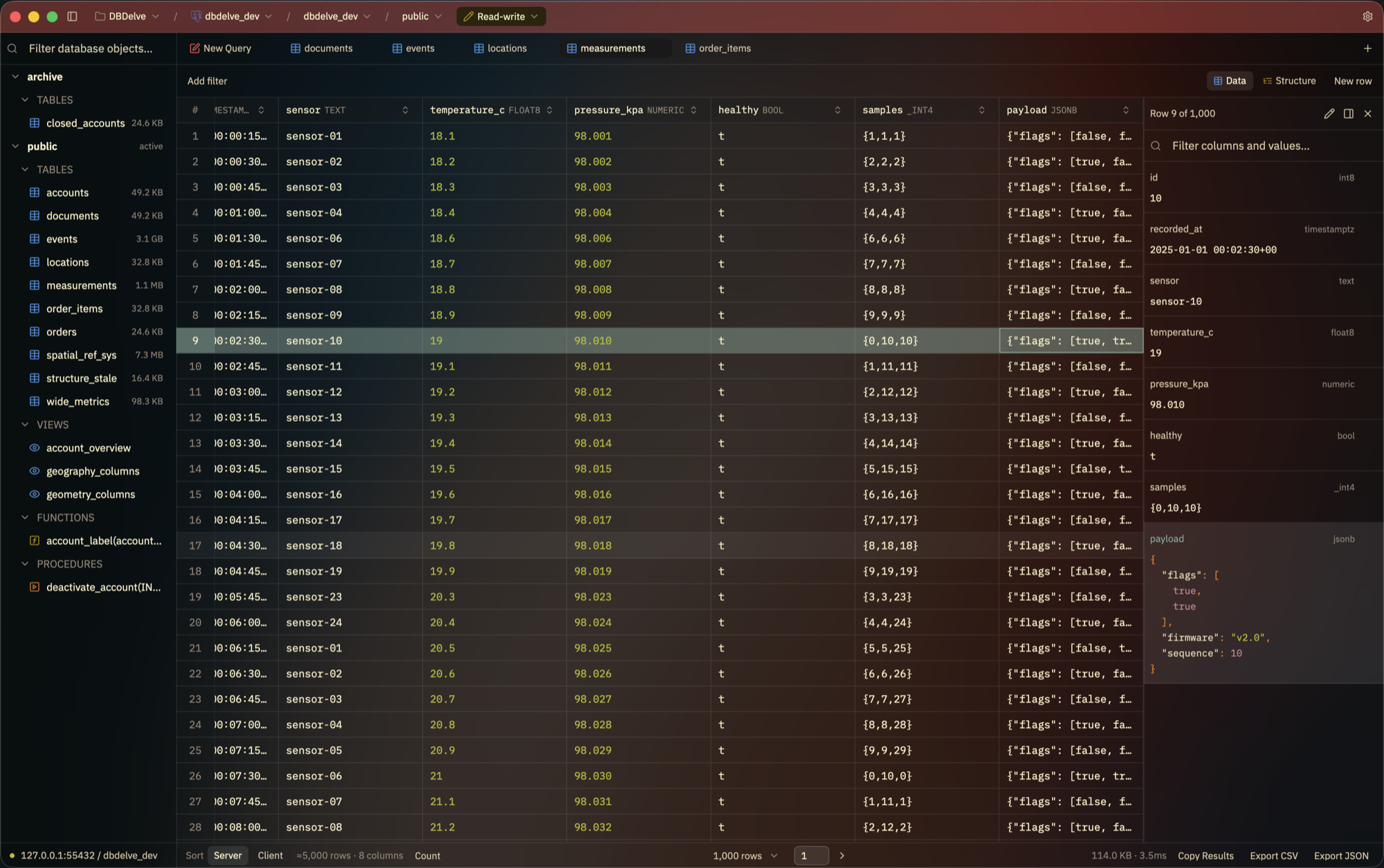
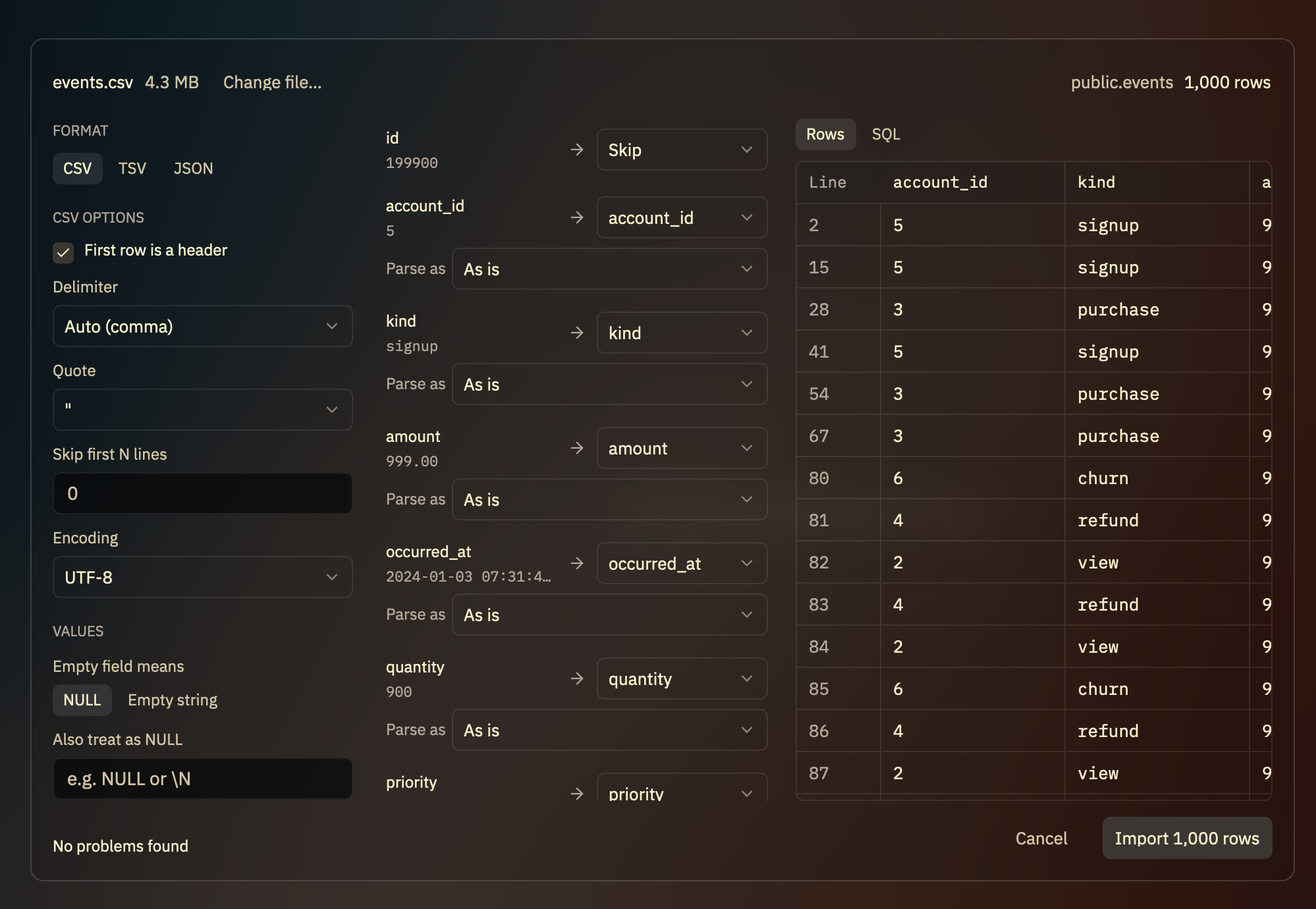
.sql file opens in a new query tab on the connection you're on, and runs
only when you run it.
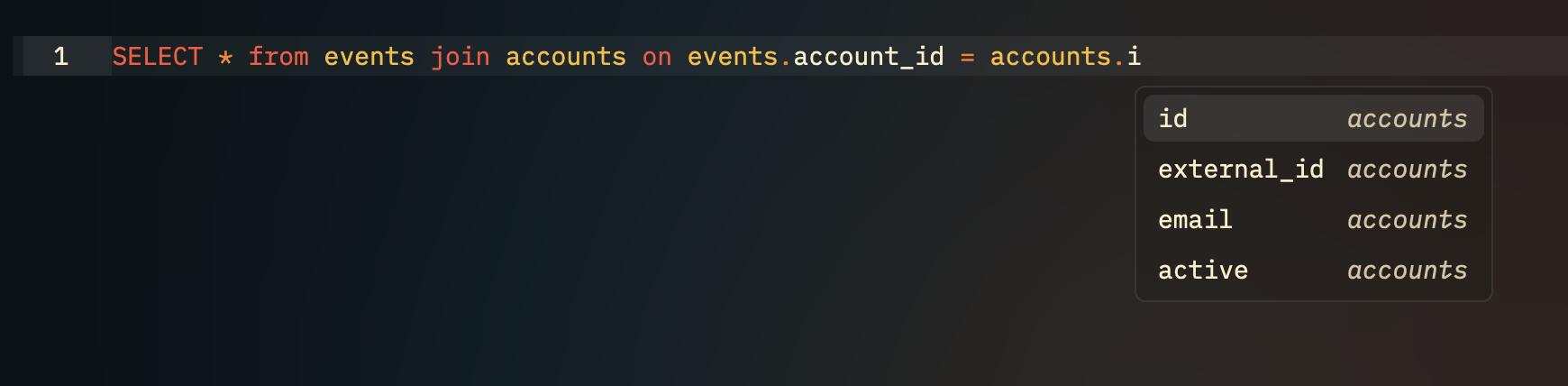
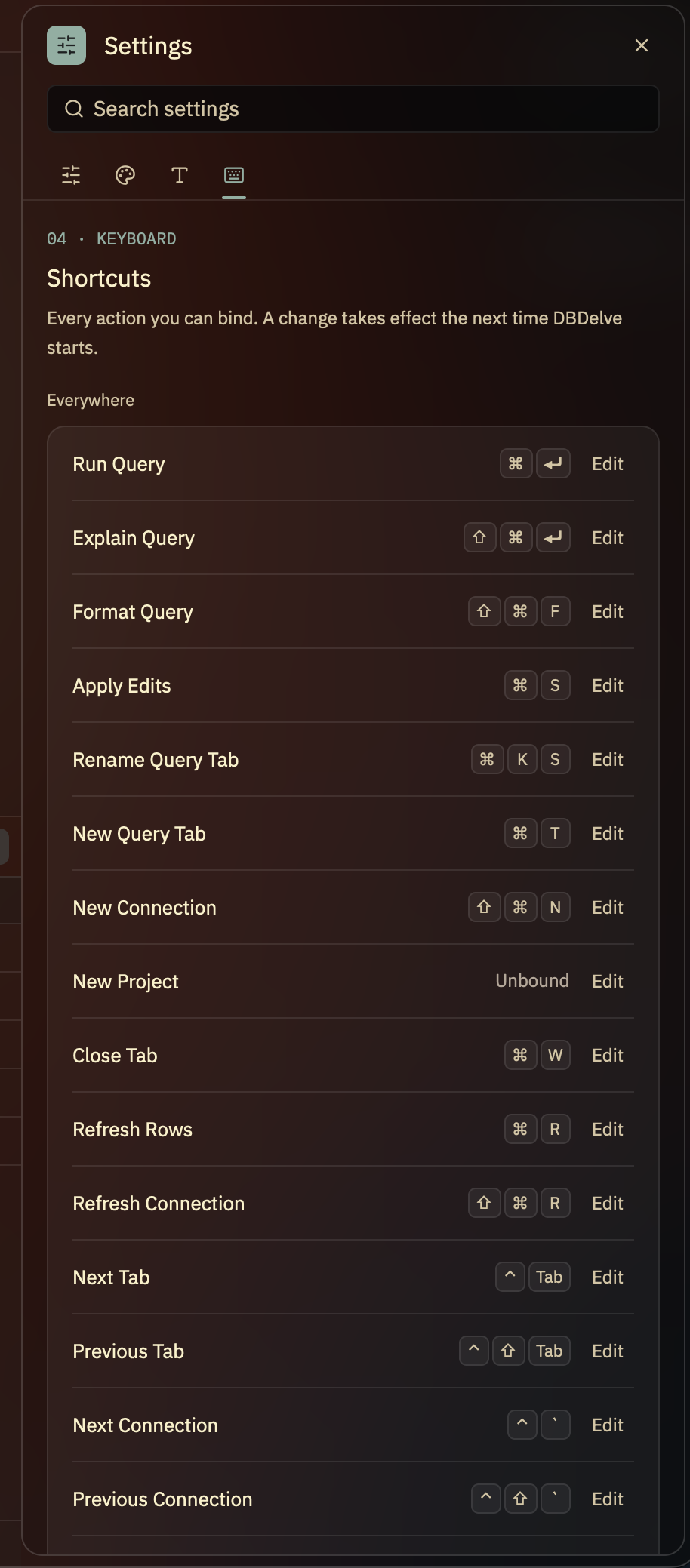
ssh, so/var/run/postgresql) reaches that
Unix socket on the SSH host, optionally as another user (Run as); the server
needs socat, and passwordless sudo for it when Run as is set. TLS modes
other than disable and prefer are refused there.
/opt/homebrew/bin/aws rds generate-db-auth-token --hostname %HOSTNAME% --port %PORT% --username %USERNAME% --region
%HOSTNAME%, %PORT% and %USERNAME% are the profile's own. DBDelve
quotes them itself, so write them unquoted: one inside quotes stops the
command from running. Give the program's full path (which aws prints it):
an app opened from the Finder or a desktop launcher does not see the PATH
your shell sets. Expires after
reuses the output for that many seconds, in memory only; blank runs the
command at every login.
Free and open source, nothing behind a paywall, and no telemetry: the only request DBDelve makes on its own is an update check, which you can turn off.
DBDelve 0.3.6 against DBeaver 25.3.1 on the same Postgres table, median of 5 runs each (2026-10-11, M1 Pro, 32 GB):
| | DBDelve | DBeaver | | ----------------- | ------- | ------- | | Launch | 1.1 s | 5.2 s | | Idle memory | 133 MB | 606 MB | | 1,000-row query | 0.21 s | 1.96 s | | 1M rows, time | 56 s | 208 s | | 1M rows, memory\* | 4.9 GB | 17 GB |
\* The whole 1M-row table pulled into memory on purpose, with the row limit off. Method and full results in BENCHMARKS.md.
DBDelve keeps a diagnostic log on your machine and never sends it anywhere. To attach it to an issue, use Help → Copy Diagnostics and paste; Help → Open Logs Folder shows the files. If the default log doesn't show the problem, turn on Verbose logging in Settings and reproduce it.
Read a log before you post it and remove anything sensitive. A verbose one can hold hostnames, database names and anything a database driver logs.
Copyright (C) 2026 Shayan Abbas and contributors, licensed under the GPL-3.0. Code contributed before the switch was released under the MIT License, and that notice still applies to it. Third-party font and theme licenses are in NOTICES.md.
→ →
 →
 →
 →
 →
 →
 →