1
 →
→
Send and receive SMS messages using your Android phone programmatically via a simple HTTP API
NdoleStudio/httpsms is an open-source project on GitHub, mainly written in Go. Send and receive SMS messages using your Android phone programmatically via a simple HTTP API It currently holds 5,505 stars and 1,015 forks with 5 open issues, and was last pushed on 2026-10-04 (repository created 2022-05-29).
Git Homed tracks it on the Today's Trending board, currently at rank #64 with 75 new stars today.










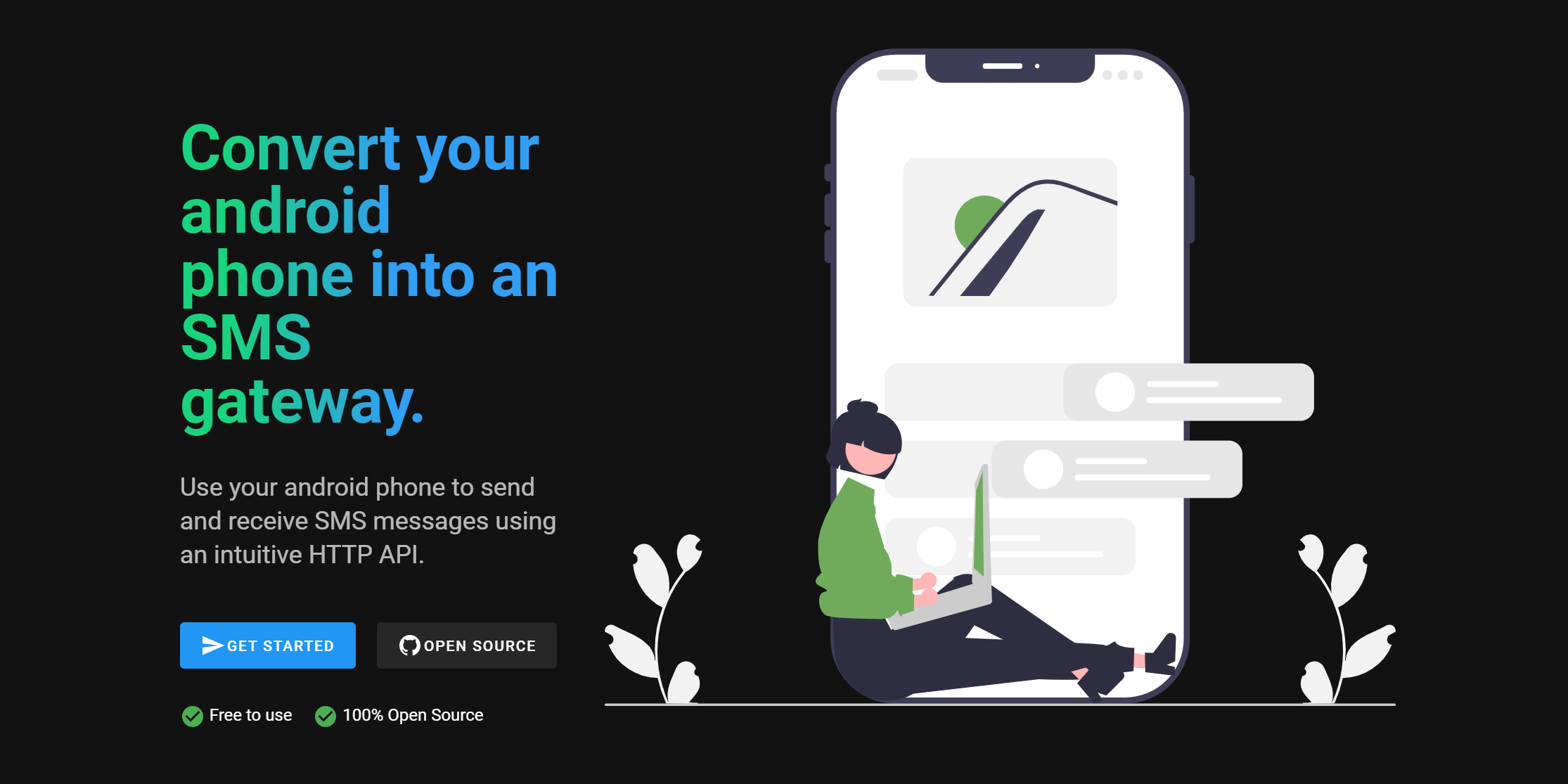
httpSMS is a service that lets you use your Android phone as an SMS Gateway to send and receive SMS messages. You make a request to a simple HTTP API and it triggers your Android phone to send an SMS. SMS messages received on your android phone can also be forwarded to your webhook endpoint.
Quick Start Guide 👉 https://docs.httpsms.com
I'm originally from Cameroon and I wanted an automated way to send and receive SMS messages using an API. Unfortunately many countries don't support the ability to buy virtual phone numbers, and I could not find a good ready-made solution that could help me send/receive SMS messages using a mobile phone using an intuitive http API.
The web interface https://httpsms.com is built using Nuxt and Vuetify. It is hosted as a single page application on firebase. The source code is in the web directory
The API https://api.httpsms.com is built using Fiber, Go and CockroachDB for the database. It runs as a serverless application on Google Cloud Run. The API documentation can be found here https://api.httpsms.com/index.html
// Sending an SMS Message using Go
client := htpsms.New(htpsms.WithAPIKey(/ API Key from https://httpsms.com/settings /))
client.Messages.Send(context.Background(), &httpsms.MessageSendParams{
    Content: "This is a sample text message",
    From:    "+18005550199",
    To:      "+18005550100",
})
The Android App is a native application built using Kotlin with material design principles. This app must be installed on an Android phone before you can start sending and receiving SMS messages.

There are a few ways to get in touch with me and/or the rest of the community. Feel free to use any of these methods. Whatever works best for you:
You can encrypt your messages end-to-end using the military grade AES-256 encryption algorithm. Your encryption key is stored only on our mobile phone so the even the server won't have any way to view the content of your SMS messages which are sent and received on your Android phone.
If you want to build advanced integrations, we support webhooks. The httpSMS platform can forward SMS messages received on the android phone to your server using a callback URL which you provide.
In-order not to abuse the SMS API on android, you can set a rate limit e.g 3 messages per minute. Such that even if you call the API to send messages to 100 people, It will only send the messages at a rate of 3 messages per minute.
Sometimes it happens that the phone doesn't get the push notification in time and I can't send the SMS message. It is possible to set a timeout for which a message is valid and if a message becomes expired after the timeout elapses, you will be notified.
sequenceDiagram
User->>+httpSMS API: Call /v1/messages/send API
httpSMS API-->>+Push Queue: Schedule notification about new message
httpSMS API-->>-User: Respond with 202 (Accepted)
Push Queue-->>+httpSMS API: [Async] Send notification request
httpSMS API-->>-Android App: Send push notification about new message
Android App-->>httpSMS API: [Async] Fetch message
Android App-->>Android App: Send Message using Android SMS API
Android App-->>httpSMS API: [Async] Send result of sending SMS
Android App-->>httpSMS API: [Async] Send Delivery Report
httpsms-docker and this is my web SDK configuration
const firebaseConfig = {
  apiKey: "AIzaSyAKqPvj51igvvNNcRtxxxxx",
  authDomain: "httpsms-docker.firebaseapp.com",
  projectId: "httpsms-docker",
  storageBucket: "httpsms-docker.appspot.com",
  messagingSenderId: "668063041624",
  appId: "1:668063041624:web:29b9e3b702796xxxx",
  measurementId: "G-18VRYL2xxxx",
};
Email/Password sign-in in the Firebase console, open the Authentication section. On the Sign in method tab, enable the Email/password sign-in method and click Save.email/password sign-in method has a bug which prevents you from signing in. The work around right now is to disable email enumeration protection on the firebase console.firebase-credentials.json we will use this file to authenticate with the firebase admin SDK.google-services.json file using the instructions here we will use it letter to configure the android app.The httpSMS application uses SMTP to send emails to users e.g. when your Android phone has been offline for a long period of time. You can use a service like mailtrap to create an SMTP server for development purposes.
The message search route (/v1/messages/search) is protected by a Cloudflare Turnstile captcha to prevent abuse. You need to set up a Turnstile widget for the search messages feature to work.
1. Go to the Cloudflare dashboard and navigate to Turnstile.
2. Add a new site and configure it for your self-hosted domain (e.g., localhost for local development).
3. Note down the Site Key and Secret Key — you will need them for the frontend and backend environment variables respectively.
Clone the httpSMS GitHub repository
git clone https://github.com/NdoleStudio/httpsms.git
.env.docker file in the web directory into .envcp web/.env.docker web/.env
.env file in the web directory with your firebase web SDK configuration in step 1 aboveFIREBASE_API_KEY=
FIREBASE_AUTH_DOMAIN=
FIREBASE_PROJECT_ID=
FIREBASE_STORAGE_BUCKET=
FIREBASE_MESSAGING_SENDER_ID=
FIREBASE_APP_ID=
FIREBASE_MEASUREMENT_ID=
Cloudflare Turnstile site key from step 3
CLOUDFLARE_TURNSTILE_SITE_KEY=
.env.docker file in the api directory into .envcp api/.env.docker api/.env
.env file in the api directory with your firebase service account credentials, SMTP server details, and Cloudflare Turnstile secret key.# SMTP email server settings
SMTP_USERNAME=
SMTP_PASSWORD=
SMTP_HOST=
SMTP_PORT=
Firebase service account credentials
FIREBASE_CREDENTIALS=
This is the projectId from your firebase web config
GCP_PROJECT_ID=
Cloudflare Turnstile secret key from step 3
CLOUDFLARE_TURNSTILE_SECRET_KEY=
EVENTS_QUEUE_USER_API_KEY and EVENTS_QUEUE_USER_ID settings. We will set that up later.docker-compose.yml file. It takes a while for build and download all the docker images.docker compose up --build
users table in your database. Make sure you use the same id and api_key as the EVENTS_QUEUE_USER_ID, and EVENTS_QUEUE_USER_API_KEY in your .env file. INSERT INTO users (id, api_key, email ) VALUES ('your-system-user-id', 'your-system-api-key', '[email protected]');
[!IMPORTANT]
Restart your API docker container after modifyingEVENTS_QUEUE_USER_ID, andEVENTS_QUEUE_USER_API_KEYin your.envfile so that the httpSMS API can pick up the changes.
google-services.json file in the android/app directory with the file which you got from step 1. You need to do this for the firebase FCM messages to work properly.The project includes end-to-end integration tests that validate the complete SMS send/receive lifecycle. Tests run the full stack (API, PostgreSQL, Redis) in Docker alongside a phone emulator that simulates an Android device.
📖 Full documentation: tests/README.md
Quick run:
cd tests
bash generate-firebase-credentials.sh
export FIREBASE_CREDENTIALS=$(jq -c . firebase-credentials.json)
docker compose up -d --build --wait
docker compose wait seed && sleep 2
go test -v -timeout 120s ./...
docker compose down -v
Integration tests also run automatically in CI on every push/PR to main.
This project is licensed under the GNU AFFERO GENERAL PUBLIC LICENSE Version 3 - see the LICENSE file for details
→ →
→ →
→ →
→ →
→ →
→ →
→ →
→