1
 →

Protect your SSH keys with your Mac's Secure Enclave
maxgoedjen/secretive is an open-source project on GitHub, mainly written in Swift. Protect your SSH keys with your Mac's Secure Enclave It currently holds 9,371 stars and 235 forks with 189 open issues, and was last pushed on 2026-10-18 (repository created 2020-02-19).
Git Homed tracks it on the Today's Trending board, currently at rank #98 with 52 new stars today.


Secretive is an app for protecting and managing SSH keys with the Secure Enclave.
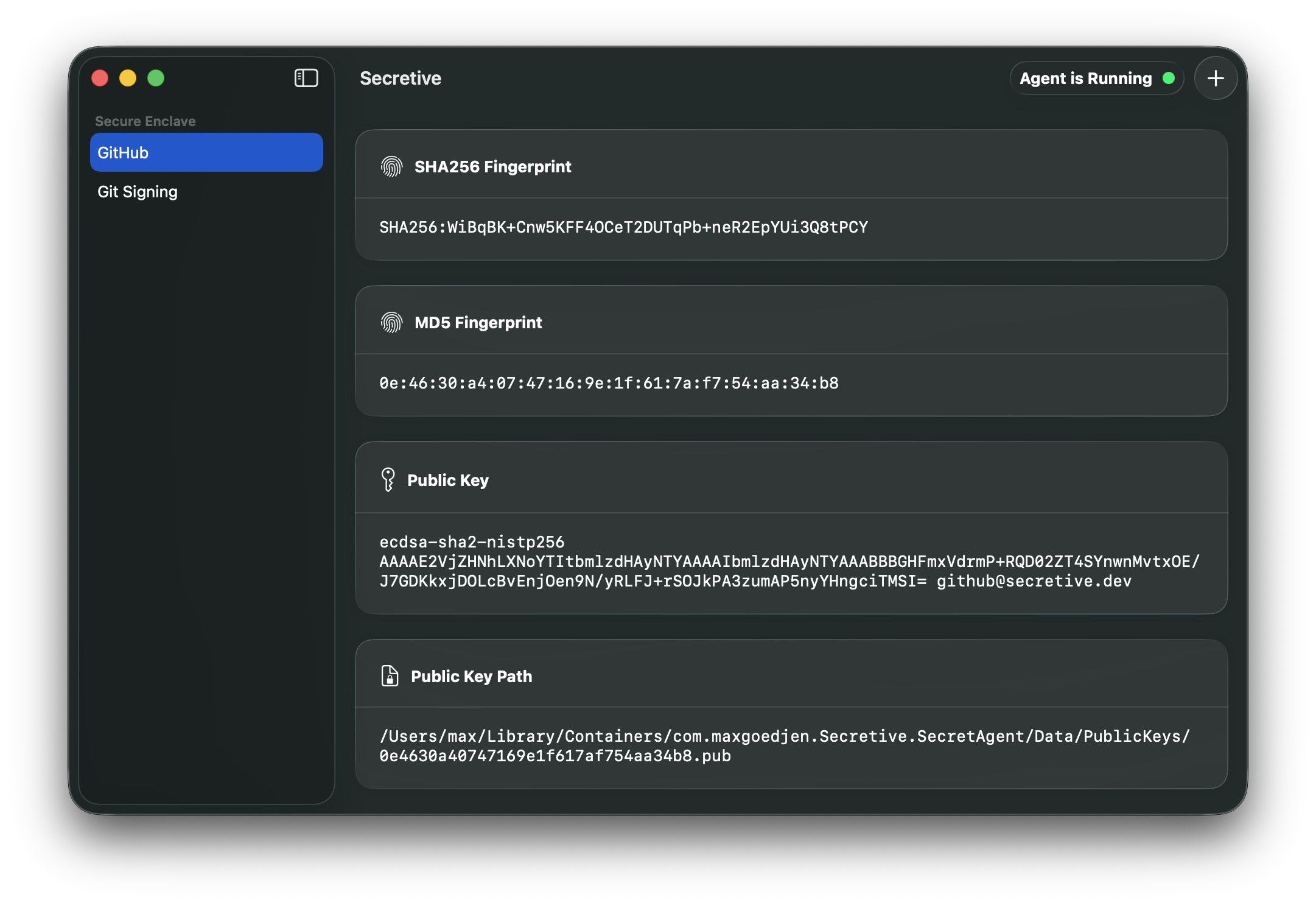
The most common setup for SSH keys is just keeping them on disk, guarded by proper permissions. This is fine in most cases, but it's not super hard for malicious users or malware to copy your private key. If you protect your keys with the Secure Enclave, it's impossible to export them, by design.
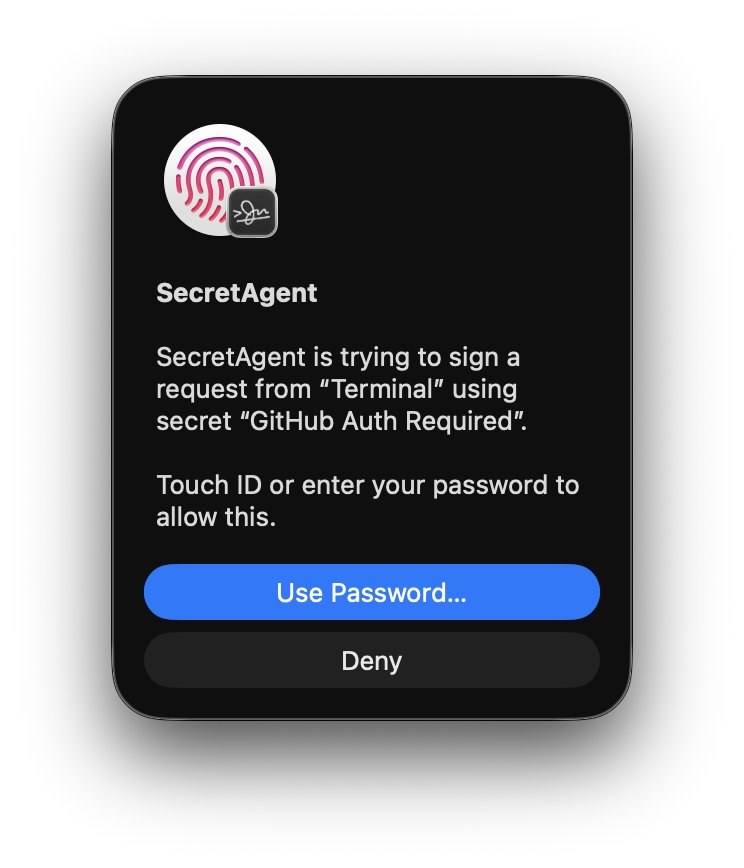
If your Mac has a Secure Enclave, it also has support for strong access controls like Touch ID, or authentication with Apple Watch. You can configure your keys so that they require Touch ID (or Watch) authentication before they're accessed.
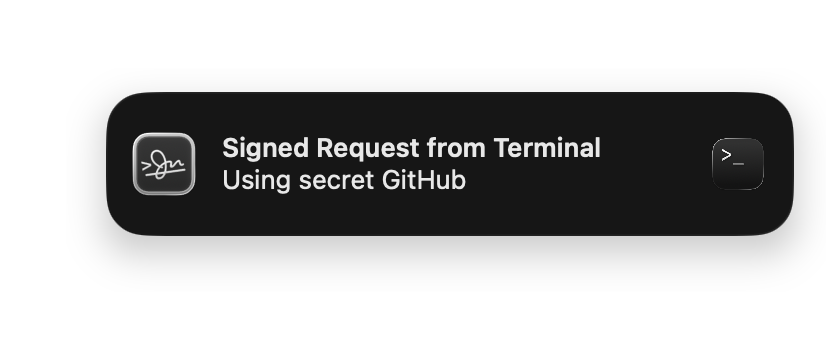
Secretive also notifies you whenever your keys are accessed, so you're never caught off guard.
For Macs without Secure Enclaves, you can configure a Smart Card (such as a YubiKey) and use it for signing as well.
You can download the latest release over on the Releases Page
brew install secretive
There's a FAQ here.
Builds are produced by GitHub Actions with an auditable build and release generation process. Starting with Secretive 3.0, builds are attested using GitHub Artifact Attestation. Attestations are viewable in the build log for a build, and also on the main attestation page.
While Secretive uses the Secure Enclave to protect keys, it still relies on Keychain APIs to store and access them. Keychain restricts reads of keys to the app (and specifically, the bundle ID) that created them. If you build Secretive from source, make sure you are consistent in which bundle ID you use so that the Keychain is able to locate your keys.
Because secrets in the Secure Enclave are not exportable, they are not able to be backed up, and you will not be able to transfer them to a new machine. If you get a new Mac, just create a new set of secrets specific to that Mac.
Secretive's security policy is detailed in SECURITY.md. To report security issues, please use GitHub's private reporting feature.
→ →
 →
 →
 →
 →
 →
 →