1
 →
→
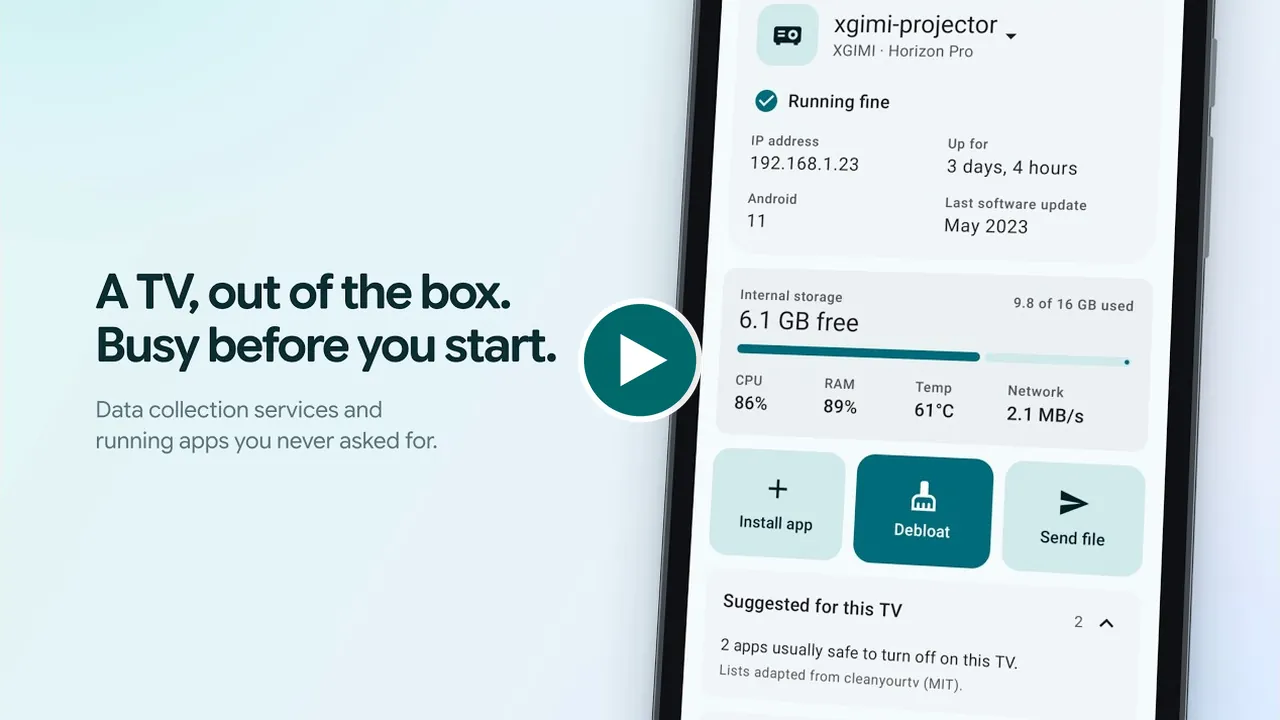
Debloat your Android TV, install apps, browse and transfer files on it, all from your phone. Under 3 MB, no tracking, no root, no PC.
man15h/tellyscope is an open-source project on GitHub, mainly written in Kotlin. Debloat your Android TV, install apps, browse and transfer files on it, all from your phone. Under 3 MB, no tracking, no root, no PC. It currently holds 633 stars and 35 forks with 0 open issues, and was last pushed on an unknown date (repository created unknown).
Git Homed tracks it on the Today's Trending board.
 Tellyscope
Debloat your Android TV, install apps, and browse and transfer files on it, all from your phone. No root, no PC.


 |
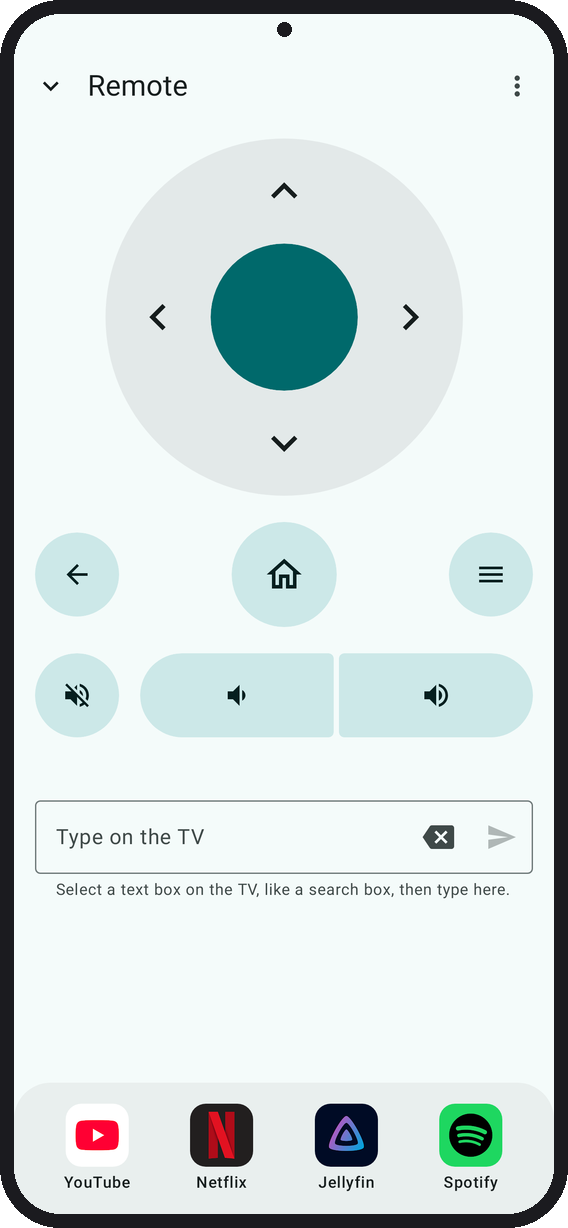 |
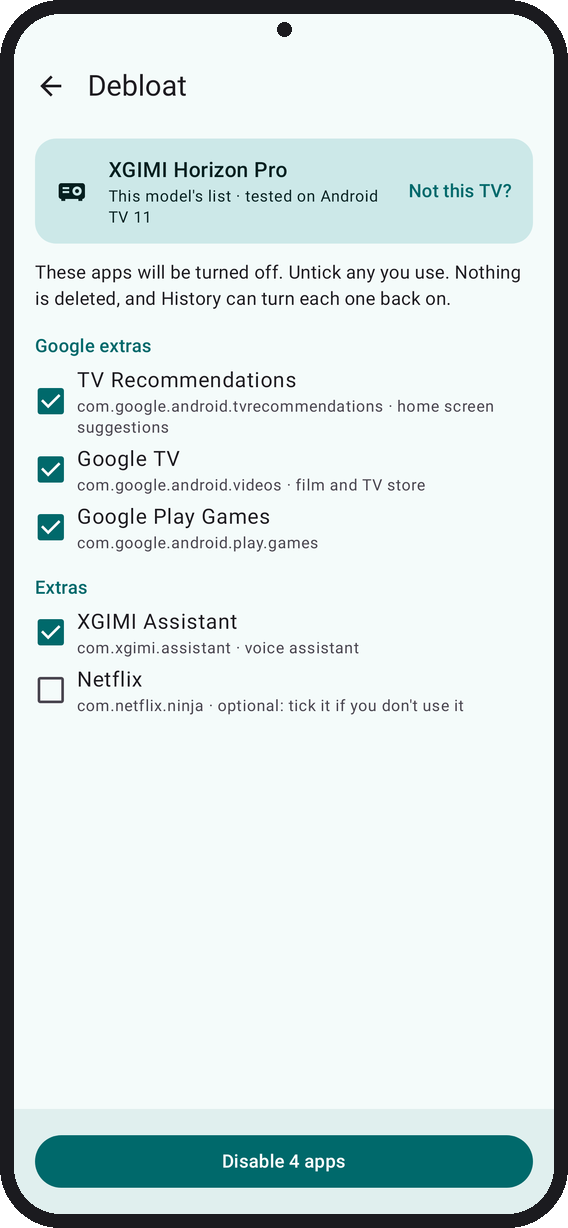 |
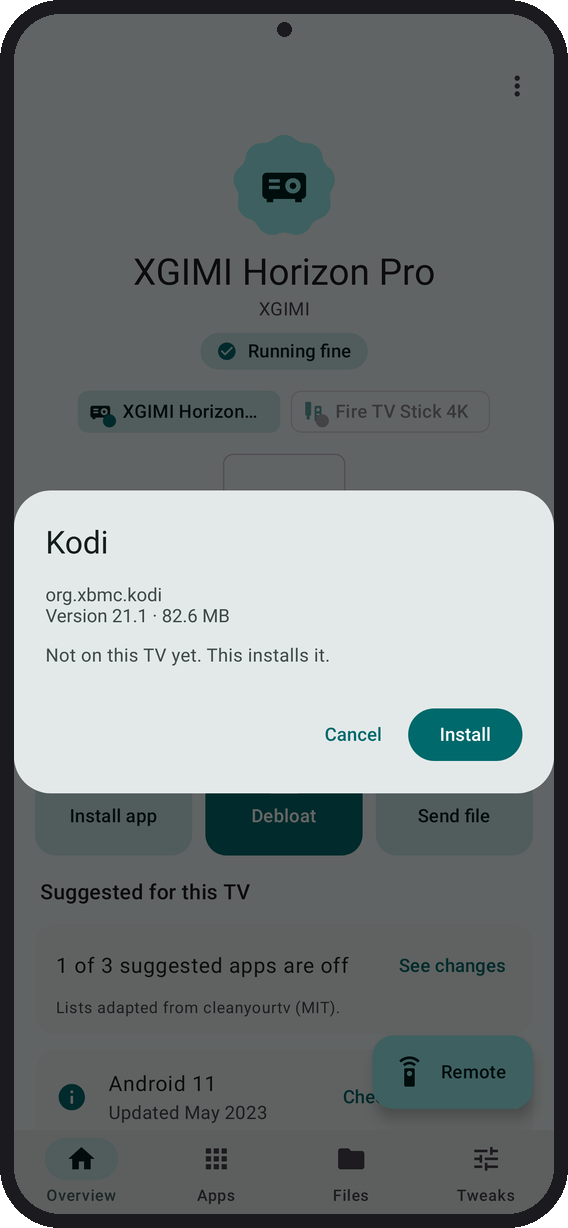 |
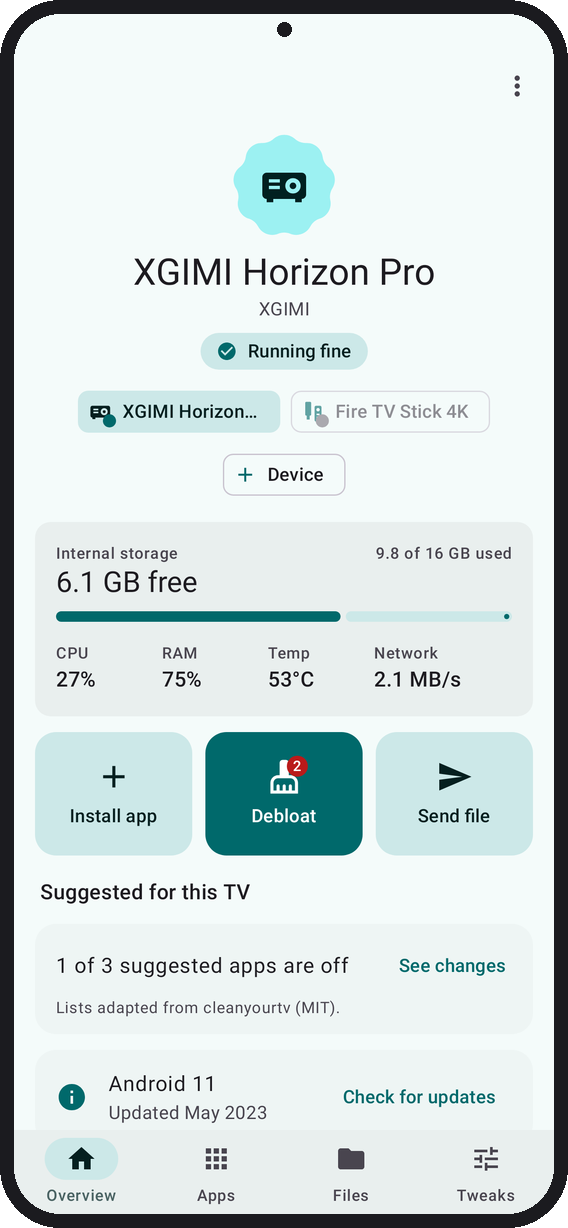
| Your TV at a glance | Control the TV, dock your apps | Review every app Debloat turns off | Install apps |
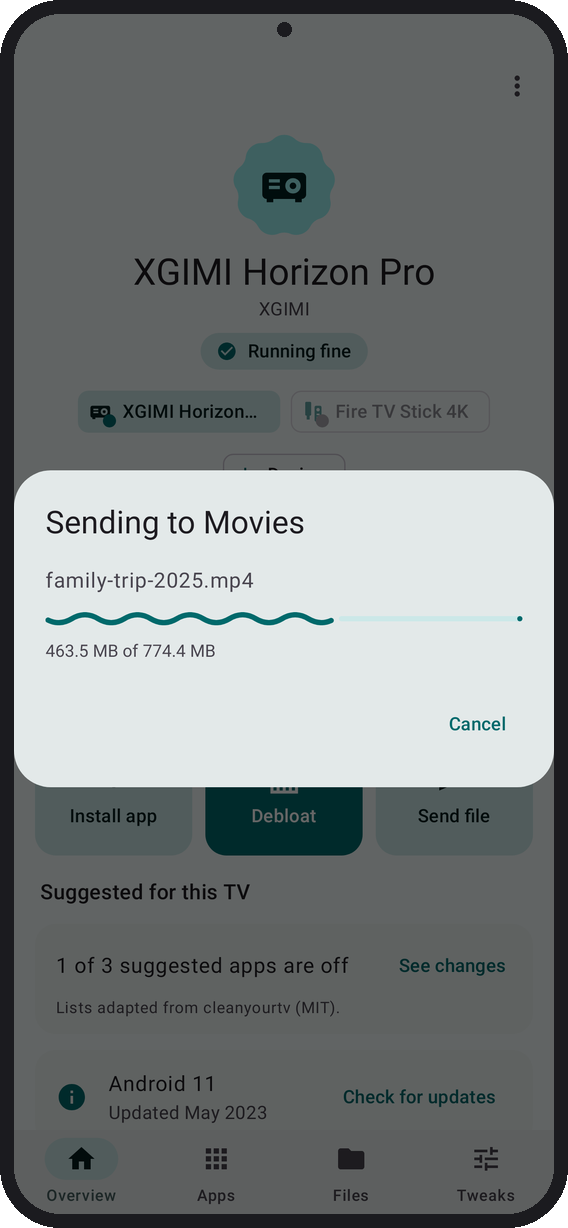 |
 |
 |
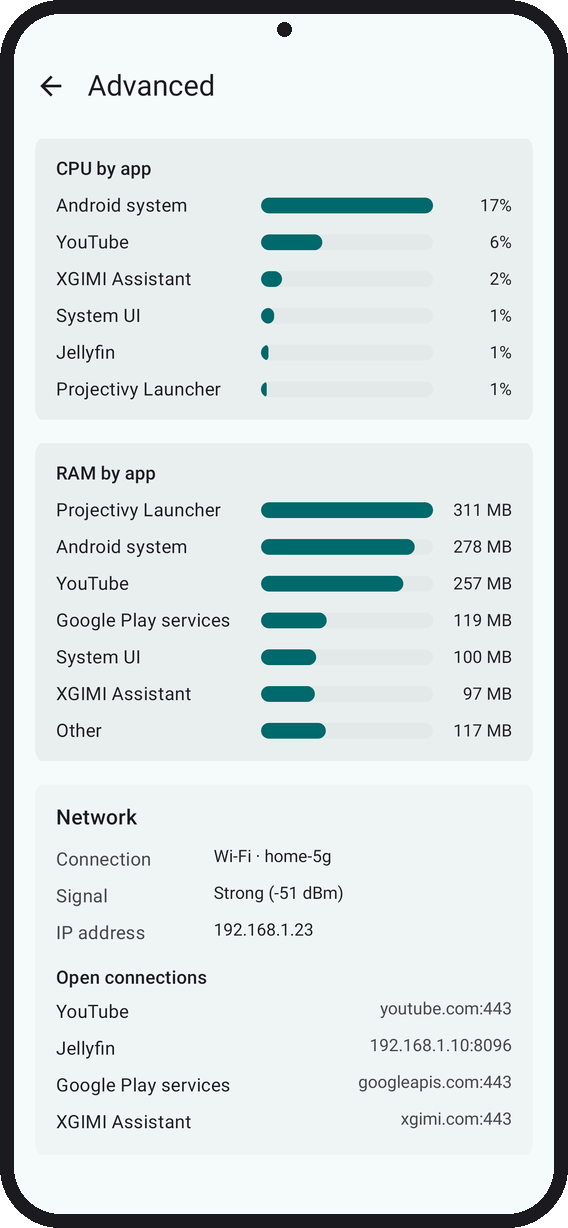 |
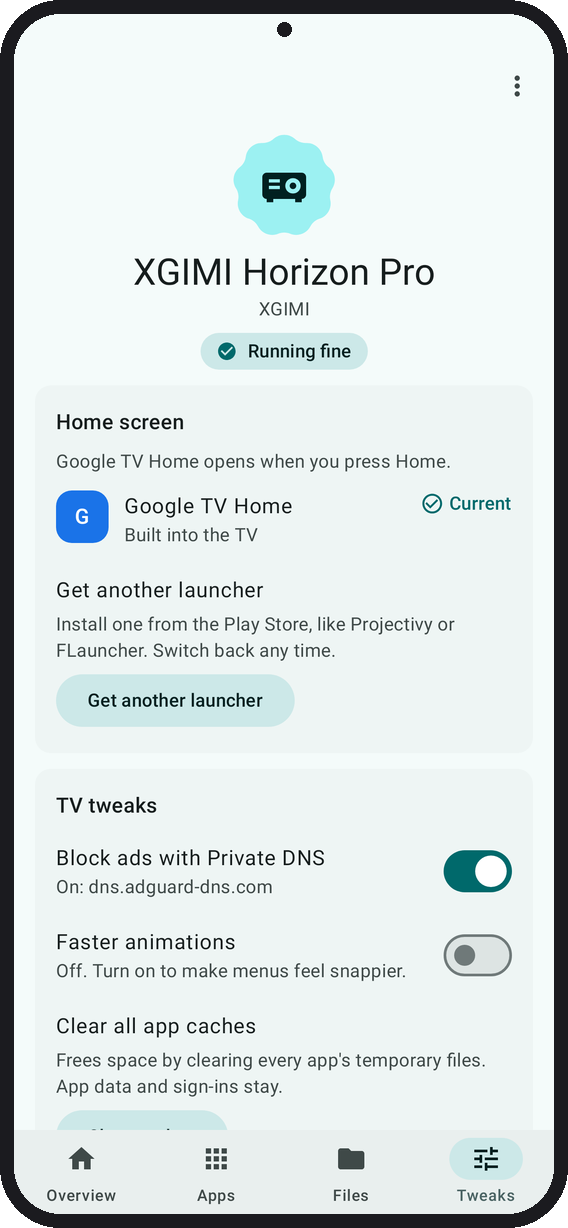
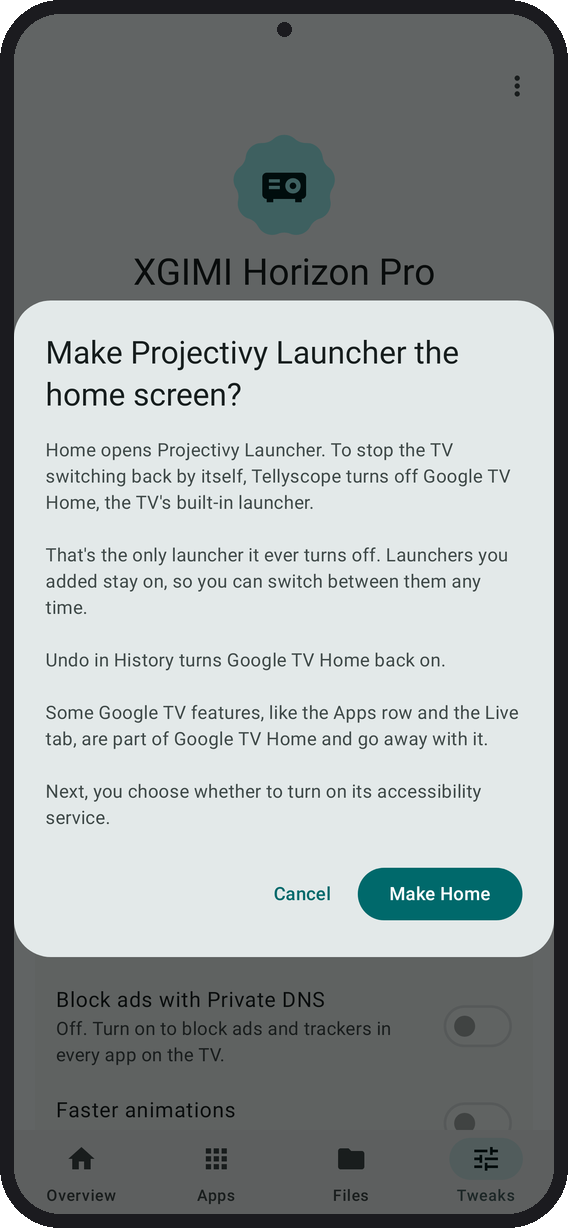
| Send files to the TV | Block ads, tweak the TV, add a launcher | Make a launcher Home | Advanced monitor: what is using the CPU, RAM and network |
Rendered from the app's screenshot tests with sample data. The Install dialog is drawn to match the app, and Advanced monitor joins parts of its longer page.
Tellyscope talks to your Android TV, Google TV, NVIDIA Shield or Fire TV over Wi-Fi using ADB, the debugging protocol developers use. Shield and Fire TV haven't been tested on real hardware yet.
.apks/.xapk/.apkm bundle on your phone. It says first whether it's new, an update or an older version.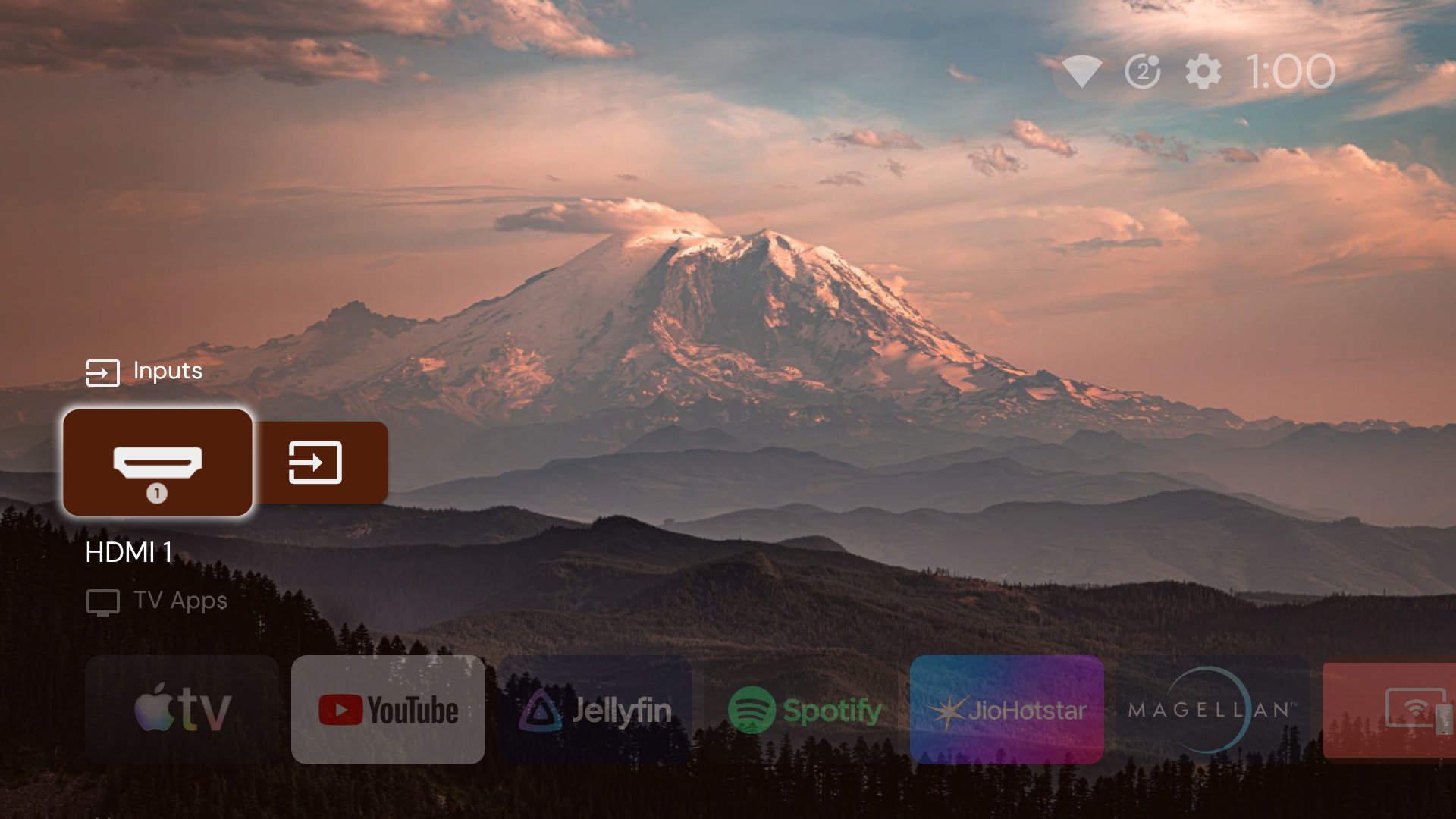
A TV after Tellyscope.
Debloating a TV can break it if done carelessly. Tellyscope keeps to these rules, and contributions must too:
1. Disable, never uninstall, what came with the TV. Built-in apps get pm disable-user, which Undo or pm enable reverses. Uninstall is offered only for apps you installed (pm list packages -3), after a confirm. Tellyscope never runs pm uninstall --user 0.
2. Record before changing. Before its first change on a TV, Tellyscope notes which apps were already off. Every change goes into that TV's History with an Undo (except uninstalls), and Restore everything turns back on only what Tellyscope turned off.
3. Protected list. Apps the TV needs to boot, update, stay on Wi-Fi, show web pages, show its home screen or take input can't be stopped or disabled, with no override. A TV's list can only add warnings, never remove protection. When you switch home screens, the old launcher is turned off only after Home is checked to open the new one.
4. You see it first. Every change names the apps it touches and asks before it runs.
5. No root, no exploits. Only what ADB allows on a stock TV.
6. Nothing left on the TV. Two small helpers run from /data/local/tmp: one reads app names and icons and is deleted at once, the other runs the Remote and is deleted when the Remote closes.
7. Private. No ads, tracking or accounts. The only internet requests fetch the debloat lists from GitHub (or your own fork) and check for a new version every 30 minutes, which you can turn off in Settings. Everything else stays on your Wi-Fi, except the DNS lookup of each TV's name during the scan.
Tellyscope-.apk and open it on your phone. -alpha pre-releases are test builds that install next to the regular app.1. On the TV, open About in Settings and press OK on Build (Fire TV: your device's name) 7 times. 2. In Developer options, turn on USB debugging (Fire TV: ADB debugging), and Network debugging or Wireless debugging if your TV lists it. 3. Open Tellyscope, pick your TV's brand under Add your TV, and tap Connect when your TV shows up. The app shows the exact menu names for your brand. 4. On the TV, check the key matches the one Tellyscope shows, tick Always allow from this computer and press Allow. With wireless debugging, type the 6-digit pairing code instead.
Modules: :app (the phone app, Kotlin and Jetpack Compose), :adb (pure Kotlin ADB library on Kadb), app/src/helper (the on-TV label helper) and :cli (a desktop smoke test, not shipped). You need JDK 25 and the Android SDK with platform 37.
./gradlew build          # assemble, unit tests and lint
./gradlew :app:installDebug
See CONTRIBUTING.md. If you have an Android TV, a device report helps even if nothing worked.
In Wallace & Gromit's 2002 short The Tellyscope, Wallace builds a contraption so he can change the channel without leaving his armchair.
GNU General Public License v3.0. Third-party credits are in NOTICE.
→ →
→ →
→ →
→ →
→ →
→ →
→ →
→