1
 →

Andee lives on your phone or Mac and uses any app like you do—no integrations, no root, any model; memory and passwords never leave your device | Andee 住进你的手机或 Mac,像你一样操作任何 App——无需集成、无需
kuafuai/andee is an open-source project on GitHub, mainly written in Kotlin. Andee lives on your phone or Mac and uses any app like you do—no integrations, no root It currently holds 6,159 stars and 293 forks with 24 open issues, and was last pushed on 2026-11-18 (repository created 2026-09-17).
Git Homed tracks it on the Today's Trending board.
Build online · Install · Getting started · What it does · Why it is different · Build from source · Reference · Permissions · Security · Disclaimer · License
中文 · 安装 · 入门指南 · 参考 · 权限 · 免责声明
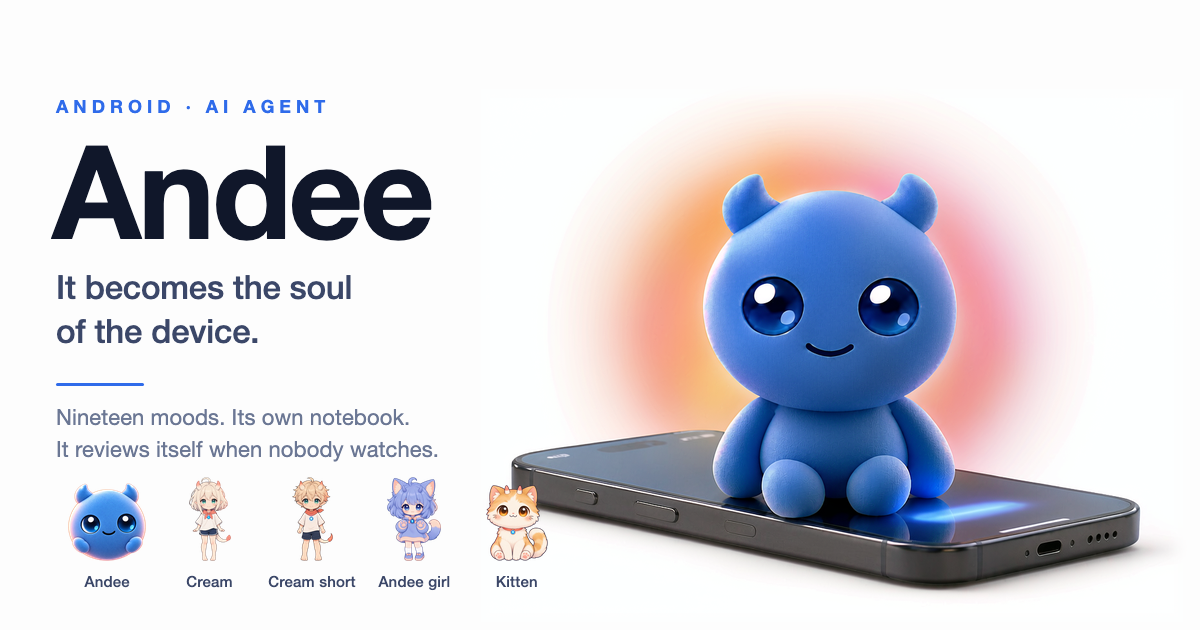
Not the assistant that helps you operate your phone — not a tool, not a companion. What moves in is not an app on the phone. A phone, a Mac, a tablet — each is a body it lives in. And the Andees on different devices can be friends. No root. No custom ROM. One APK on Android, one app on the Mac.
Tell it what you want. It does it on your phone and on your Mac, the way you would: it opens the app, taps, types, reads the screen. When a job is long, it hands it to a helper and keeps talking to you. It remembers you, and it keeps working when you are not asking.
This is the shape DeepSeek calls a Super Agent: one agent that talks to you and keeps track of everything, and helpers that go off and do the long work. DeepSeek built theirs for a team's GitHub repository and says it is a research prototype. Andee is the same idea for one person, on the devices they already use.
| | Andee | OpenClaw | ChatGPT dots | Gemini on the phone | | --- | --- | --- | --- | --- | | Runs on | your own phone and Mac | your own Mac, Windows or Linux | OpenAI's cloud, each with its own cloud computer | Google's cloud | | Works in any phone app, without the app doing anything | Yes | not stated | not stated | only supported apps, a few phones, US and Korea, beta | | Works your computer | Yes | files, shell, browser | can link one computer | no | | Remembers you between chats | Yes, in a notebook that stays on your device | yes | yes | not stated | | Acts when you have not asked | Yes, with an off switch | not stated | not stated | recurring tasks | | Hands long jobs to a helper while you keep talking | Yes (works from the Mac; phone to Mac not yet tested on a device) | not stated | not stated | not stated | | Open source | Yes | Yes | No | No |
"Not stated" means their own pages do not say. It does not mean they cannot. The other columns come from OpenClaw's page, a comparison of nine assistants and a report on Gemini and Siri, read in November 2026. Products change; check theirs.
A phone assistant waits for you to ask. Andee does not wait.
It lives in two places today, an Android phone or tablet and a Mac, and it can drive a small robot dog. It is the same Andee on both.
Easiest: build it on CodeFlying. Open the page, tap build, scan the code to download. The package already has the model and voice keys in it, so it can talk as soon as it is installed. New accounts get a free allowance, then you pay for tokens. (中文:codeflying.net/andee.) CodeFlying is a separate service with its own terms, prices and data handling.
Or download a release from GitHub:
| Device | File | After installing |
| --- | --- | --- |
| Android phone or tablet (Android 8.1+) | andee--en-android-arm64-v8a.apk (nearly every device) | turn on Overlay, then Accessibility |
| Mac, Apple silicon (macOS 14+) | andee--en-mac-arm64.dmg | drag Andee to Applications; allow Accessibility and Screen Recording when asked |
| Mac, Intel | andee--en-mac-x64.dmg | same |
Release files have no keys in them. Put your CodeFlying key in ⚙ → Backend, or switch to On-device and enter your own model and voice keys. Then tap the ball and talk. Permissions explains why each one is needed and what happens if you say no. Getting started is the short first-run guide.
There is no analytics SDK and no tracking of what you say. The only thing that reaches the maintainers is the update check: the version number, phone model and brand, system version, interface language and a random install ID. The whole agent loop is in this repository, including the parts that stop it from doing harm: the vault, the turns that cannot touch it, the commands that need your yes. Where it falls short is written down in SECURITY.md and the disclaimer.
Build it yourself · Everything it can do, how it is built, the wake word, the robot dog · Changelog · Contributing · Report a vulnerability, privately
Built something with it? Show us. The ones worth collecting are usually the ones nobody planned — the odd workaround, the thing it turned out to be able to do, the one that made you laugh. It does not have to be useful.
Post it in Show and tell, one case per post, so each one can be discussed on its own. Three things make a post useful to the next person:

(substitute the id from the video's URL — youtube.com/watch?v=VIDEO_ID)
One thing here is not a formality: this app reads the screen. A screenshot or a recording is a picture of your messages, your notifications, and whatever else happened to be open at the time. Blur or avoid anything private — yours or anyone else's — before it goes up.
| Channel | Use it for | |---|---| | Issue tracker | Reproducible bugs, engineering work | | Show and tell | What you built with it, fun or not — see Showcase | | Security | Vulnerabilities — privately, never in a public issue. See SECURITY.md | | Product / online | Trying Andee without building it yourself — codeflying.app · codeflying.net | | WeChat | Add Andee as a friend — scan the code below, or tap the WeChat icon at the foot of the chat |

Please do not open a public issue for a security problem. The private reporting channel and the process are in SECURITY.md.
That document also lists the known limitations you should read before deploying this, including
one that matters on any network you do not control: the debug WebSocket server binds 0.0.0.0:9008
and does not authenticate its clients. docs/permissions.md
(Chinese) explains each permission against a concrete tool, and
SECURITY.md is honest about what is not fixed yet.
Two documents, and both are conditions of use rather than formalities. Each has a Chinese
counterpart (*.zh-CN.md), linked from the top of the file:
The four points worth reading even if you read nothing else:
FLAG_SECURE; this project has no guardrail
on that path. Keep a human present for anything financial, and treat "the AI did it" as no
defence, because it is not one.
Apache-2.0 with additional conditions — no multi-tenant SaaS, no white-labelling
that removes the branding, and no embedding it in another product without written authorisation.
GitHub reports this as NOASSERTION; that is expected, not a misconfiguration.
Bundled third-party components are inventoried in THIRD_PARTY_NOTICES.md.
Read it before redistributing: **the ML Kit barcode SDK and the play-services-* stubs are not
open-source, and the barcode model is fetched from Google at runtime.
See CHANGELOG.md for what changed and for the versioning policy. The latest release is
v0.16.0 — pre-1.0 on purpose, because the wire contract and the build flags are still moving.
---
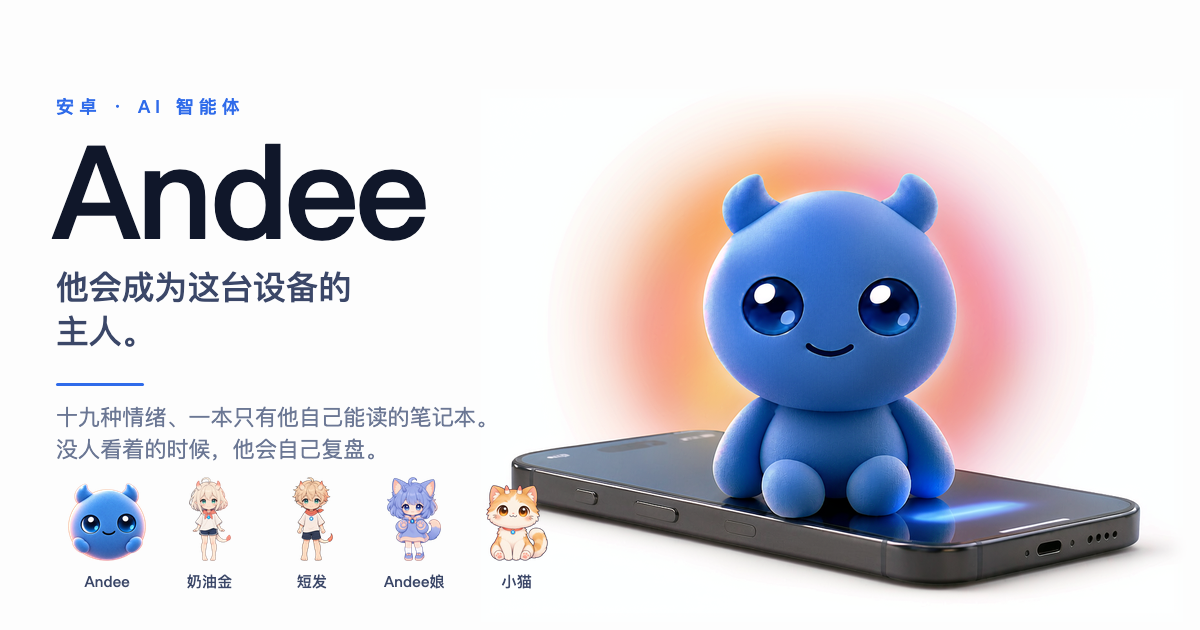
他不是那种帮你操作手机的助手,也不是工具或伙伴 ——
住进来的不是一个 App,是一个灵魂。
手机、Mac、平板,都是他住进去的身体;不同设备上的 Andee,还能成为朋友。
不用 root,不用刷机,不用插着电脑。Android 上一个 APK,Mac 上一个 App。
你跟它说想要什么,它就在你的手机和 Mac 上去做,跟你自己做一样:打开 App、点、打字、看屏幕。活儿太长,它就交给 帮手去干,自己继续跟你说话。它记得你,你没叫它的时候,它也在干活。
这就是 DeepSeek 说的 Super Agent:一个对着你、替你记账的 agent,加一群去干长活的帮手。DeepSeek 做的那个是给团队的 GitHub 仓库用的,他们自己说只是研究原型。Andee 是同一个 思路,给一个人用,装在他每天用的设备上。
| | Andee | OpenClaw(小龙虾) | WorkBuddy | 豆包手机 | | --- | --- | --- | --- | --- | | 跑在哪 | 你自己的手机和 Mac | 你自己的 Mac、Windows、Linux | 腾讯说操作在本地电脑完成 | 字节和中兴做的手机,助手在系统里 | | 能在手机任何 App 里操作,App 不用做任何适配 | 能 | 没说 | 没说;手机端用来远程指挥电脑 | 第一代能;据晚点报道,新一代对头部 App 改成谈合作 | | 能操作你的电脑 | 能 | 文件、命令行、浏览器 | 文件、PPT、浏览器 | 不适用 | | 跨对话记得你 | 能,记在你设备上的小本本里 | 能 | 没说 | 没说 | | 你没开口它也行动 | 能,可以关 | 没说 | 能,可设定时任务 | 没说 | | 长活交给帮手,自己继续陪你 | 能(Mac 上能用;手机连 Mac 还没在真机上测过) | 没说 | 没说 | 没说 | | 开源 | 是 | 是 | 否 | 否 |
「没说」是指它们自己的页面没讲,不等于做不到。其余几列来自 OpenClaw 的页面、 WorkBuddy 的腾讯云介绍和 媒体对豆包手机的报道(转述晚点 LatePost 7 月 17 日的消息), 2026 年 11 月读的。产品每个月都在变,请以它们自己为准。
手机助手等你开口。Andee 不等。
最省事:到 CodeFlying 一键打包。 打开页面点「立即打包」,扫码下载。包里已经配好了 模型和语音密钥,装上就能说话。新用户有免费额度,用完要买。(English:codeflying.app/andee。) CodeFlying 是独立的服务,条款、价格和数据怎么处理,都由它自己定。
也可以直接下载发布包,在 GitHub Releases:
| 设备 | 下载哪个 | 装好之后 |
| --- | --- | --- |
| Android 手机或平板(Android 8.1+) | andee-<版本>-zh-android-arm64-v8a.apk(几乎所有设备) | 开悬浮窗,再开无障碍 |
| Mac,Apple 芯片(macOS 14+) | andee-<版本>-zh-mac-arm64.dmg | 把 Andee 拖进「应用程序」;它要「辅助功能」和「屏幕录制」时允许 |
| Mac,Intel | andee-<版本>-zh-mac-x64.dmg | 同上 |
发布包里没有密钥。在 ⚙ → 后端 里填 CodeFlying 的密钥,或者切到「本机」填你自己的模型和语音密钥。然后点那颗球,说话。 每项权限为什么要、拒绝了会怎样,见权限;第一次上手看入门指南。
没有数据分析 SDK,也不追踪你说了什么。会到维护者手上的只有版本自检:版本号、手机型号和品牌、系统版本、界面语言, 加一个随机安装 ID。整个 agent 的循环都在这个仓库里,包括那些防它做坏事的部分:保险箱、碰不到保险箱的那些轮次、要你点头才能跑的命令。 它在哪里做得不够,写在 SECURITY.md 和免责声明里。
自己构建 · 它能做的一切、怎么搭的、唤醒词、机器狗 · 变更记录 · 参与贡献 · 私下报告漏洞
用它做过什么?说来听听。 值得收的往往不是"正经用途"—— 是你绕的那个弯、是它居然真能做成的 那件事、是把你逗乐的那一下。不实用也可以。
发到 Show and tell,
一个帖子讲一个,这样每个都能单独聊。想让下一个人看得懂,三件事最好带上:
跑在什么机器上 —— 机型、Android 版本、ROM。这个应用和 Android 打交道的层次上,各家 ROM 是
有分歧的,"我手机上能用"对别人几乎等于没说。
你说了什么,它真做了什么 —— 你原话那句,往往比概括出来的有意思。
有链接就贴 —— YouTube、B站、微博、自己的博客,公开的就行。GitHub 的 README 放不了视频
播放器,它只能是个可点的链接。YouTube 的话可以做成缩略图,看起来就像个播放器:
(把 VIDEO_ID 换成视频地址里的那一段 —— youtube.com/watch?v=VIDEO_ID)
有一件事不是客套:这个应用是读屏幕的。 截图或录屏,就是你消息、通知、当时开着的一切的实拍。 发之前把涉及隐私的地方挡掉 —— 你自己和别人的都算。
| 渠道 | 用来做什么 | |---|---| | Issue 跟踪 | 可复现的 bug、工程事项(
请带上设备型号 / Android 版本 / ROM / logcat**) | | 讨论区 / 问答 | 装机求助、想法、"这个能不能做" | | 好玩的用法 | 你用它做过什么,实用不实用都行 —— 见好玩的用法 | | 安→ →
 →
 →
 →
 →
 →
 →