1
 →
→
Content aware image resize library




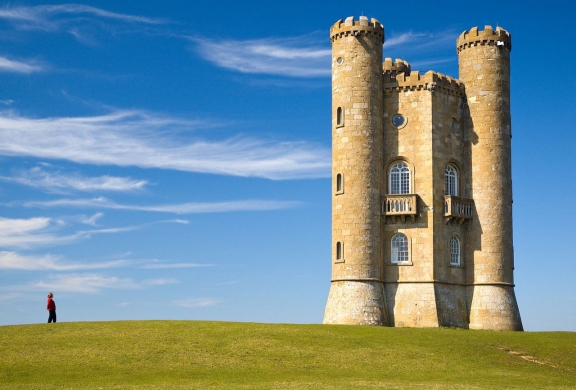
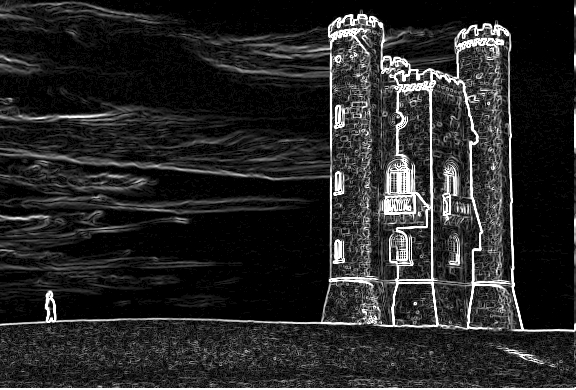
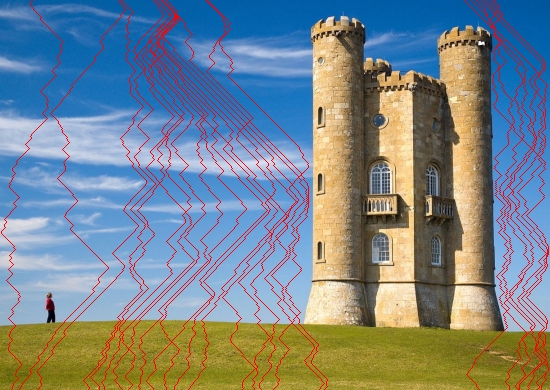
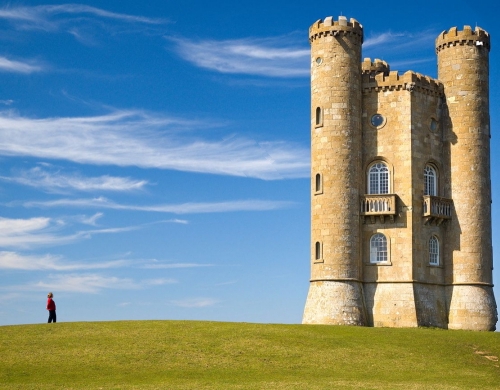
Caire is a content aware image resize library based on Seam Carving for Content-Aware Image Resizing paper.
| Original image | Energy map | Seams applied
|:--:|:--:|:--:|
|  |
|  |
|  |
|  |
|
stdin and stdout pipe commandsGOPATH, and make sure $GOPATH/bin is on your PATH.
$ go install github.com/esimov/caire/cmd/caire@latest
$ brew install caire
$ caire -in input.jpg -out output.jpg
$ caire --help
| Flag | Default | Description |
| --- | --- | --- |
| in | - | Input file |
| out | - | Output file |
| width | n/a | New width |
| height | n/a | New height |
| preview | true | Show GUI window |
| perc | false | Reduce image by percentage |
| square | false | Reduce image to square dimensions |
| blur | 4 | Blur radius |
| sobel | 2 | Sobel filter threshold |
| debug | false | Use debugger |
| face | false | Use face detection |
| angle | float | Plane rotated faces angle |
| mask | string | Mask file path |
| rmask | string | Remove mask file path |
| color | string | Seam color (default #ff0000) |
| shape | string | Shape type used for debugging: circle,line (default circle) |
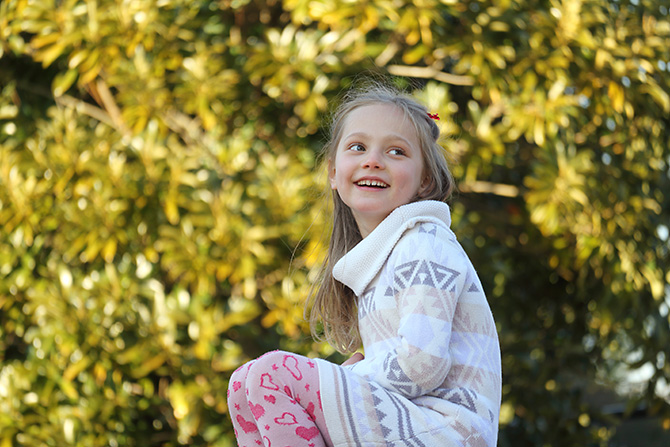
The library is capable of detecting human faces prior resizing the images by using the lightweight Pigo (https://github.com/esimov/pigo) face detection library.
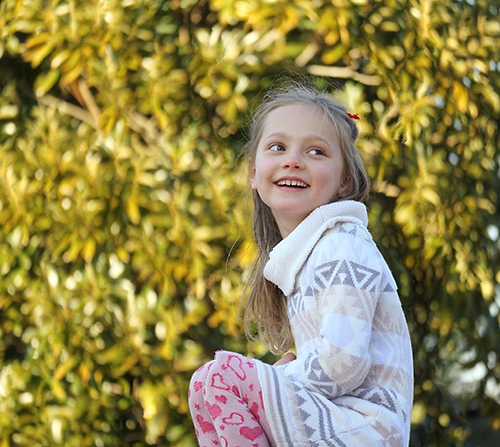
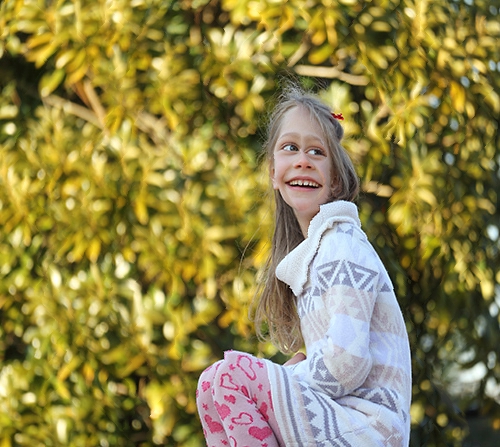
The image below illustrates the application capabilities for human face detection prior resizing. It's clearly visible that with face detection activated the algorithm will avoid cropping pixels inside the detected faces, retaining the face zone unaltered.
| Original image | With face detection | Without face detection
|:--:|:--:|:--:|
|  |
|  |
|  |
|
A GUI preview mode is also incorporated into the library for in time process visualization. The Gio GUI library has been used because of its robustness and modern architecture. Prior running it please make sure that you have installed all the required dependencies noted in the installation section (https://gioui.org/#installation) .
The preview window is activated by default but you can deactivate it any time by setting the -preview flag to false. When the images are processed concurrently from a directory the preview mode is deactivated.
-face flag. There is no need to provide a face classification file, since it's already embedded into the generated binary file. The sample code below will resize the provided image with 20%, but checks for human faces in order tot avoid face deformations.
For face detection related settings please check the Pigo documentation.
$ caire -in input.jpg -out output.jpg -face=1 -perc=1 -width=20
stdin and stdout pipe commandsstdin and stdout with -:
$ cat input/source.jpg | caire -in - -out - >out.jpg
in and out default to - so you can also use:
$ cat input/source.jpg | caire >out.jpg
$ caire -out out.jpg < input/source.jpg
You can provide also an image URL for the -in flag or even use curl or wget as a pipe command in which case there is no need to use the -in flag.
$ caire -in <image_url> -out
$ curl -s <image_url> | caire > out.jpg
$ caire -in <input_folder> -out
-perc boolean flag. In this case the values provided for the width and height are expressed in percentage and not pixel values. For example to reduce the image dimension by 20% both horizontally and vertically you can use the following command:
$ caire -in input/source.jpg -out ./out.jpg -perc=1 -width=20 -height=20 -debug=false
Also the library supports the -square option. When this option is used the image will be resized to a square, based on the shortest edge.
When an image is resized on both the X and Y axis, the algorithm will first try to rescale it prior resizing, but also will preserve the image aspect ratio. The seam carving algorithm is applied only to the remaining points. Ex. : given an image of dimensions 2048x1536 if we want to resize to the 1024x500, the tool first rescale the image to 1024x768 and then will remove only the remaining 268px.
-mask: The path to the protective mask. The mask should be in binary format and have the same size as the input image. White areas represent regions where no seams should be carved.-rmask: The path to the removal mask. The mask should be in binary format and have the same size as the input image. White areas represent regions to be removed.→ →
→ →
→ →
→ →
→ →
→