1
 →
→
Quickly create and run optimised Windows, macOS and Linux virtual machines
quickemu-project/quickemu is an open-source project on GitHub, mainly written in Shell. Quickly create and run optimised Windows, macOS and Linux virtual machines It currently holds 16,306 stars and 742 forks with 72 open issues, and was last pushed on 2026-09-14 (repository created 2020-03-15).
Git Homed tracks it on the Today's Trending board, currently at rank #72 with 39 new stars today.

Quickly create and run optimised Windows, macOS and Linux virtual machines:
Made with 💝 for  &
& 




Quickemu is a wrapper for the excellent QEMU that automatically "does the right thing" when creating virtual machines. No requirement for exhaustive configuration options. You decide what operating system you want to run and Quickemu takes care of the rest 🤖
quickget automatically downloads the upstream OS and creates the configuration 📀quickemu enumerates your hardware and launches the virtual machine with the optimum configuration best suited to your computer ⚡️Today, Quickemu includes comprehensive support for macOS, Windows, most of the BSDs, novel non-Linux operating systems such as FreeDOS, Haiku, KolibriOS, OpenIndiana, ReactOS, and more.
smbdThe presenters of Linux Matters 🐧🎙️ are the creators of each of the principal Quickemu projects. We discussed Quickemu's 2024 reboot in Episode 30 - Quickemu Rising From the Bashes.

Linux Matters Podcast
Once Quickemu is installed, there are two simple steps to create and run a virtual machine:
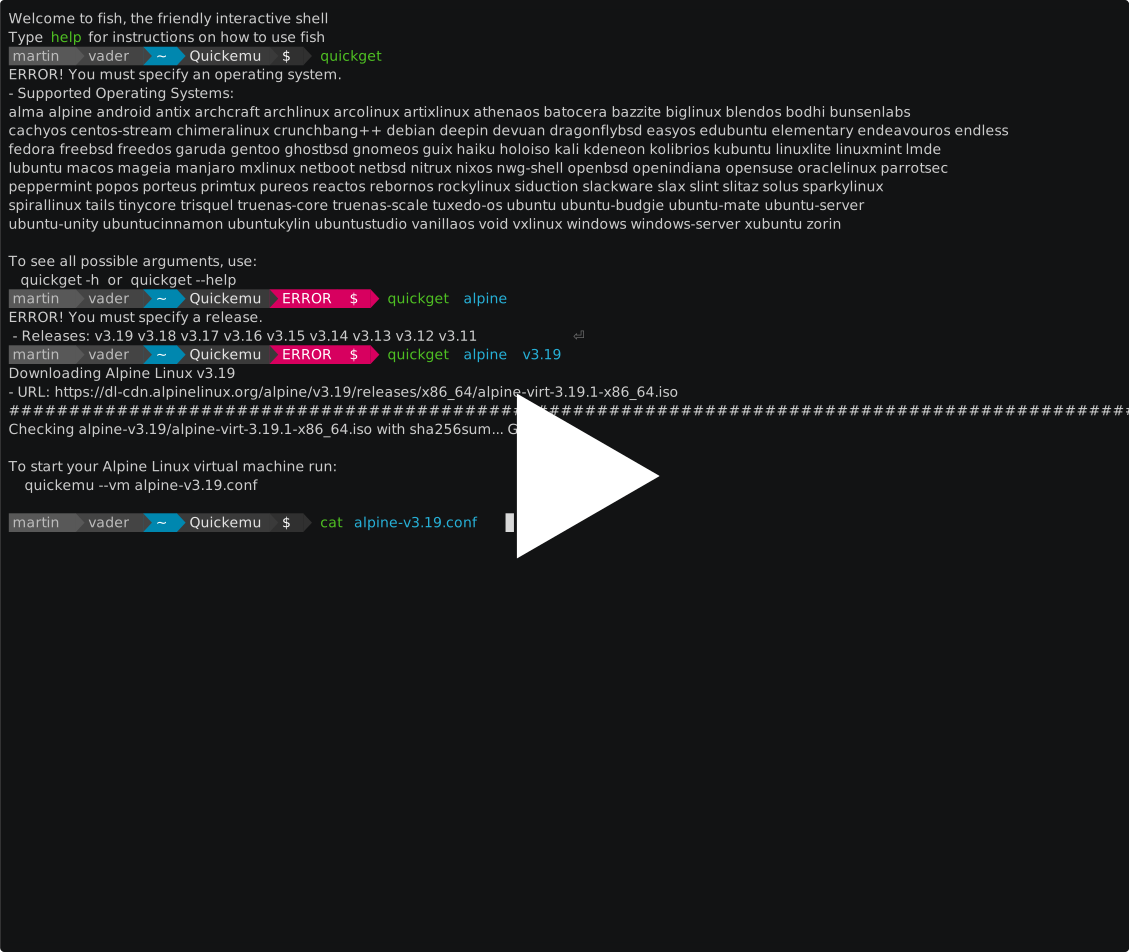
quickget automatically downloads the ISO image for the operating system you want to run and creates a configuration file for the virtual machine.
quickemu starts the virtual machine using the configuration file created by quickget.
Execute quickget (with no arguments) to see a list of all the supported operating systems.
The wiki describes how to get up and running with Quickemu and also covers more advanced configuration and usage.
→ →
→ →
→ →
→ →
→ →
→ →
→ →
→