
1
 →
→PlayCover/PlayCover is an open-source project on GitHub, mainly written in Swift. Community fork of PlayCover It currently holds 11,903 stars and 1,003 forks with 429 open issues, and was last pushed on 2026-10-07 (repository created 2022-07-08).
Git Homed tracks it on the Today's Trending board, currently at rank #68 with 11 new stars today.


Run iOS apps and games on Apple Silicon Macs with mouse, keyboard and controller support.
Documentation
·
Discord
·
Website
Welcome to PlayCover! This software is all about allowing you to run iOS apps and games on Apple Silicon devices running macOS 12.0 or newer.
PlayCover works by putting applications through a wrapper which imitates an iPad. This allows the apps to run natively and perform very well.
PlayCover also allows you to map custom touch controls to keyboard, which is not possible in alternative sideloading methods such as Sideloadly.
These controls include all the essentials, from WASD, camera movement, left and right clicks, and individual keymapping, similar to a popular Android emulator’s keymapping system called Bluestacks.
This software was originally designed to run Genshin Impact on your Apple Silicon device, but it can now run a wide range of applications. Unfortunately, not all games are supported, and some may have bugs.
Localisations handled in Weblate.
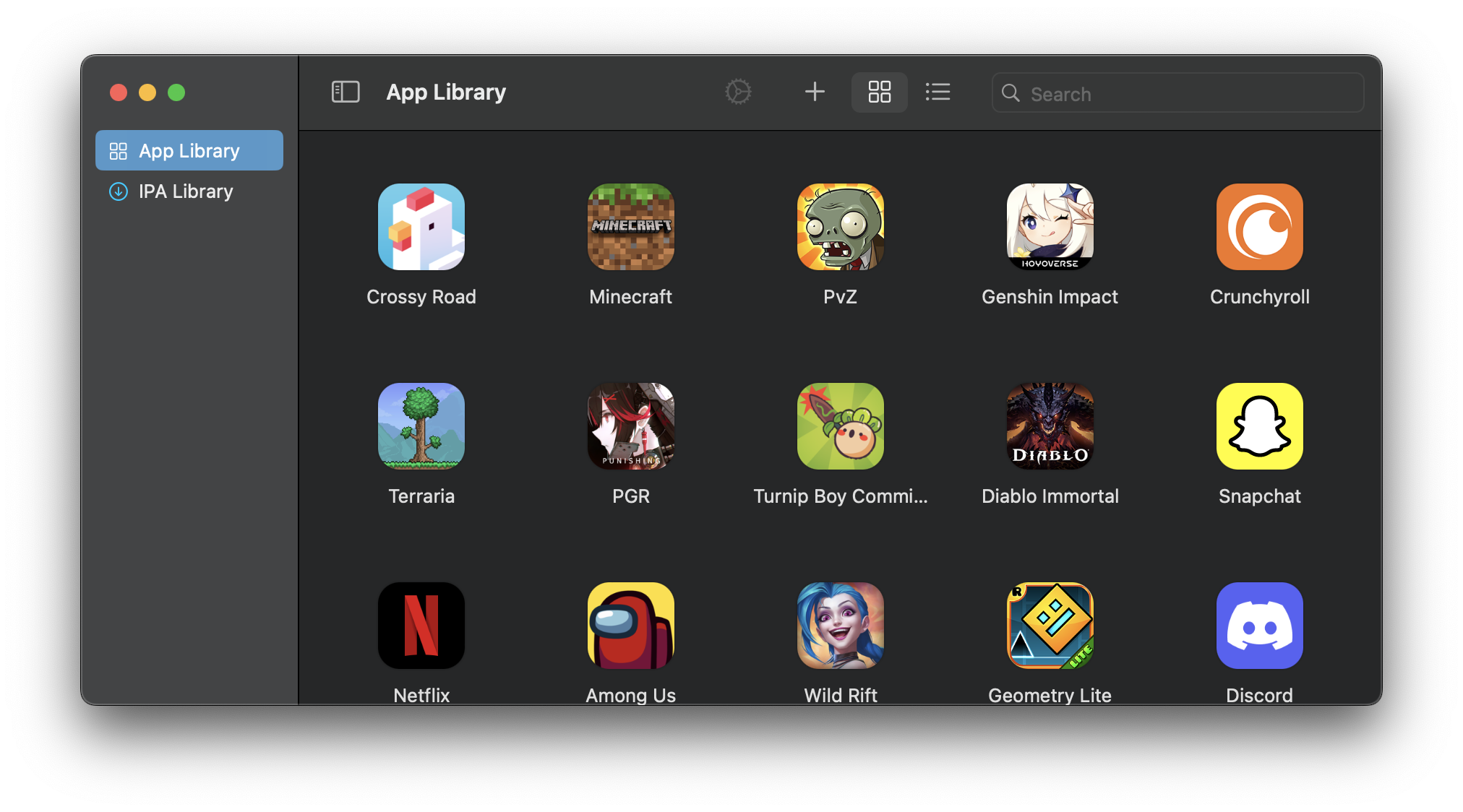
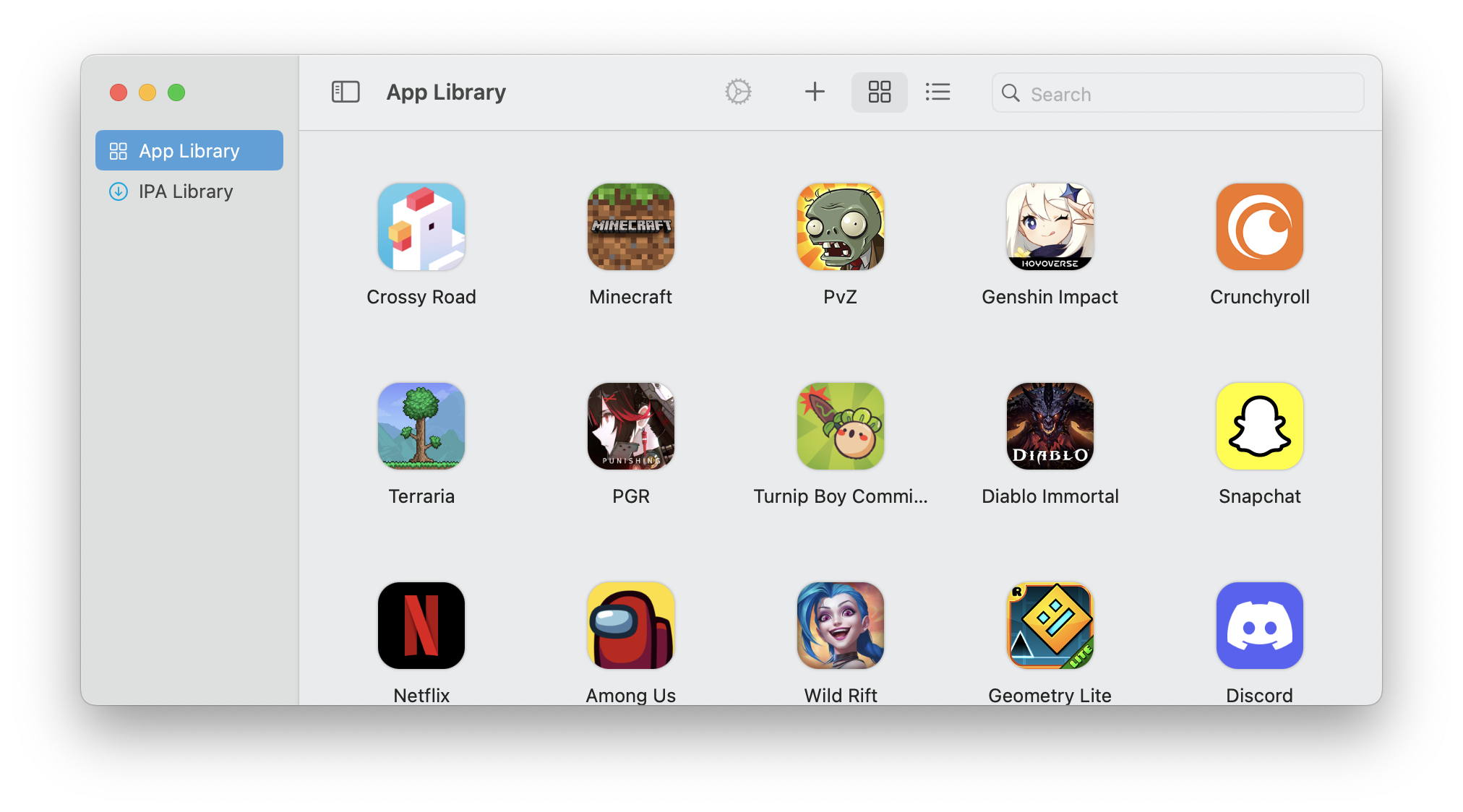
Follow the instructions below to get Genshin Impact, and many other games, up and running in no time.
At the moment, PlayCover can only run on Apple Silicon Macs. This means that only devices with M-series SoCs (eg. M1) are supported.
If you have an Intel Mac, you can explore alternatives like Bootcamp or emulators.
You can download stable releases here, or build from source by following the instructions in the Documentation.
To learn how to setup and use PlayCover, visit the documentation here.
brew install --cask PlayCover/playcover/playcover-community
To uninstall:
1. Remove PlayCover using brew uninstall --cask playcover-community;
2. Untap PlayCover/playcover with brew untap PlayCover/playcover.
Distributed under the GPLv3 License. See LICENSE for more information.
Lucas Lee - [email protected]
Depal - [email protected]
These open source libraries were used to create this project.
[contributors-shield]: https://img.shields.io/github/contributors/PlayCover/PlayCover.svg?style=for-the-badge [contributors-url]: https://github.com/PlayCover/PlayCover/graphs/contributors [forks-shield]: https://img.shields.io/github/forks/PlayCover/PlayCover.svg?style=for-the-badge [forks-url]: https://github.com/PlayCover/PlayCover/network/members [stars-shield]: https://img.shields.io/github/stars/PlayCover/PlayCover.svg?style=for-the-badge [stars-url]: https://github.com/PlayCover/PlayCover/stargazers [issues-shield]: https://img.shields.io/github/issues/PlayCover/PlayCover.svg?style=for-the-badge [issues-url]: https://github.com/PlayCover/PlayCover/issues [license-shield]: https://img.shields.io/github/license/PlayCover/PlayCover.svg?style=for-the-badge [license-url]: https://github.com/PlayCover/PlayCover/blob/master/LICENSE
→ →
→ →
→ →
→ →
→ →
→ →
→ →
→