1
 →
→
🚗 Apple CarPlay and Android Auto for Flutter Apps. Aims to make it safe to use apps made with Flutter in the car by integrating with CarPlay and Android Auto.
oguzhnatly/flutter_carplay is an open-source project on GitHub, mainly written in Dart. 🚗 Apple CarPlay and Android Auto for Flutter Apps. Aims to make it safe to use apps made with Flutter in the car by integrating with CarPlay and Android Auto. It currently holds 411 stars and 118 forks with 5 open issues, and was last pushed on 2026-10-06 (repository created 2021-08-28).
Git Homed tracks it on the Today's Trending board, currently at rank #54 with 67 new stars today.
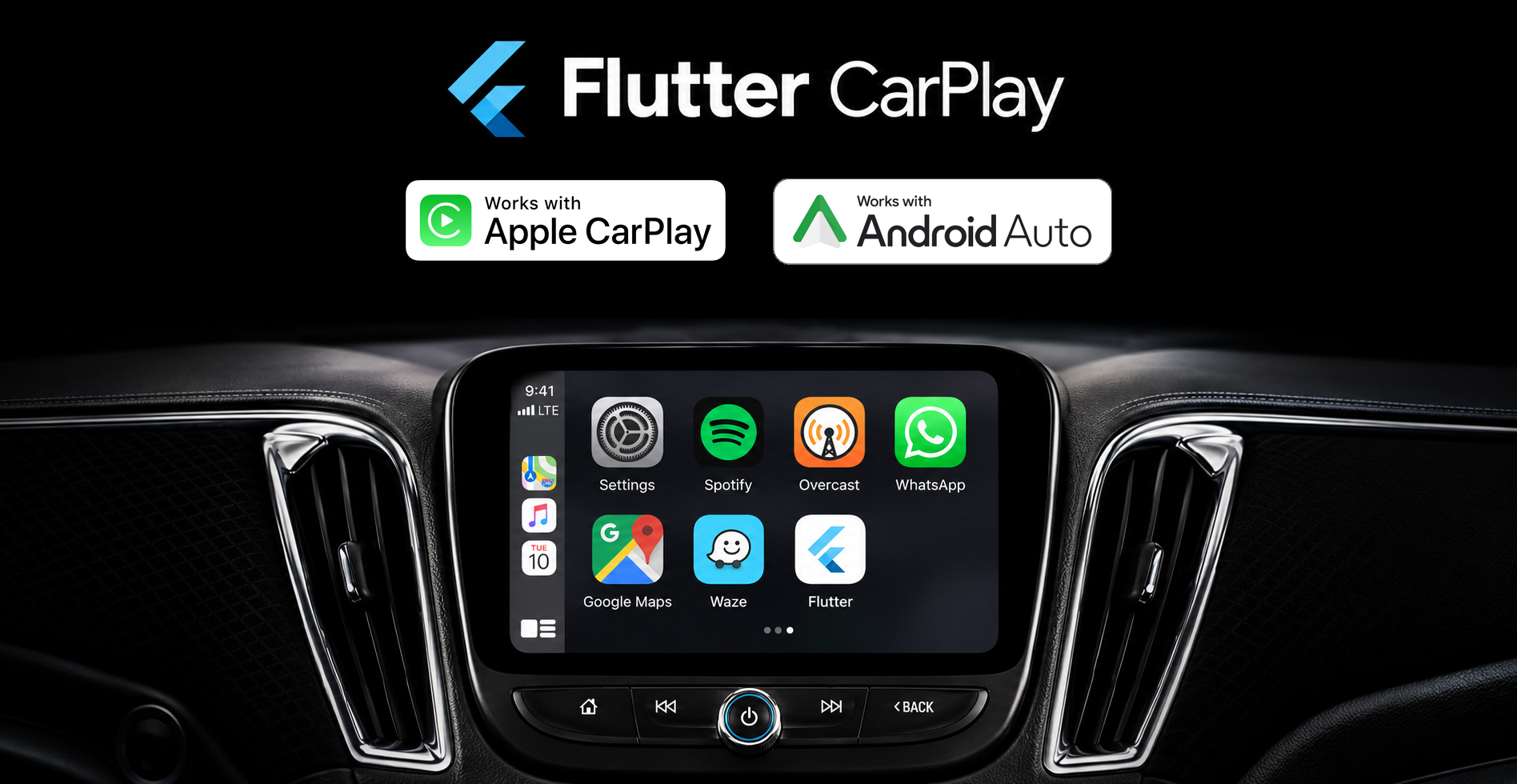
Your Flutter app, on Apple CarPlay and Android Auto.
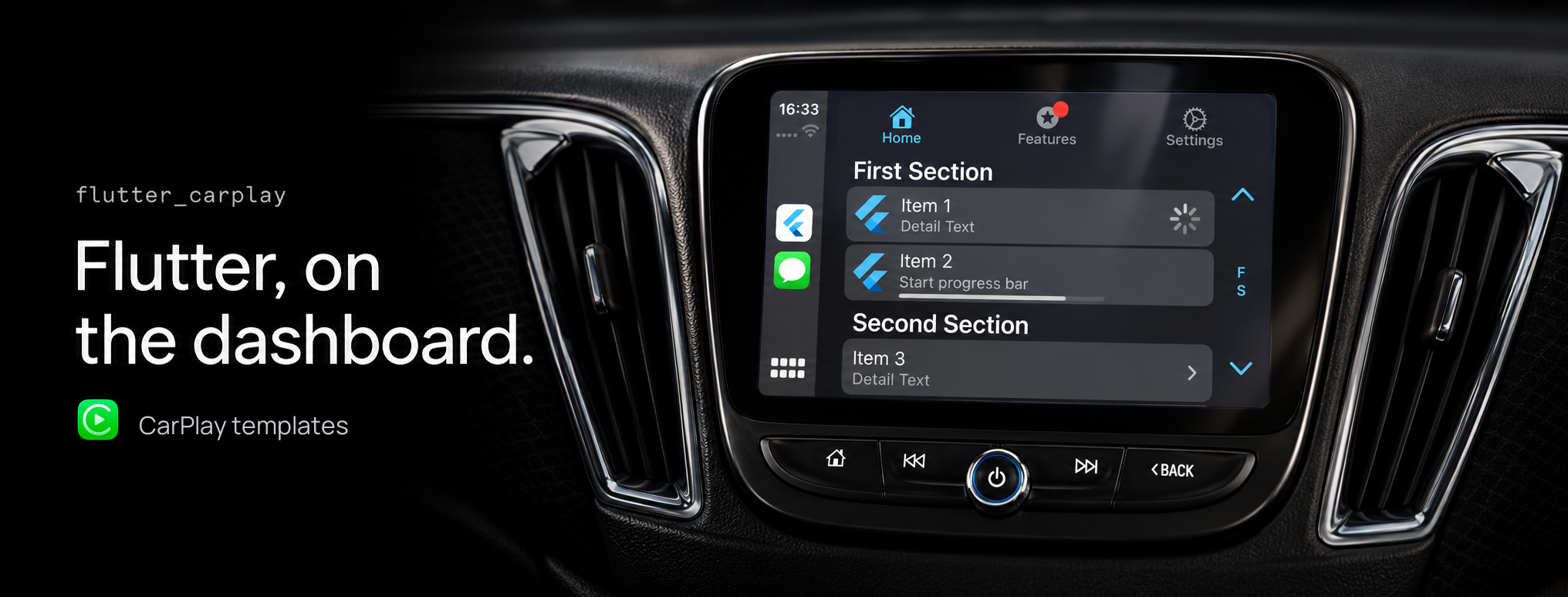
Add a native car experience to the Flutter app you already have. flutter_carplay brings your app's content and actions to the car's built-in display, with screens you define in Dart and callbacks that connect them to your app.
CarPlay and Android Auto handle the native layouts and vehicle controls. You focus on what drivers can browse, choose and do, using each platform's templates rather than resizing your phone's Flutter UI.
CP models and Android Auto's AA models, while sharing your application's content and business logic.CarPlay voice control: voice states, activation, action buttons and dismissal callbacks, with an optional conversational speech example for eligible iOS 26.4 apps. See the voice catalogue entry.
Version 1.7.1 updates the community footer, fixes native CarPlay image sizing and grid callbacks, and improves Android Auto method completion. Read the release notes.
flutter pub add flutter_carplay
Create native content in Dart. Keep a controller alive to receive events, then prepare the root during your app's startup:
import 'package:flutter_carplay/flutter_carplay.dart';
final carplay = FlutterCarplay();
Future prepareCarPlayHome() => FlutterCarplay.setRootTemplate(
  rootTemplate: CPListTemplate(
    title: 'My app',
    sections: [
      CPListSection(items: [
        CPListItem(
          text: 'Saved places',
          detailText: 'Pick up where you left off',
          onPress: (complete, item) async => complete(),
        ),
      ]),
    ],
  ),
);
Complete the platform setup to connect the app to its car host. Android Auto uses its own AA models; the full example below selects the current mobile platform and keeps its event listener alive.
The phone UI remains a normal Flutter app.
import 'dart:async';
import 'package:flutter/foundation.dart';
import 'package:flutter/material.dart';
import 'package:flutter/services.dart';
import 'package:flutter_carplay/flutter_carplay.dart';
void main() {
  WidgetsFlutterBinding.ensureInitialized();
  runApp(const DashboardApp());
}
class DashboardApp extends StatefulWidget {
  const DashboardApp({super.key});
@override
  State createState() => _DashboardAppState();
}
class _DashboardAppState extends State {
  FlutterCarplay? _carplay;
  FlutterAndroidAuto? _androidAuto;
  String _status = ConnectionStatusTypes.unknown.name;
@override
  void initState() {
    super.initState();
    if (defaultTargetPlatform == TargetPlatform.iOS) {
      _carplay = FlutterCarplay()
        ..addListenerOnConnectionChange(_connectionChanged);
    } else if (defaultTargetPlatform == TargetPlatform.android) {
      _androidAuto = FlutterAndroidAuto()
        ..addListenerOnConnectionChange(_connectionChanged);
    }
    if (_carplay != null) {
      unawaited(_installRoot());
    } else if (_androidAuto != null &&
        FlutterAndroidAuto.connectionStatus ==
            ConnectionStatusTypes.connected.name) {
      _connectionChanged(ConnectionStatusTypes.connected);
    }
  }
void _connectionChanged(ConnectionStatusTypes status) {
    if (!mounted) return;
    final newlyConnected = status == ConnectionStatusTypes.connected &&
        _status != ConnectionStatusTypes.connected.name;
    setState(() => _status = status.name);
    if (_androidAuto != null && newlyConnected) {
      unawaited(_installRoot());
    }
  }
Future _installRoot() async {
    try {
      if (_carplay != null) {
        await FlutterCarplay.setRootTemplate(
          rootTemplate: CPListTemplate(
            title: 'On the road',
            sections: [
              CPListSection(items: [
                CPListItem(
                  text: 'Welcome aboard',
                  detailText: 'Tap to update this native row',
                  onPress: (complete, item) async {
                    try {
                      item.setDetailText('Your Flutter app is connected');
                    } finally {
                      await complete();
                    }
                  },
                ),
              ]),
            ],
          ),
        );
      } else if (_androidAuto != null) {
        await FlutterAndroidAuto.setRootTemplate(
          template: AAListTemplate(
            title: 'On the road',
            sections: [
              AAListSection(items: [
                AAListItem(
                  title: 'Welcome aboard',
                  subtitle: 'A native Android Auto row',
                  onPress: (complete, item) async {
                    try {
                      debugPrint('Selected ${item.title}');
                    } finally {
                      await complete();
                    }
                  },
                ),
              ]),
            ],
          ),
        );
      }
    } on PlatformException catch (error) {
      if (mounted) setState(() => _status = error.message ?? error.code);
    }
  }
@override
  void dispose() {
    _carplay?.removeListenerOnConnectionChange();
    _carplay?.closeConnection();
    _androidAuto?.removeListenerOnConnectionChange();
    _androidAuto?.closeConnection();
    super.dispose();
  }
@override
  Widget build(BuildContext context) => MaterialApp(
    home: Scaffold(
      appBar: AppBar(title: const Text('Dashboard companion')),
      body: Center(child: Text('Car connection: $_status')),
    ),
  );
}
The CarPlay root can be prepared before the car attaches. The Android Auto example waits for connected and resubmits its root on reconnect, without rebuilding twice for consecutive connected events. Native tabs and string-based raster artwork need the live Android car context when the template is built. A successful root setter has no Dart boolean result and does not mean a car screen is already visible. Native setup, a compatible host and the app's approved category still determine what can be presented.
Platform overview · Installation · Usage · Images · Templates · Example · Limitations and roadmap · Community
One Flutter app can support both platforms. The template trees are separate because the native frameworks are separate.
| | Apple CarPlay | Android Auto |
| --- | --- | --- |
| Dart controller | FlutterCarplay | FlutterAndroidAuto |
| Template family | CPTemplate and CP models | AATemplate and AA models |
| Renderer | Apple's CarPlay framework | Android for Cars App Library host |
| Package deployment floor | iOS 14.0 | Android API 21; use the higher minimum required by your Flutter SDK |
| Tabs | List, grid, information, and point-of-interest children | List and grid children; native tabs need Car App API level 6 or later |
| Modal flows | Alerts, action sheets, voice control | Alerts use a full-screen message pushed onto the screen stack |
| Voice | Native indicator and states; newer controls on iOS 26.4 | No voice-control template API |
| Media screen | Opens CarPlay's shared Now Playing template | System-owned media UI; no working package method to open it |
Android Auto projects an experience from an Android phone into a compatible car host. Android Automotive OS (AAOS) runs Android directly in the vehicle. Installing a Flutter APK on AAOS and opening its activity displays that app's Flutter UI; it does not make this plugin render Android Auto templates.
Use this package for Android Auto template integration. A standalone AAOS app needs its own vehicle-app design and integration. See Google's Android for Cars documentation for the distinction and supported app categories.
Car hosts decide how a template looks and which controls and content are available. Your entitlement or app category can further restrict the templates you may use. Design short, focused flows and handle content limits instead of relying on the phone layout being reproduced in the car.
Apple requires approval for a CarPlay entitlement and matching signing configuration for device use and distribution. Google has category, quality, and distribution requirements for Android Auto apps. Installing the package does not approve an app for either platform.
Apple CarPlay Developer Guide · Apple design guidance · Android Auto template design
Use Flutter 3.44.0 or later and Dart 3.12.0 or later, below 4.0.0. The repository example and CI use Flutter 3.44.2.
flutter pub add flutter_carplay
To require this release or a compatible update:
dependencies:
  flutter_carplay: ^1.7.1
All public models and both controllers are available from package:flutter_carplay/flutter_carplay.dart. There is no speech-recognition or TTS dependency in the package itself.

CarPlay uses two scenes backed by one Flutter engine: a phone window and a native CarPlay scene. Follow the example's shared-engine arrangement so the car can launch your app without first opening its phone interface.
Set the Runner target and relevant build configurations to iOS 14.0 or later. For CocoaPods, set this in ios/Podfile:
platform :ios, '14.0'
After resolving Flutter dependencies, run CocoaPods normally:
flutter pub get
cd ios
pod install
The plugin also includes a Swift Package Manager manifest. Use Flutter's supported SwiftPM integration for your project; the plugin manifest expects the Flutter-generated FlutterFramework package. Do not independently add a second copy of the plugin alongside CocoaPods.
The iOS deployment target is not the same as the SDK needed to compile newer APIs. Use an Xcode SDK containing the iOS 26 list-image element APIs used by the source. Voice action and navigation buttons specifically need Xcode 26.4 or later and iOS 26.4 or later at runtime.
In ios/Runner/AppDelegate.swift, start the engine during application launch and register plugins against that engine. Adapt existing application hooks rather than registering the same plugins on two engines.
import UIKit
import Flutter
let flutterEngine = FlutterEngine(
    name: "SharedEngine",
    project: nil,
    allowHeadlessExecution: true
)
@main
@objc class AppDelegate: FlutterAppDelegate {
    override func application(
        _ application: UIApplication,
        didFinishLaunchingWithOptions launchOptions:
            [UIApplication.LaunchOptionsKey: Any]?
    ) -> Bool {
        flutterEngine.run()
        GeneratedPluginRegistrant.register(with: flutterEngine)
        return super.application(
            application,
            didFinishLaunchingWithOptions: launchOptions
        )
    }
}
Add SceneDelegate.swift to the Runner target. The phone scene uses the existing engine, not a new engine that would isolate the car's Dart state.
import UIKit
import Flutter
@available(iOS 13.0, *)
class SceneDelegate: UIResponder, UIWindowSceneDelegate {
    var window: UIWindow?
func scene(
        _ scene: UIScene,
        willConnectTo session: UISceneSession,
        options connectionOptions: UIScene.ConnectionOptions
    ) {
        guard let windowScene = scene as? UIWindowScene else { return }
        let phoneWindow = UIWindow(windowScene: windowScene)
        let controller = FlutterViewController(
            engine: flutterEngine,
            nibName: nil,
            bundle: nil
        )
        controller.loadDefaultSplashScreenView()
        phoneWindow.rootViewController = controller
        window = phoneWindow
        phoneWindow.makeKeyAndVisible()
    }
}
Merge this UIApplicationSceneManifest into ios/Runner/Info.plist. The CarPlay delegate name is case-sensitive: flutter_carplay.FlutterCarPlaySceneDelegate.
UIApplicationSceneManifest
UIApplicationSupportsMultipleScenes

    UISceneConfigurations

        CPTemplateApplicationSceneSessionRoleApplication


                UISceneConfigurationName
                CarPlay Configuration
                UISceneDelegateClassName
                flutter_carplay.FlutterCarPlaySceneDelegate


        UIWindowSceneSessionRoleApplication


                UISceneConfigurationName
                Default Configuration
                UISceneDelegateClassName
                $(PRODUCT_MODULE_NAME).SceneDelegate
                UISceneStoryboardFile
                Main
Keep storyboard names aligned with your app. The example uses Main for the phone scene and LaunchScreen for launch UI. There is no need to relocate Flutter engine files or generated plugin registrants.
Request CarPlay access from Apple, then configure the entitlement, bundle identifier, provisioning profile, and Runner signing settings together. Apple Simulator development is useful before approval, but it does not replace device or distribution approval.
The example's default Runner.entitlements uses parking so its point-of-interest demo remains available. Choose your own category; do not copy parking into every app.
| App category | Entitlement key |
| --- | --- |
| Parking | com.apple.developer.carplay-parking |
| Maps and navigation | com.apple.developer.carplay-maps |
| Quick ordering | com.apple.developer.carplay-quick-ordering |
| EV charging | com.apple.developer.carplay-charging |
| Fueling | com.apple.developer.carplay-fueling |
| Driving tasks | com.apple.developer.carplay-driving-task |
| Calling or messaging | com.apple.developer.carplay-communication |
| Audio | com.apple.developer.carplay-audio |
| Voice-based conversation, iOS 26.4 | com.apple.developer.carplay-voice-based-conversation |
This is a category-selection reference, not a promise that every category can use every package template. Check the current CarPlay guide and entitlement configuration instructions before building your template tree. The conversational configuration is covered under Voice Control.

Android Auto launches a CarAppService that talks to a host-rendered screen. The service and phone activity should reuse the same cached Flutter engine.
The plugin has minSdk = 21, compiles against Android SDK 35, and depends on androidx.car.app:app:1.7.0. Your application must also satisfy the minimum required by Flutter; keep flutter.minSdkVersion when that is higher. The plugin does not apply the Kotlin Gradle Plugin itself. Do not add an extra Kotlin plugin application to the library to work around older build instructions.
Merge the following into the application's android/app/src/main/AndroidManifest.xml. This is the repository example's media-template configuration. Select the service category and permissions appropriate to your supported app type using Google's Android Auto setup guide.
Keep your existing activity, application attributes, Flutter embedding metadata, and other permissions. This fragment is not a replacement for the whole application's manifest.
Create android/app/src/main/res/xml/automotive_app_desc.xml:
The MEDIA configuration above requires minCarApiLevel 8 or later, as specified by Google's templated media app requirements. This is a category requirement, not the device's Android SDK version. For another supported app category, choose the minimum Car App API level required by that category and the templates you actually use; do not raise every application to 8 just because this example uses MEDIA.
A template service is not a media playback implementation. Add Google's media-app integration only if your app actually supplies a media service and session. Native tabs require Car App API level 6 when used without fallback; the media example's minimum of 8 already covers that requirement.
Use your own application package declaration in MainActivity.kt. This complete activity body matches the service's FAAConstants.flutterEngineId cache key:
package com.example.flutter_carplay_example
import android.content.Context
import com.oguzhnatly.flutter_android_auto.FAAConstants
import io.flutter.embedding.android.FlutterActivity
import io.flutter.embedding.engine.FlutterEngine
import io.flutter.embedding.engine.FlutterEngineCache
class MainActivity : FlutterActivity() {
    override fun provideFlutterEngine(context: Context): FlutterEngine? =
        FlutterEngineCache.getInstance().get(FAAConstants.flutterEngineId)
override fun configureFlutterEngine(flutterEngine: FlutterEngine) {
        FlutterEngineCache.getInstance()
            .put(FAAConstants.flutterEngineId, flutterEngine)
        super.configureFlutterEngine(flutterEngine)
    }
}
The car service starts and caches an engine with the default Dart entry point when no cached engine exists. If the phone activity starts first, its engine is cached for the service to reuse. Initialize car-facing application state from app startup, not from a phone-only button or navigation route. Submit Android roots when the connection listener reports connected; if a root was prepared earlier, submit it again so native tabs and raster artwork are rebuilt against the live car context.
Host validation: the bundled AndroidAutoService currently uses HostValidator.ALLOW_ALL_HOSTS_VALIDATOR. That is permissive, not a production host allowlist. Review Google's host-validation guidance and your service configuration before distribution. This package does not currently expose a Dart host-validator configuration API.
Static methods send commands. A retained controller instance subscribes to native events and dispatches selections, buttons, connection changes, and CarPlay dismissal callbacks. Keep one long-lived instance for the current platform and remove its listener and close its subscription when its owner is disposed.
| Lifecycle API | Meaning |
| --- | --- |
| addListenerOnConnectionChange(callback) | Installs a connection callback on that controller instance; a later call replaces it |
| removeListenerOnConnectionChange() | Removes the callback, but does not close the event subscription |
| pauseConnection() / resumeConnection() | Pauses or resumes event delivery; does not disconnect the vehicle |
| closeConnection() | Cancels the event subscription; resuming a cancelled subscription does not recreate it |
| connectionStatus | Static String containing an enum name, not a ConnectionStatusTypes value |
| rootTemplate | The Dart-side root retained in template history, not a query of the visible native screen |
Connection callbacks receive ConnectionStatusTypes. CarPlay reports connected, background, and disconnected; unknown is the initial Dart state. Android Auto's current session emits connected and disconnected events. The shared enum also contains background, but do not depend on Android emitting that state in this implementation.
Create only the matching platform controller if you intend
→ →→
→→ →
→ →
→ →
→ →
→ →
→