1
 →
→
Stop renting your intelligence. Own it with AnythingLLM. Everything you need for a powerful local-first agent experience
[!NOTE]
We are also working on Open Computer which gives an entire computer environment for AI Agents to use.
> This will bring AnythingLLM's agent capabilities to a new level and a novel UX paradigm for AI Agent use.
> ⭐ Star the repo to stay updated!

AnythingLLM: The all-in-one AI app you were looking for.
Chat with your docs, use AI Agents, hyper-configurable, multi-user, & no frustrating setup required.
 |
|
|
Docs
|
Hosted Instance
👉 AnythingLLM for desktop (Mac, Windows, & Linux)! Download Now
Chat with your docs. Automate complex workflows with AI Agents. Hyper-configurable, multi-user ready, battle-tested—and runs locally by default with zero setup friction.

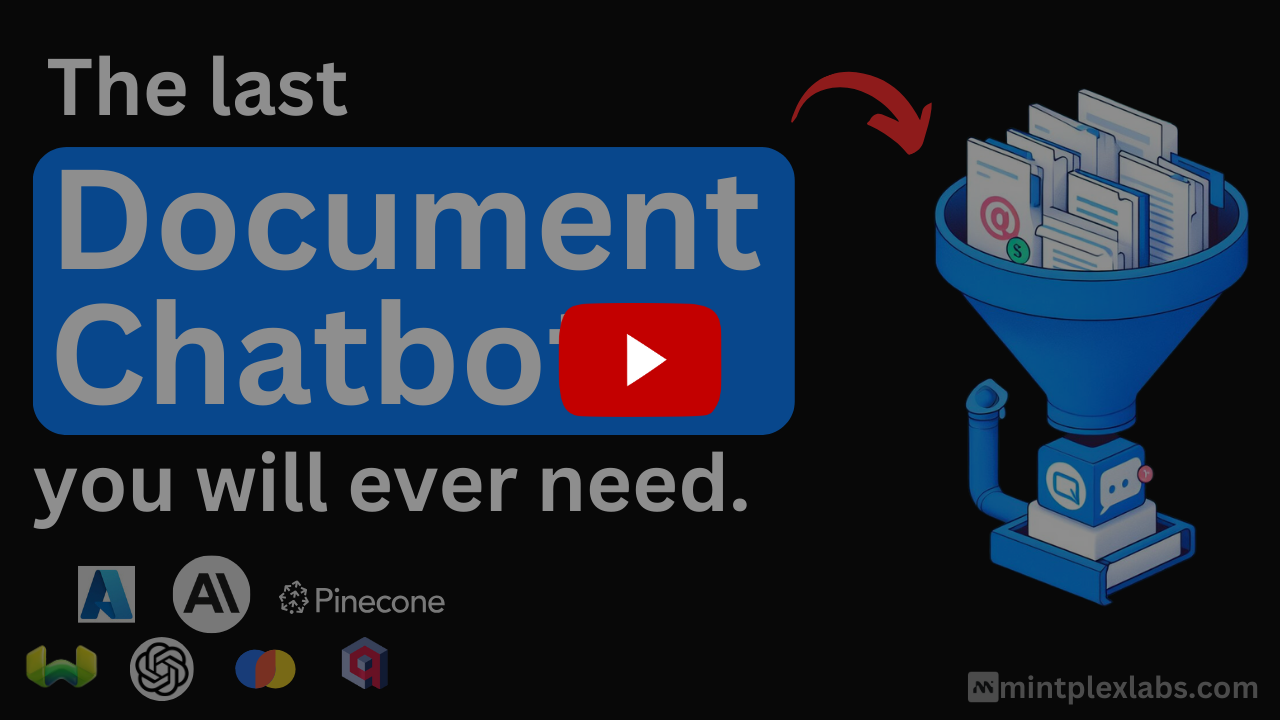
AnythingLLM is the all-in-one AI application that lets you build a private, fully-featured ChatGPT—without compromises. Connect your favorite local or cloud LLM, ingest your documents, and start chatting in minutes. Out of the box you get built-in agents, multi-user support, vector databases, and document pipelines — no extra configuration required.
AnythingLLM supports multiple users as well where you can control the access and experience per user without compromising the security or privacy of the instance or your intellectual property.
Large Language Models (LLMs):
This monorepo consists of six main sections:
frontend: A viteJS + React frontend that you can run to easily create and manage all your content the LLM can use.server: A NodeJS express server to handle all the interactions and do all the vectorDB management and LLM interactions.collector: NodeJS express server that processes and parses documents from the UI.docker: Docker instructions and build process + information for building from source.embed: Submodule for generation & creation of the web embed widget.browser-extension: Submodule for the chrome browser extension.Mintplex Labs & the community maintain a number of deployment methods, scripts, and templates that you can use to run AnythingLLM locally. Refer to the table below to read how to deploy on your preferred environment or to automatically deploy. | Docker | AWS | GCP | Digital Ocean | Render.com | |----------------------------------------|----|-----|---------------|------------| | [![Deploy on Docker][docker-btn]][docker-deploy] | [![Deploy on AWS][aws-btn]][aws-deploy] | [![Deploy on GCP][gcp-btn]][gcp-deploy] | [![Deploy on DigitalOcean][do-btn]][do-deploy] | [![Deploy on Render.com][render-btn]][render-deploy] |
| Railway | RepoCloud | Elestio | Northflank | Sealos | | --------------------------------------------------- | --------------------------------------------------------- | --------------------------------------------------- | ------------------------------------------------------------ | ---------------------------------------------------- | | [![Deploy on Railway][railway-btn]][railway-deploy] | [![Deploy on RepoCloud][repocloud-btn]][repocloud-deploy] | [![Deploy on Elestio][elestio-btn]][elestio-deploy] | [![Deploy on Northflank][northflank-btn]][northflank-deploy] | [![Deploy on Sealos][sealos-btn]][sealos-deploy] |
| Easypanel | | --- | | [![Deploy on Easypanel][easypanel-btn]][easypanel-deploy] |
or set up a production AnythingLLM instance without Docker →
yarn setup To fill in the required .env files you'll need in each of the application sections (from root of repo).server/.env.development is filled or else things won't work right.yarn dev:server To boot the server locally (from root of repo).yarn dev:frontend To boot the frontend locally (from root of repo).yarn dev:collector To then run the document collector (from root of repo).AnythingLLM by Mintplex Labs Inc contains a telemetry feature that collects anonymous usage information.
We use this information to help us understand how AnythingLLM is used, to help us prioritize work on new features and bug fixes, and to help us improve AnythingLLM's performance and stability.
Set DISABLE_TELEMETRY in your server or docker .env settings to "true" to opt out of telemetry. You can also do this in-app by going to the sidebar > Privacy and disabling telemetry.
We will only track usage details that help us make product and roadmap decisions, specifically:
Telemetry.sendTelemetry is called. Additionally these events are written to the output log so you can also see the specific data which was sent - if enabled. No IP or other identifying information is collected. The Telemetry provider is PostHog - an open-source telemetry collection service.
We take privacy very seriously, and we hope you understand that we want to learn how our tool is used, without using annoying popup surveys, so we can build something worth using. The anonymous data is _never_ shared with third parties, ever.
View all telemetry events in source code
If you disable telemetry, you would still see outbound connections to the following services:
cdn.anythingllm.com for pulling models from our mirror CDN. This is not tracked by telemetry and is actually useful for those in VPN restricted regions.github/githubusercontent.com There are some various flat files that are downloaded from these domains for context window caching.


→ →
→ →
→ →
→ →
→ →
→