1
 →
→
A beautiful media player for android, based on mpv-android and built with Jetpack Compose. Forked from mpvKt
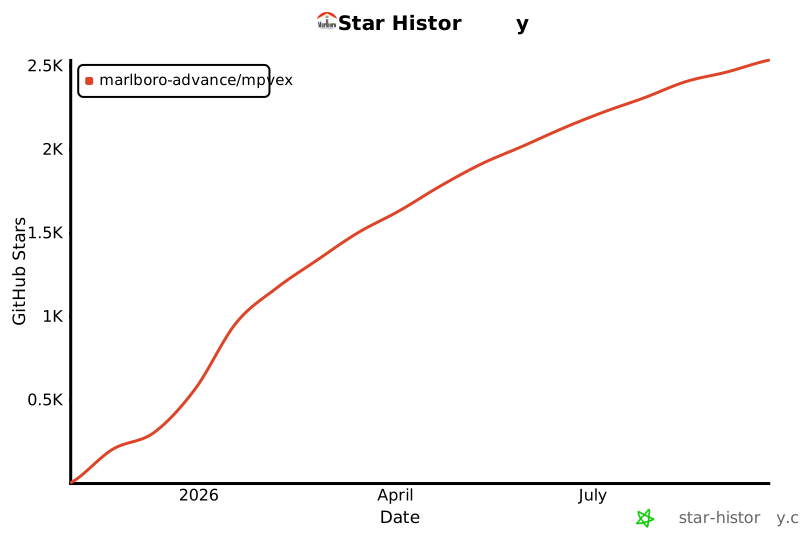
marlboro-advance/mpvEx is an open-source project on GitHub, mainly written in Kotlin. A beautiful media player for android, based on mpv-android and built with Jetpack Compose. Forked from mpvKt It currently holds 2,534 stars and 0 forks with 0 open issues, and was last pushed on an unknown date (repository created unknown).
Git Homed tracks it on the Video Trending board and on the AI Video Trending list.



mpvExtended is a fork of mpv-android, built on the libmpv library. It aims to combine the powerful features of mpv with an easy to use interface and additional features.
---

Or you can get the stable releases here


---
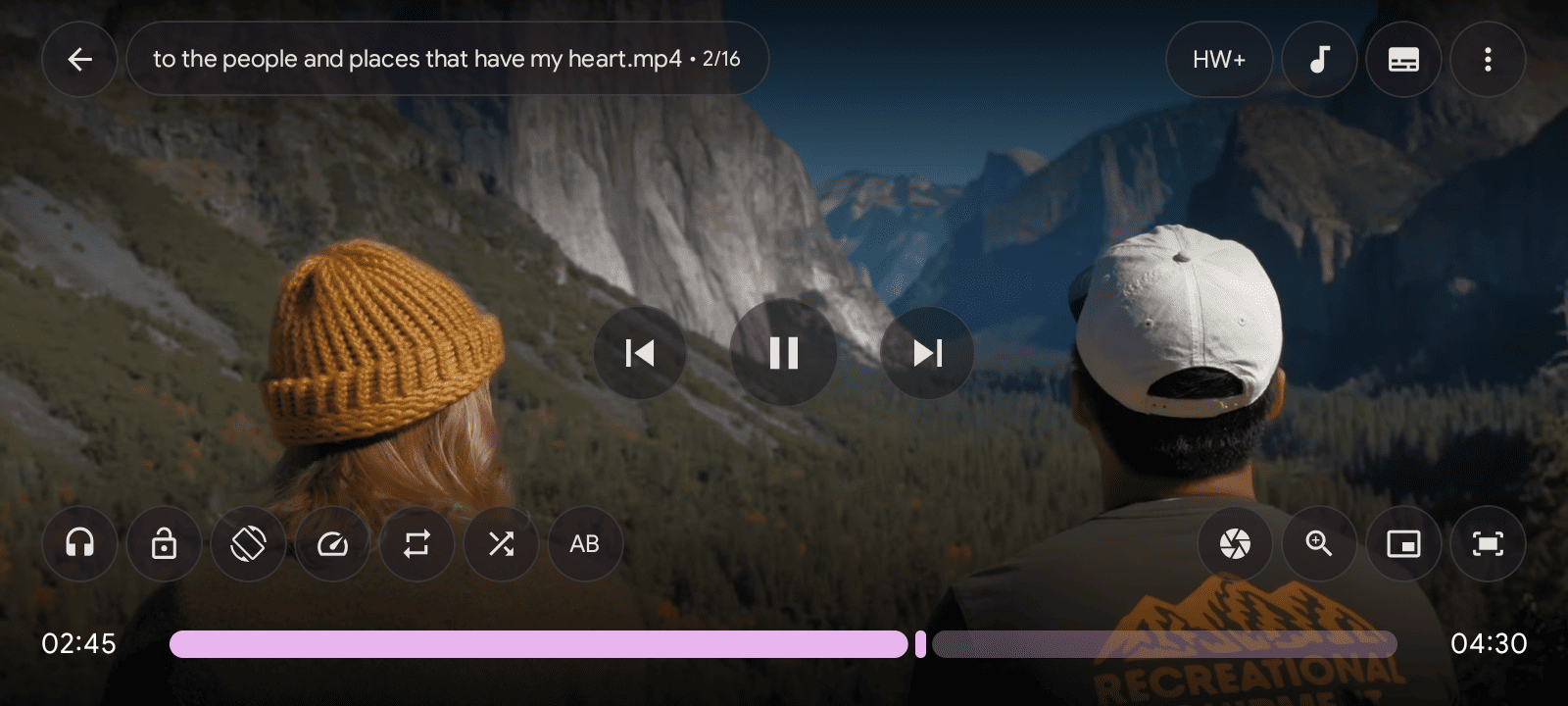
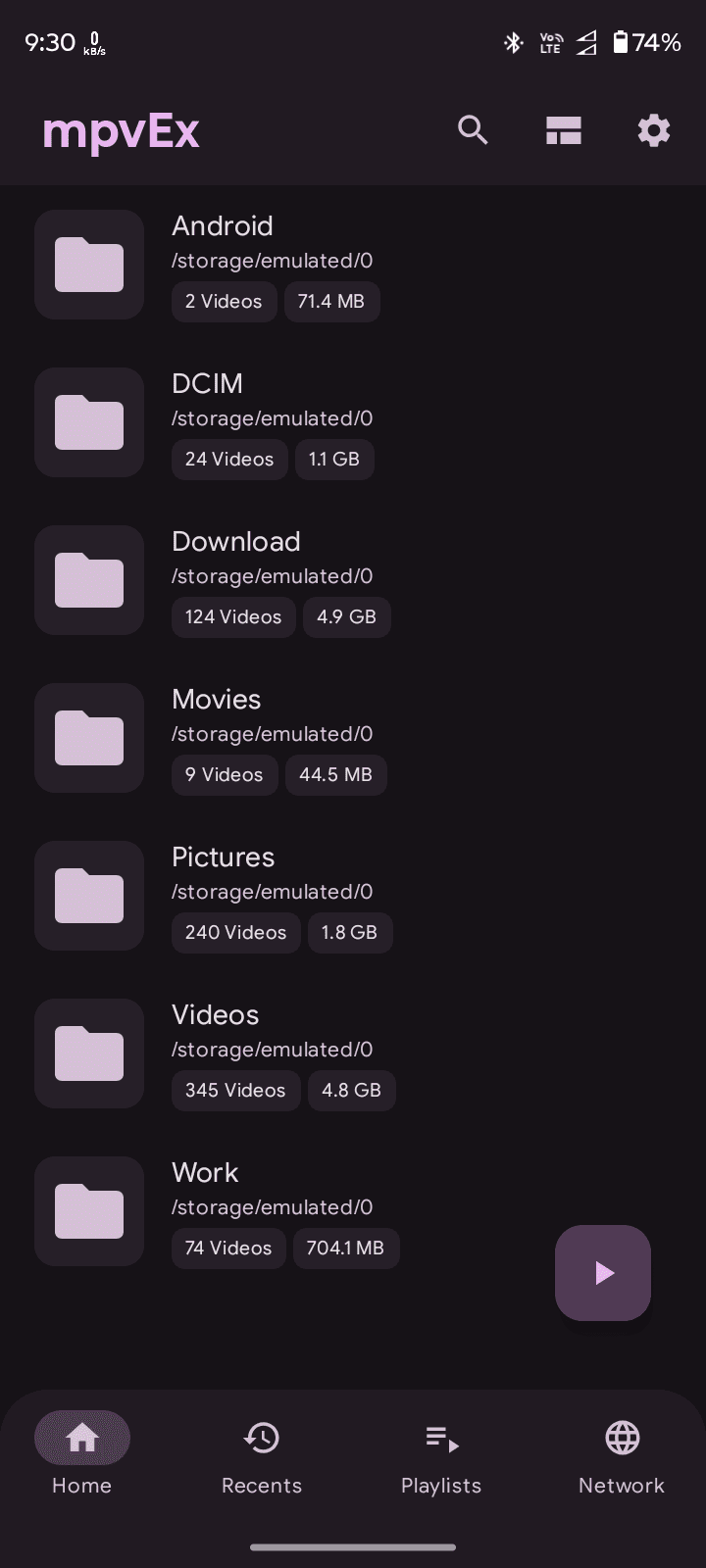
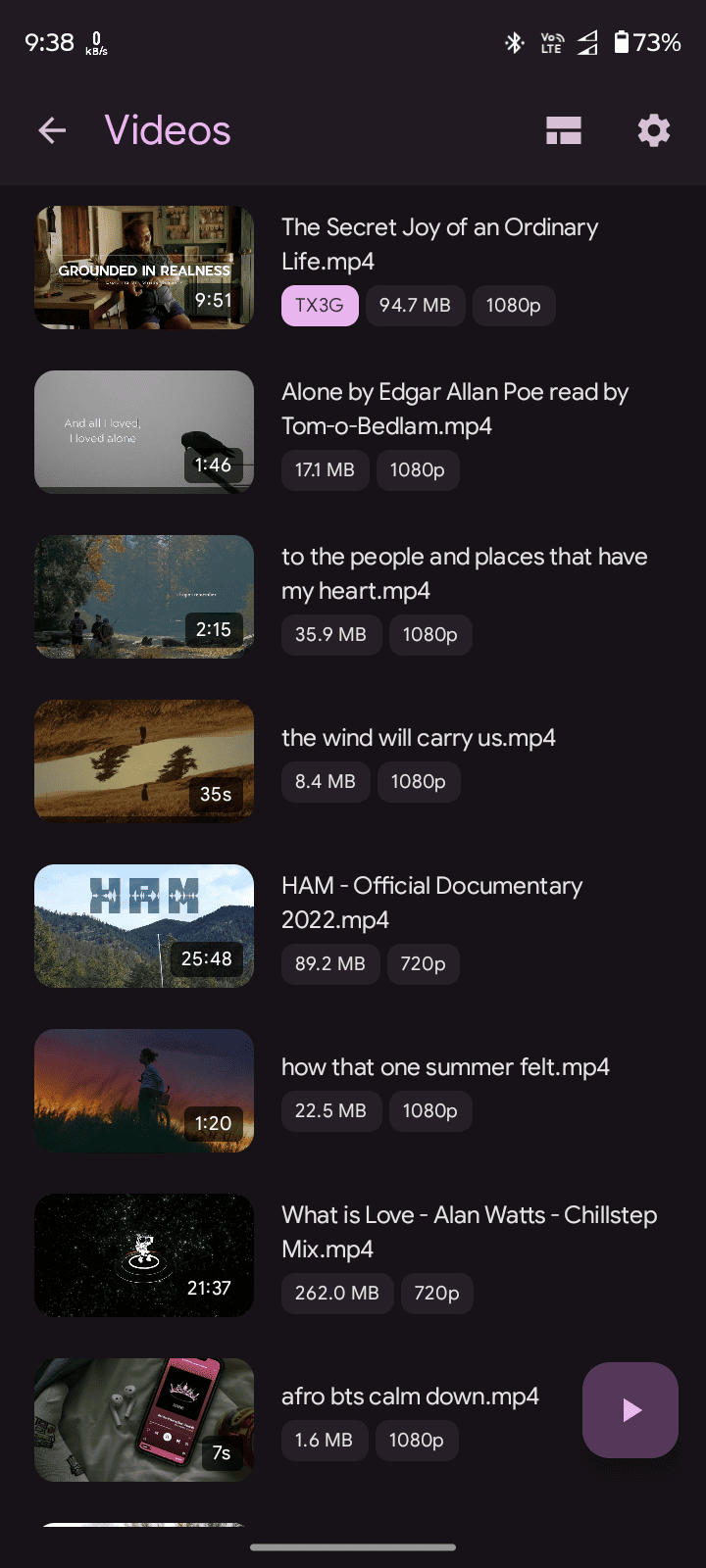
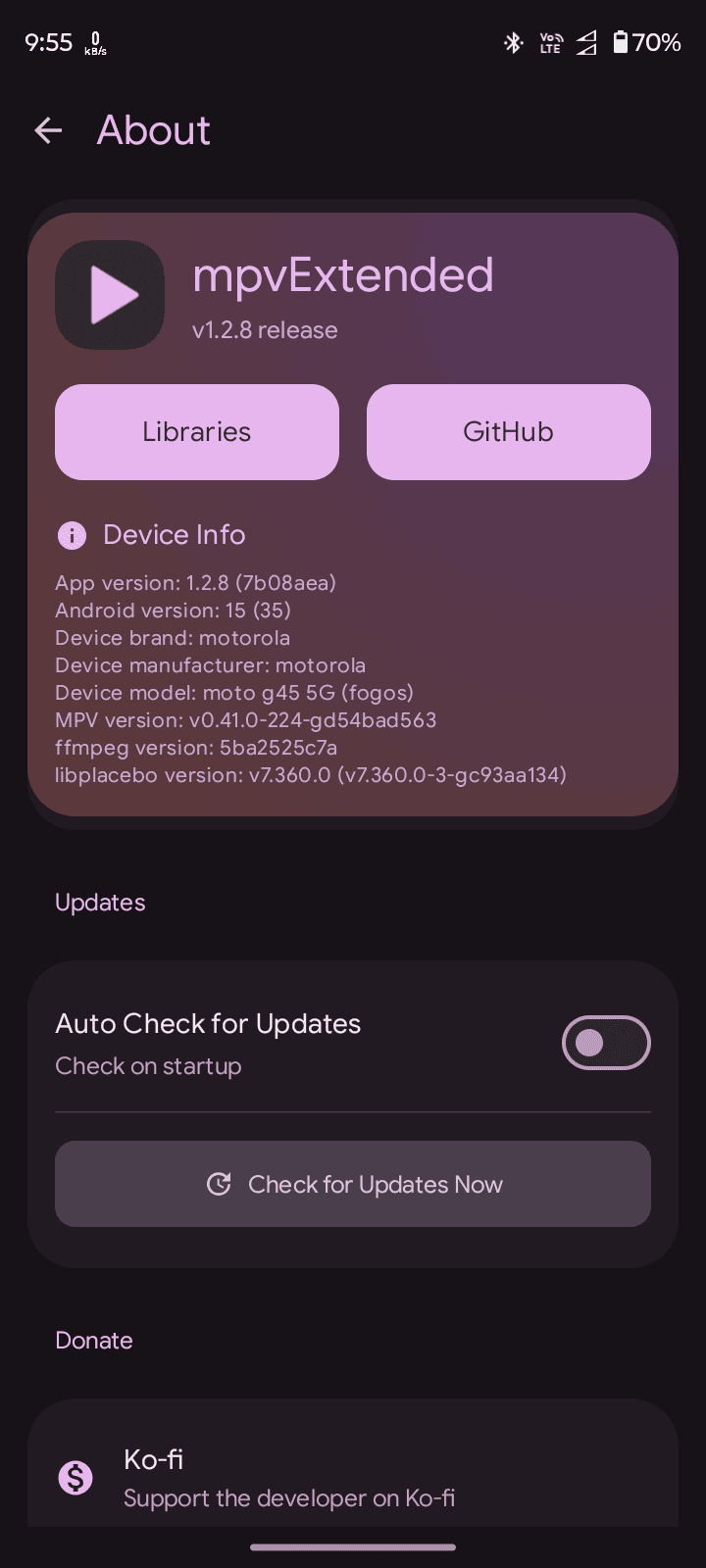
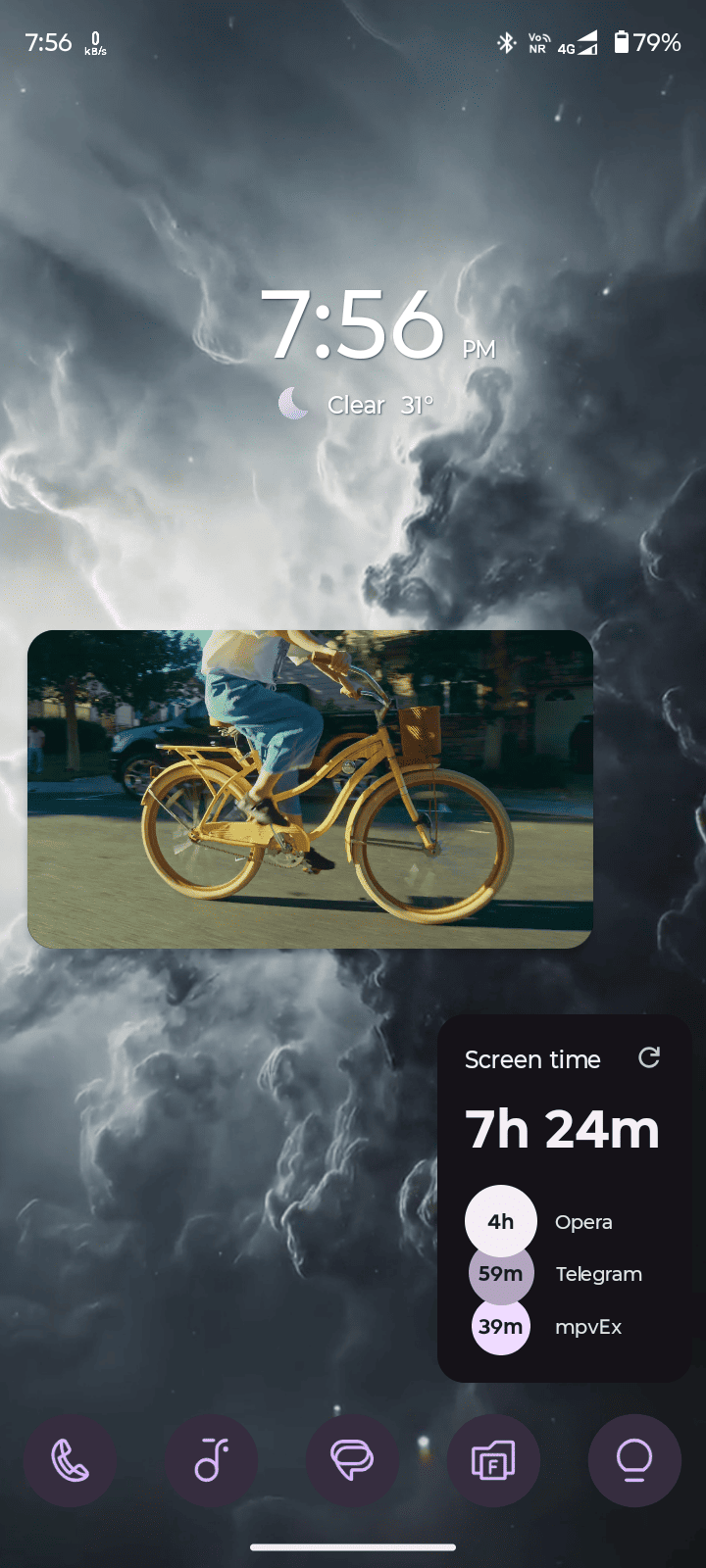
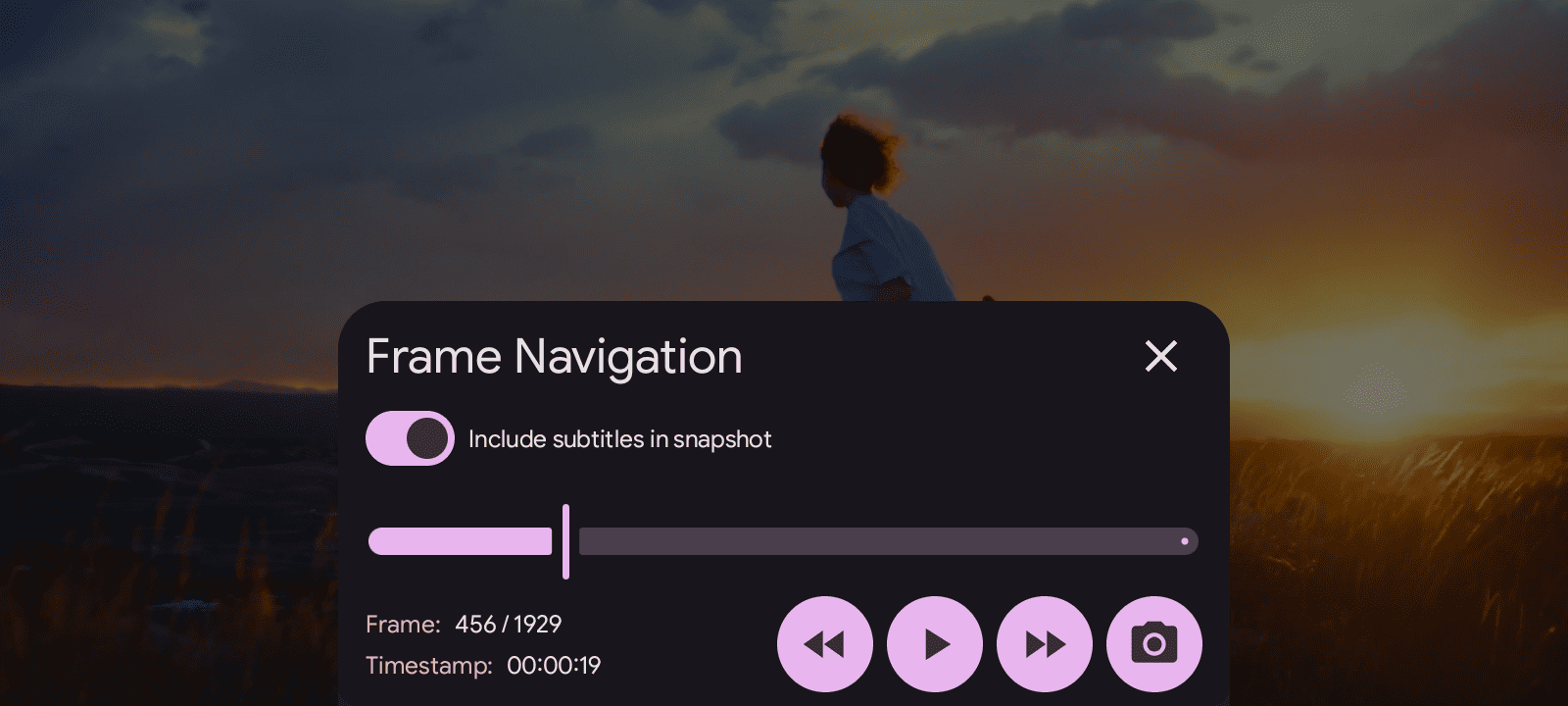
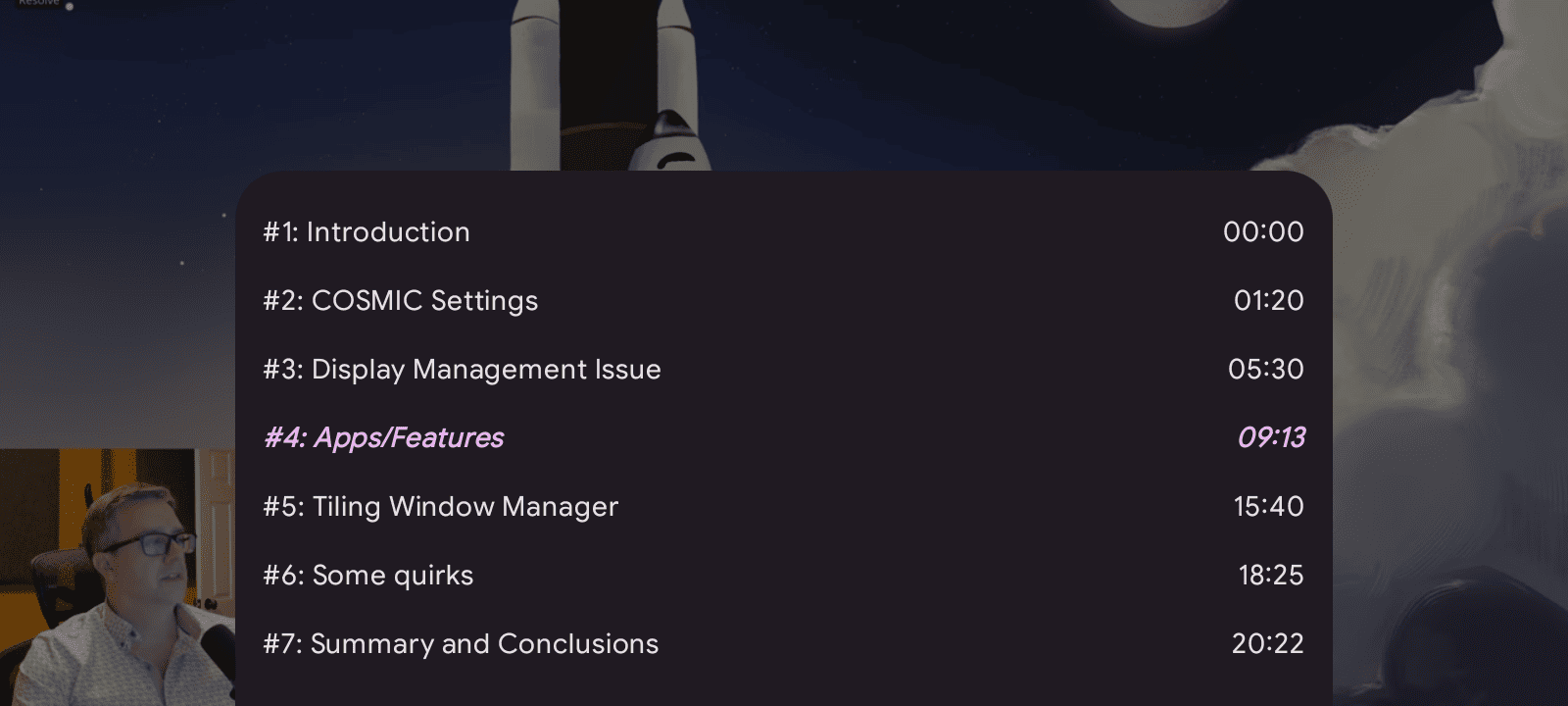
---
The app generates multiple APK variants for different CPU architectures:
To enable automatic signing for release builds in GitHub Actions, you need to configure the following secrets in your GitHub repository:
1. Navigate to your repository on GitHub 2. Go to Settings → Secrets and variables → Actions 3. Add the following repository secrets:
| Secret Name | Description |
|--------------------------|------------------------------------------------------|
| SIGNING_KEYSTORE | Base64-encoded keystore file (.jks or .keystore) |
| SIGNING_KEY_ALIAS | The alias name used when creating the keystore |
| SIGNING_STORE_PASSWORD | Password for the keystore file |
| KEY_PASSWORD | Password for the key (can be same as store password) |
To encode your keystore file to base64:
Linux/macOS:
base64 -i your-keystore.jks | tr -d '\n' > keystore.txt
Windows (PowerShell):
[Convert]::ToBase64String([IO.File]::ReadAllBytes("your-keystore.jks")) | Out-File -FilePath keystore.txt -NoNewline
Copy the contents of keystore.txt and paste it as the value for the SIGNING_KEYSTORE secret.
1. Update versionCode and versionName in app/build.gradle.kts
2. Commit the changes
3. Create and push a tag:
   git tag -a v1.0.0 -m "Release version 1.0.0"
   git push origin v1.0.0
1. Create and push a preview tag:
   git tag -a v1.0.0-preview.1 -m "Preview release"
   git push origin v1.0.0-preview.1
---

If you find mpvExtended useful, consider supporting the development:

---

→ →
→ →
→ →
→ →
→ →
→ →
→ →
→