1
 →
→
A beautiful media player for android, based on mpv-android and built with Jetpack Compose. Forked from mpvKt
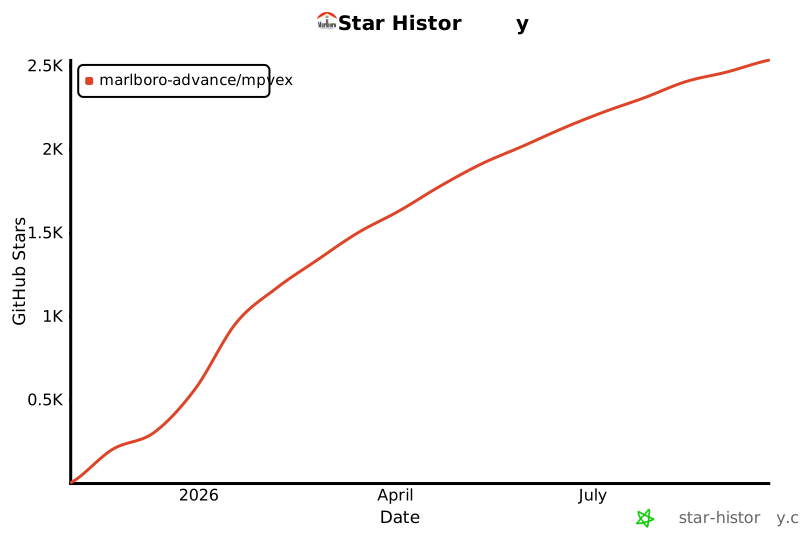
marlboro-advance/mpvEx is an open-source project on GitHub, mainly written in Kotlin. A beautiful media player for android, based on mpv-android and built with Jetpack Compose. Forked from mpvKt It currently holds 2,643 stars and 210 forks with 269 open issues, and was last pushed on 2026-09-27 (repository created 2025-11-02).
Git Homed tracks it on the Video Trending board and on the AI Video Trending list.




mpvExtended is a fork of mpv-android, built on the libmpv library. It aims to combine the powerful features of mpv with an easy to use interface and additional features.
---

Or you can get the stable releases here


---
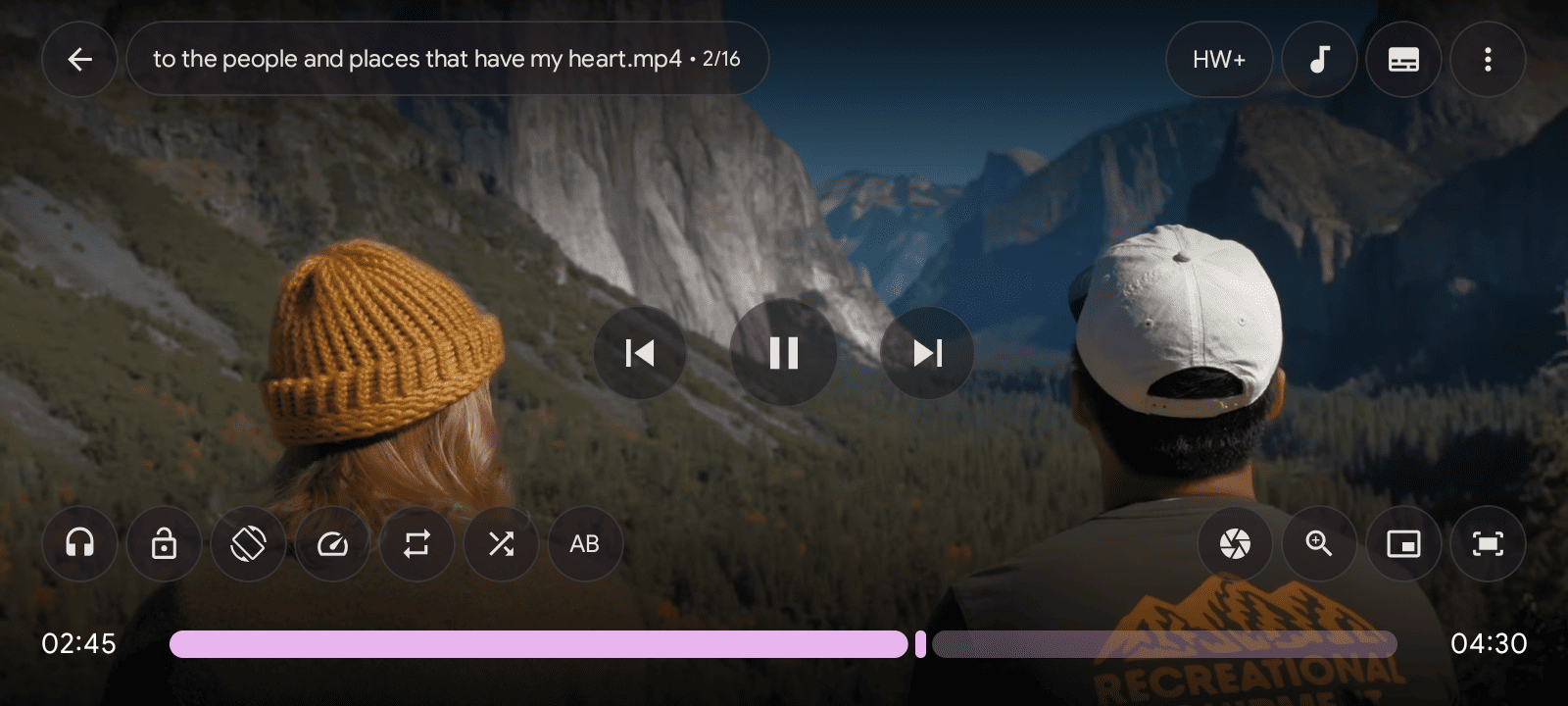
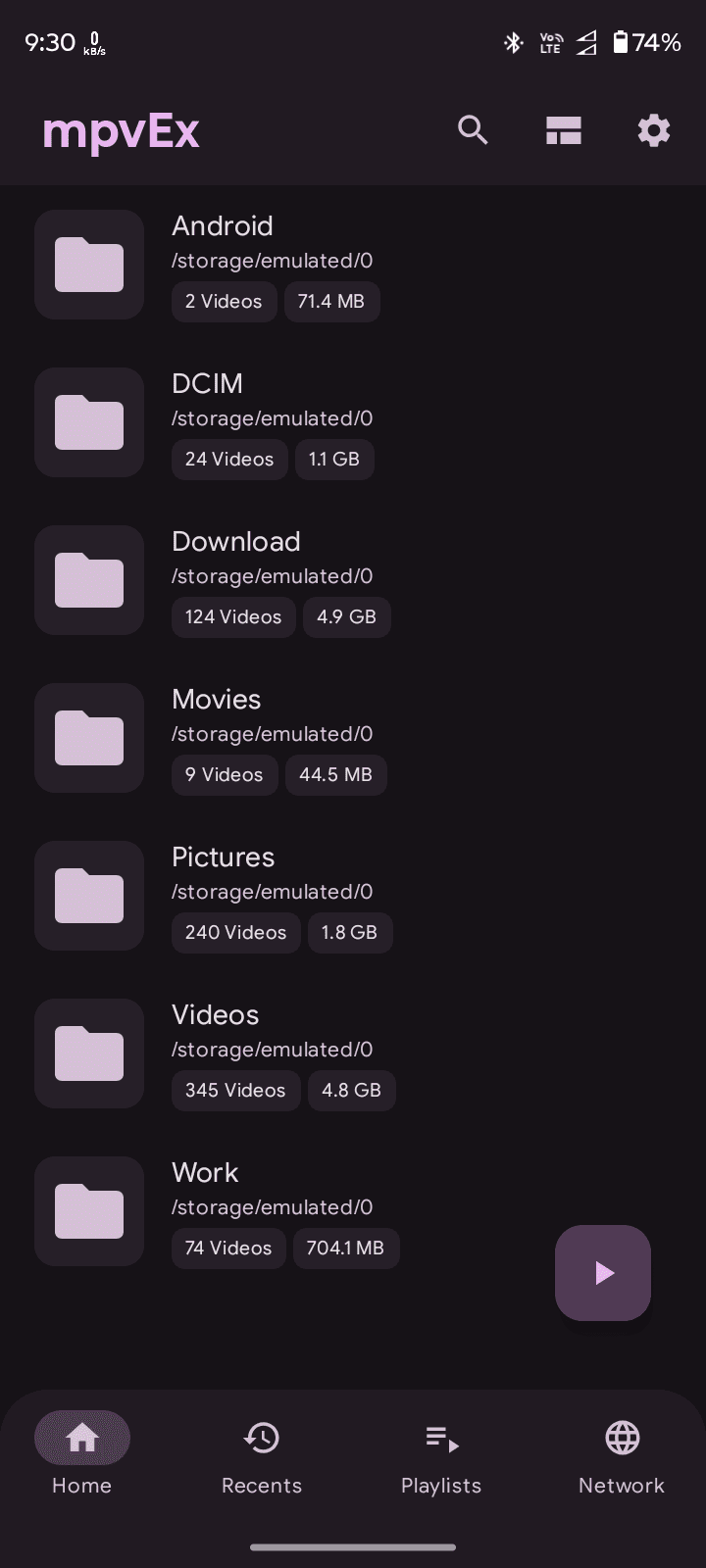
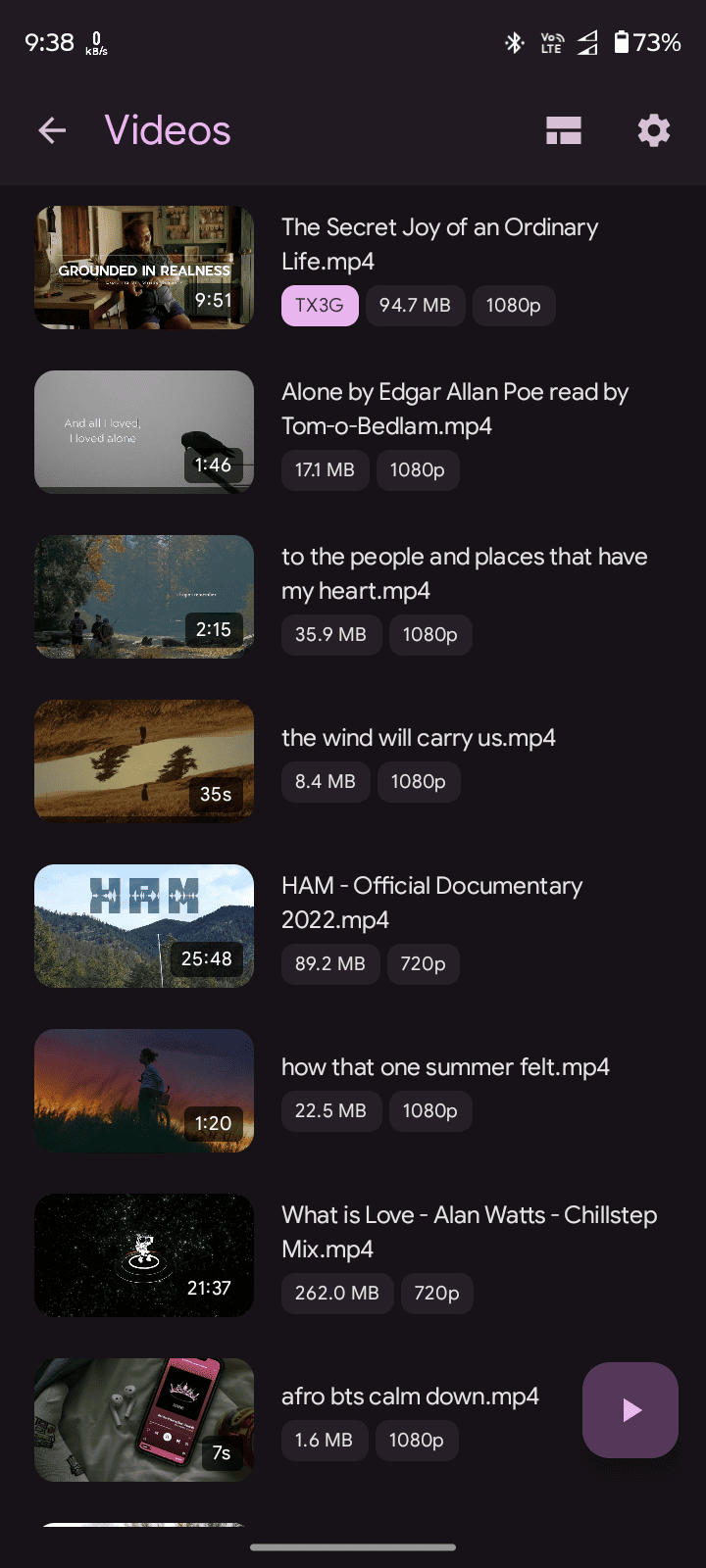
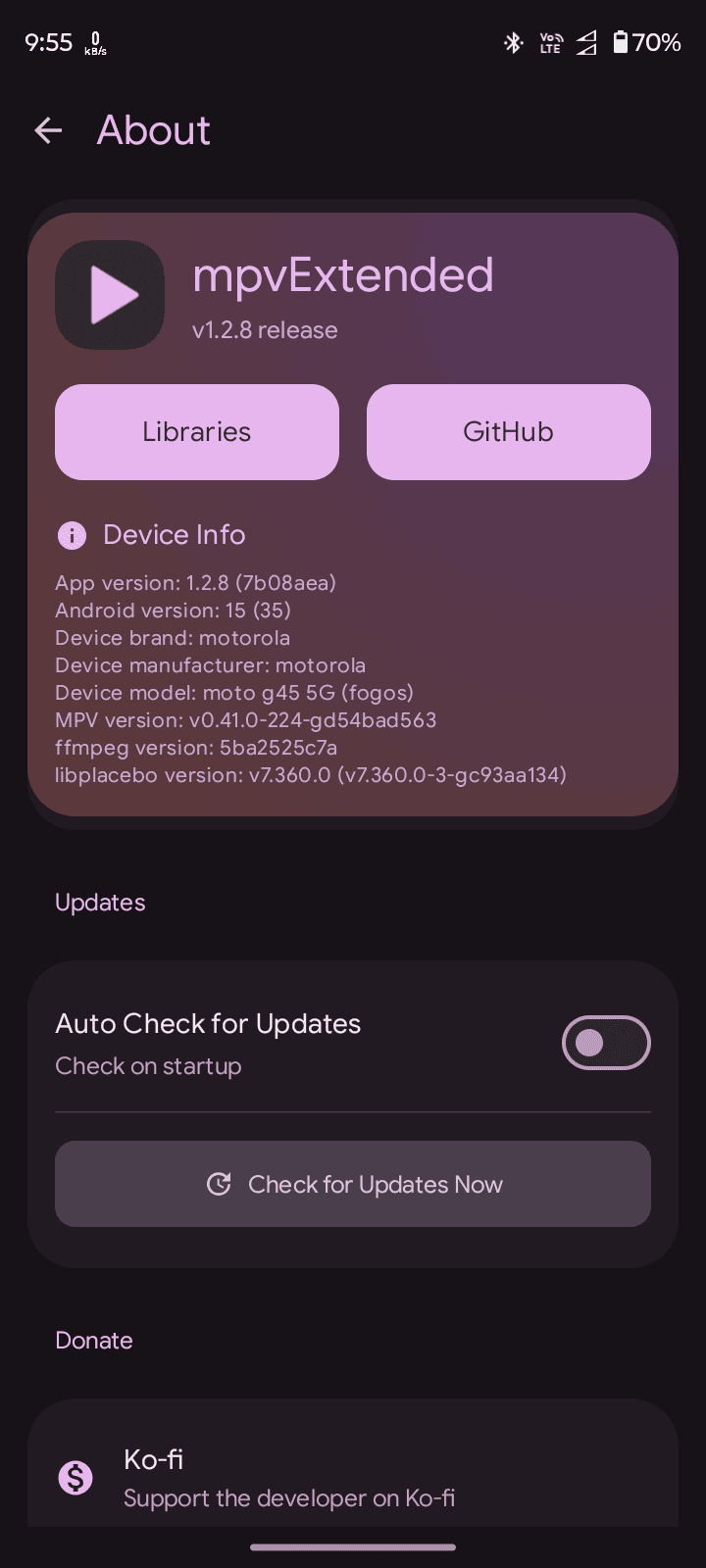
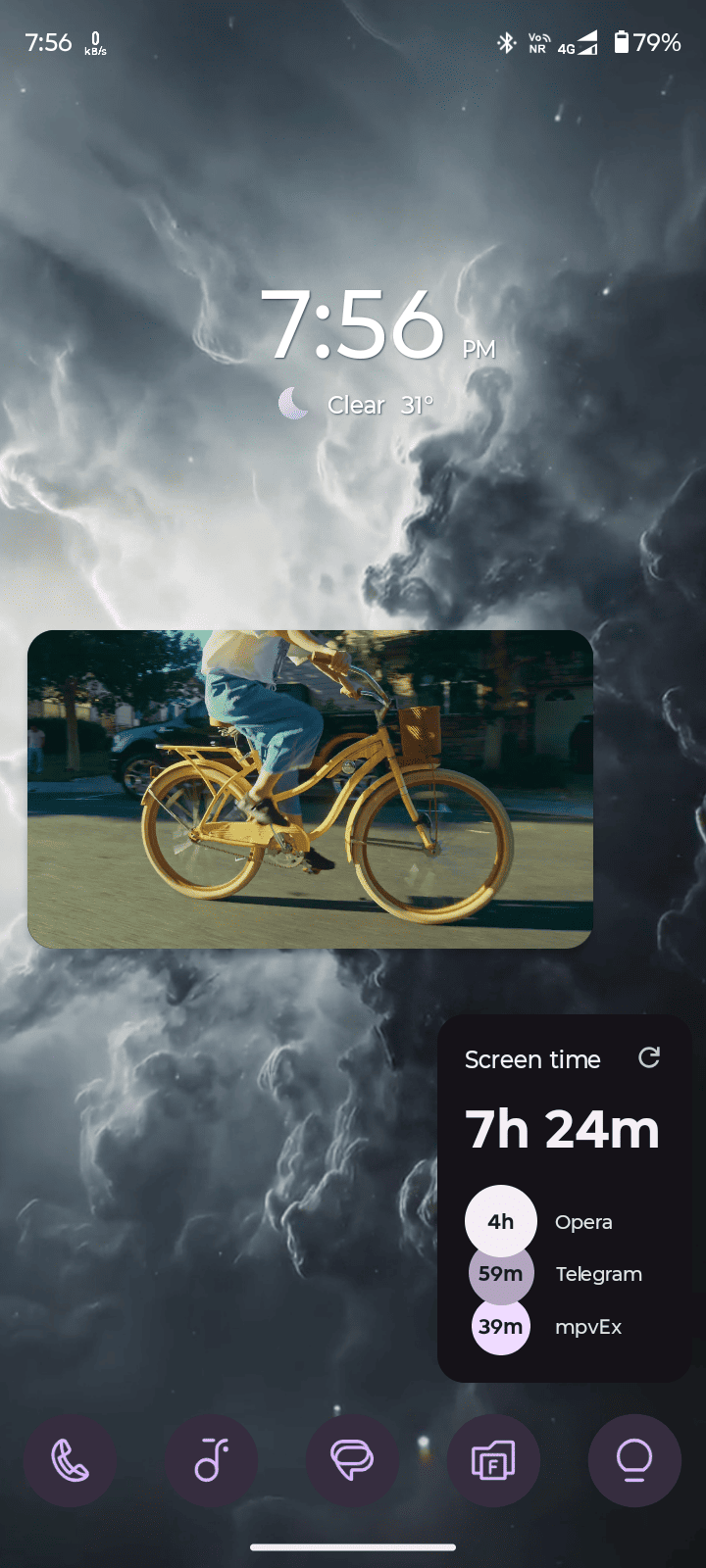
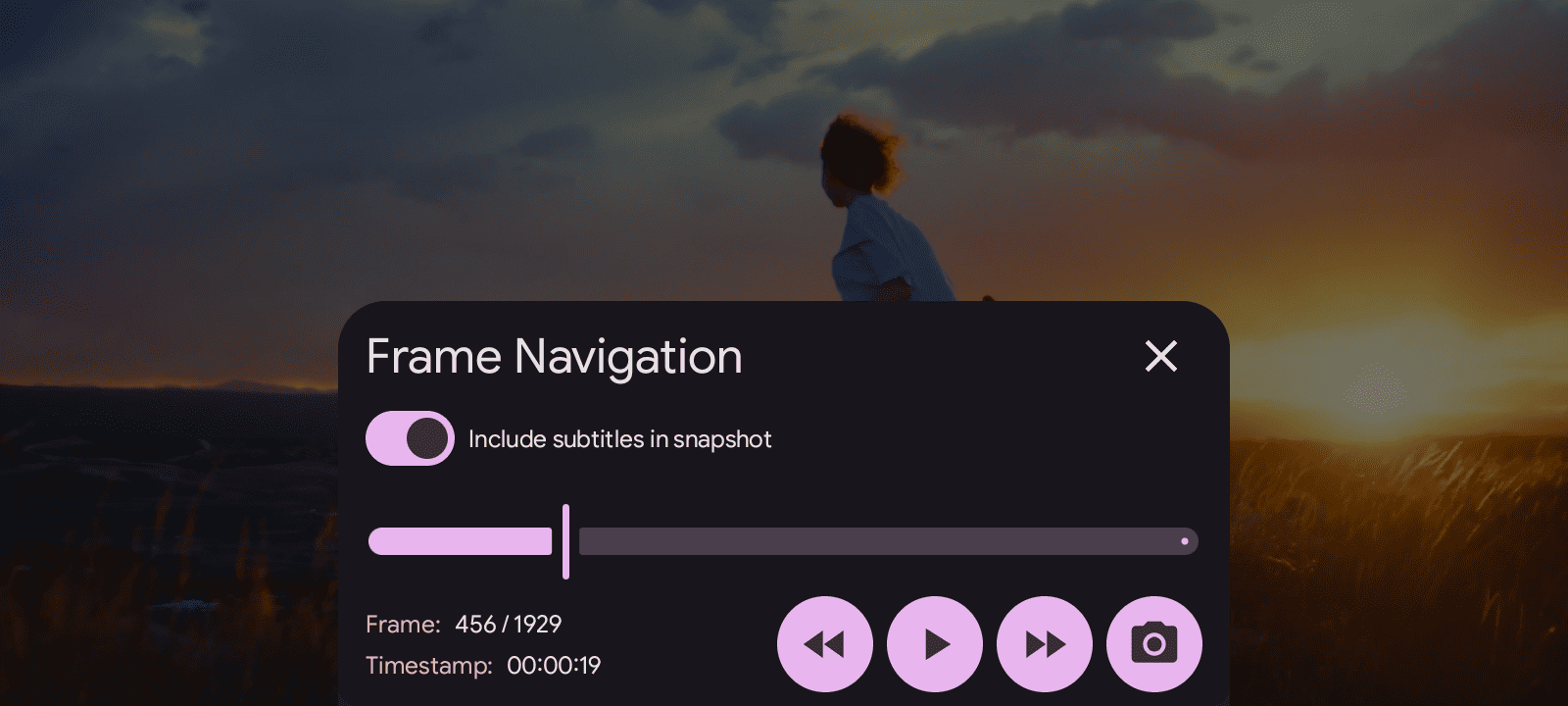
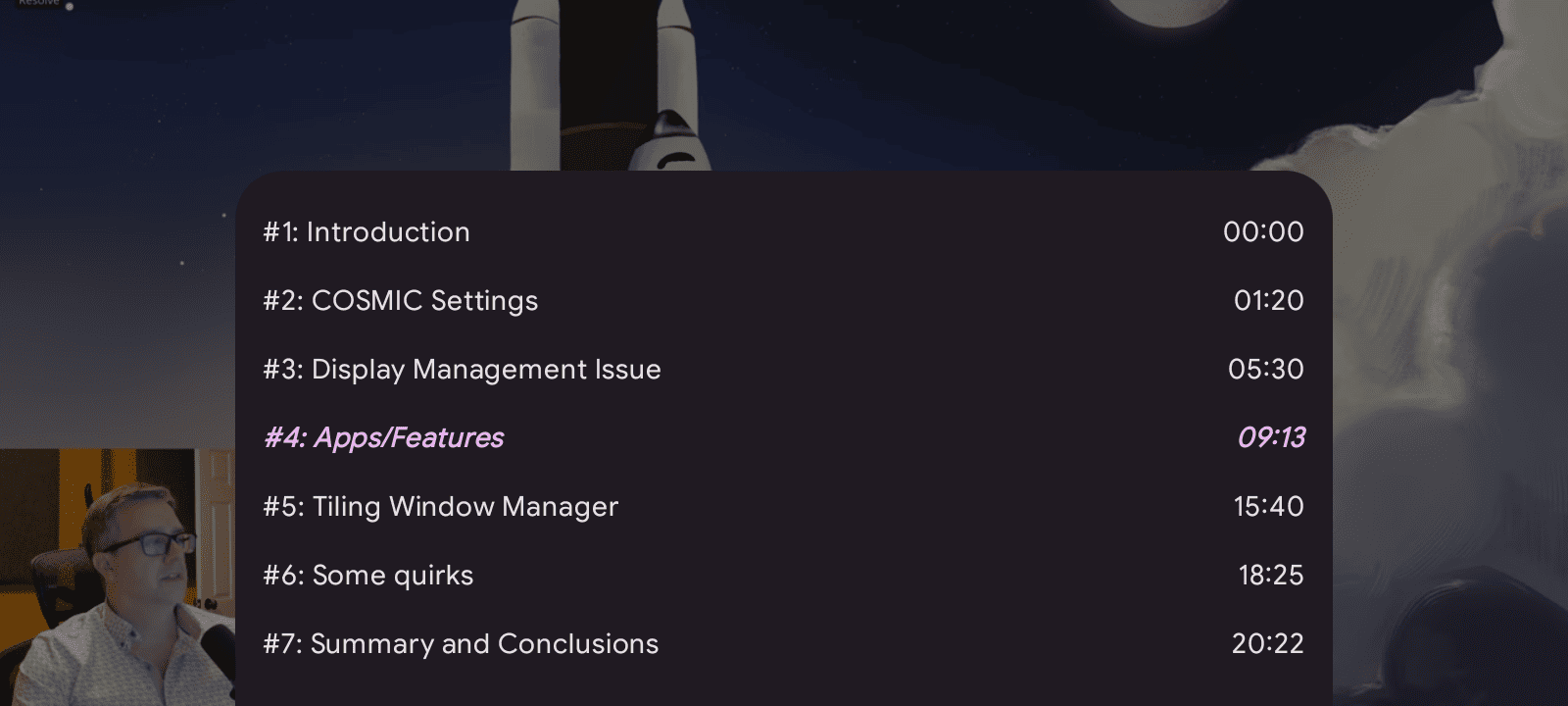
---
The app generates multiple APK variants for different CPU architectures:
To enable automatic signing for release builds in GitHub Actions, you need to configure the following secrets in your GitHub repository:
1. Navigate to your repository on GitHub 2. Go to Settings → Secrets and variables → Actions 3. Add the following repository secrets:
| Secret Name | Description |
|--------------------------|------------------------------------------------------|
| SIGNING_KEYSTORE | Base64-encoded keystore file (.jks or .keystore) |
| SIGNING_KEY_ALIAS | The alias name used when creating the keystore |
| SIGNING_STORE_PASSWORD | Password for the keystore file |
| KEY_PASSWORD | Password for the key (can be same as store password) |
To encode your keystore file to base64:
Linux/macOS:
base64 -i your-keystore.jks | tr -d '\n' > keystore.txt
Windows (PowerShell):
[Convert]::ToBase64String([IO.File]::ReadAllBytes("your-keystore.jks")) | Out-File -FilePath keystore.txt -NoNewline
Copy the contents of keystore.txt and paste it as the value for the SIGNING_KEYSTORE secret.
1. Update versionCode and versionName in app/build.gradle.kts
2. Commit the changes
3. Create and push a tag:
   git tag -a v1.0.0 -m "Release version 1.0.0"
   git push origin v1.0.0
1. Create and push a preview tag:
   git tag -a v1.0.0-preview.1 -m "Preview release"
   git push origin v1.0.0-preview.1
---

If you find mpvExtended useful, consider supporting the development:

---

→ →
→ →
→ →
→ →
→ →
→ →
→ →
→