1
 →
→
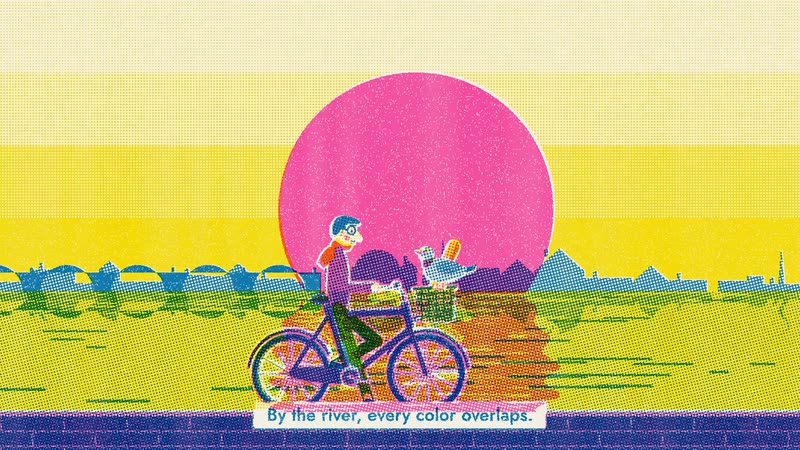
A toolbox of film styles made in code for Claude Code: 66 ready to use, and your own. Each style is a style prompt plus a demo film made entirely in code by Claude Opus 5.5, with no video model.
lemomo-ai/lemo-opuscar is an open-source project on GitHub, mainly written in JavaScript. A toolbox of film styles made in code for Claude Code: 66 ready to use, and your own. It currently holds 9,610 stars and 0 forks with 0 open issues, and was last pushed on an unknown date (repository created unknown).
Git Homed tracks it on the Video Trending board and on the AI Video Trending list.
A toolbox of film styles made in code: 66 ready to use, and your own.
Pick a style or make one from scratch, bring your story, and let your coding agent direct.
66 种影片风格,每种都配一支完全用代码做出来的短片 · 🇨🇳 中文用户请看 简体中文说明
⚠️ Built for Claude. The styles are tuned for Claude Opus 5.5;
other models may not reproduce them well, so use them with care.
🆕 2026-10-29 · 7 new styles: a Memphis diorama by @EianLu, a metro map, a chalkboard and more. See them ↓
🆕 2026-10-22 · Edit & Documentary: 8 styles cut from real footage, documents and data. See them ↓
🆕 2026-10-22 · Make a style your own: change a style or start blank, and keep it. See how ↓
🆕 2026-10-16 · Evidence Films: 8 styles that film real material, every number sourced. See them ↓
Official repo: github.com/lemomo-ai/lemo-opuscar · by Lemomo (@lemomo_ai)
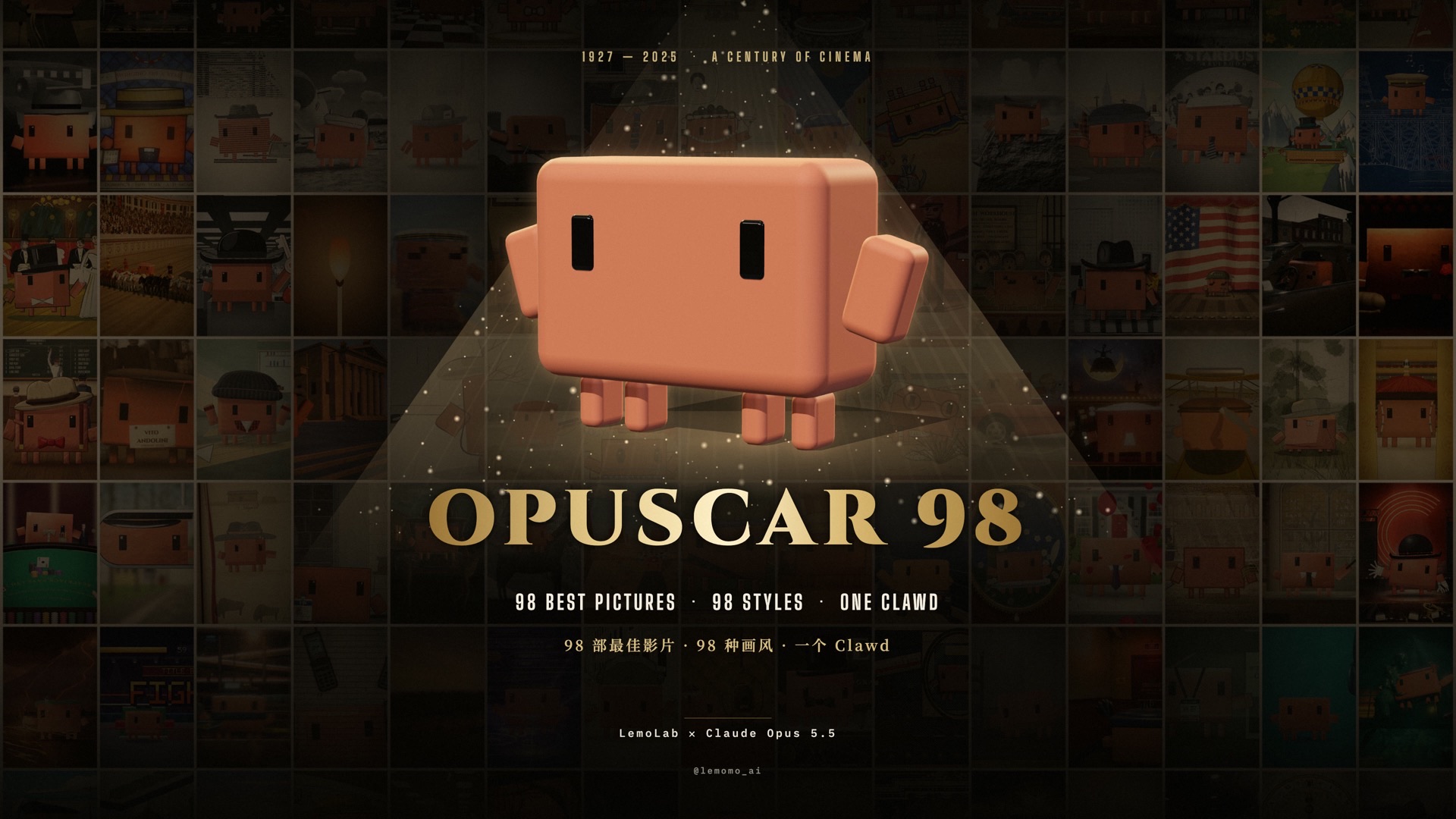 ▶ The film · 1927 – 2025 · 6:31 One Clawd walks through all 98 Best Picture winners, each one redrawn in a style that fits the film. |
 All 98 styles, open · 77 in 2D · 4 in 2.5D · 17 in 3D Each film's style, a frame and a style prompt to reuse on your own topic. |
Every frame, every note and every cut was written in code by Claude Opus 5.5.
▶ Watch · All 98 styles · Download 1080p
I'm Lemomo (@lemomo-ai). More about me on my profile.
Not an awesome list. Every film here was made by me, with Claude Opus 5.5.
The styles are tuned for Opus 5.5; other models may not reproduce them.

Every film was directed, drawn, scored and mixed by an AI agent writing code:
Two ways in; the skill is the easiest.
In your terminal:
claude plugin marketplace add lemomo-ai/lemo-opuscar
claude plugin install lemo-opuscar@lemolab
Then use it from any folder.
~/lemo-opuscar, shared by all your films.plugin/skills/lemo-opuscar/ into their skills folder.git clone https://github.com/lemomo-ai/lemo-opuscar.git
cd lemo-opuscar
claude
Films go into films// inside the repo.
Make a 45-second film in the watercolor style about the coffee farm my family runs. Warm female narrator.
Make a 40-second LiDAR Survey film about the old quarry in the hills behind our town, from public laser-scan data.
Name the style in English or Chinese; the style index lists them all.
Not sure yet? With the skill installed, type /lemo-opuscar:lemo-opuscar and nothing else. It asks which language to use, then what you'd like to do: a film in a library style, make a style your own, or a film in a style you've saved.
It asks you once, up front:
| File | What it gives the agent |
|---|---|
| DIRECTOR.md | how to direct: story, sound, rhythm, camera, performance, self-checks |
| TECHNIQUE.md | how to build: frame-by-frame rendering, voice, music, mixing |
| styles//STYLE.md | what the style looks and sounds like; the story is yours |
Everyone wants something different: their own brand colours, logo, characters, the tone of their channel. Now you can change a library style into one that's only yours, or make one from a blank page that the library doesn't have. It's the same process I use to add a new style to the library.
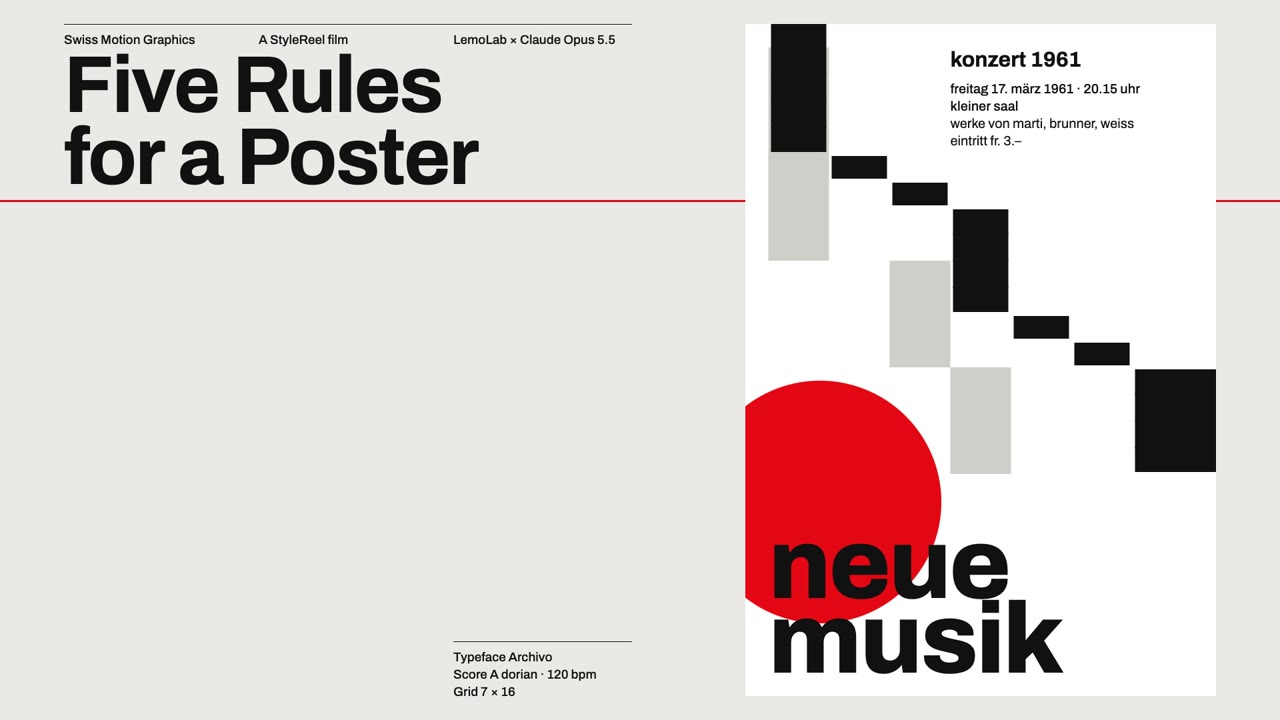 A library style · Swiss Motion Graphics A flat grid, one signal colour, every move on the beat. |
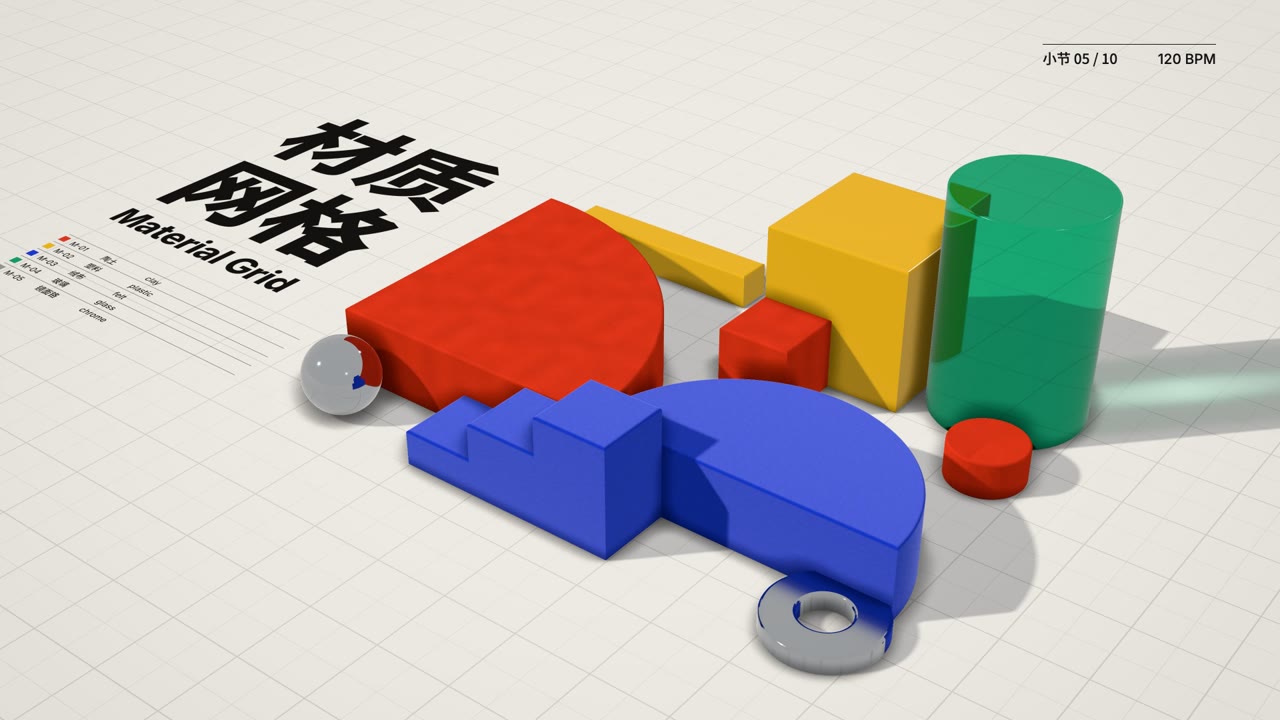 My style · Material Grid · ▶ 31 s demo film The Swiss grid, beat and type kept, the shapes made of clay, plastic, felt, glass and chrome: from above it reads as a poster, one tilt and it's a table of objects. |
Two ways in. Pick one after starting the skill, or say it in one line:
I want to change the Ukiyo-e style into my own version.
Start from a blank page: a chalk-on-blackboard style, warm and slow.
1. Plan it one question at a time. Each question has a few options, the recommended one first, with the reason. Roughly:
Once kept, the style lives in ~/lemo-my-styles//, shaped like a library style: the style prompt, what changed, the demo film and its source, so later films can reuse the techniques. Then name it like any other style: "Make a 30-second film in my Night Ukiyo-e style about…". When you pick a style, your own are listed first.
Library updates and reinstalling never touch them. When the base style is updated later, Claude mentions it once and asks whether to bring the useful fixes into your copy. The steps Claude follows are in MY-STYLES.md.
Update, then restart Claude Code (the library in ~/lemo-opuscar updates itself on the next film):
claude plugin marketplace update lemolab && claude plugin update lemo-opuscar@lemolab
After an update, ask for a film as usual; to make a style your own, see above.
Uninstall, then delete ~/lemo-opuscar:
claude plugin uninstall lemo-opuscar@lemolab
Your own styles in ~/lemo-my-styles/ stay through updates and uninstalls; delete that folder yourself if you don't want them.
If a step stays stuck, open an issue.
Click a frame for its STYLE.md.
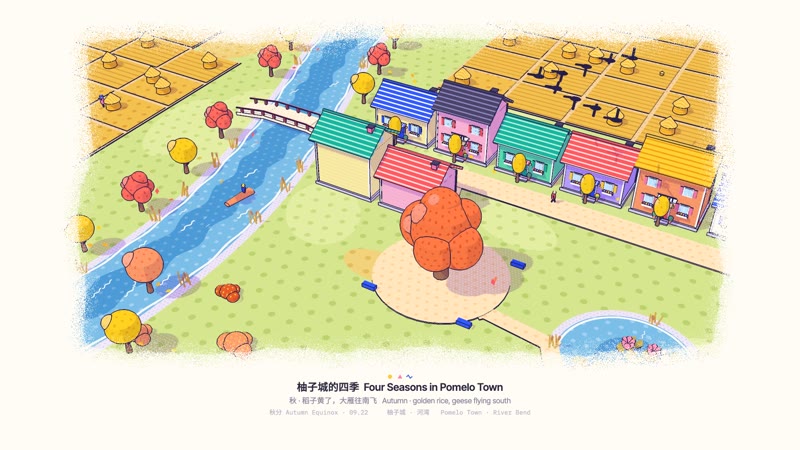 Memphis Diorama Four Seasons in Pomelo Town One river bend, four seasons, one take; each turns when the big tree squats and springs back. Contributed by @EianLu |
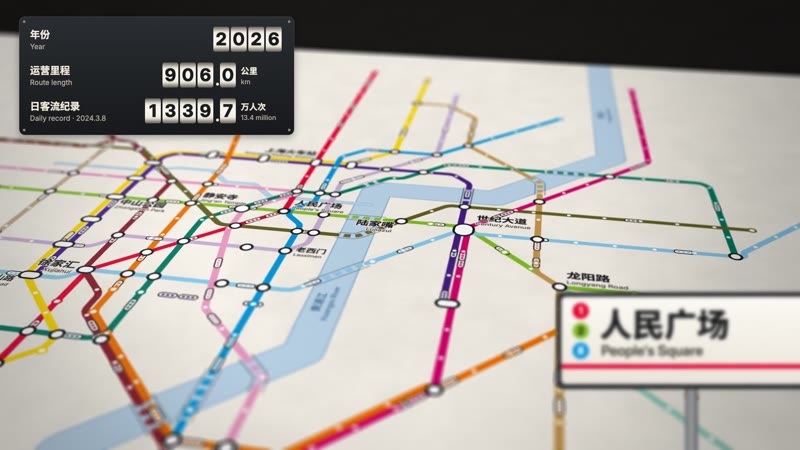 Transit Map 6 Kilometres A printed metro map grows from one 6 km line in 1993 to 21 lines and 906 km. |
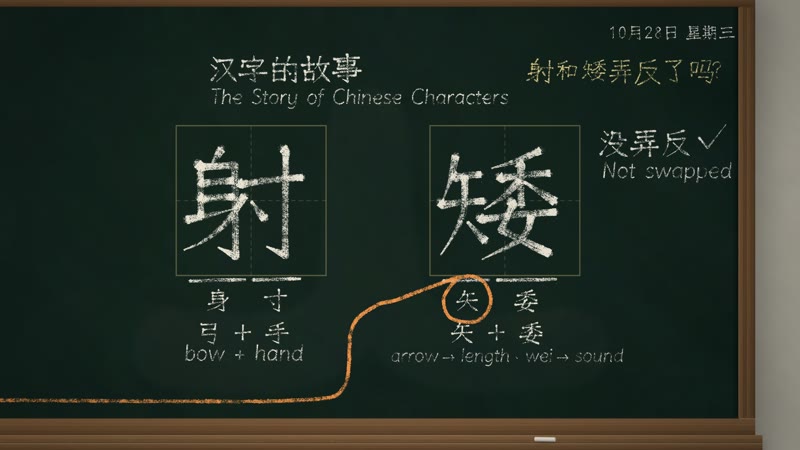 Chalkboard The Story of Chinese Characters Chalk writes a popular claim about two characters, wipes it, and traces 射 back three thousand years. |
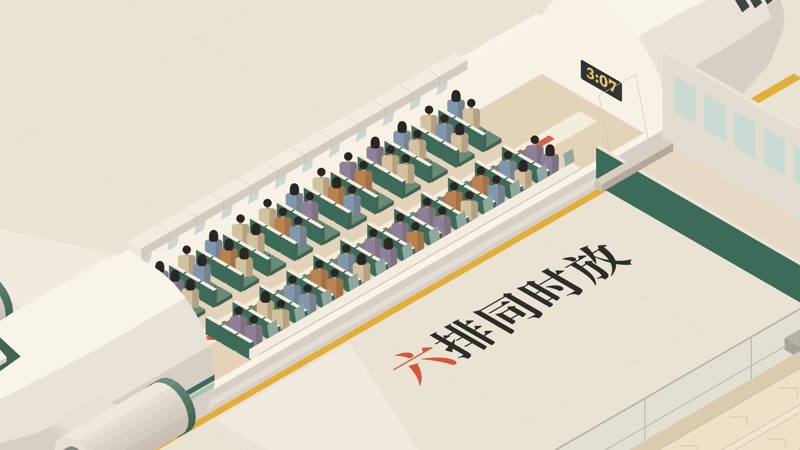 Isometric Picture Book Seventy-Two Seats Travellers board an isometric plane, and the order shows why one way is nearly twice as fast. |
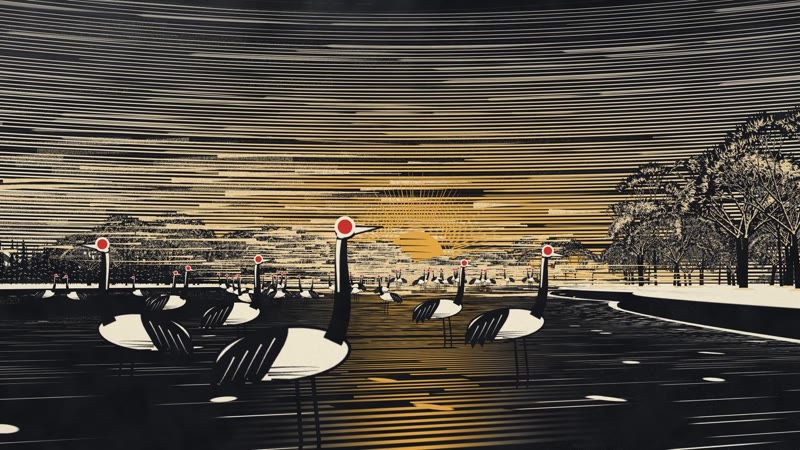 Printed Long Take Thirty-Three Cranes Red-crowned cranes in a Hokkaido valley, one scratchboard take, counted back from 33 to 1,927. |
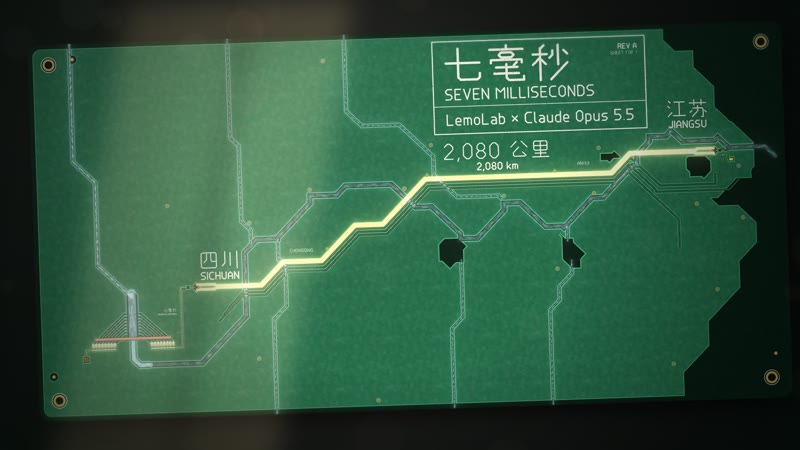 Circuit Board Seven Milliseconds Rivers become copper traces as current runs 2,080 km from a dam to a phone charger. |
 Desktop Flythrough Before the Ding A cat photo hops across app cards on a sunlit desk, from one phone to a friend's. |
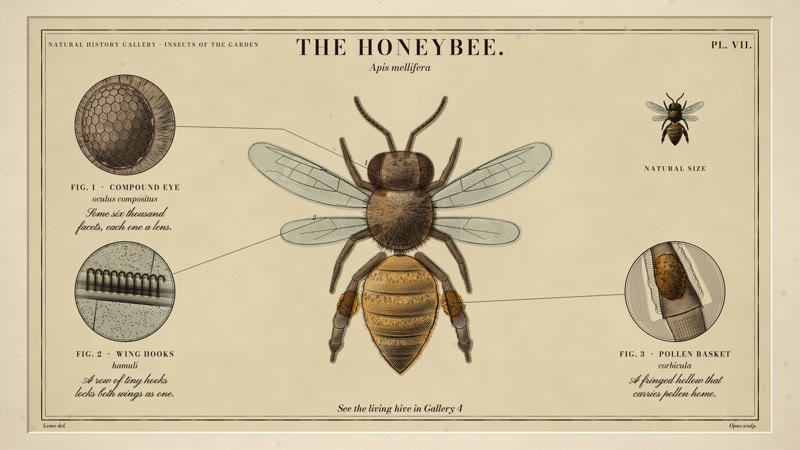
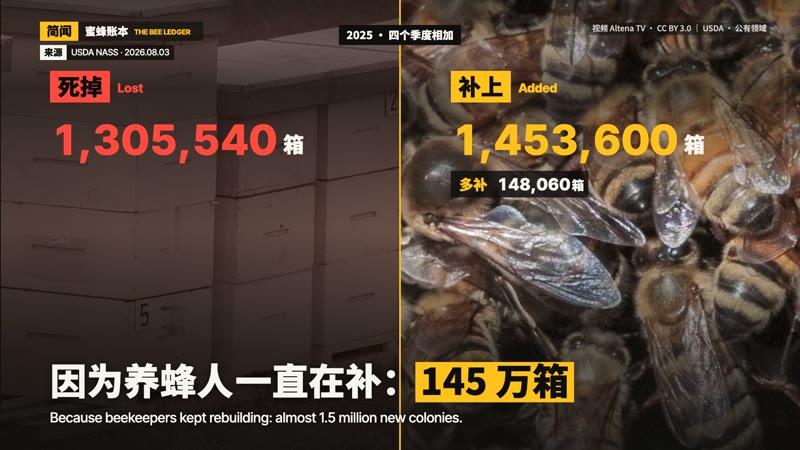 Caption News The Bee Ledger America lost 1.3 million bee colonies, yet the count rose 6 %: a news short that works with the sound off. |
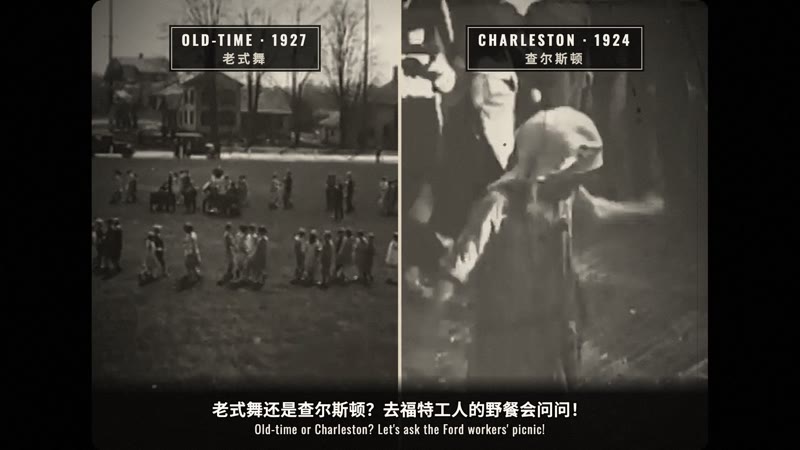 1920s Newsreel Knock-Knee Alert 1926: the papers say the Charleston will ruin America's knees; at Ford's own picnic the kids dance it anyway. |
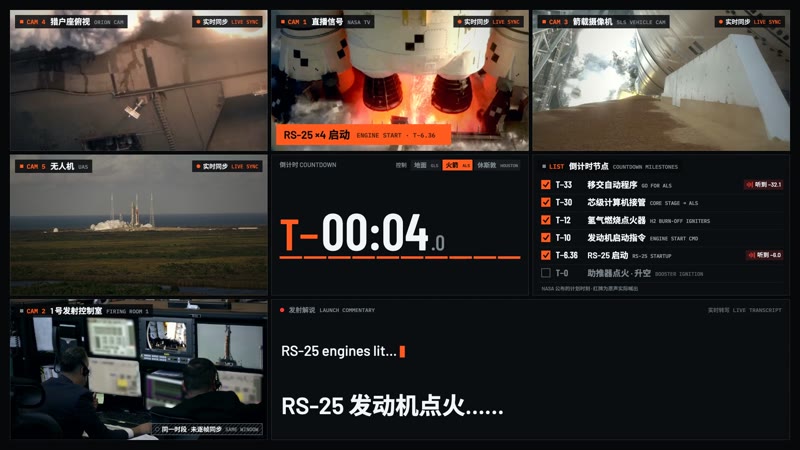 Live Countdown Split-screen Counting Itself Down The last minute of the Artemis II launch, uncut: one cell opens to nine, and they merge into one at ignition. |
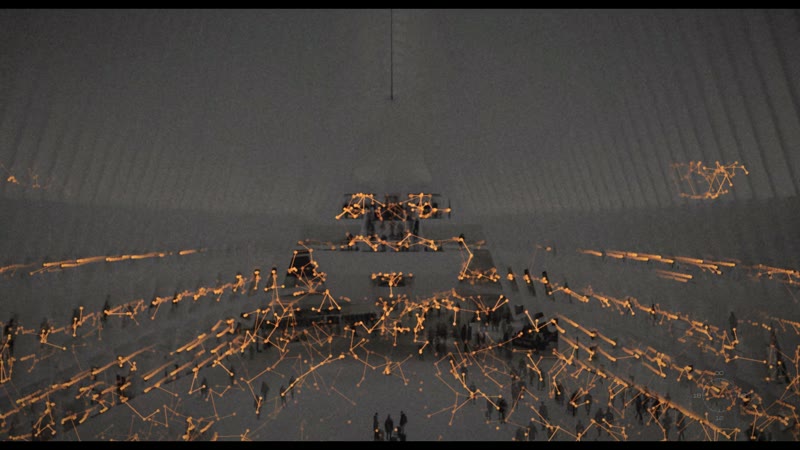 Time-lapse Symphony One Day in New York One day in New York in time-lapse: rivers of light, a grid on the sixteenths, 1899 beside today. |
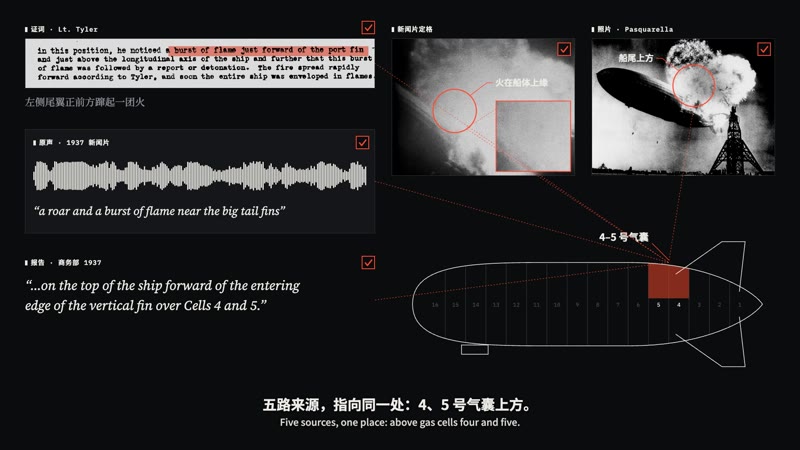 Visual Investigation The Hindenburg: Four Minutes, 32 Seconds Newsreel, photos, testimony and the 1937 inquiry on one clock: five sources point to the same spot. |
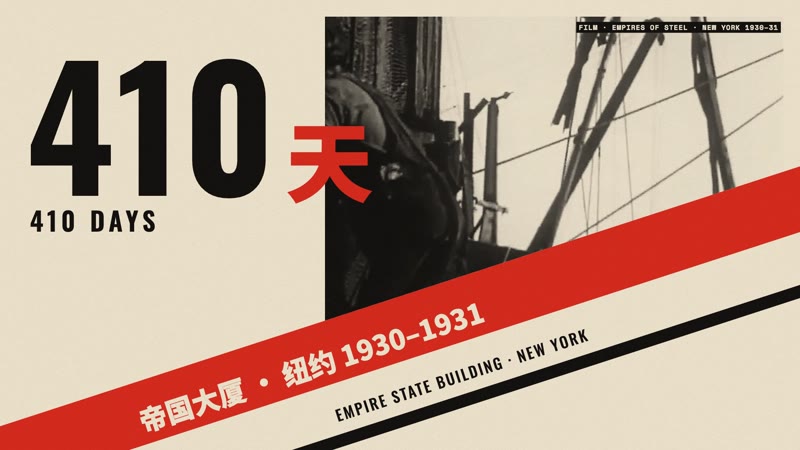 Constructivist Montage 410 Days The Empire State's 1931 brochure credits its builders; the site film and Hine's photos answer: 2,500 a day. |
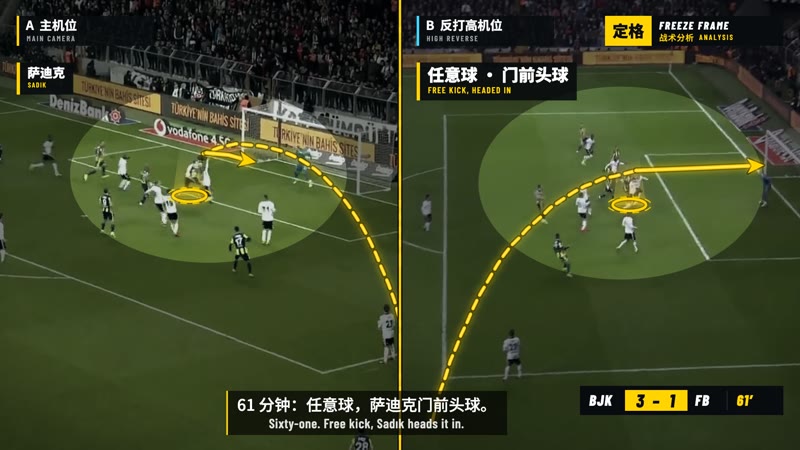 Sports Telestrator Freeze Frame Down 3–0 at half-time, Fenerbahçe scored three in 12 minutes: freeze, draw, split screen, shot map. |
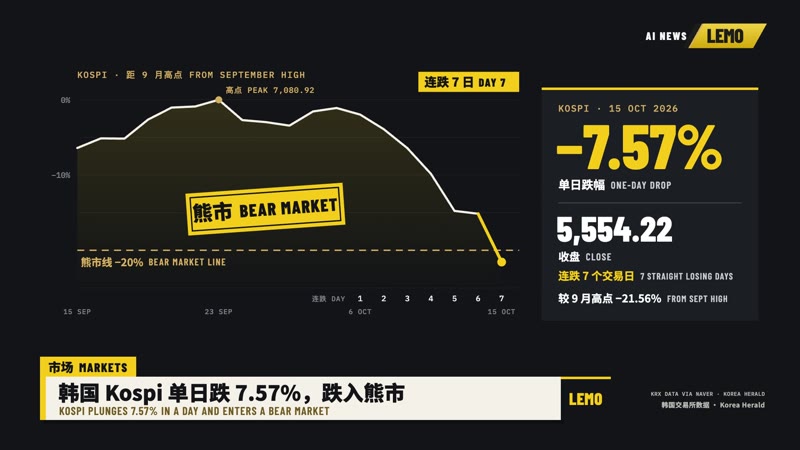 Broadcast News Package The Week in AI Four AI stories from one week in a full on-air package: rundown, headline strap, price board, spec card. |
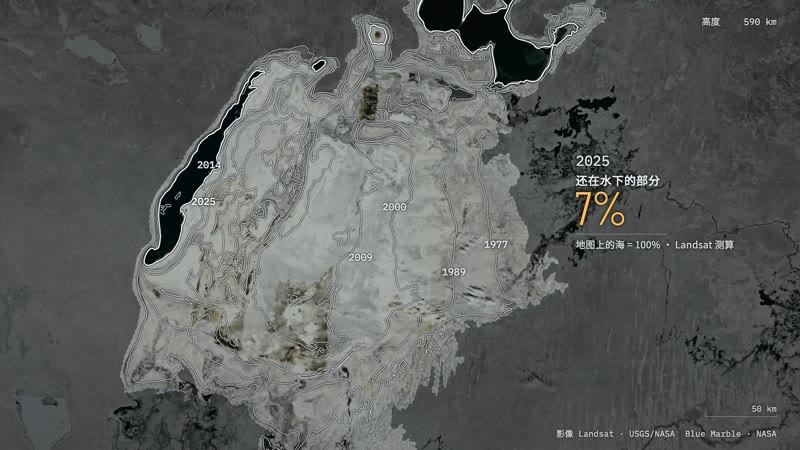 Satellite Briefing The Map Still Says Sea A satellite follows the map to the Aral Sea and finds a desert; only the part someone dammed came back. |
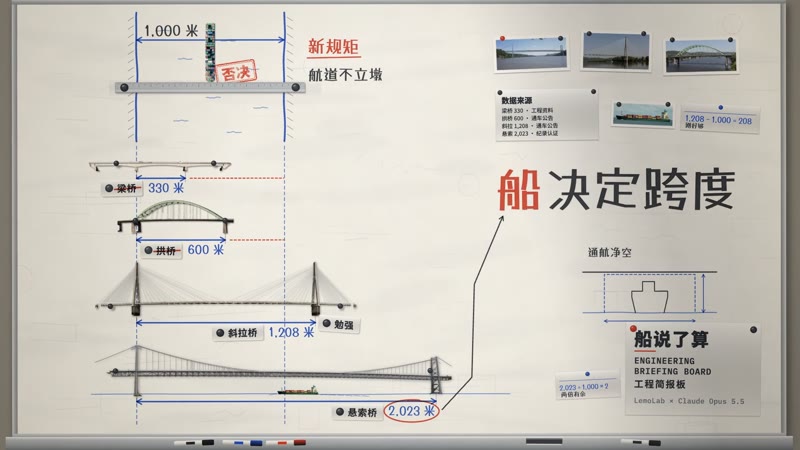 Engineering Briefing Board The Ship Decides Four bridge types are tested on one briefing wall, and the ship that must pass under picks the winner. |
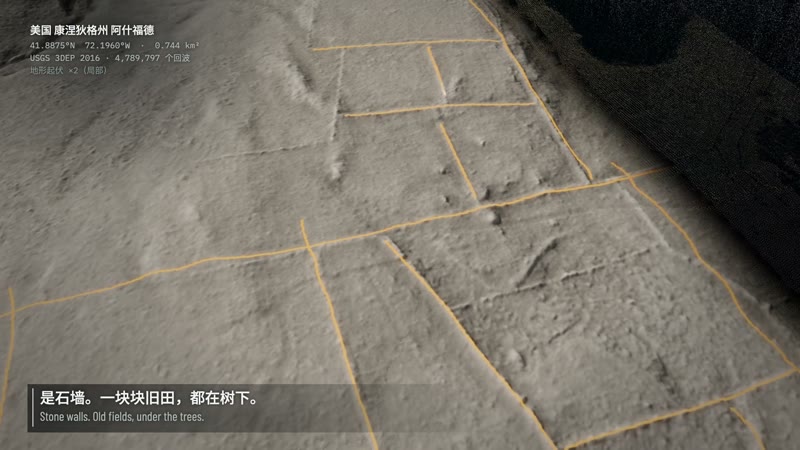 LiDAR Survey The Fields Under the Forest A laser survey strips the canopy off a Connecticut forest and finds 3.4 km of old farm walls. |
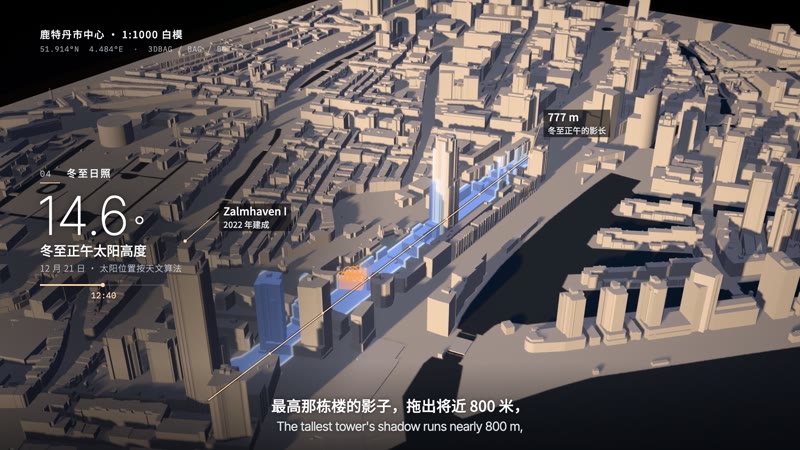 Projection on White Model How a Flattened City Grew Back A projector paints Rotterdam's white model layer by layer, from the 1940 gap to today's towers. |
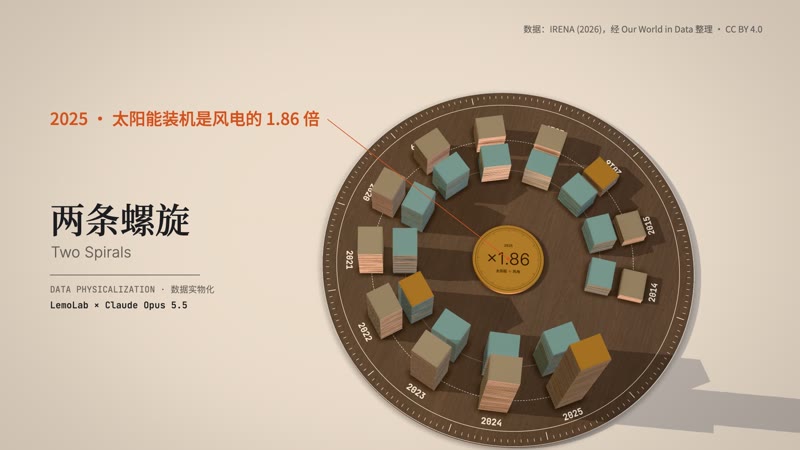 Data Physicalization Two Spirals Twelve years of wind and solar stacked as real plates, spiralling round a walnut dial until solar overtakes. |
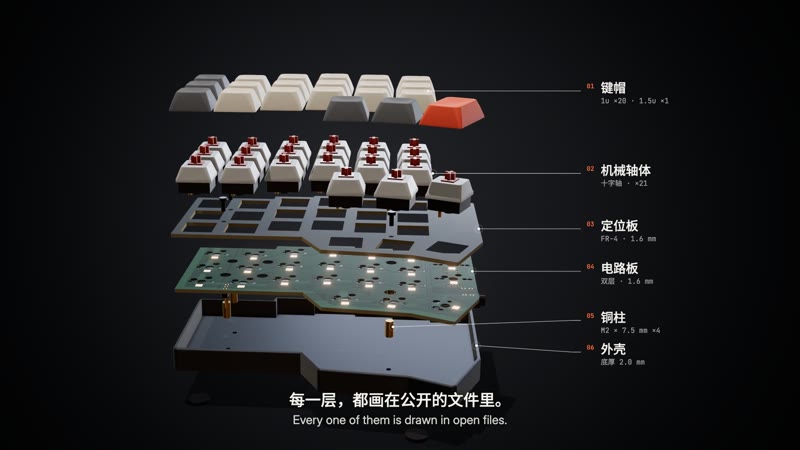 Exploded Teardown 21 Keys, Opened Half an open-source keyboard comes apart in one orbit, down to the chip, then closes with its real dimensions. |
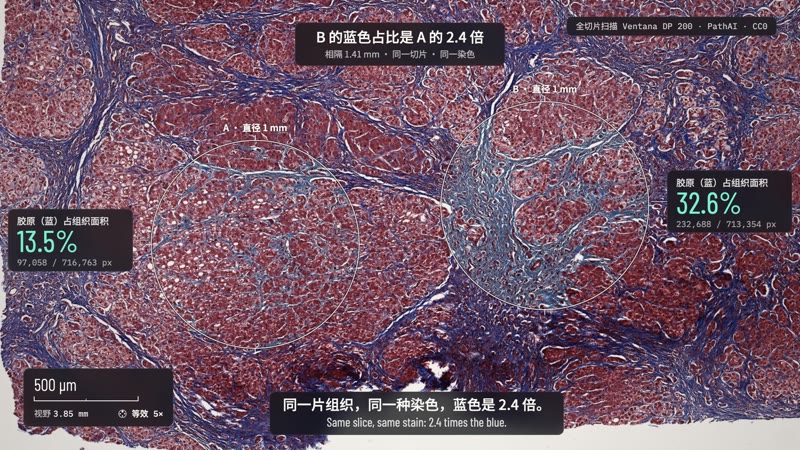 Microscope Story Measured Blue One continuous move from a liver slide to a single nucleus; two circles, counted pixel by pixel, differ 2.4 times in blue. |
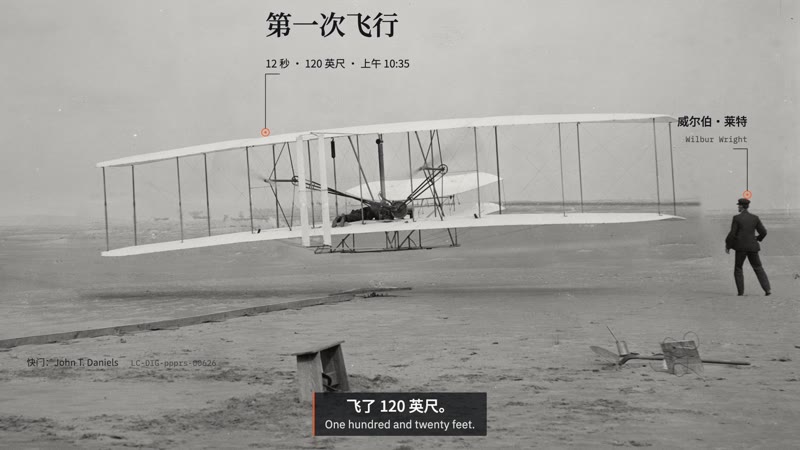 Archive Light Table Two Seconds Short The telegram said 57 seconds; under a loupe, the Wrights' glass negatives and the archive say 59. |
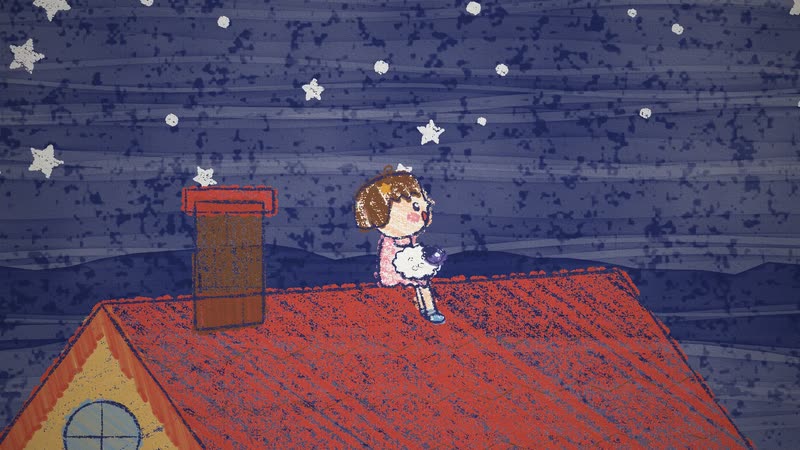 Crayon Picture Book The Moon Can't Sleep The moon can't sleep, so a little girl climbs onto the roof to sing it a lullaby. |
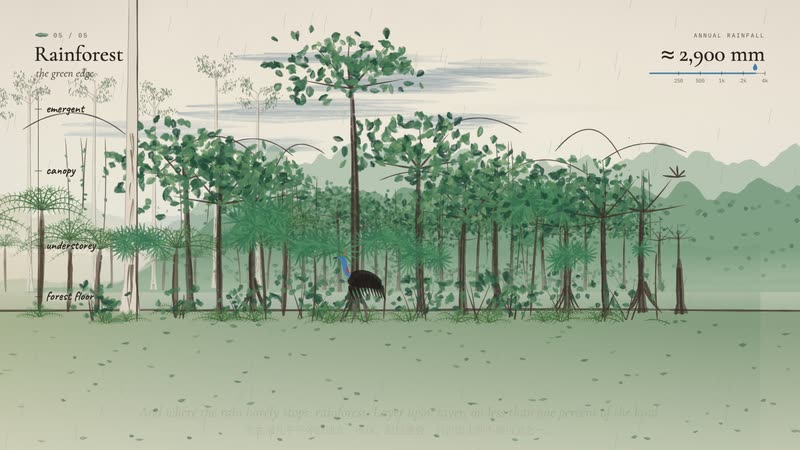 Watercolor Brush Follow the Rain Follow the rain from Australia's red desert heart to its green coast in one unbroken painted walk. |
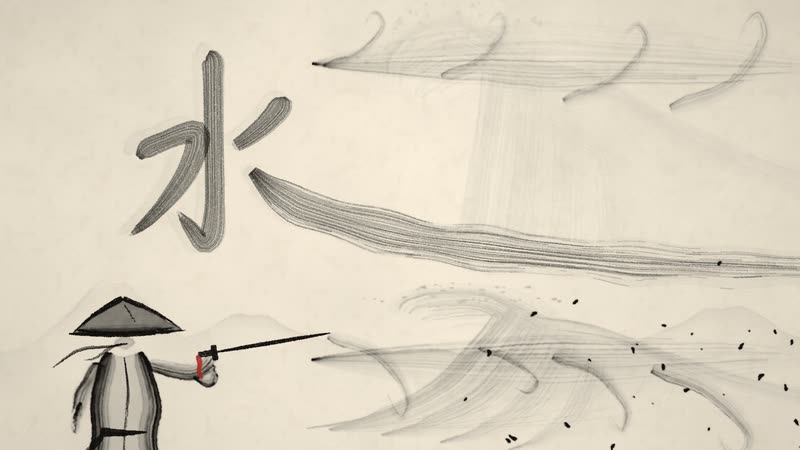 Chinese Ink Wash The Swordsman and the River A swordsman crosses the river on the water and splits the current with a single stroke. |
 Impasto Oil Painting The Colour of Rain In a grey, rainy square one red umbrella opens, and a waltz paints the whole plaza in colour. |
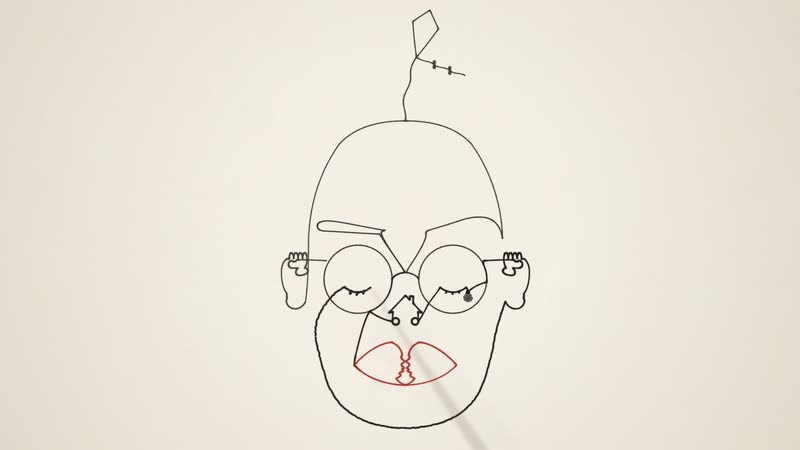 One-line Drawing The Line That Never Lifted One unbroken line draws a whole life, then the pen passes to a child. |
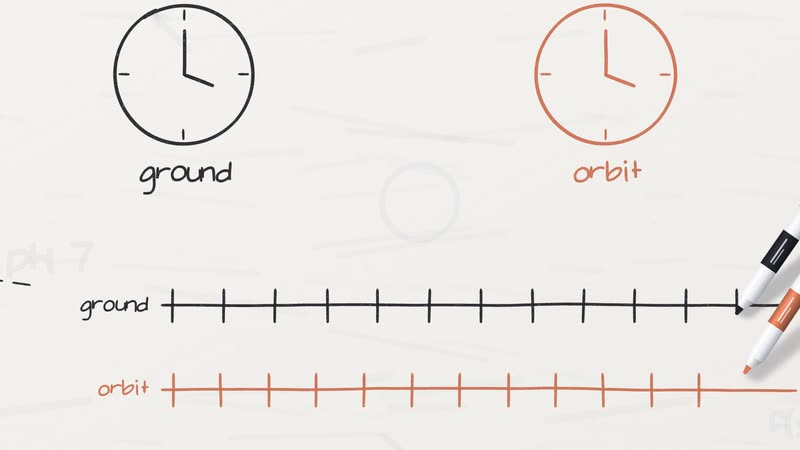 Whiteboard Explainer Einstein in Your Pocket How your phone knows where you are: GPS, atomic clocks, and the 38 microseconds relativity adds every day. |
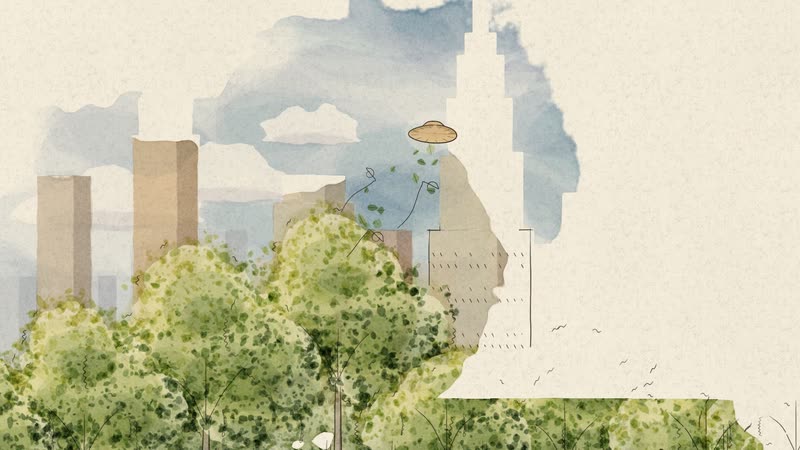 Urban Sketch · Pen & Wash Where the Wind Went A park that is only a pen sketch; wherever the wind carries her straw hat, colour follows. |
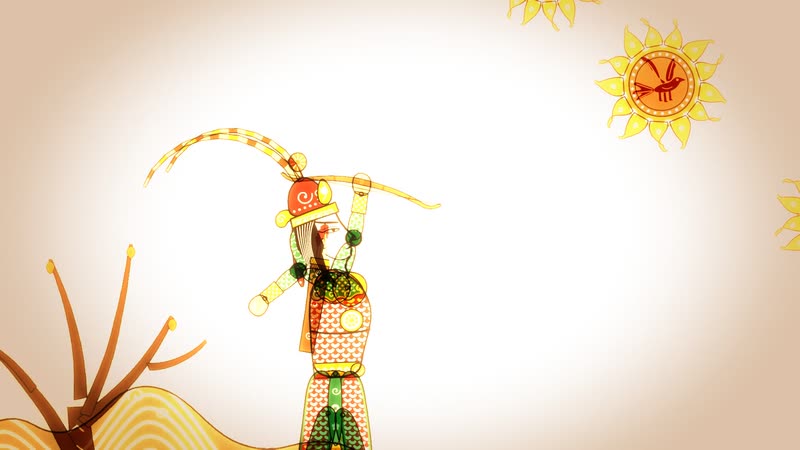 Shadow Puppetry Hou Yi Shoots the Suns Ten suns scorch the earth until the archer Hou Yi draws his bow, told with leather puppets on a lit screen. |
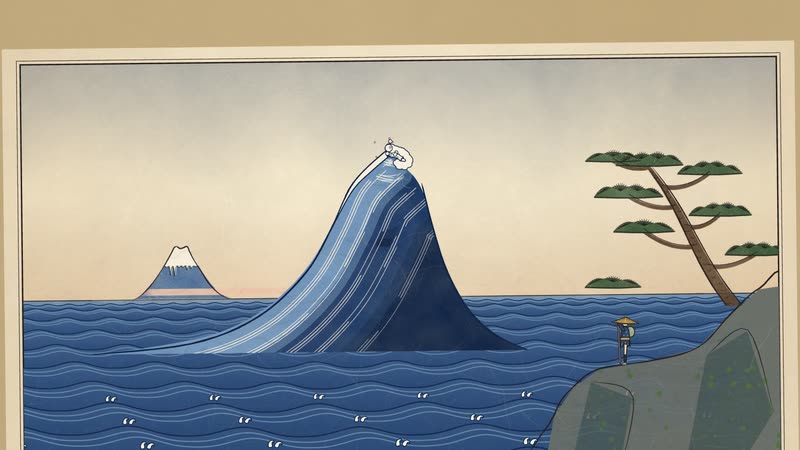 Ukiyo-e Toward the Mountain A traveller walks toward a distant mountain; every shot is a woodblock print, a great wave at the climax, the mountain and the whole scroll at the end. |
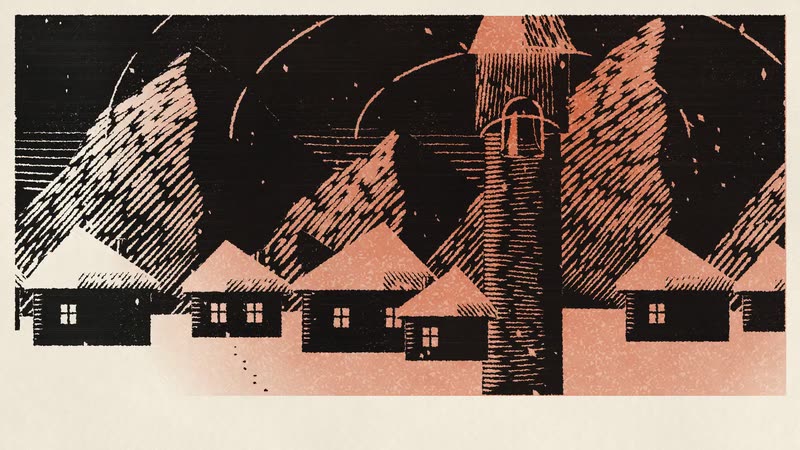
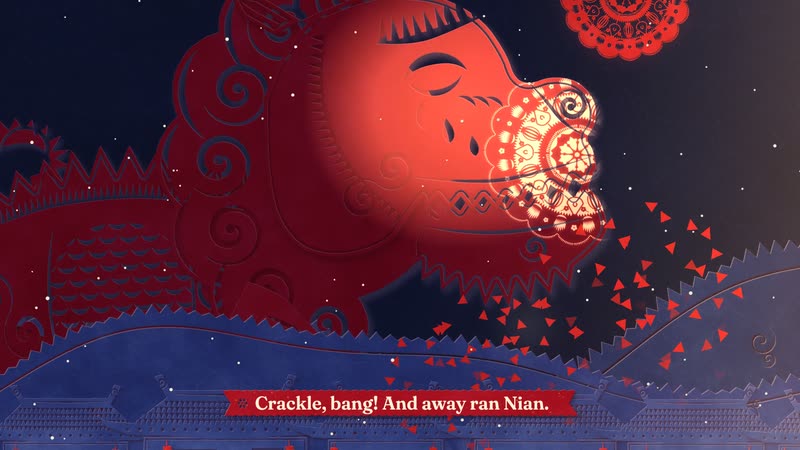 Red Paper-cut Nian Comes to Town On New Year's Eve the beast Nian comes to town, and one girl's giant paper-cut lights up the village to scare it off. |
 Paper-cut Lightbox A Mooncake's Longing A single mooncake tells the Mid-Autumn story of reunion and longing inside a glowing paper-cut lightbox. |