1
 →
→
OfficeCLI is the first and best Office suite purpose-built for AI agents to read, edit, and automate Word, Excel, and PowerPoint files. Free, open-source, single binary, no Office installation required.
OfficeCLI is the world's first and the best Office suite designed for AI agents.
Give any AI agent full control over Word, Excel, and PowerPoint — in one line of code.
Open-source. Single binary. No Office installation. No dependencies. Works everywhere.
OfficeCLI's built-in HTML rendering engine reproduces documents with high fidelity — and that's what gives AI eyes. It renders .docx / .xlsx / .pptx to HTML or PNG, closing the render → look → fix loop.

🌐 Website: officecli.ai | 💬 Community: Discord

PPT creation process using OfficeCLI on AionUi
PowerPoint Presentations
 |
 |
 |
 |
 |
 |
—
Word Documents
 |
 |
 |
—
Excel Spreadsheets
 |
 |
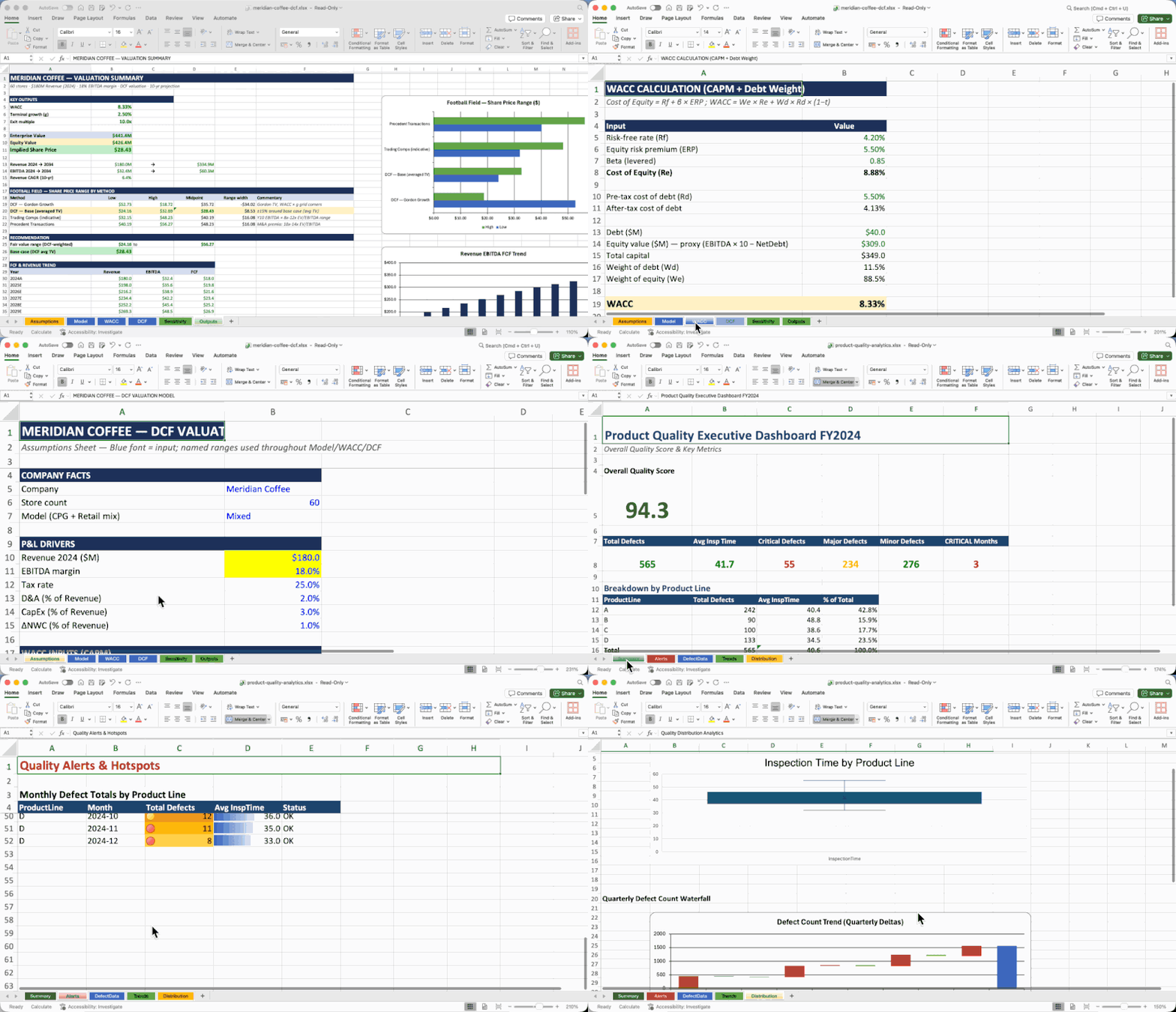 |
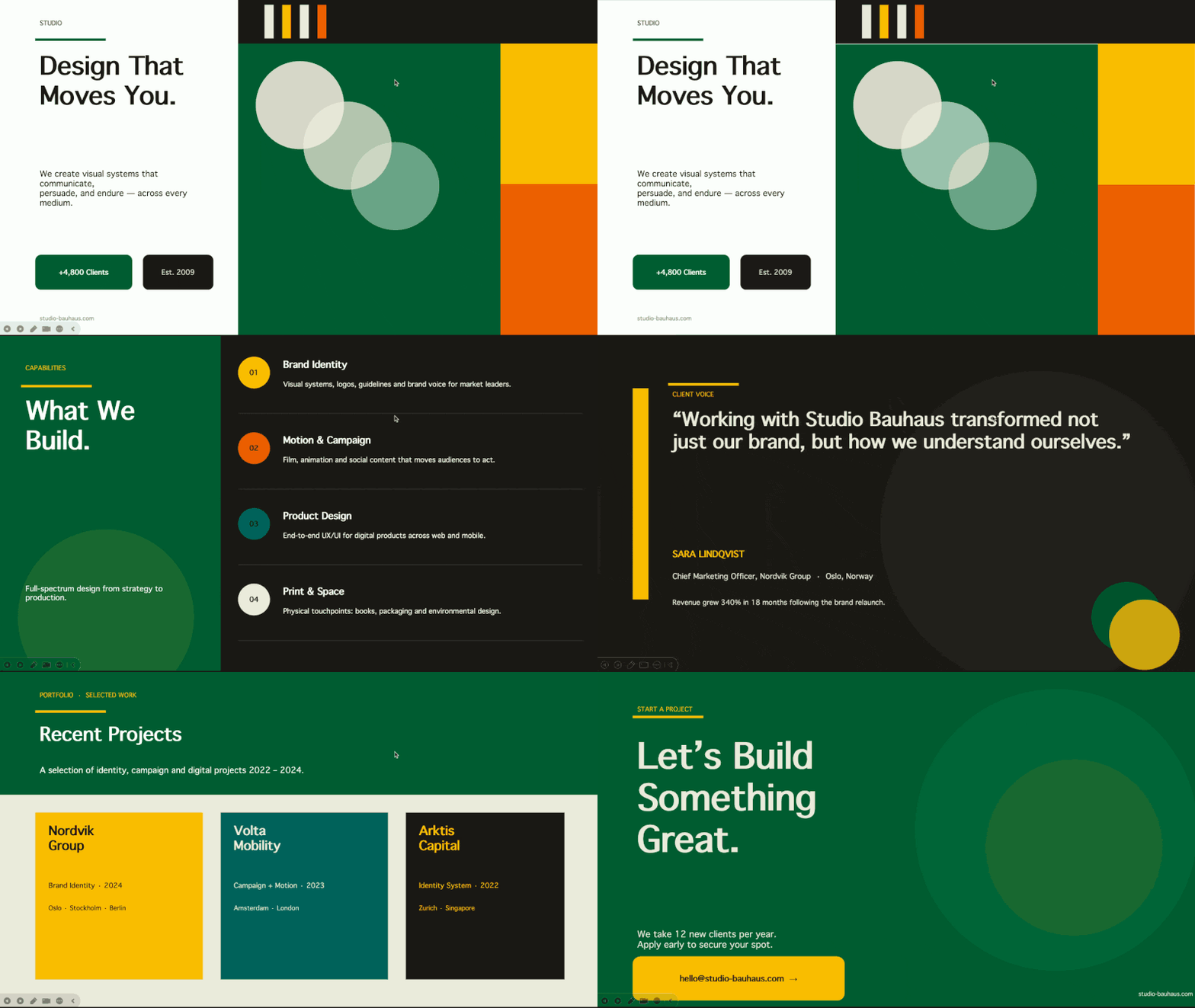
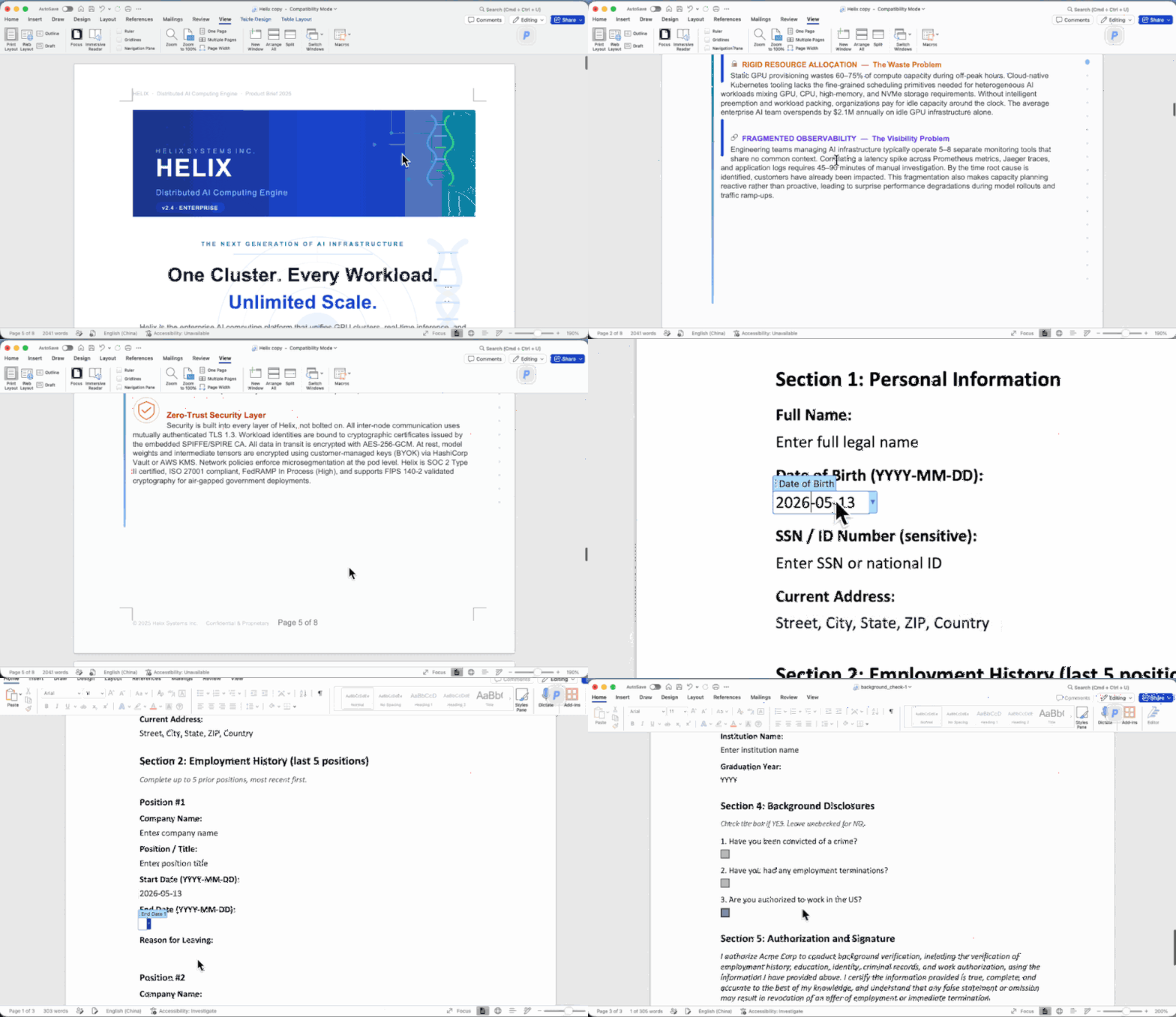
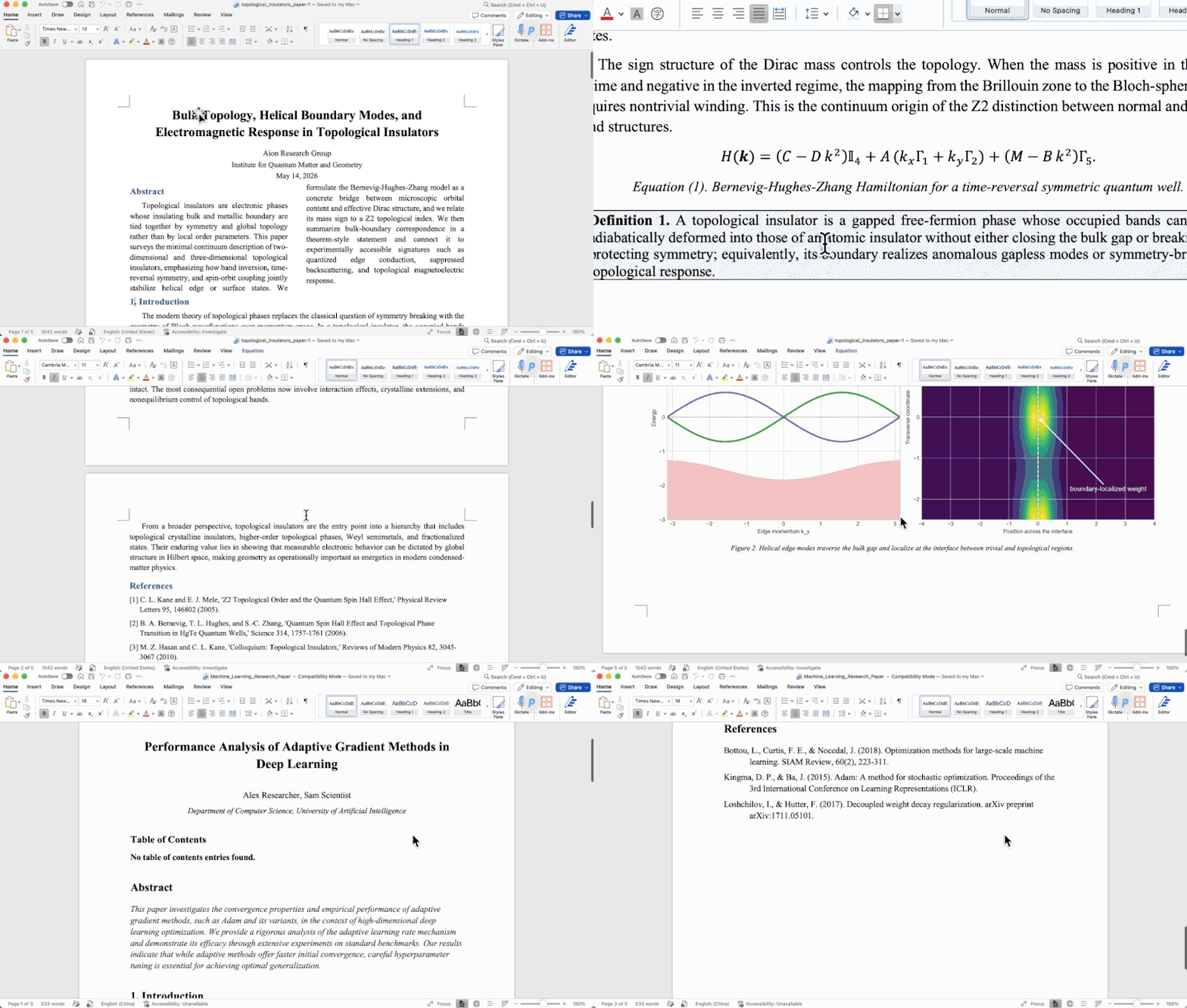
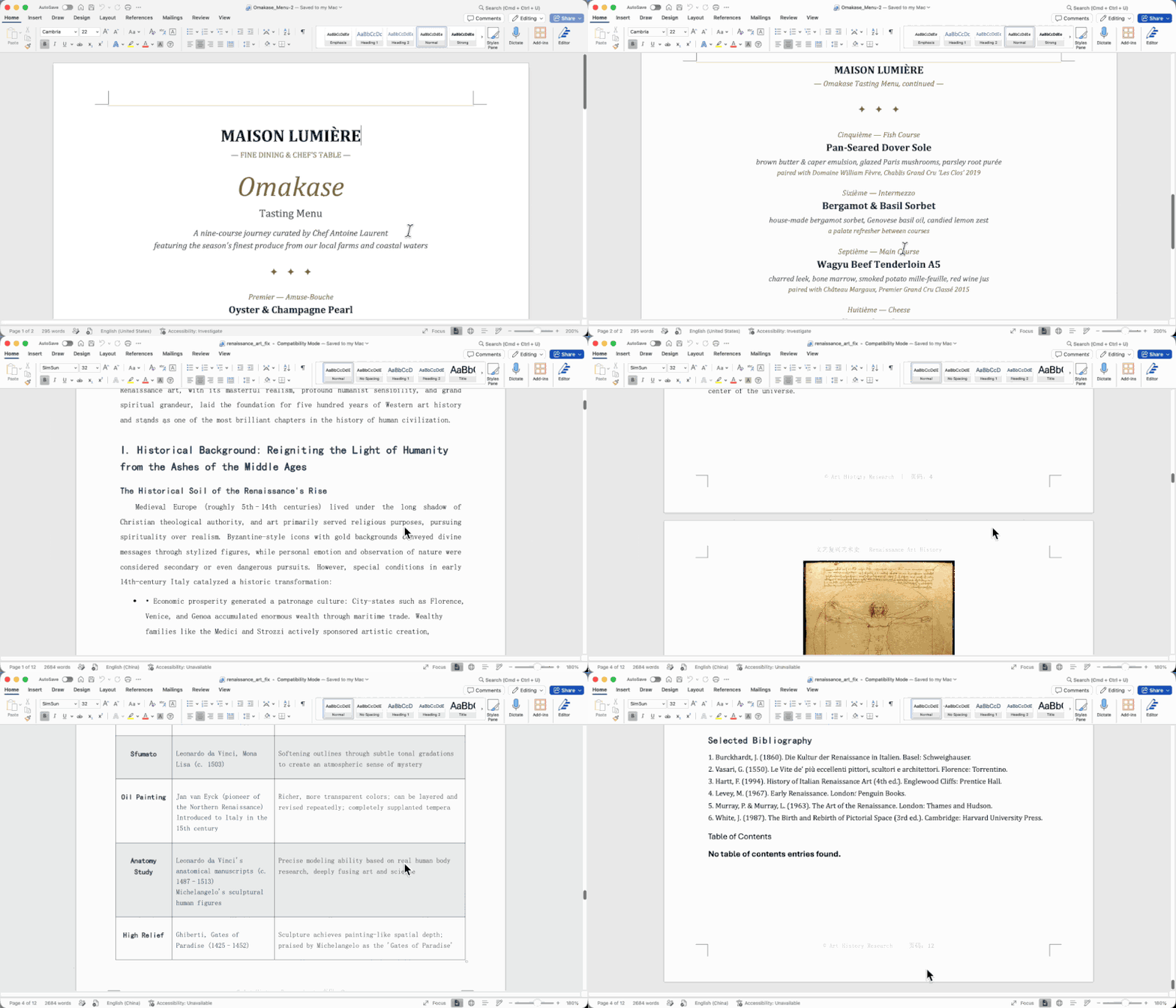
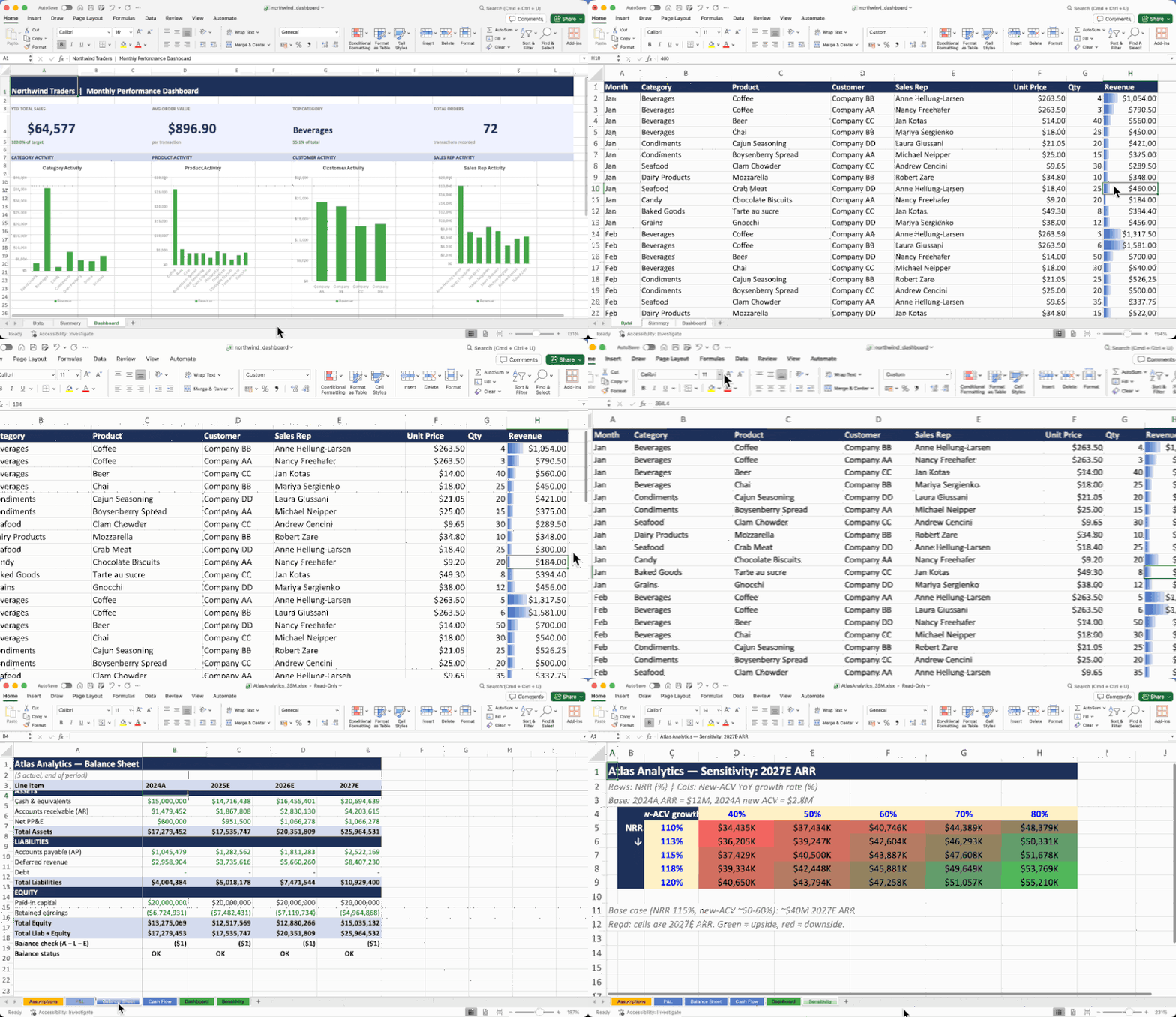
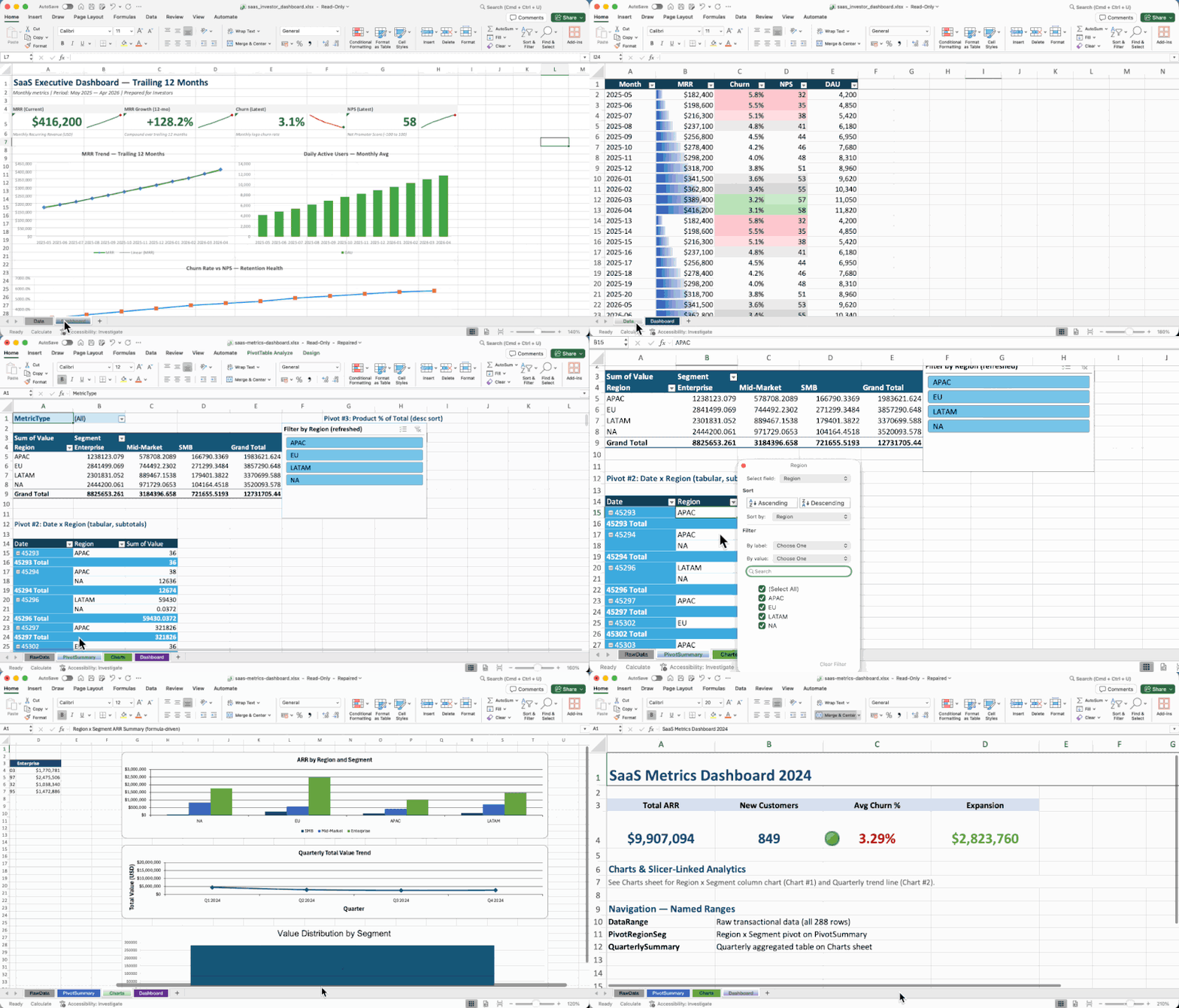
All documents above were created entirely by AI agents using OfficeCLI — no templates, no manual editing.
Paste this into your AI agent's chat — it will read the skill file and install everything automatically:
curl -fsSL https://officecli.ai/SKILL.md
That's it. The skill file teaches the agent how to install the binary and use all commands.
Option A — GUI: Install AionUi — a desktop app that lets you create and edit Office documents through natural language, powered by OfficeCLI under the hood. Just describe what you want, and AionUi handles the rest.
Option B — CLI: Download the binary for your platform from GitHub Releases, then run:
officecli install
This copies the binary to your PATH and installs the officecli skill into every AI coding agent it detects — Claude Code, Cursor, Windsurf, GitHub Copilot, and more. Your agent can immediately create, read, and edit Office documents on your behalf, no extra configuration needed.
# 1. Install (macOS / Linux) — or: brew install officecli / npm install -g @officecli/officecli
curl -fsSL https://raw.githubusercontent.com/iOfficeAI/OfficeCLI/main/install.sh | bash
Windows (PowerShell): irm https://raw.githubusercontent.com/iOfficeAI/OfficeCLI/main/install.ps1 | iex
2. Create a blank PowerPoint
officecli create deck.pptx
3. Start live preview — opens http://localhost:26315 in your browser
officecli watch deck.pptx
4. Open another terminal, add a slide — watch the browser update instantly
officecli add deck.pptx / --type slide --prop title="Hello, World!"
That's it. Every add, set, or remove command you run will refresh the preview in real time. Keep experimenting — the browser is your live feedback loop.
# Create a presentation and add content
officecli create deck.pptx
officecli add deck.pptx / --type slide --prop title="Q4 Report" --prop background=1A1A2E
officecli add deck.pptx '/slide[1]' --type shape \
  --prop text="Revenue grew 25%" --prop x=2cm --prop y=5cm \
  --prop font=Arial --prop size=24 --prop color=FFFFFF
View as outline
officecli view deck.pptx outline
→ Slide 1: Q4 Report
→   Shape 1 [TextBox]: Revenue grew 25%
View as HTML — opens a rendered preview in your browser, no server needed
officecli view deck.pptx html
Get structured JSON for any element
officecli get deck.pptx '/slide[1]/shape[1]' --json
Save and close — flushes the resident session to disk
officecli close deck.pptx
{
  "tag": "shape",
  "path": "/slide[1]/shape[1]",
  "attributes": {
    "name": "TextBox 1",
    "text": "Revenue grew 25%",
    "x": "720000",
    "y": "1800000"
  }
}
What used to take 50 lines of Python and 3 separate libraries:
from pptx import Presentation
from pptx.util import Inches, Pt
prs = Presentation()
slide = prs.slides.add_slide(prs.slide_layouts[0])
title = slide.shapes.title
title.text = "Q4 Report"
... 45 more lines ...
prs.save('deck.pptx')
Now takes one command:
officecli add deck.pptx / --type slide --prop title="Q4 Report"
What OfficeCLI can do:
Word — full i18n & RTL support (per-script font slots, per-script BCP-47 lang tags lang.latin/ea/cs, complex-script bold/italic/size, direction=rtl cascading through paragraph/run/section/table/style/header/footer/docDefaults, rtlGutter + pgBorders shorthand, locale-aware page numbering for Hindi/Arabic/Thai/CJK; create --locale ar-SA auto-enables RTL), paragraphs (framePr, tabs shorthand, char-based indents), runs (underline.color, position half-pts), tables (virtual column ops add/remove/move/copyfrom, hMerge), styles, textbox / shape (textbox: rotation, textDirection eaVert/vert270, gradient, shadow, opacity), headers/footers, images (PNG/JPG/GIF/SVG), equations (LaTeX input), diagrams (mermaid → native editable shapes, or any mermaid type as a full-fidelity PNG), comments, footnotes, watermarks, bookmarks, TOC, charts, hyperlinks, sections, form fields, content controls (SDT), fields (22 zero-param types + MERGEFIELD / REF / PAGEREF / SEQ / STYLEREF / DOCPROPERTY / IF), OLE objects, revisions / tracked changes (revision.type=ins\|del\|format\|moveFrom\|moveTo + revision.action=accept\|reject, per-target /revision[@author=Alice] selector, tracked Find&Replace), page background color, document properties
Excel — cells (phonetic guide / furigana on add, Excel-UI --shift left\|up on remove / shift=right\|down on add), formulas (350+ built-in functions with auto-evaluation, spilling dynamic arrays with _xlfn. auto-prefix, financial / bond and statistical families, OFFSET/INDIRECT, defined-name formula bodies inlined at parse, formula-ref rewrite on row/col insert), sheets (visible/hidden/veryHidden, print margins, printTitleRows/Cols, RTL sheetView, cascade-aware sheet rename, empty-cell bloat filter on open), boolean and/or selectors (row[Salary>5000 and Region=EMEA]), tables, sort (sheet / range, multi-key, sidecar-aware), conditional formatting, charts (including box-whisker, pareto with auto-sort + cumulative-%, log axis), pivot tables (multi-field, date grouping, showDataAs, sort, grandTotals, subtotals, compact/outline/tabular layout, repeat item labels, blank rows, calculated fields, persistent labelFilter / topN filters, cache CoW + cross-pivot sharing), slicers, named ranges, data validation, images (PNG/JPG/GIF/SVG with dual-representation fallback), sparklines, comments (RTL), autofilter, shapes, OLE objects, CSV/TSV import, $Sheet:A1 cell addressing
PowerPoint — slides (header/footer/date/slidenum toggles, hidden), shapes (pattern fill, blur effect, hyperlink tooltip + slide-jump links, highlight color on runs, slideMaster/slideLayout typed add/set/remove, arrow alias, effective.X + effective.X.src), images (PNG/JPG/GIF/SVG, fill modes: stretch/contain/cover/tile, brightness/contrast/glow/shadow, rotation, link + tooltip), tables (built-in PowerPoint style catalogue, virtual /col[C] get + swap/copyFrom, row/col Move/CopyFrom, fill/background alias), charts (pieOfPie, barOfPie, per-attr axisLine/gridline setters, series add/remove with theme palette, anchor=x,y,w,h shorthand), animations (15 emphasis + 16 exit template-backed presets, multi-effect chains, motion-path presets, repeat/restart/autoReverse, chart animations + chartBuild), transitions (morph + p14 + 12 p15 PowerPoint 2013+ presets), 3D models (.glb) (combined rotation=ax,ay,az), slide zoom, equations (LaTeX input), diagrams (mermaid flowchart / sequence → native editable shapes, or any mermaid type as a full-fidelity PNG), themes, connectors (from/to accept a full /slide[N]/shape[@name=Foo] path), video/audio (loop, autoStart), groups (link + tooltip; Get/Query/Add/Remove all descend into groups), notes (RTL, lang), comments (RTL, legacy + modern p188 threaded round-trip), SmartArt (round-trip via add-part + raw-set), OLE objects, placeholders (add/set by phType)
For Developers:
Ships as a single self-contained binary. The .NET runtime is embedded -- nothing to install, no runtime to manage.
One-line install:
# macOS / Linux
curl -fsSL https://raw.githubusercontent.com/iOfficeAI/OfficeCLI/main/install.sh | bash
Windows (PowerShell)
irm https://raw.githubusercontent.com/iOfficeAI/OfficeCLI/main/install.ps1 | iex
Or via a package manager:
# Homebrew (macOS / Linux)
brew install officecli
Scoop (Windows)
scoop install officecli
npm (all platforms — fetches the native binary for your platform)
npm install -g @officecli/officecli
Or download manually from GitHub Releases:
| Platform | Binary |
|----------|--------|
| macOS Apple Silicon | officecli-mac-arm64 |
| macOS Intel | officecli-mac-x64 |
| Linux x64 | officecli-linux-x64 |
| Linux ARM64 | officecli-linux-arm64 |
| Windows x64 | officecli-win-x64.exe |
| Windows ARM64 | officecli-win-arm64.exe |
Verify installation: officecli --version
Or self-install from a downloaded binary (or run bare officecli to auto-install):
officecli install    # explicit
officecli            # bare invocation also triggers install
Updates are checked automatically in the background. Disable with officecli config autoUpdate false or skip per-invocation with OFFICECLI_SKIP_UPDATE=1. Configuration lives under ~/.officecli/config.json.
OfficeCLI is self-contained. The capabilities below ship inside the binary — no Office required.
OfficeCLI's keystone: a from-scratch, high-fidelity HTML rendering engine that lets an AI agent see the rendered document instead of guessing from the DOM. It covers shapes, charts (trendlines, error bars, waterfall, candlestick, sparklines), equations (OMML → LaTeX, rendered with KaTeX), 3D .glb models via Three.js, morph transitions, slide zoom, and shape effects. Per-page PNG screenshots are produced by piping the rendered HTML through a headless browser. Three modes:
view html — standalone HTML file, assets inlined. Open in any browser.view screenshot — per-page PNG, ready for multimodal agents to read.watch — local HTTP server with auto-refreshing preview; every add / set / remove updates the browser instantly. Excel watch supports inline cell editing and drag-to-reposition charts.officecli view deck.pptx html -o /tmp/deck.html
officecli view deck.pptx screenshot -o /tmp/deck.png # add --page 1-N for more slides
officecli watch deck.pptx # http://localhost:26315
Without visualization, an agent generating slides is flying blind — it can read the DOM but can't tell if the title overflows or two shapes overlap. Because rendering is built into the binary, the render → look → fix loop works in CI, in Docker, on a server with no display — anywhere the binary runs.
350+ built-in Excel functions evaluated automatically on write — write =SUM(A1:A2), get the cell, the value is already there. No round-trip through Office to recalc. Covers spilling dynamic arrays (FILTER / SORT / UNIQUE / SEQUENCE / LET / LAMBDA / MAP), VLOOKUP / XLOOKUP / INDEX / MATCH, financial & bond math (XIRR / PRICE / YIELD / DURATION / COUPNUM), statistical distributions, tests & regression (NORM.DIST / T.TEST / LINEST), and date & text functions.
Plus native OOXML pivot tables from a source range with one command — multi-field rows/cols/filters, 10 aggregations, showDataAs modes, date grouping, calculated fields, top-N, layouts. Pivot cache + definition are written to OOXML, so Excel opens the file with the aggregation already populated:
officecli add sales.xlsx '/Sheet1' --type pivottable \
  --prop source='Data!A1:E10000' --prop rows='Region,Category' \
  --prop cols=Quarter --prop values='Revenue:sum,Units:avg' \
  --prop showDataAs=percentOfTotal
merge replaces {{key}} placeholders in any .docx / .xlsx / .pptx with JSON data — across paragraphs, table cells, shapes, headers, footers, and chart titles. Agent designs the layout once (expensive); production code fills it N times (cheap, deterministic, zero token cost). Avoids the failure mode where an agent regenerates each report from scratch and produces N inconsistent layouts.
officecli merge invoice-template.docx out-001.docx --data '{"client":"Acme","total":"$5,200"}'
officecli merge q4-template.pptx q4-acme.pptx --data data.json
dump serializes any .docx, .pptx, or .xlsx — whole document or any subtree (a single paragraph, table, slide, worksheet, the styles part, numbering, theme, or settings) — into a replayable batch JSON; batch replays it. Given a sample the user wants to imitate, an agent reads the structured spec instead of raw OOXML XML, mutates, and replays. Bridges "I have an existing template" and "generate me 100 variations."
officecli dump existing.docx -o blueprint.json                  # whole document
officecli dump existing.docx /body/tbl[1] -o table.json         # any subtree
officecli dump existing.xlsx /Sheet1 -o sheet.json              # a single worksheet
officecli batch new.docx --input blueprint.json
For multi-step workflows, resident mode keeps the document in memory. Batch mode applies multiple operations in a single pass.
# Resident mode — near-zero latency via named pipes
officecli open report.docx
officecli set report.docx /body/p[1]/r[1] --prop bold=true
officecli set report.docx /body/p[2]/r[1] --prop color=FF0000
officecli close report.docx
Batch mode — multi-command execution (atomic by default: any failed item rolls back the whole batch)
echo '[{"command":"set","path":"/slide[1]/shape[1]","props":{"text":"Hello"}},
      {"command":"set","path":"/slide[1]/shape[2]","props":{"fill":"FF0000"}}]' \
  | officecli batch deck.pptx --json
Inline batch with --commands (no stdin needed)
officecli batch deck.pptx --commands '[{"op":"set","path":"/slide[1]/shape[1]","props":{"text":"Hi"}}]'
Keep whatever succeeds even if some items fail (pre-1.0.137 behavior)
officecli batch deck.pptx --input updates.json --best-effort --json
Stop at the first failing command instead of running the rest (still rolls back everything unless combined with --best-effort)
officecli batch deck.pptx --input updates.json --stop-on-error --json
Reading the file with another tool? Flush to disk first.
officecli's own reads (get/query/view) always see your latest edits, so within officecli you never need to save. But a live resident defers the disk write, so before a non‑officecli program reads the file — python‑docx/openpyxl, Microsoft Word, a renderer, delivery/upload — flush it:
> officecli set report.docx /body/p[1] --prop bold=true
officecli save report.docx # flush, keep the resident warm (or close to flush + release)
python my_reader.py report.docx # now sees the edit
A live resident also auto‑flushes shortly after going idle (adaptive 2–10s, scaled to the document's measured save cost). For a pipeline where another program reads after every command, setOFFICECLI_RESIDENT_FLUSH=each— every mutation is on disk before the command returns, while the resident stays warm. Full flush model (each/auto/fixed/off, save / close, env tuning): wiki → open / close.
Start simple, go deep only when needed.
| Layer | Purpose | Commands |
|-------|---------|----------|
| L1: Read | Semantic views of content | view (text, annotated, outline, stats, issues, html, svg, screenshot) |
| L2: DOM | Structured element operations | get, query, set, add, remove, move, swap |
| L3: Raw XML | Direct XPath access — universal fallback | raw, raw-set, add-part, validate |
# L1 — high-level views
officecli view report.docx annotated
officecli view budget.xlsx text --cols A,B,C --max-lines 50
L2 — element-level operations
officecli query report.docx "run:contains(TODO)"
officecli add budget.xlsx / --type sheet --prop name="Q2 Report"
officecli move report.docx /body/p[5] --to /body --index 1
L3 — raw XML when L2 isn't enough
officecli raw deck.pptx '/slide[1]'
officecli raw-set report.docx document \
  --xpath "//w:p[1]" --action append \
  --xml 'Injected text'
Built-in MCP server — register with one command:
```bash officecli mcp claude # Claude Code officecli mcp cursor # Cursor officecli mcp vscode # VS Code / Copilot officecli mcp lmstudio # LM Studio officecli mcp list # Check
→ →
→ →
→ →
→ →
→ →
→