1
 →
→
TaskView is a self-hosted project and task management platform focused on clarity, ownership, and control.
Gimanh/taskview-community is an open-source project on GitHub, mainly written in TypeScript. TaskView is a self-hosted project and task management platform focused on clarity, ownership, and control. It currently holds 1,095 stars and 80 forks with 5 open issues, and was last pushed on 2026-09-27 (repository created 2025-12-29).
Git Homed tracks it on the Today's Trending board, currently at rank #25 with 116 new stars today.
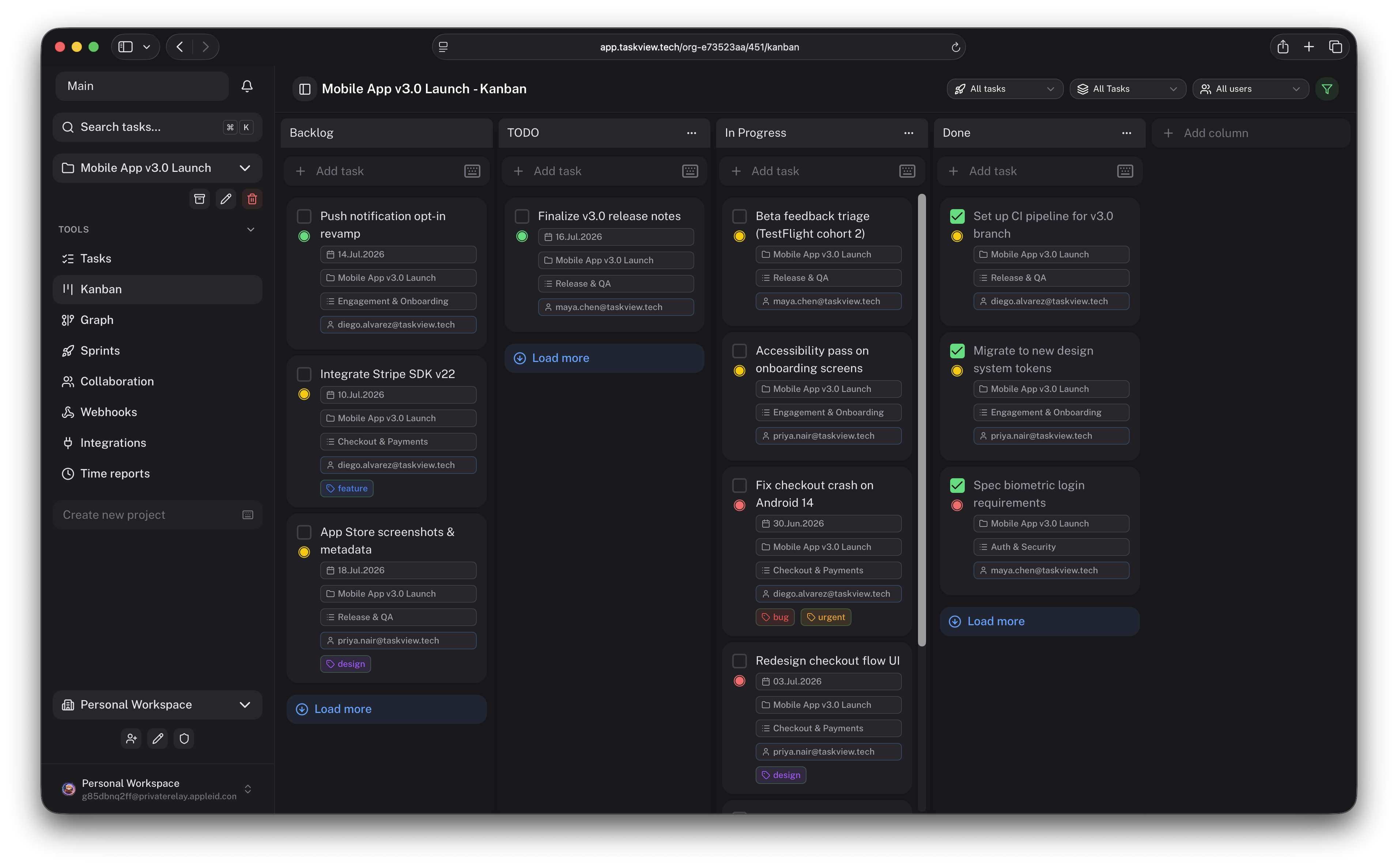
Self-hosted project management for software teams.
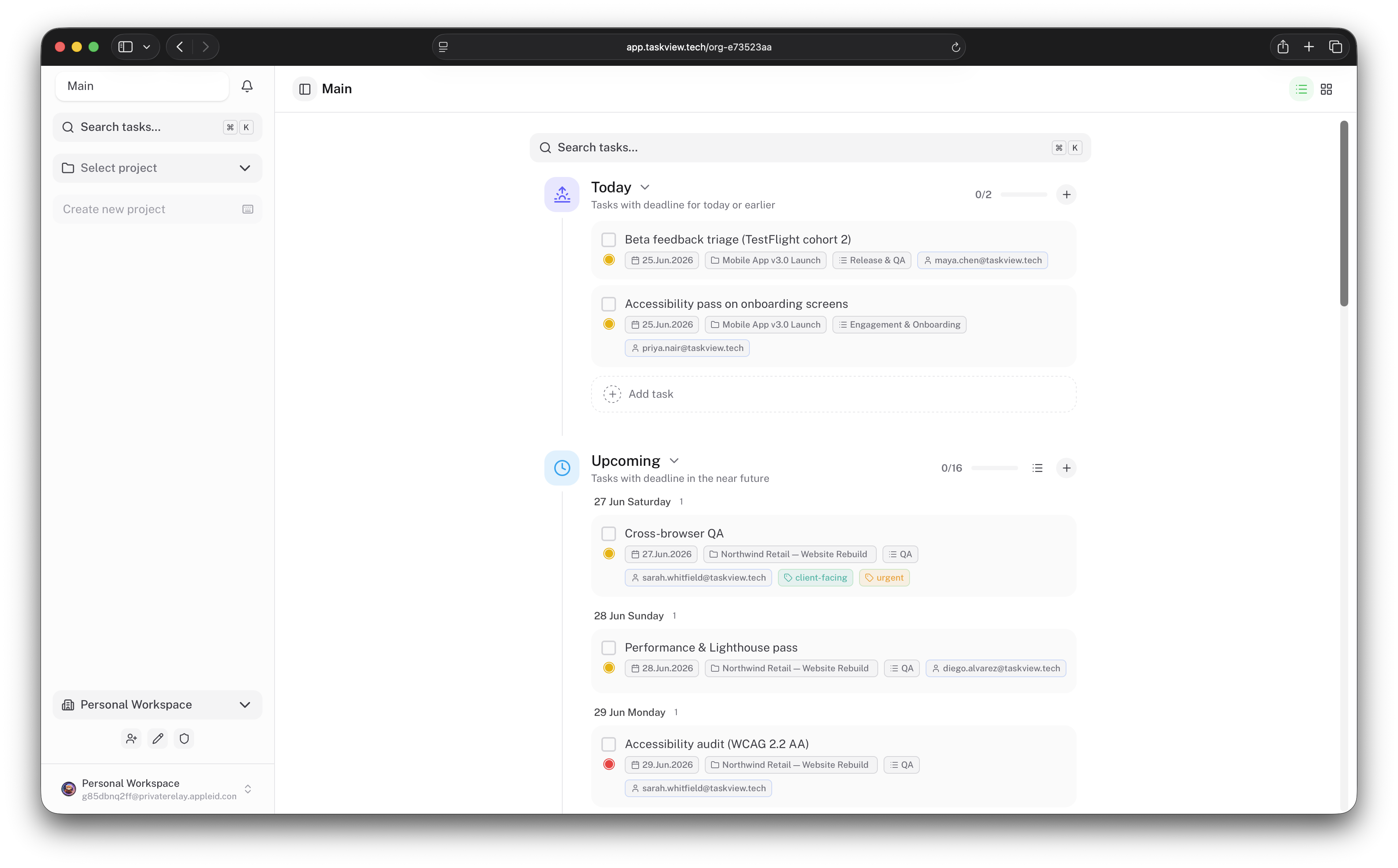
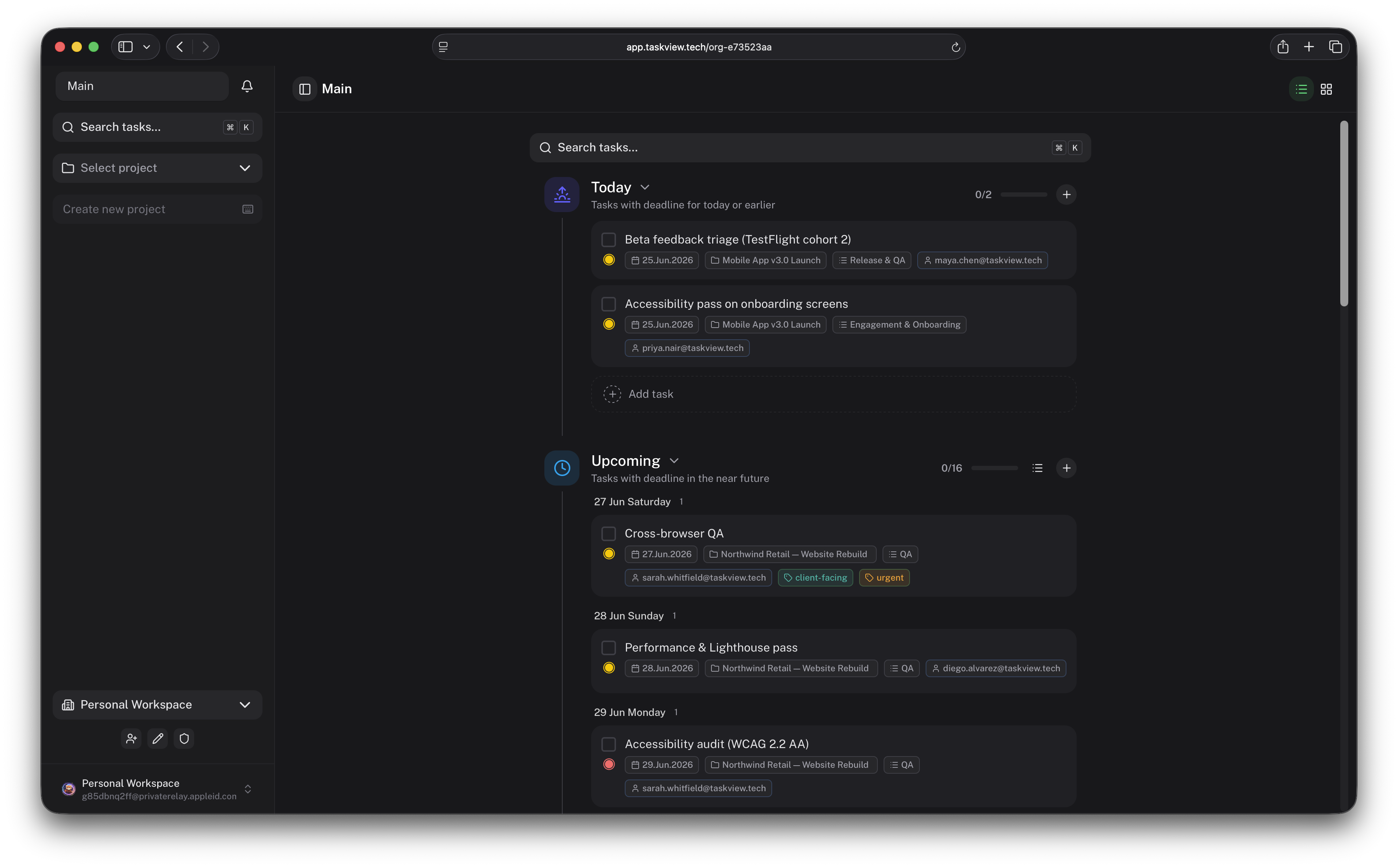
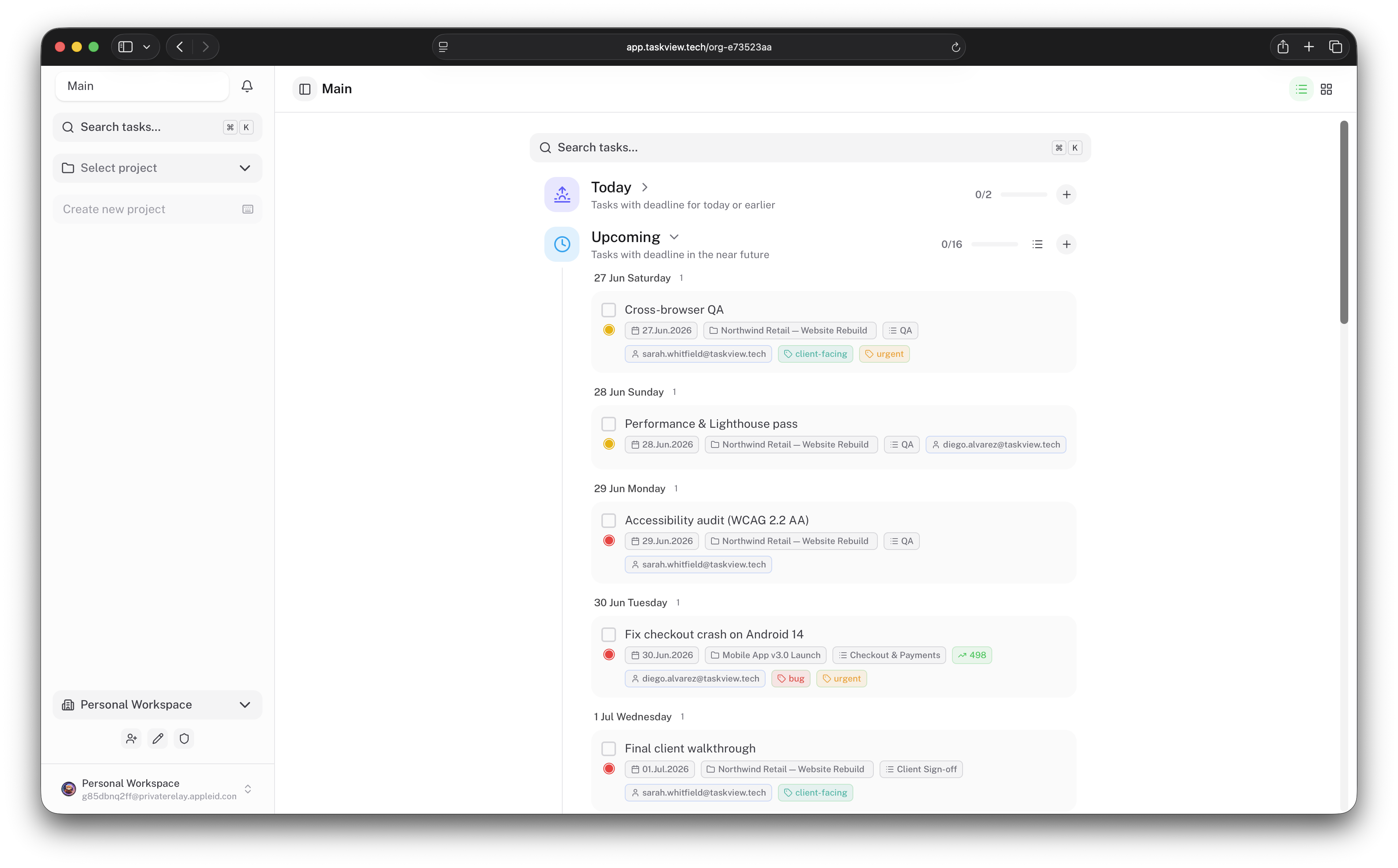
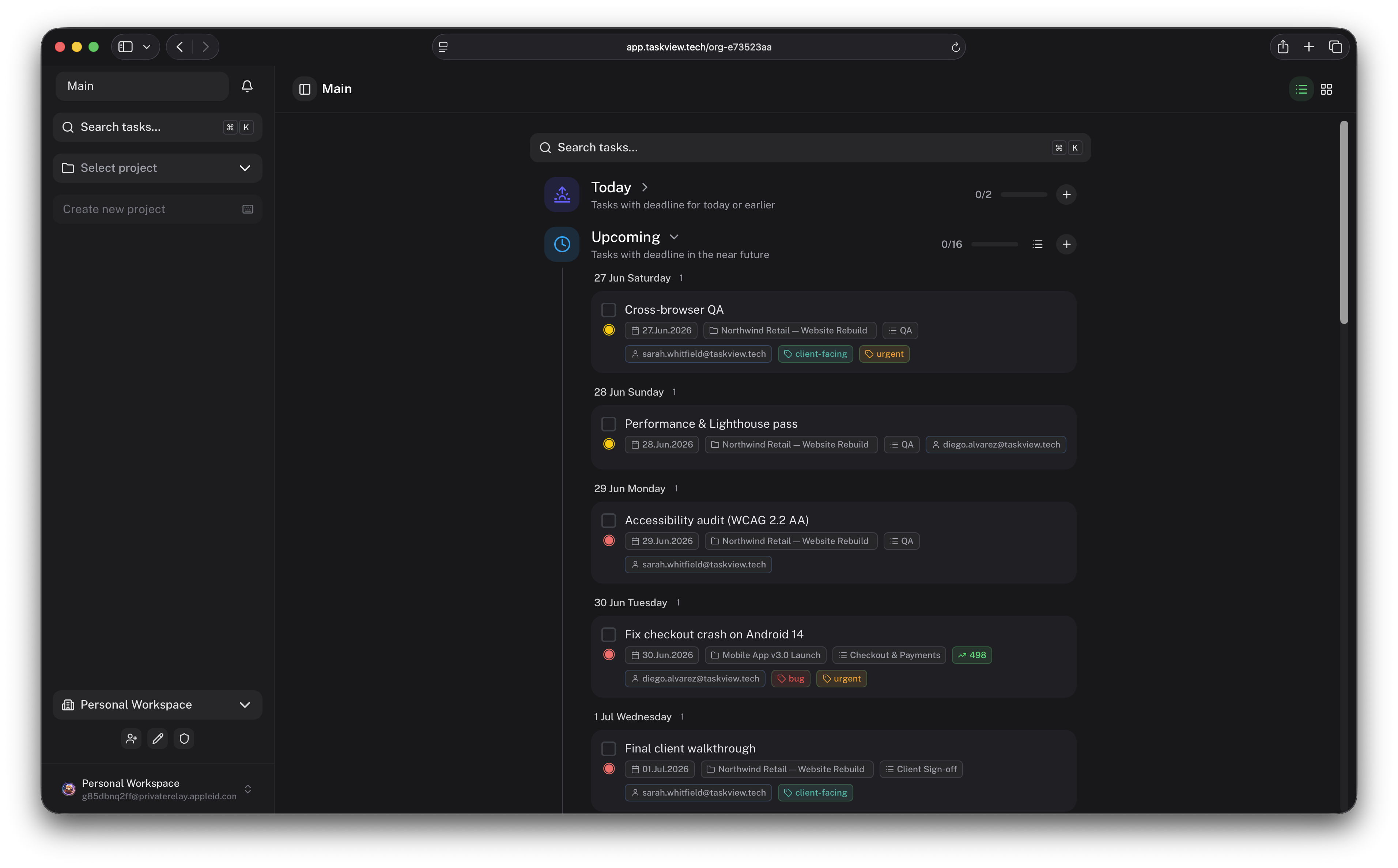
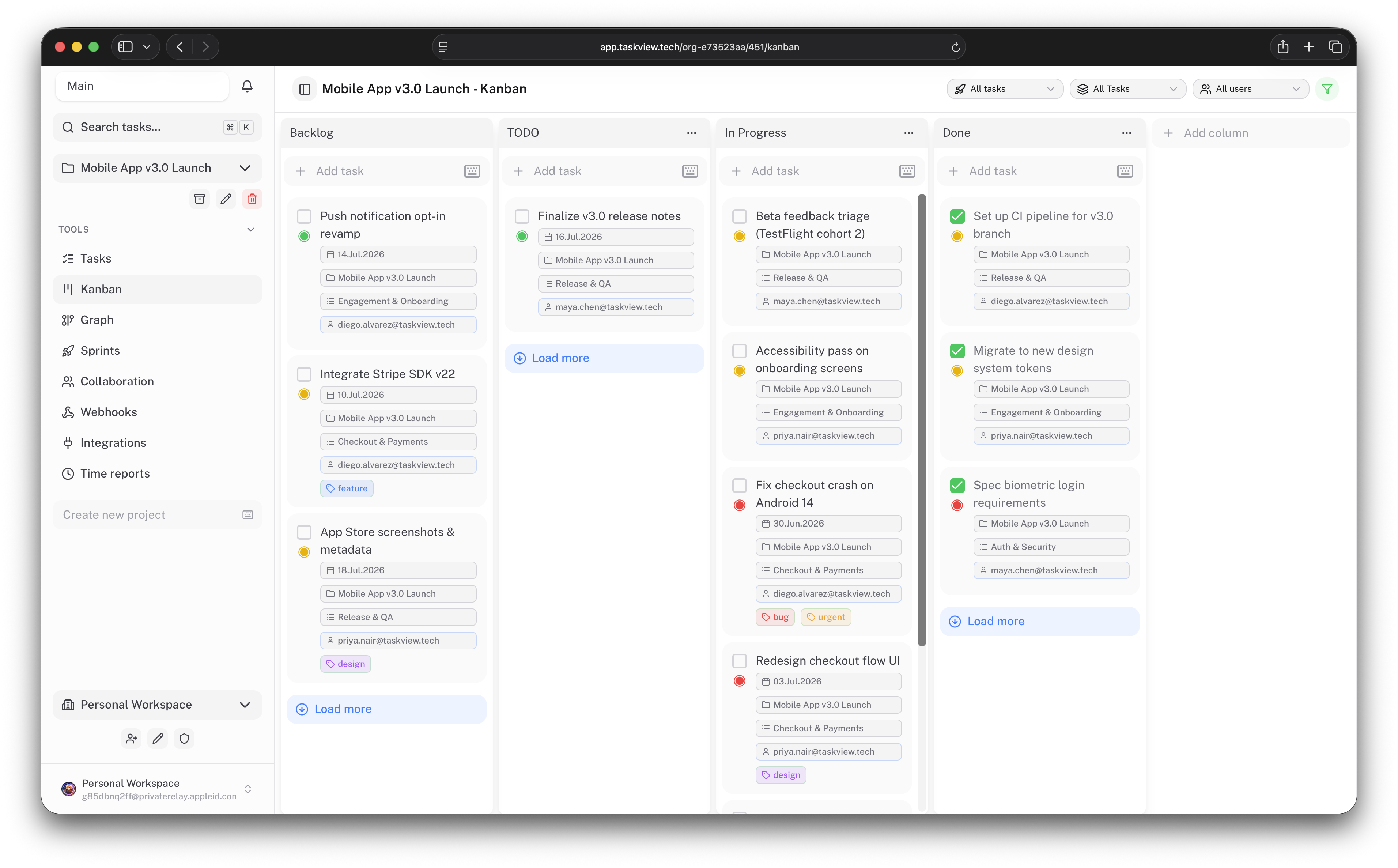
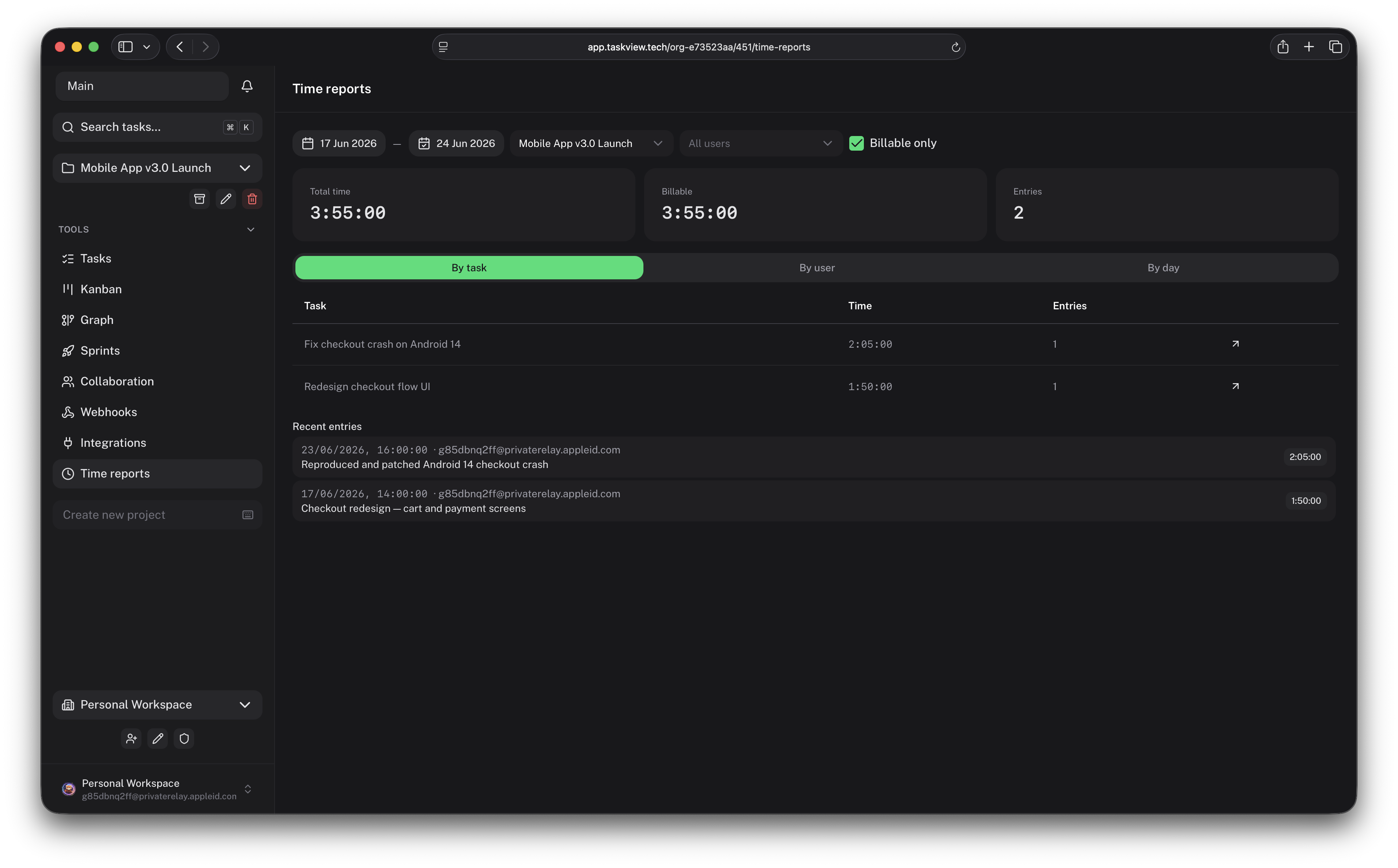
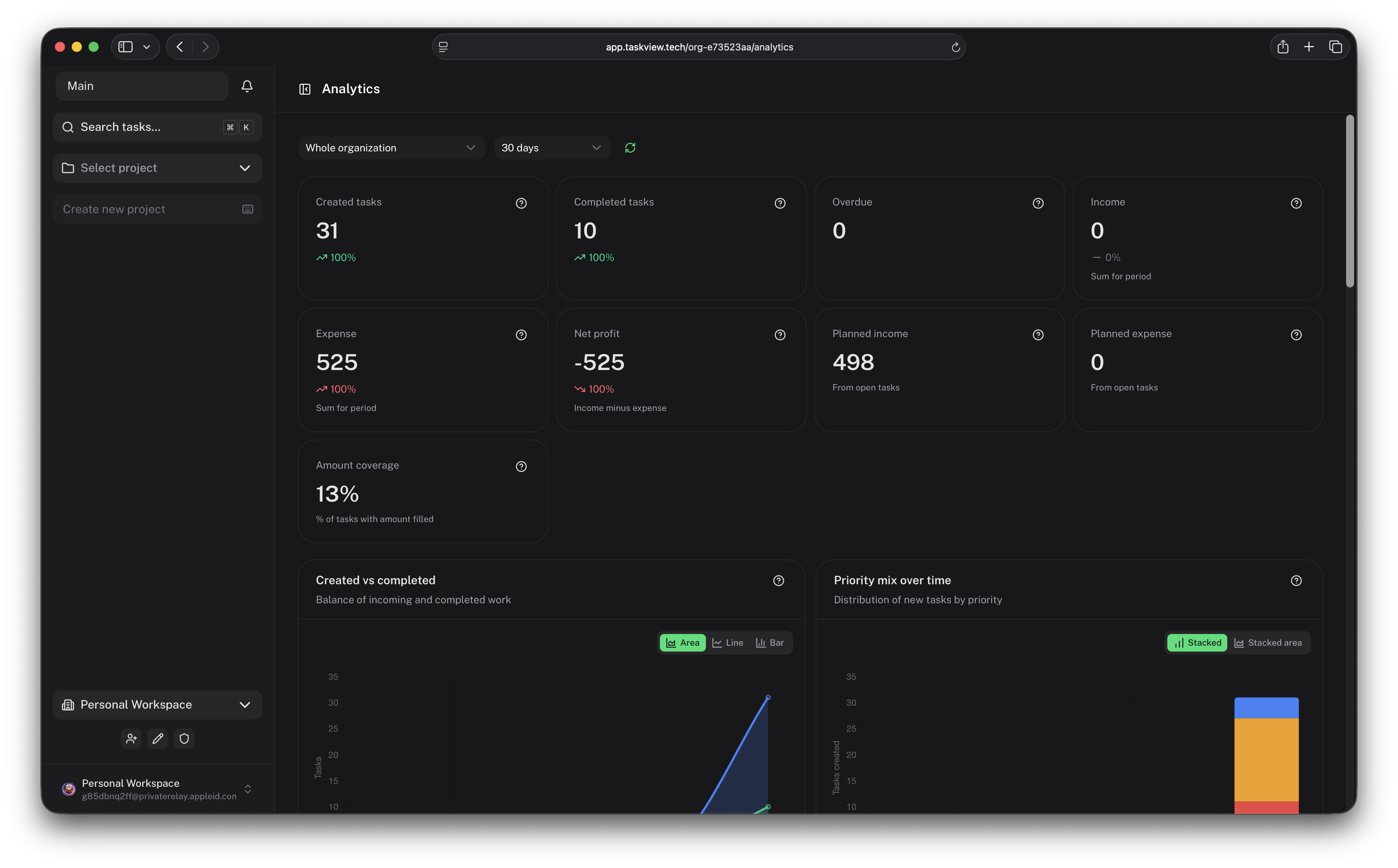
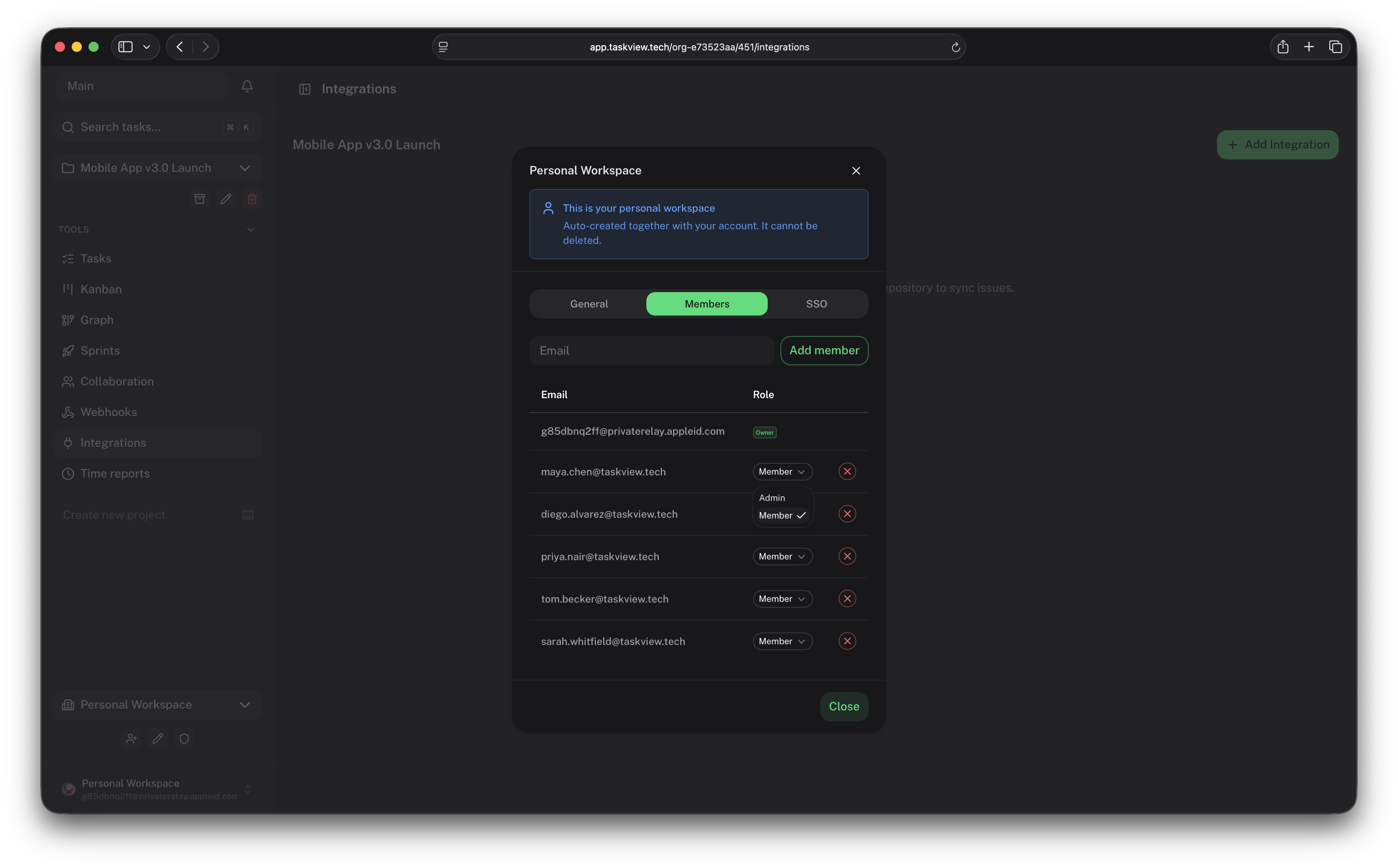
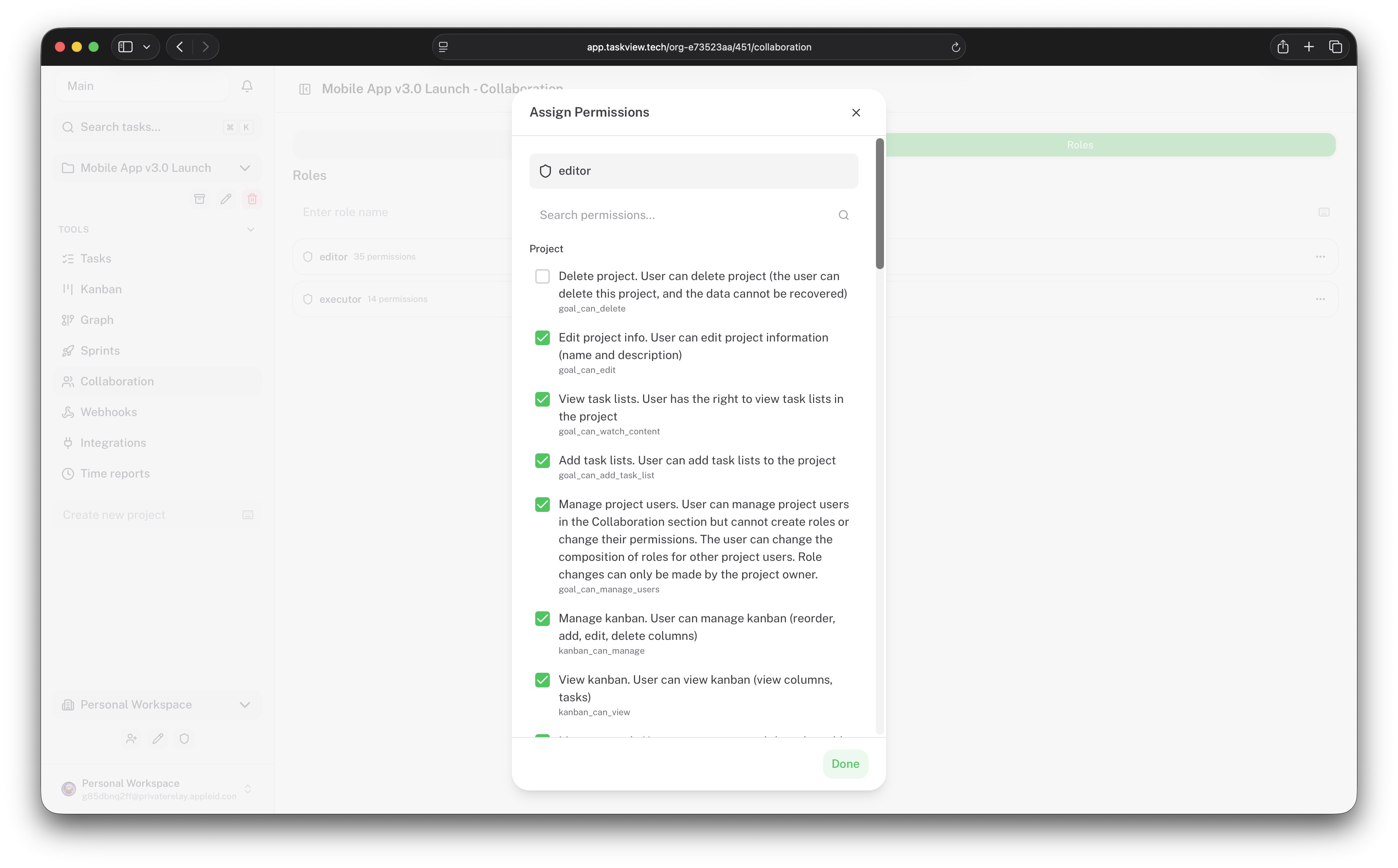
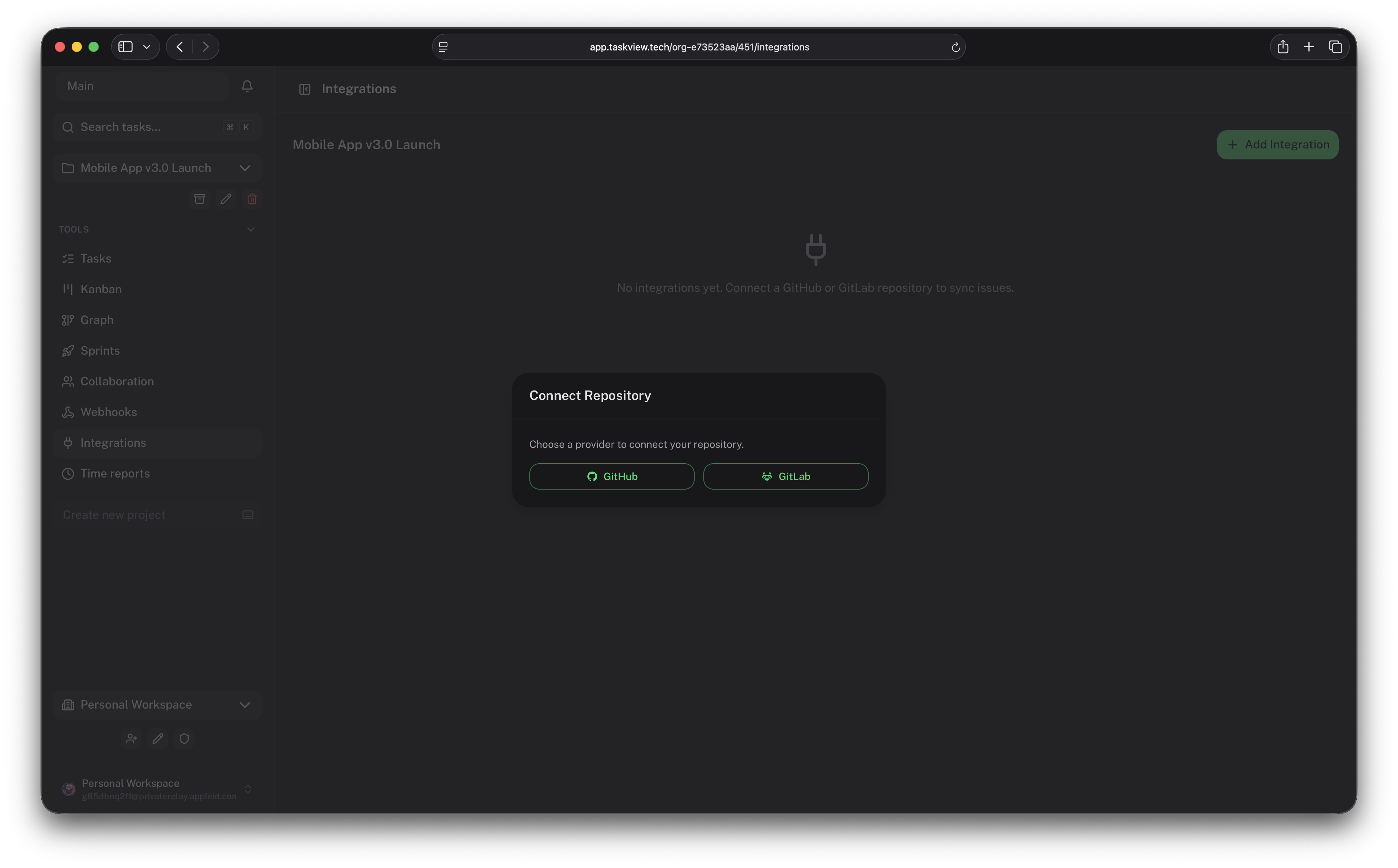
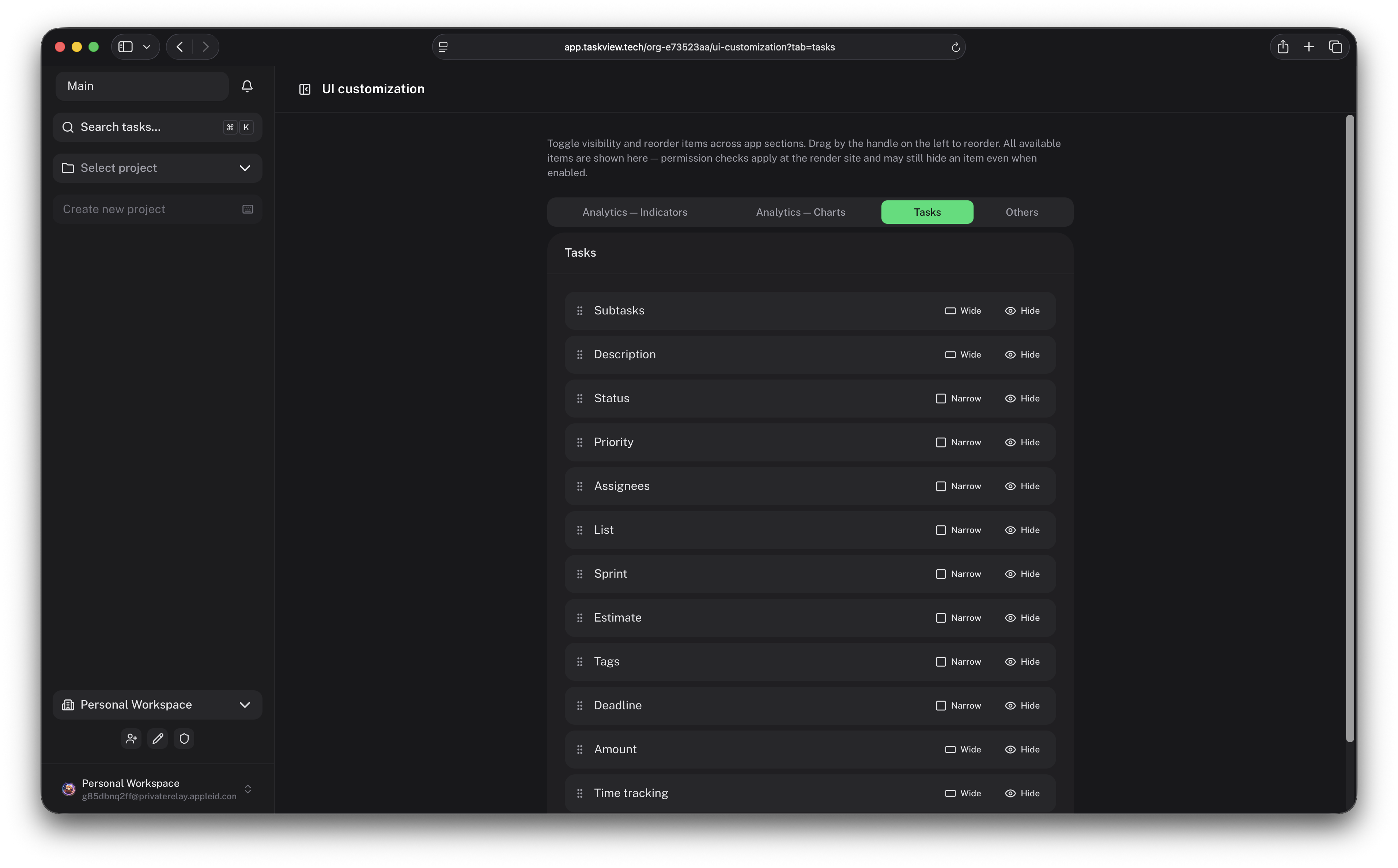
TaskView combines task management, custom workflows, developer integrations, analytics, and AI-assisted automation in a platform you can run on your own infrastructure.
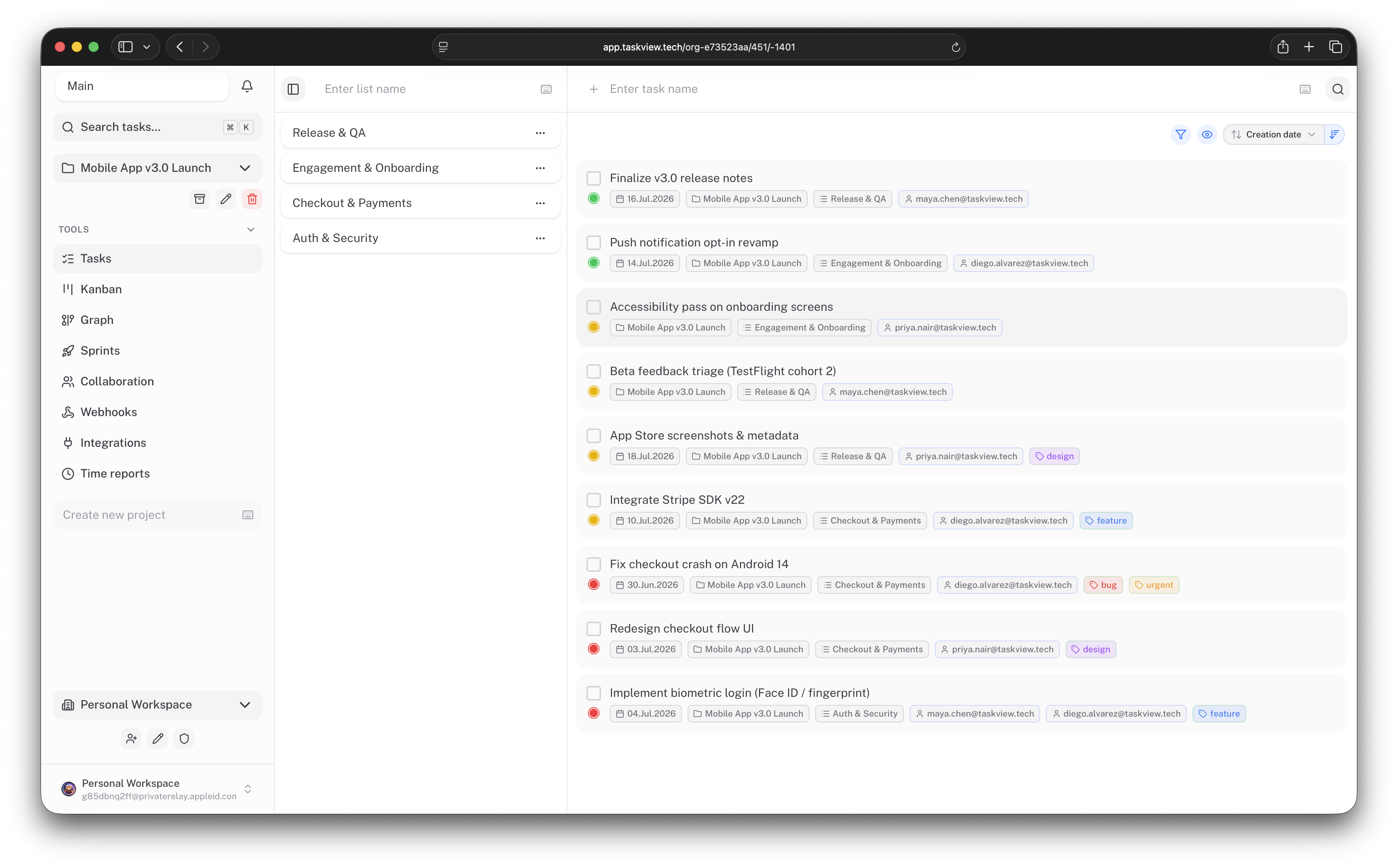
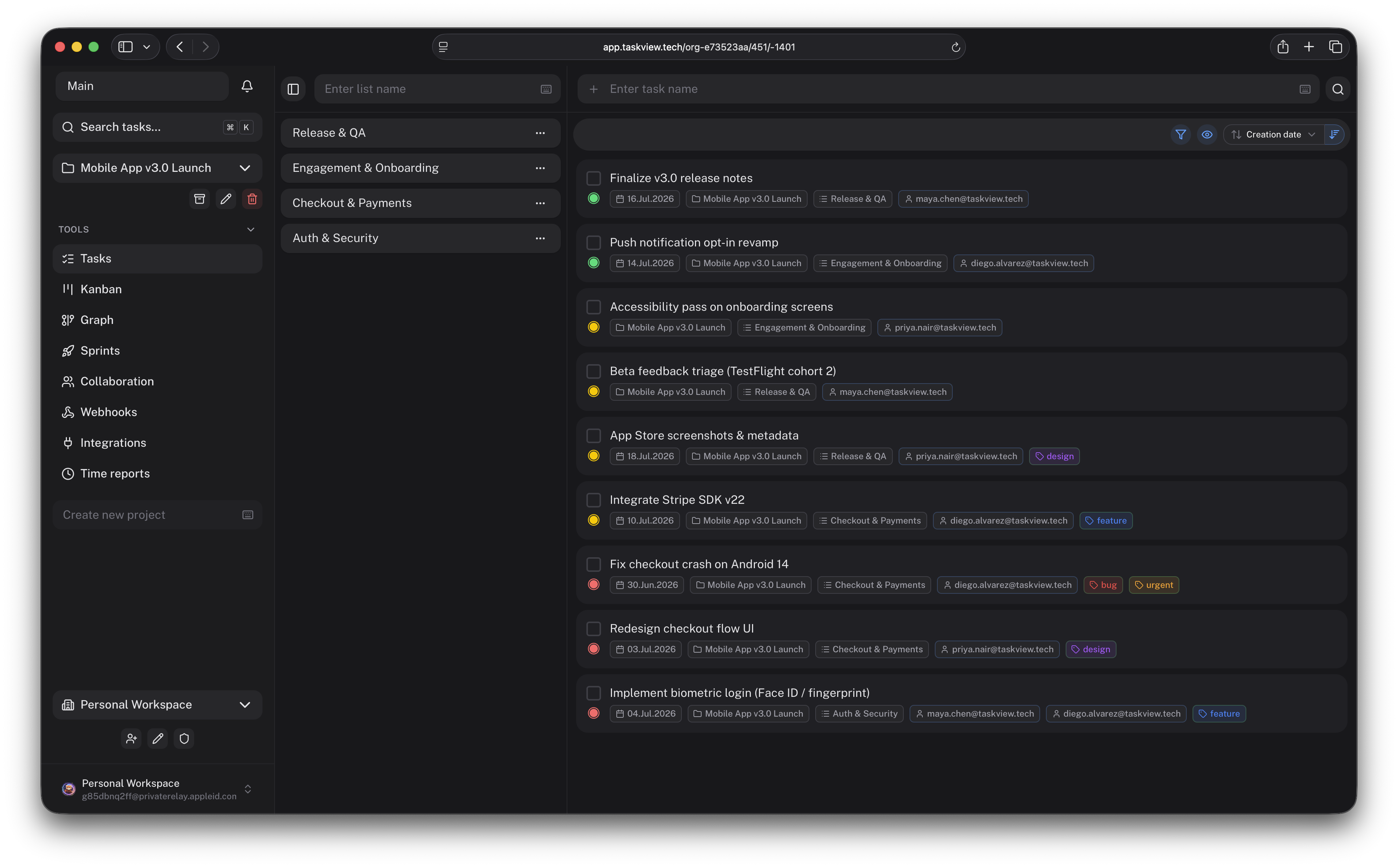
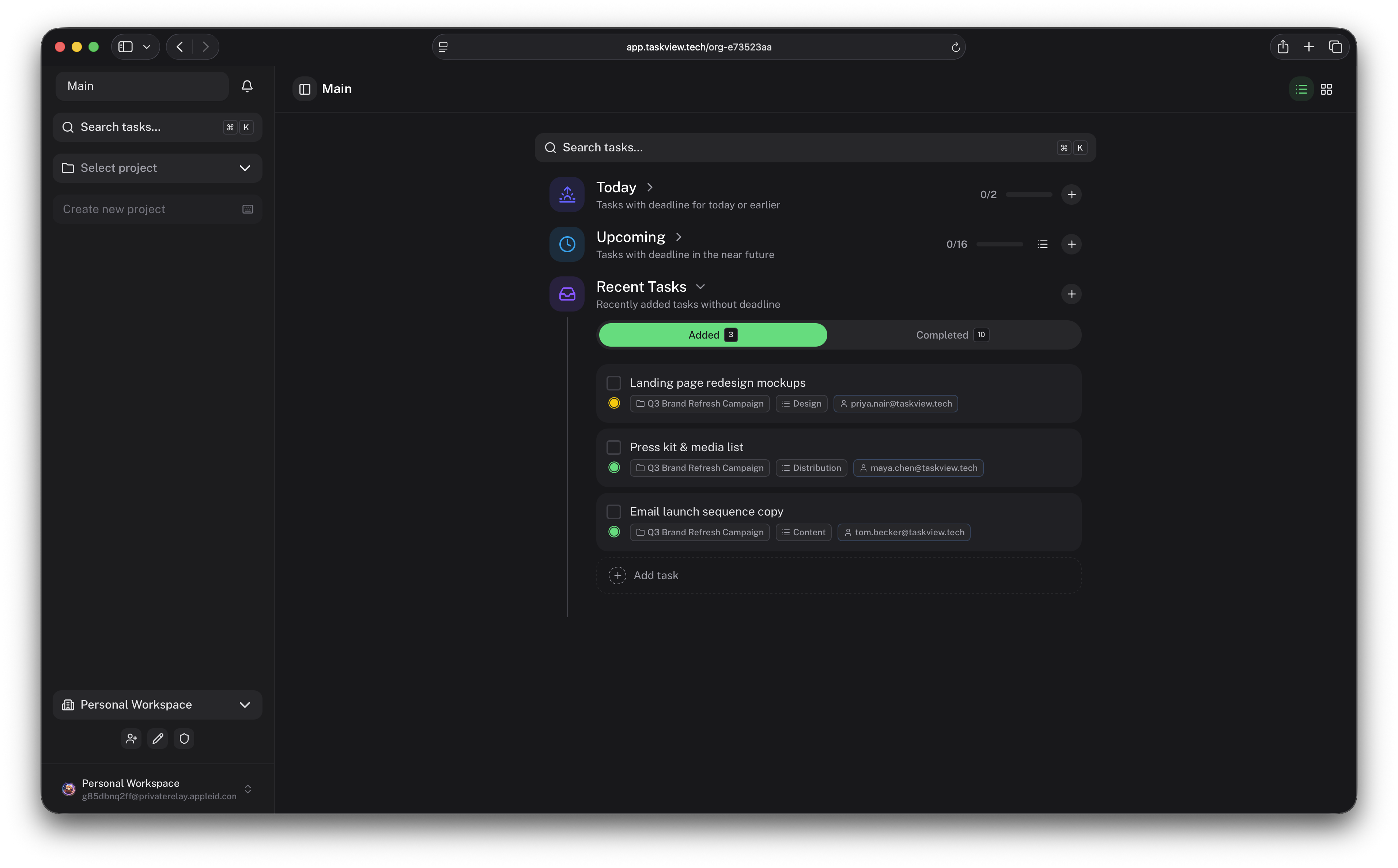
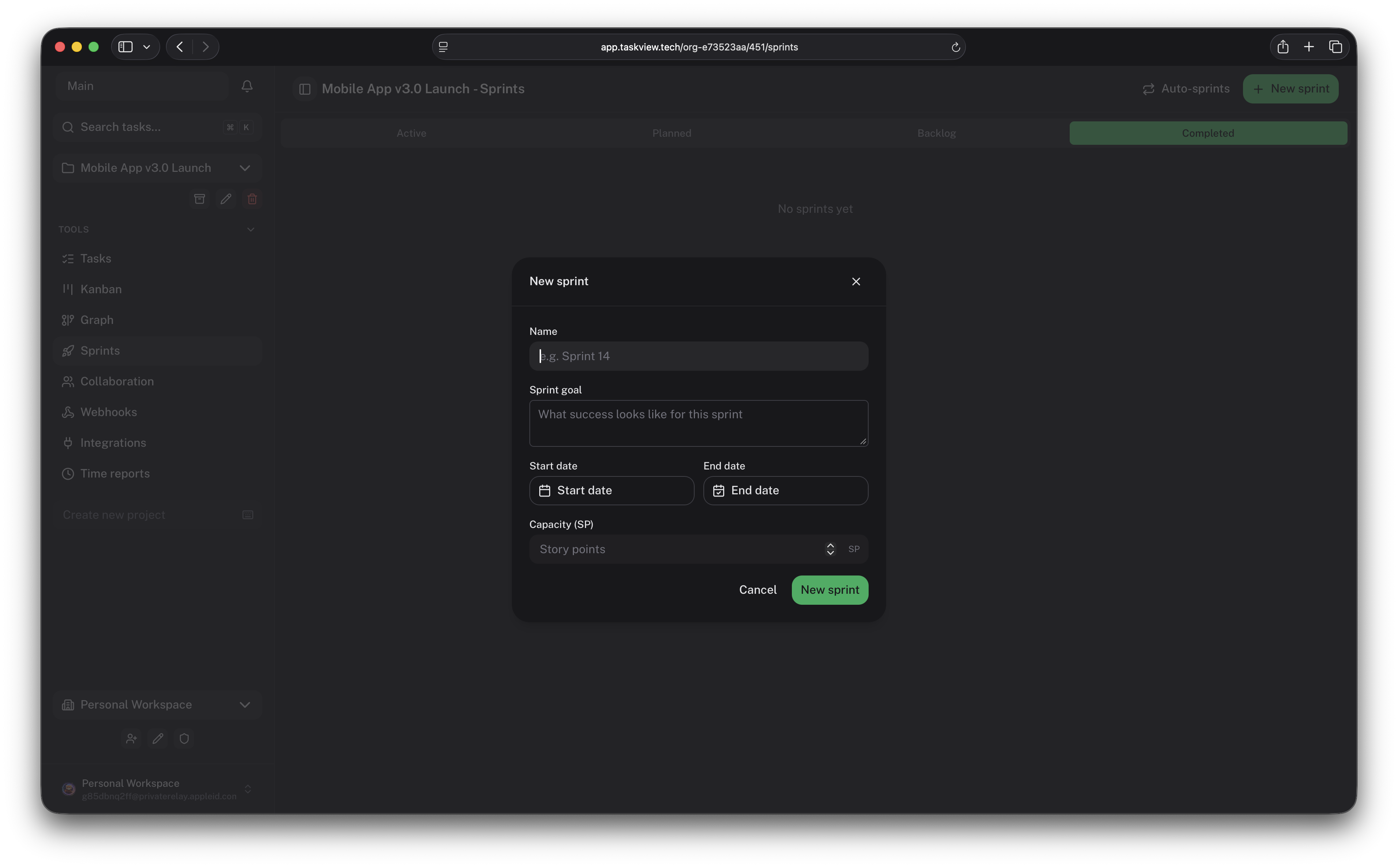
TaskView Cloud · Documentation · iOS · Android · Releases






---
TaskView is a source-available project and task management platform for small and growing software teams.
It is designed for teams that need more structure than a simple task board, but do not want the administration overhead and complexity of large enterprise project management systems.
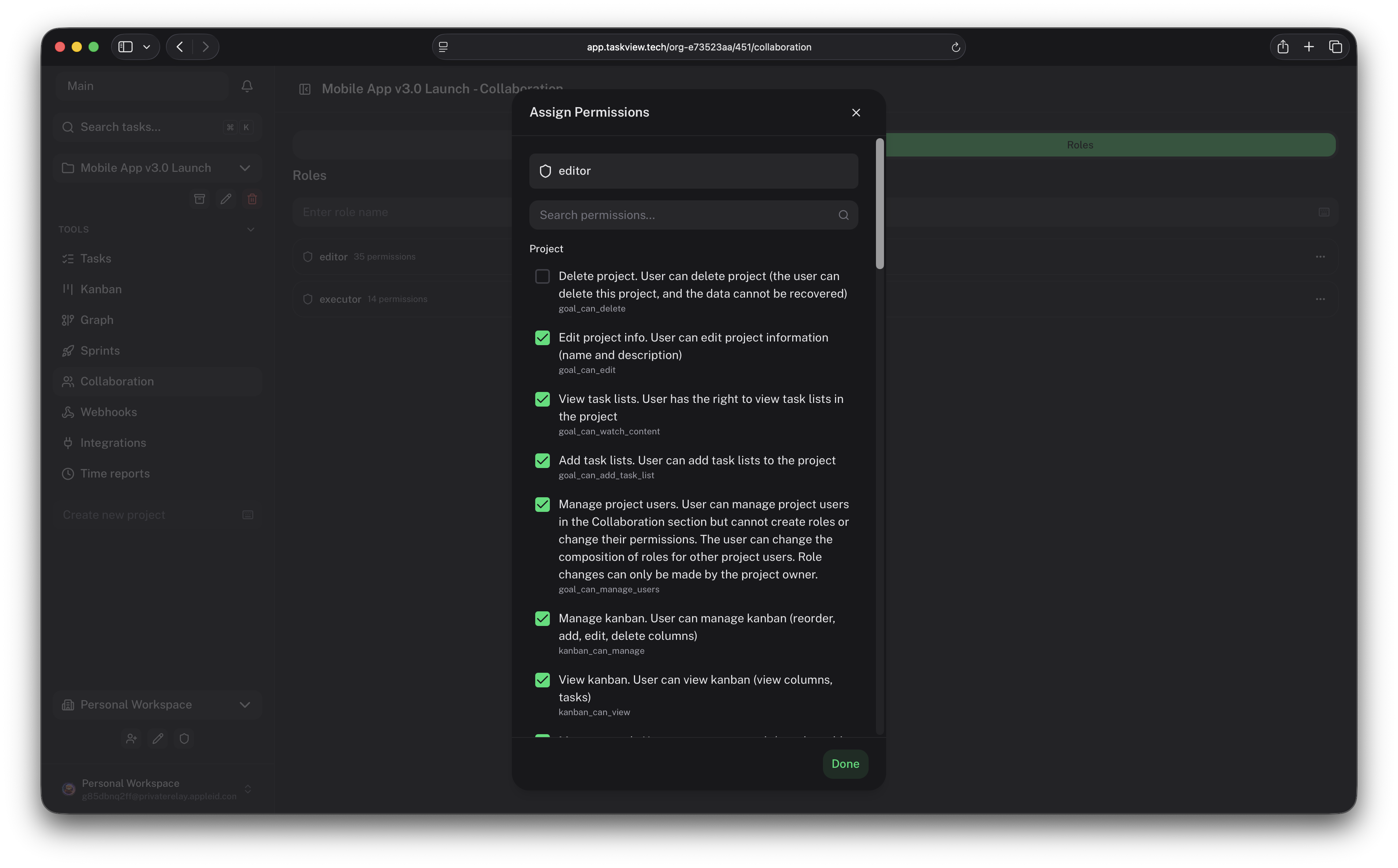
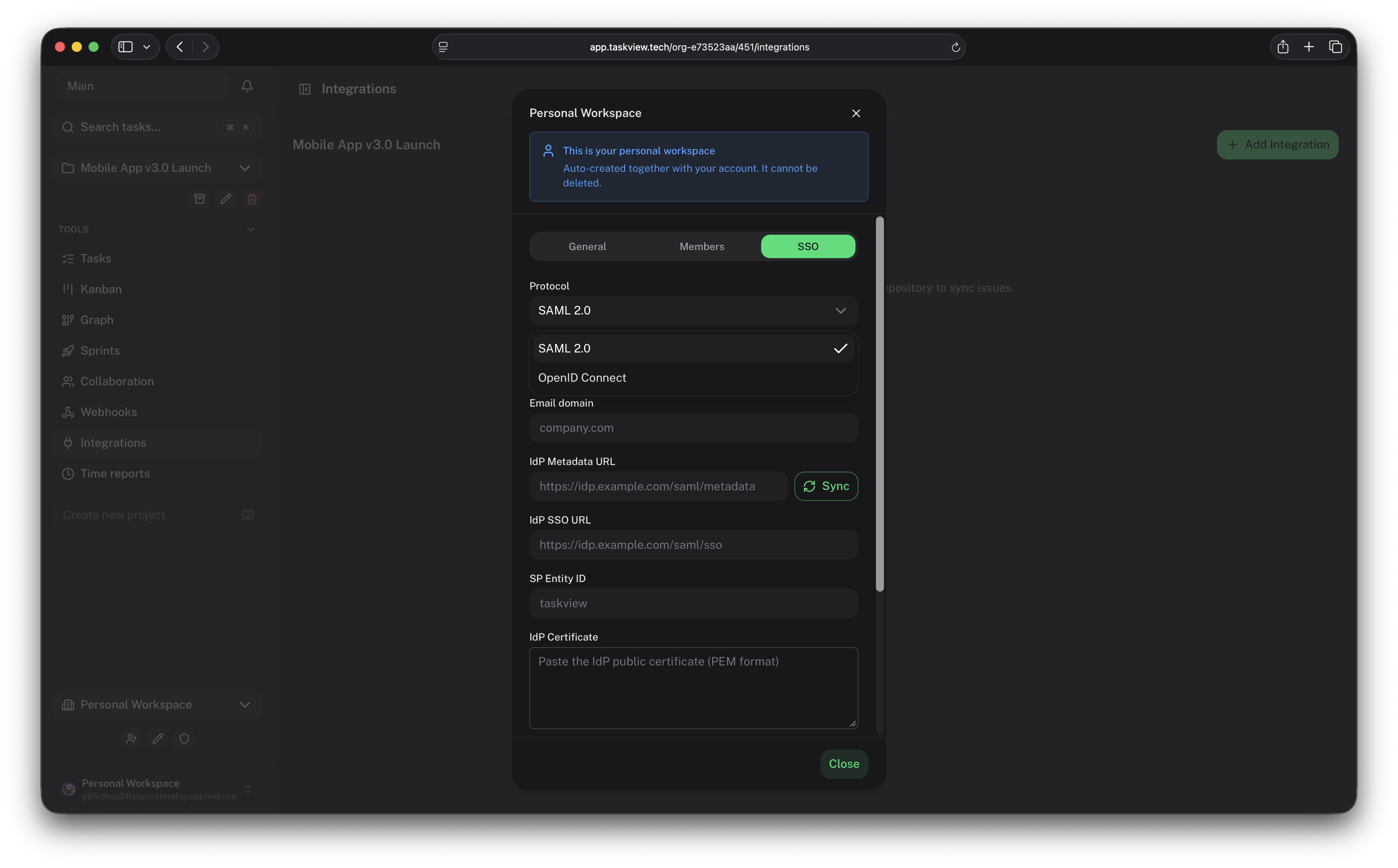
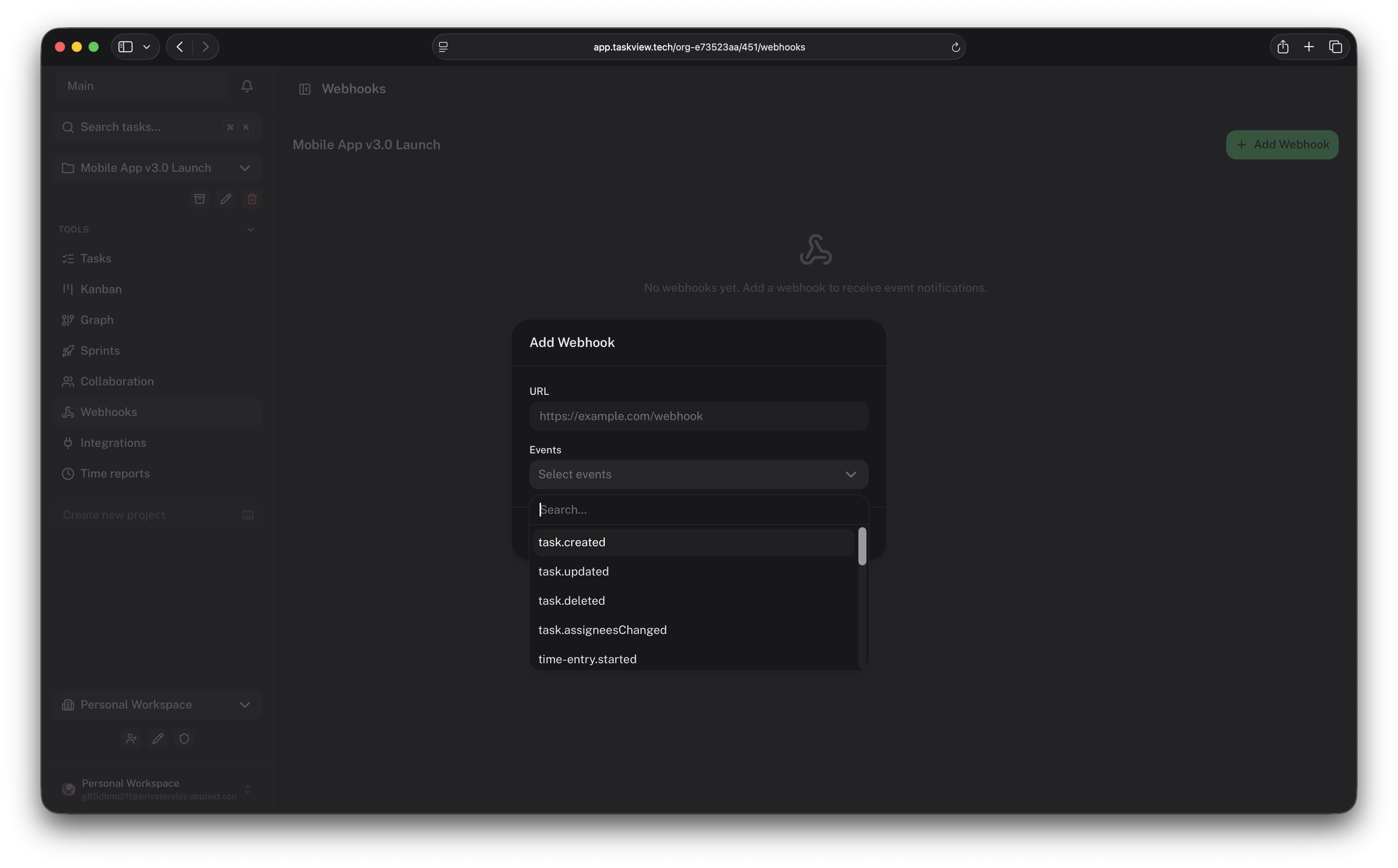
With TaskView, you can manage projects, build custom workflows, track dependencies and time, connect development tools, and automate project operations through the API, webhooks, and MCP.
Your projects. Your infrastructure. Your data.
TaskView is a good fit for:
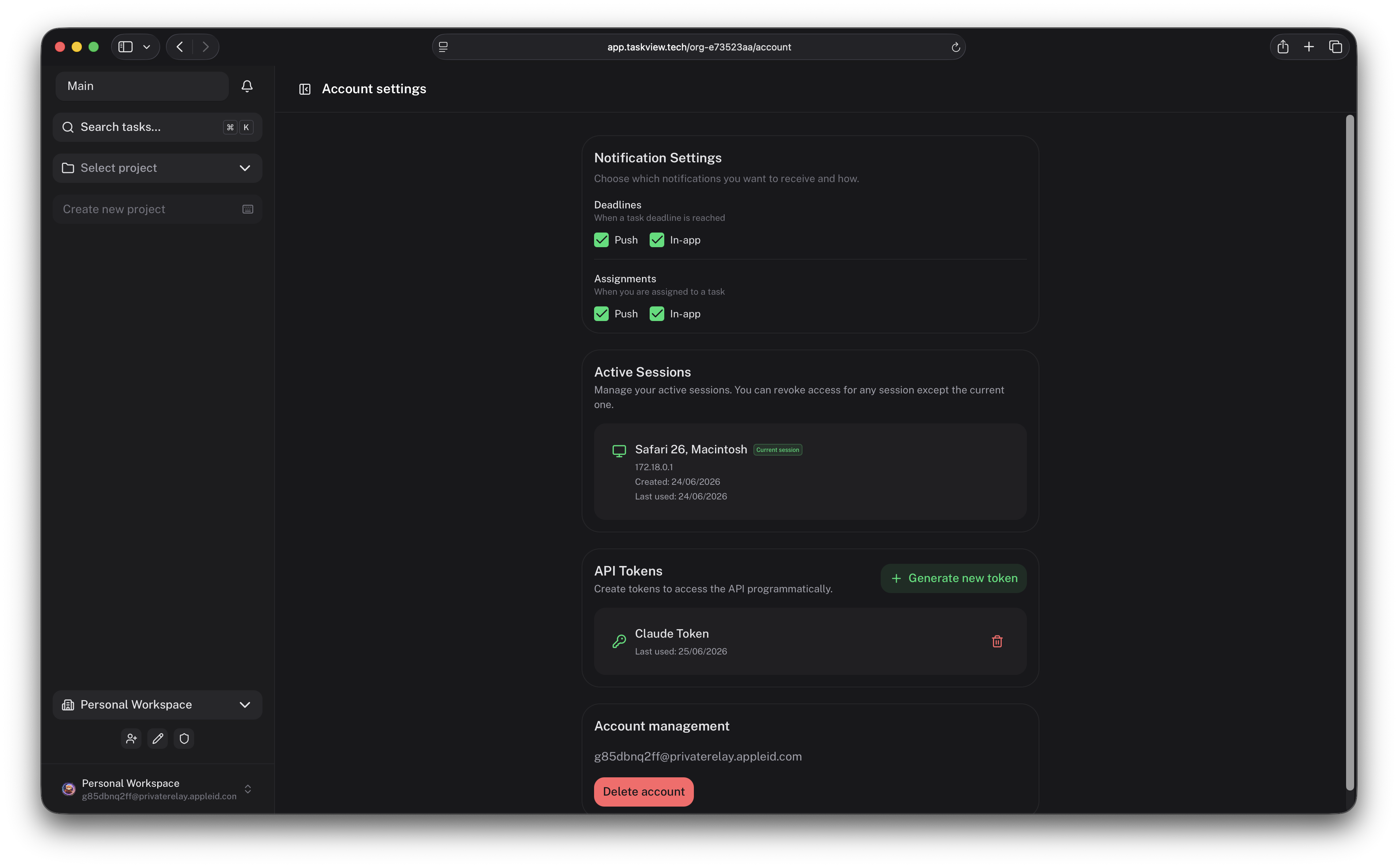
TaskView includes an MCP server that allows compatible AI tools to interact with your projects.
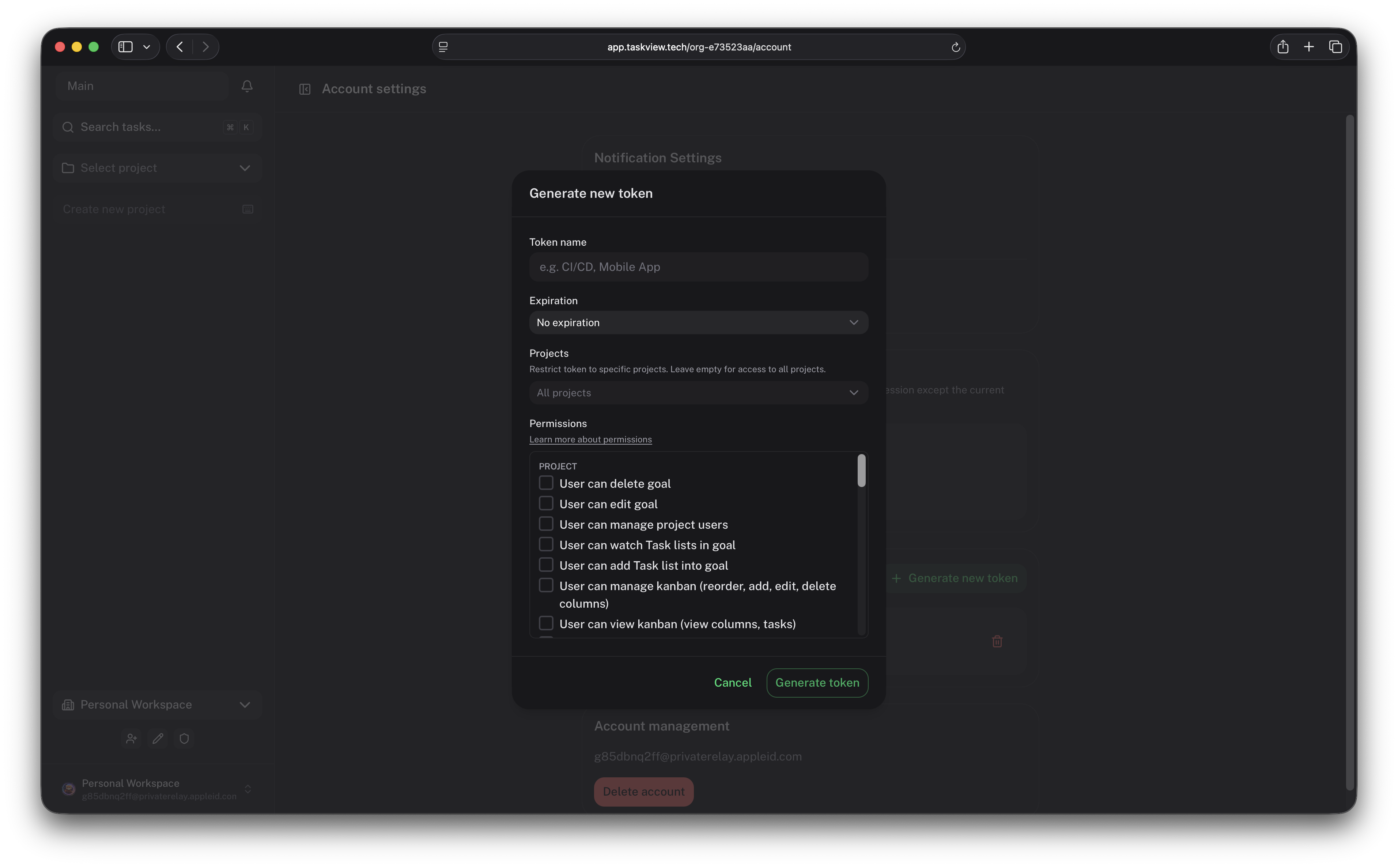
Depending on the permissions assigned to an API token, an AI assistant can:
The MCP server is published as taskview-mcp and runs over stdio via npx — no install required. You only need a TaskView API token (tvk_...) — generate one in your account settings (see API tokens). Scope the token to the minimum permissions and projects the assistant should reach.
Claude Code — add to .claude/settings.json (project) or ~/.claude.json (global):
{
  "mcpServers": {
    "taskview": {
      "command": "npx",
      "args": ["-y", "taskview-mcp"],
      "env": {
        "TASKVIEW_URL": "https://api.taskview.tech",
        "TASKVIEW_TOKEN": "tvk_your_token_here"
      }
    }
  }
}
Claude Desktop — add the same mcpServers block to claude_desktop_config.json.
Other MCP clients (Cursor, Windsurf, etc.) — use the same stdio command npx -y taskview-mcp with the TASKVIEW_URL and TASKVIEW_TOKEN environment variables in that client's MCP configuration.
| Variable | Required | Description |
|---|---|---|
| TASKVIEW_URL | yes | TaskView API server URL (e.g. https://api.taskview.tech, or your self-hosted instance) |
| TASKVIEW_TOKEN | yes | API token with the tvk_ prefix |
See the TaskView MCP documentation and the taskview-mcp package README for the full tool list and more options.
Clone the repository:
git clone https://github.com/Gimanh/taskview-community.git
cd taskview-community
The recommended way to run TaskView is with Docker Compose.
For deployment instructions, environment variables, HTTPS configuration, updates, and backups, see the official documentation:
TaskView self-hosting documentation
Production deployments should use persistent volumes, HTTPS, regular database backups, and securely generated secrets.
TaskView is maintained as a monorepo. Product packages share a single version.
taskview-community/
├── api/
│   └── TaskView backend and HTTP API
├── web/
│   └── Vue web application and Capacitor mobile application
├── taskview-packages/
│   ├── taskview-api/
│   │   └── TypeScript API client
│   └── taskview-db-schemas/
│   │   └── Shared Drizzle ORM schemas
│   └── taskview-mcp/
│       └── MCP server for AI integrations
└── build-dockers.sh
    └── Docker image build script
| Package | Description |
| --------------------------------------- | ----------------------------------------------- |
| api | Node.js backend and API server |
| web | Vue web client and Capacitor mobile application |
| taskview-packages/taskview-api | TypeScript client for the TaskView API |
| taskview-packages/taskview-db-schemas | Shared Drizzle ORM database schemas |
| taskview-packages/taskview-mcp | MCP server for AI integrations |
TaskView is primarily built with:
These instructions are intended for contributors and local development, not for production deployment.
You need the following tools:
From the repository root:
pnpm install
Create an environment file in the api directory:
cp api/.env.example api/.env
Update api/.env with your local database credentials and application configuration.
cd web
pnpm dev
In a separate terminal:
cd api
pnpm start
The API uses Bun in the local development environment.
Docker image versions are taken from the root package.json.
From the repository root:
./build-dockers.sh
docker images
The following images should be available:
gimanhead/taskview-ce-api-server
gimanhead/taskview-ce-webapp
gimanhead/taskview-ce-db-migration
cd api/dev-containers-test
docker compose up
Ensure that image versions match the version defined in the root package.json.
TaskView follows Semantic Versioning:
MAJOR - breaking API, database, or compatibility changes;MINOR - backward-compatible features;PATCH - backward-compatible bug fixes.TaskView is under active development.
New features, database migrations, API changes, and breaking changes may be introduced between releases. Review release notes and back up your database before updating a self-hosted installation.
Planned areas of development include:
Contributions are welcome.
Before contributing:
1. Read CONTRIBUTING.md.
2. Check existing issues and pull requests.
3. Open an issue before starting a large architectural change.
4. Follow the project's code style and architecture.
5. Sign the Contributor License Agreement when required.
Contributions are accepted under the project's CLA.
TaskView is distributed under the TaskView Source-Available License.
You may:
LICENSE for the complete terms.
TaskView is source-available, not OSI-approved open-source software.
For commercial licensing questions, hosted service permissions, or other use cases not covered by the license, contact the project maintainer.
Do not publish security vulnerabilities in public GitHub issues.
Report security issues privately — see SECURITY.md for the reporting channels, response times, scope, and safe-harbor terms.
When running TaskView in production:
TaskView is developed and maintained by Nikolai Giman.
TaskView™ and the TaskView logo are trademarks of their respective owner.
Copyright © 2026 Nikolai Giman.
→ →
→ →
→ →
→ →
→ →
→ →
→ →
→