1
 →
→
programmatic video rendering framework that is actually fast
dmtrKovalenko/fframes is an open-source project on GitHub, mainly written in Rust. programmatic video rendering framework that is actually fast It currently holds 1,791 stars and 36 forks with 5 open issues, and was last pushed on 2026-10-01 (repository created 2021-11-22).
Git Homed tracks it on the Today's Trending board, currently at rank #23 with 313 new stars today.
Video vibe coding framework that is actually fast.
Write your video in Rust and SVG, render it on the GPU.




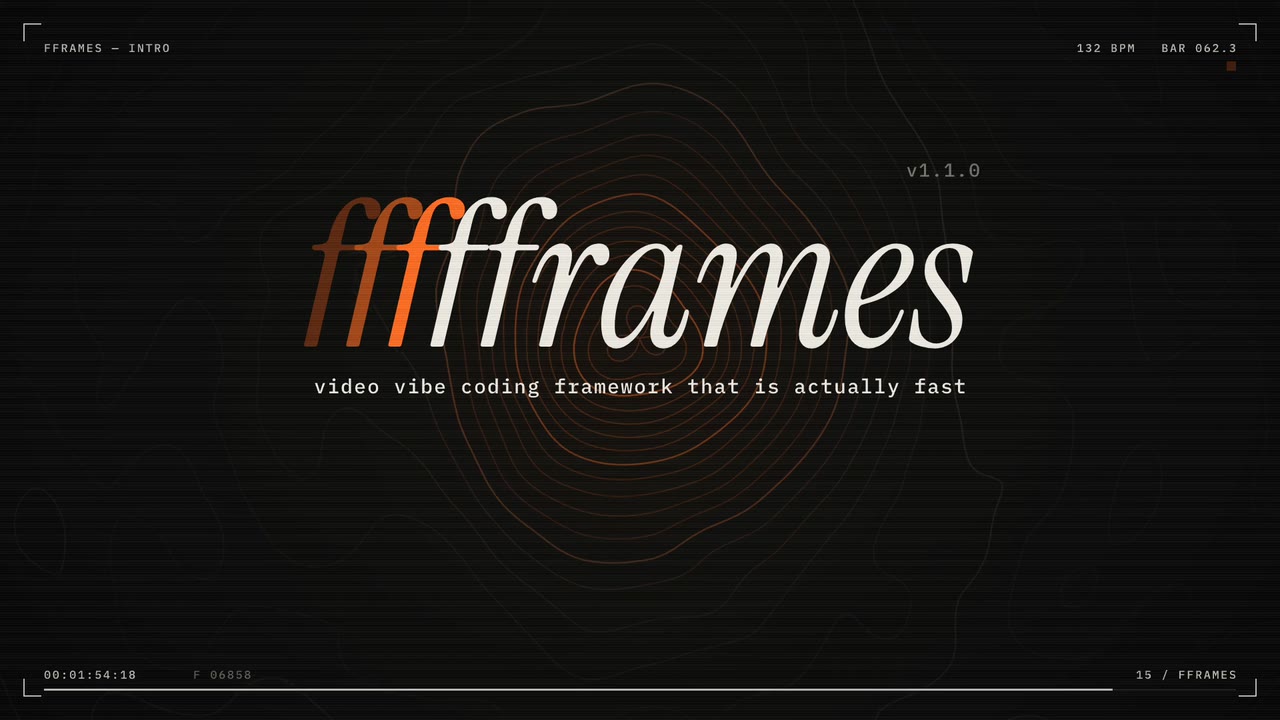
This 128 second video was vibed in 48 minutes and rendered in 36 seconds.
It is an fframes project: examples/fframes-intro.
---
fframes ships a skill for coding agents. Add it once:
npx skills add https://fframes.studio
Then describe the video you want, the way you would brief a motion designer. The skill takes your agent from an empty
folder to a rendered .mp4: it installs fframes, creates a project, designs the motion, places the sound, and checks
the result before handing it to you.
The fframes API is explicit and verbose, and that is why it stayed unreleased for years. Writing explicit, verbose code is exactly what an agent with the right skill is good at.
A coding agent cannot watch a video or hear a soundtrack. Every generated project comes with a command line that turns a video into things an agent can read: PNGs, text and numbers.
| Your agent | You |
|---|---|
Checks every frame without rendering pixels.inspect reports missing fonts or images, text cut off by the canvas, invalid SVG and panics, each with its time and scene.Looks at the motion. strip lays evenly spaced frames out on one contact sheet, onion blends frames to show a movement's path and easing, frame writes full-size PNGs.Measures the sound. audio analyze reports loudness (LUFS), true peak, clipping and silence, per scene.
|
Watch it in real time, with sound.preview opens a GPU window to play, pause, seek and step through frame by frame.Scrub it in the browser. The editor runs the video compiled to WebAssembly, with a timeline. Ship it. render writes the final file; render --draft encodes one scene at half size in about a second.
|
Every command runs as cargo run --release -- inside the project:
| command | output |
| --- | --- |
| timeline | the scenes with their frame and second ranges, and every audio track with its mix settings |
| inspect | problems in a frame every 0.25 s and the first and last frame of every scene; exit code 2 on errors |
| strip -n 12 | strip.png, a labelled contact sheet |
| frame @end,@50% | full-size PNGs in frames/ |
| onion "@0..@1s" -n 6 | onion.png, the blended movement |
| audio analyze --waveform w.png | the loudness report and a waveform with scene lines and cue ticks |
| snapshot | a comparison with approved PNGs, .diff.png marks what changed |
| preview | the real-time window, for a human |
| render [--draft] | the video, or a part of it |
` is the name of a scene struct in your video. Times read as 120 (frame), 3.2s, 50%, @1.2s`, and
ranges like @0..@1s. Add --json to parse the output.
{expressions} are hashed at compile time and reused by the renderers.Every frame is an SVG tree returned by a Rust function, written with the svgr! macro. From
examples/hello-world, shortened: a square moves along a timeline and a line
of text prints the current frame.
impl Video for HelloWorldVideo<'_> {
    const FPS: usize = 30;
    const WIDTH: usize = 1920;
    const HEIGHT: usize = 1080;
fn duration(&self) -> fframes::Duration<'_> {
        fframes::Duration::Seconds(30.)
    }
fn audio(&self) -> AudioMap<'_> {
        AudioMap::none()
    }
fn render_frame(&self, frame: Frame, ctx: &FFramesContext) -> fframes::Svgr<'_> {
        fframes::svgr!(

        )
    }
}
The skill's guides are plain Markdown and worth reading as a human too: the workflow, the API cheat sheet, design and sound. The full API reference is on docs.rs/fframes.
| example | what it shows | | --- | --- | | fframes-intro | the 128 second launch video, everything placed on the beat grid of its soundtrack | | signal-lab | a 24 second motion study: product UI, data storytelling and a technical explainer | | motion-graphics | spring "punch in" motion and monospace text fitted to its box | | shaders | GPU shader layers composed with SVG: an SkSL background and a Shadertoy raymarcher clipped into a card | | neon-triangle | a minimal shader clip built to make banding and motion artifacts easy to spot | | hello-world | a simple "hello world" video | | beta | a complicated multi-scene example (our beta announce video) | | marketing | our marketing video | | audio-announce | an automated workflow to create audio visualisation with automated subtitles | | podcast | an audio visualization for a podcast placeholder video | | teej-podcast | teej's podcast with video and chapters visualization | | tiktok | a TikTok-like vertical video | | conference-splash-screen | one splash screen per conference talk, rendered in batch | | low-poly-art | a renderer stress test: animal art with a lot of polygons | | pixel-memory | my dog's memorial video generator (totally randomized) |
From the repository root, just run podcast opens an example in the editor with live reload and just render podcast
writes it to a file.
cargo install --locked cargo-fframes
cargo fframes new my-video
cd my-video && cargo run --release -- preview
cargo fframes new takes --template single-scene|multi-scene, --format landscape|portrait|square|uhd, --fps,
--title and --backend. On macOS and Linux (arm64, x86_64) the first build downloads prebuilt Skia and ffmpeg
libraries and takes under a minute on a fast machine; other targets and feature combinations
compile them from source (up to ~20 minutes). Later builds take seconds. --backend cpu skips Skia (no preview window, slower renders). To track main, install with
--git https://github.com/dmtrKovalenko/fframes.
Rust and, for working on the editor, NodeJS.
fframes links ffmpeg's libav libraries statically. A prebuilt build is downloaded for macOS and Linux (arm64 and x86_64) and
compiled from source for other targets or FFMPEG_FORCE_BUILD=1; either way the system encoders they link against have to be installed.
The examples enable fframes/build-portable on native non-Windows targets. CI builds the
whole workspace, combining the examples' x264, x265, VPX and Opus features; no published
FFmpeg archive currently matches that combination, so it falls back to a source build.
Without build-portable, that build uses -march=native -mtune=native. Caching it and
restoring it on a runner with a different CPU can cause SIGILL (illegal instruction).
The feature omits those flags for source builds while keeping matching prebuilt downloads
enabled, and also applies to FFmpeg used by the compile-time media macro.
Within this workspace, use the same setting for native builds that will be cached or run on other machines:
[target.'cfg(not(any(target_arch = "wasm32", windows)))'.dependencies]
fframes = { workspace = true, features = ["build-portable"] }
build-portable also enables FFmpeg's source-build support, so the examples exclude Windows
(which links a shared FFmpeg installation) and browser targets. Setting FFMPEG_MARCH or
FFMPEG_MTUNE, even to an empty string, bypasses prebuilt downloads; prefer the feature when
you want portable source fallbacks and prebuilt downloads.
brew install pkg-config ffmpeg x264 x265 opus nasm ninja
for debian based distros:
sudo apt-get install -y yasm nasm ffmpeg libx264-dev libx265-dev libopus-dev libclang-dev clang ninja-build libvpx-dev libasound2-dev
for arch based distros:
sudo pacman -S ninja yasm nasm ffmpeg x264 x265 opus clang
for nix users:
nix-shell
On Windows ffmpeg is not compiled from source. Instead fframes links a prebuilt FFmpeg 9.0 shared build
(for example ffmpeg-n9.0-latest-win64-gpl-shared-9.0.zip from BtbN/FFmpeg-Builds)
and needs LLVM for bindgen:
winget install LLVM.LLVM
unzip the ffmpeg build somewhere, then point the build to it:
$env:FFMPEG_DIR = "C:\ffmpeg-n9.0-latest-win64-gpl-shared-9.0"
$env:LIBCLANG_PATH = "C:\Program Files\LLVM\bin"
the ffmpeg DLLs must be reachable when building (proc macros load them) and running
$env:PATH = "$env:FFMPEG_DIR\bin;$env:PATH"
vcpkg install ffmpeg works as well instead of FFMPEG_DIR. Codecs come from the prebuilt build, so leave the
codec features (h264, h265, ...) off: they request a from-source ffmpeg build which is not supported on Windows.
Cargo features of the fframes crate choose which codecs and hardware acceleration libraries are linked:
[dependencies]
this will enable and try to link libx264 during the build
fframes = { version = "1", features = ["h264", "libav-agree-gpl"] }
All the build and linking of codecs and other system libs are leveraging the ffmpeg build system, so for troubleshooting please refer the ffmpeg compilation guide.
ffmpeg-sys-fframes: a system library from the list above is missing (nasm, pkg-config, the codec packages).metal and vulkan enabled): point LIBCLANG_PATH at a working libclang,
on macOS Xcode's: export LIBCLANG_PATH=$(xcode-select -p)/Toolchains/XcodeDefault.xctoolchain/usr/lib.
inspect reports No match for ... font-family; put the font file in themedia/ folder and use its exact family name.
Agents working on fframes itself should start from AGENTS.md. For humans, install the just command runner and init the repo:
npm install --global pnpm # the package manager for the nodejs based editor
cargo install --locked just cargo-watch wasm-bindgen-cli wasm-pack
just init-repo
just watch-editor # in a separate terminal, to work on the editor
fframes is released under the MIT License.
→ →
→ →
→ →
→ →
→ →
→ →
→ →
→