1
 →
→
A cross-platform multimedia framework based on Qt and FFmpeg. 基于Qt和FFmpeg的跨平台高性能音视频播放框架. Recommand to use new sdk https://github.com/wang-bin/mdk-sdk


I'm not developing QtAV, patches are still welcome. You can try my new sdk which is actively developed
QtAV is a multimedia playback library based on Qt and FFmpeg. It can help you to write a player with less effort than ever before.
QtAV has been added to FFmpeg projects page http://ffmpeg.org/projects.html
QtAV is free software licensed under the term of LGPL v2.1. The player example is licensed under GPL v3. If you use QtAV or its constituent libraries, you must adhere to the terms of the license in question.
QtAV can meet your most demands
Some components in QtAV are designed to be extensible. For example, you can write your decoder, audio output for particular platform. Here is a very good example to add cedar hardware accelerated decoder for A13-OLinuXino
[](http://www.qt.io) [](http://ffmpeg.org) [](http://libav.org) 
The required development files to build QtAV can be found in sourceforge page: depends
See the wiki Build QtAV and QtAV Build Configurations
Write a media player using QtAV is quite easy.
GLWidgetRenderer2 renderer; renderer.show(); AVPlayer player; player.setRenderer(&renderer); player.play("test.avi");
For more detail to using QtAV, see the wiki Use QtAV In Your Project or examples.
QtAV can also be used in Qml
import QtQuick 2.0 import QtAV 1.6 Item { Video { id: video source: "test.mp4" } MouseArea { anchors.fill: parent onClicked: video.play() } }
Run player -h
Screenshots ----------
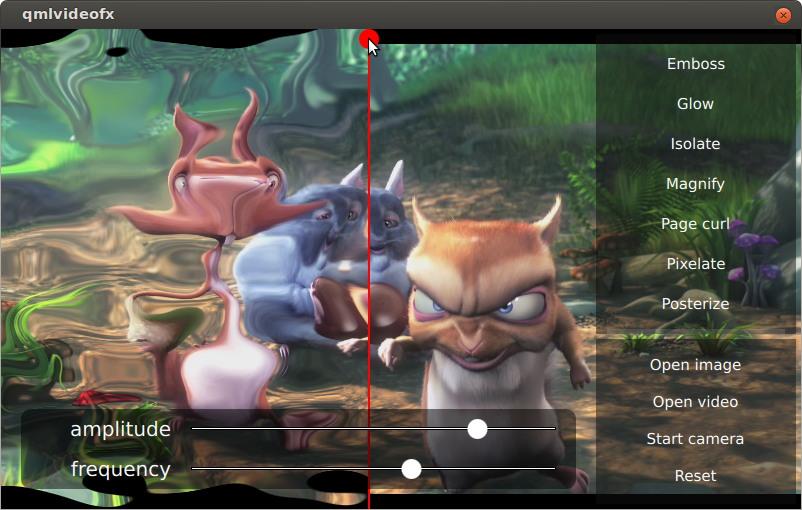
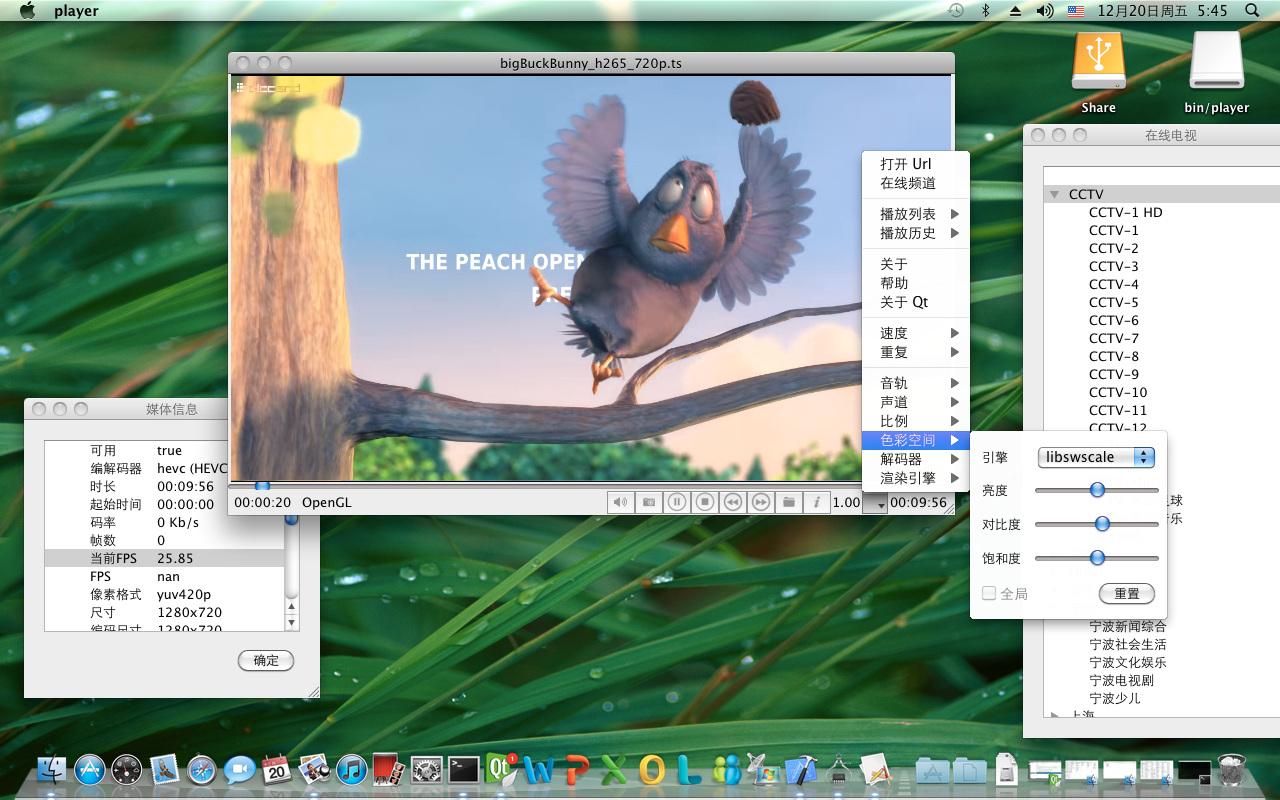
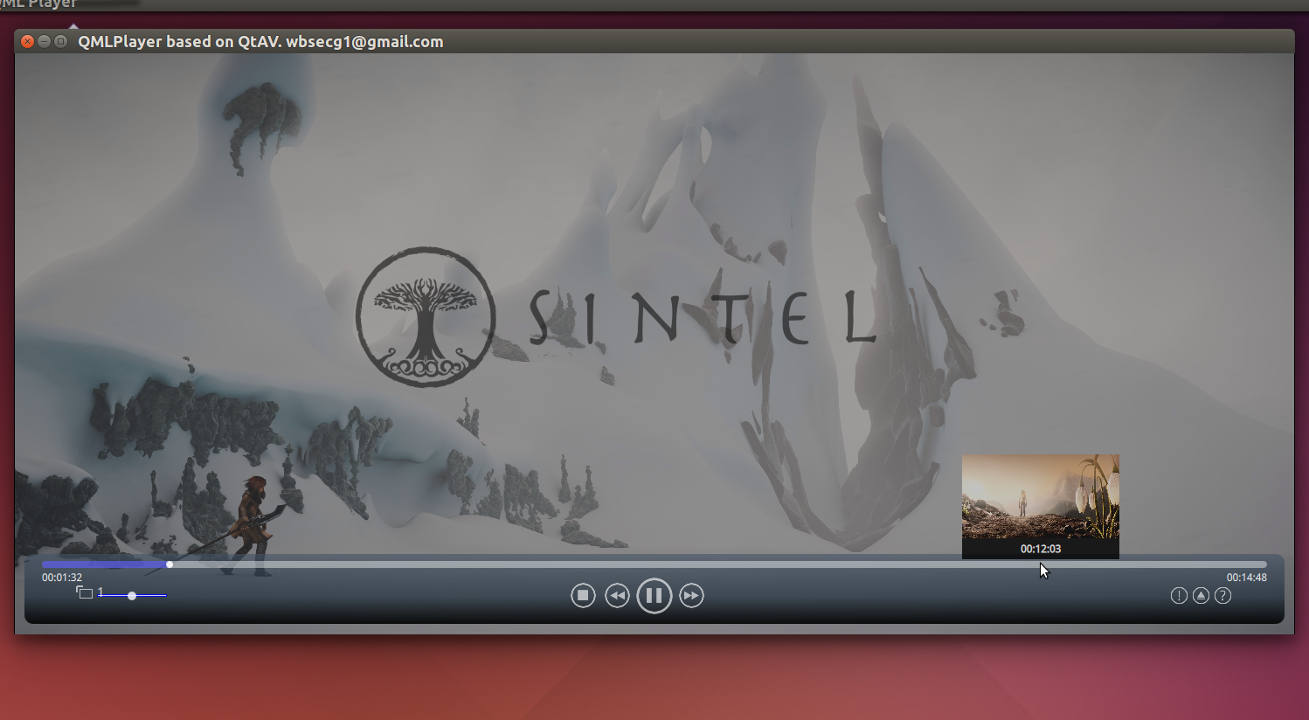
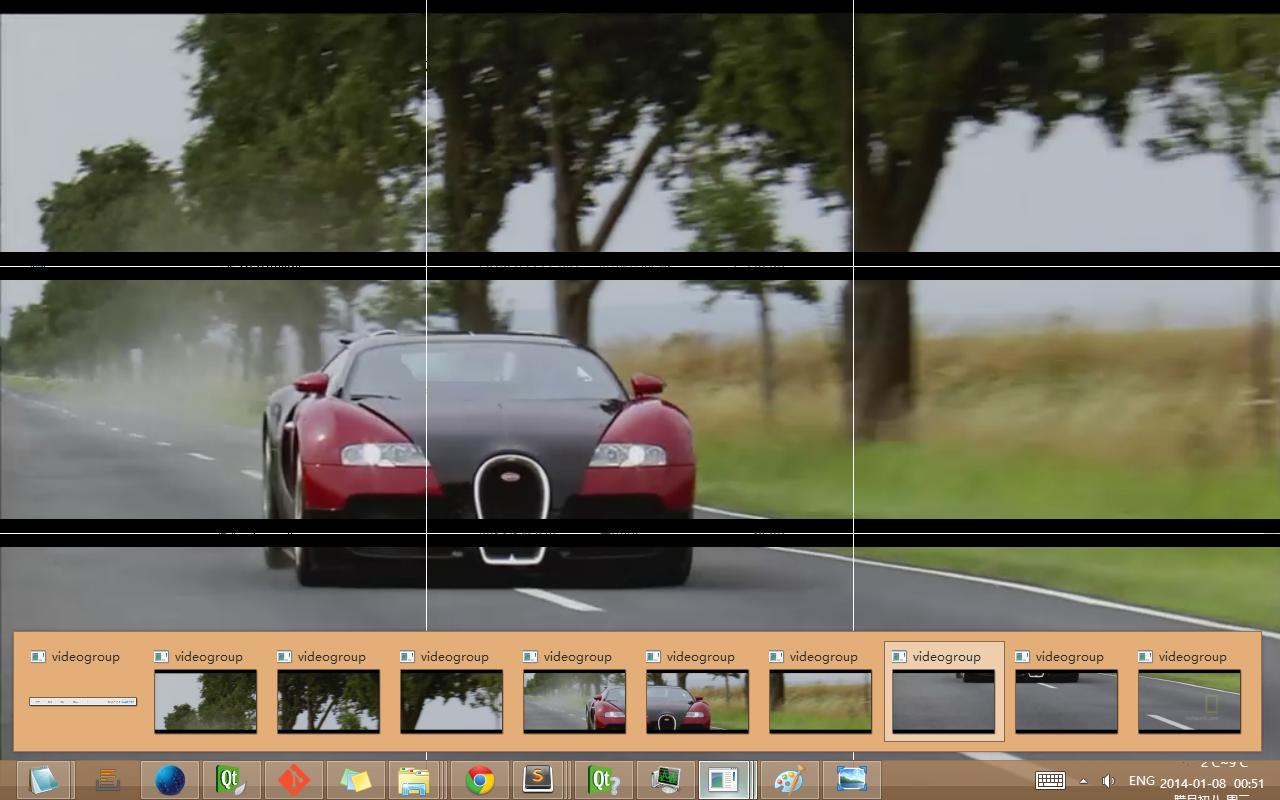
Use QtAV in QML with OpenGL shaders(example is from qtmultimedia. But qtmultimedia is replaced by QtAV)
***
Copyright © Wang Bin [email protected]
2013-01-21
→ →
→ →
→ →
→ →
→ →
→