1
 →
→
😻 Convert any video file to an optimized animated GIF.
NOTE FROM AUTHOR
I am no more using this project or providing any support to it, if you want to maintain it, ping me here: [email protected].
This project was created 4 years ago, there might be better ways to turn a video into a GIF now, use google!
/NOTE FROM AUTHOR
Convert any video file to an optimized animated GIF. Either in its full length or only a part of it.
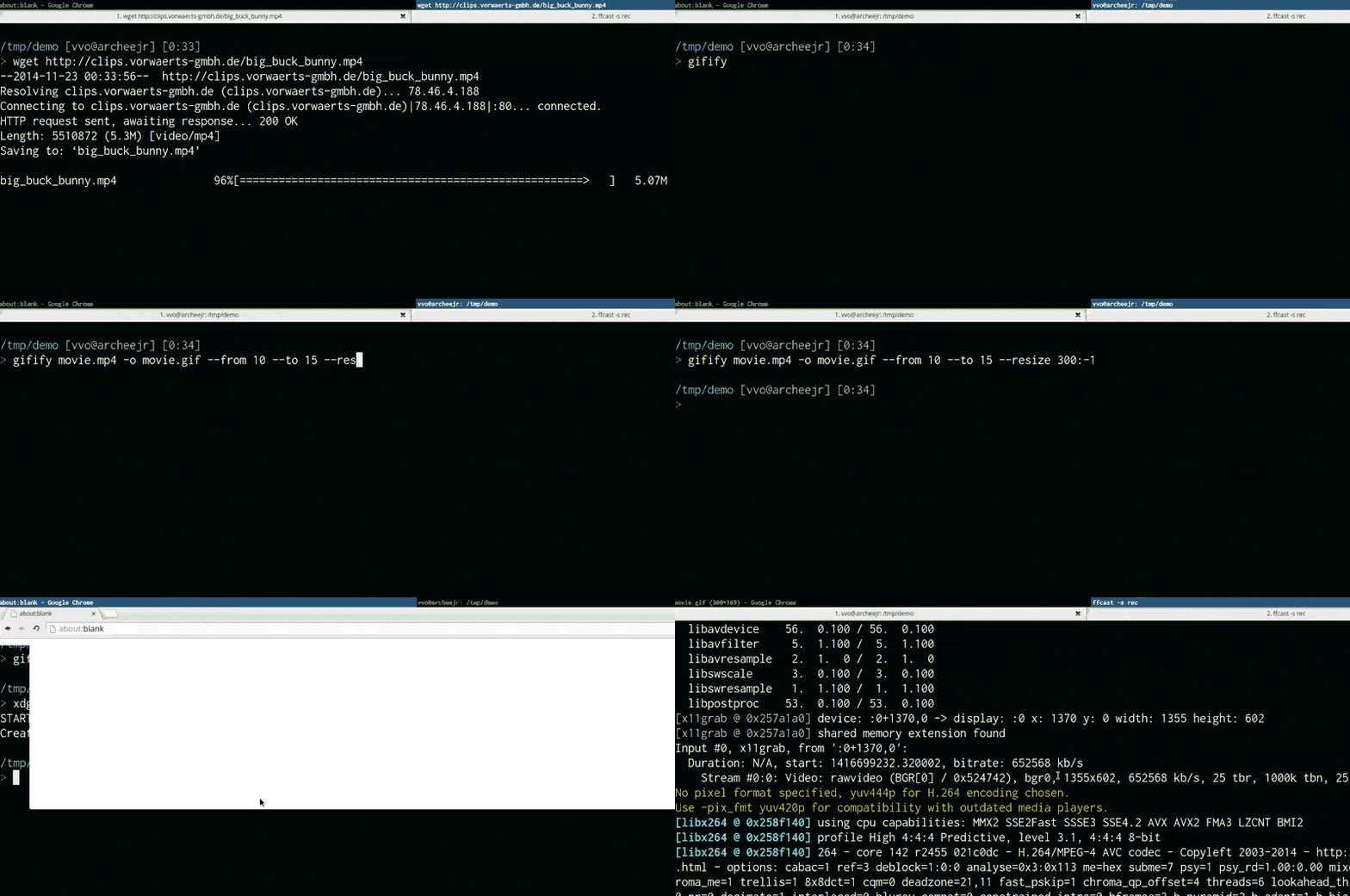
This screencast was recorded with lolilolicon/FFcast then converted to a GIF with:
gifify screencast.mkv -o screencast.gif --resize 800:-1
stdin & stdoutBefore using gifify, please install:
$ brew install node)$ brew install ffmpeg)$ brew install imagemagick)$ brew install giflossy)npm install -g gifify
> gifify -h
Usage: gifify [options] [file]
Options:
-h, --help              output usage information
    -V, --version           output the version number
    --colors             Number of colors, up to 255, defaults to 80
    --compress           Compression (quality) level, from 0 (no compression) to 100, defaults to 40
    --from        Start position, hh:mm:ss or seconds, defaults to 0
    --fps                Frames Per Second, defaults to 10
    -o, --output      Output file, defaults to stdout
    --resize           Resize output, use -1 when specifying only width or height. 350:100, 400:-1, -1:200
    --reverse               Reverses movie
    --speed              Movie speed, defaults to 1
    --subtitles   Subtitle filepath to burn to the GIF
    --text          Add some text at the bottom of the movie
    --to          End position, hh:mm:ss or seconds, defaults to end of movie
    --no-loop               Will show every frame once without looping
See the example.
var fs = require('fs');
var gifify = require('gifify');
var path = require('path');
var input = path.join(__dirname, 'movie.mp4');
var output = path.join(__dirname, 'movie.gif');
var gif = fs.createWriteStream(output);
var options = {
  resize: '200:-1',
  from: 30,
  to: 35
};
gifify(input, options).pipe(gif);
You can also pass a readable stream to gifify(stream, opts).
Gifify supports streams both on command line (cat movie.mp4 | gifify -o out.gif) and in the programmatic API (gifify(readableStream, opts).pipe(writableStream)).
While it's super useful in some cases, if you have the file on disk already, you better do gifify movie.mp4 -o out.gif or gifify(filePath, opts).pipe(writableStream).
Why? Because piping 3.4GB when you want to cut from 40:20 to 40:22 still takes a loooooot of time and does not give you any performance benefit.
FFmpeg has to read from 0GB -> $START_BYTE_40:20 and discards it. But everything flows in your memory.
When using direct file input from command line, we pass the -i filename option to FFmpeg and then it's super fast!
Be careful when |piping.
You can burn some simple text into your GIF:
gifify back.mp4 -o back.gif --from 01:48:23.200 --to 01:48:25.300 --text "What?..What?What?"
Result:

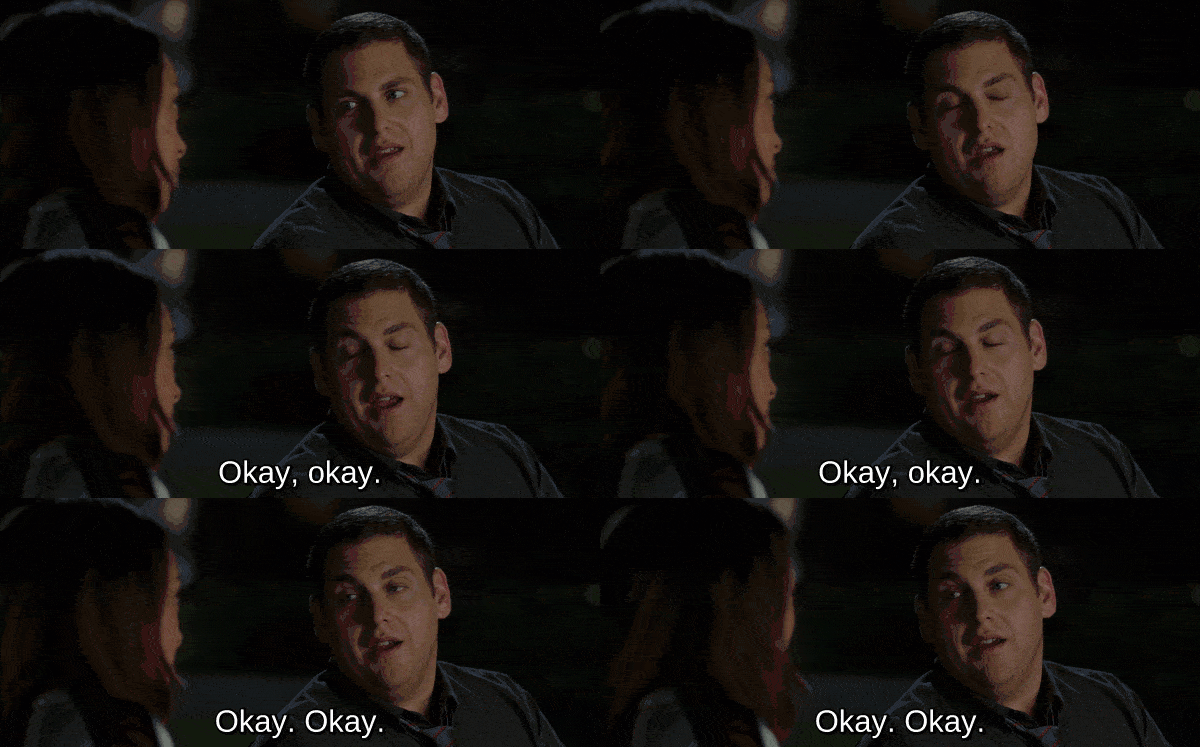
You can burn subtitles into your GIF, it's that easy:
gifify 22.mkv -o movie.gif --subtitles 22.ass --from 1995 --to 2002 --resize 600:-1
You must create new subtitles files, the timecodes for the complete film will not work for a five seconds GIF.
Create subtitles using aegisub and augment the font size for a great effect!
Here's the 22.ass from the previous command, created with aegisub:
[Script Info]
; Script generated by Aegisub 3.2.1
; http://www.aegisub.org/
Title: Default Aegisub file
ScriptType: v4.00+
WrapStyle: 0
ScaledBorderAndShadow: yes
YCbCr Matrix: None
[Aegisub Project Garbage]
[V4+ Styles]
Format: Name, Fontname, Fontsize, PrimaryColour, SecondaryColour, OutlineColour, BackColour, Bold, Italic, Underline, StrikeOut, ScaleX, ScaleY, Spacing, Angle, BorderStyle, Outline, Shadow, Alignment, MarginL, MarginR, MarginV, Encoding
Style: Default,Arial,20,&H00FFFFFF,&H000000FF,&H00000000,&H00000000,0,0,0,0,100,100,0,0,1,2,2,2,10,10,10,1
[Events]
Format: Layer, Start, End, Style, Name, MarginL, MarginR, MarginV, Effect, Text
Dialogue: 0,0:00:02.50,0:00:03.97,Default,,0,0,0,,{\fnLiberation Sans\fs40}Okay, okay.
Dialogue: 0,0:00:05.00,0:00:06.90,Default,,0,0,0,,{\fnLiberation Sans\fs40}Okay. Okay.
Result extracting a GIF from 22 Jump Street:
On modern hardware GIF is the slowest and most expensive video codec. Can we please allow it to be obsoleted?
https://pornel.net/efficient-gifs#sec44
YOLO!
Giflossy is a fork of gifsicle, gifsicle author is currently working on integrating the lossy part in gifsicle.
So in little time we will be able to directly use gifsicle and gifiscle packages.
jclem/gifify was a great source of inspiration.
→ →
→ →
→ →
→ →
→ →
→